Find the right room
View capacity and availability before inviting attendees.
MyDesk · Meeting room booking
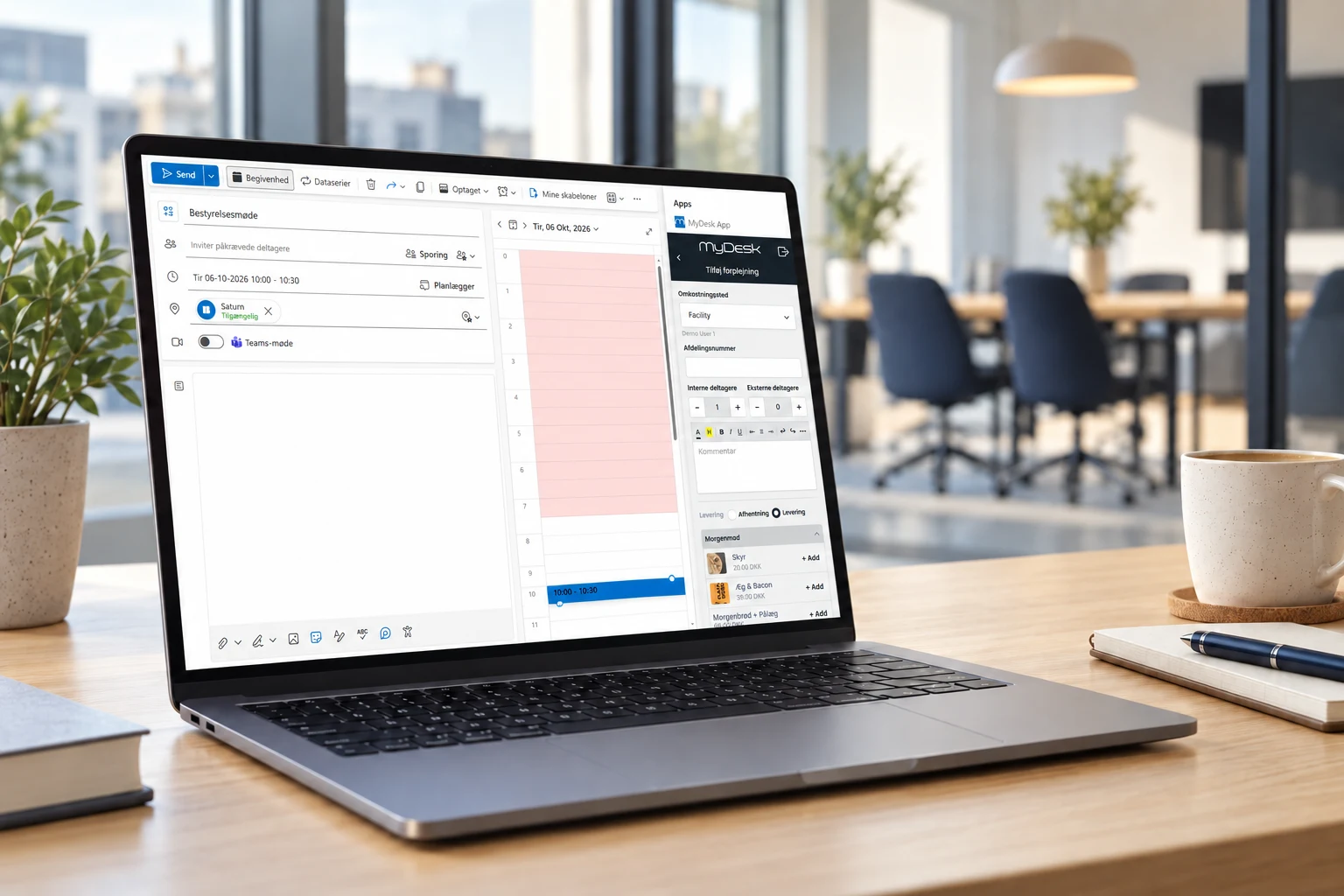
Find a room that suits your meeting. Bring rooms, catering and visitors into the working day you already know.
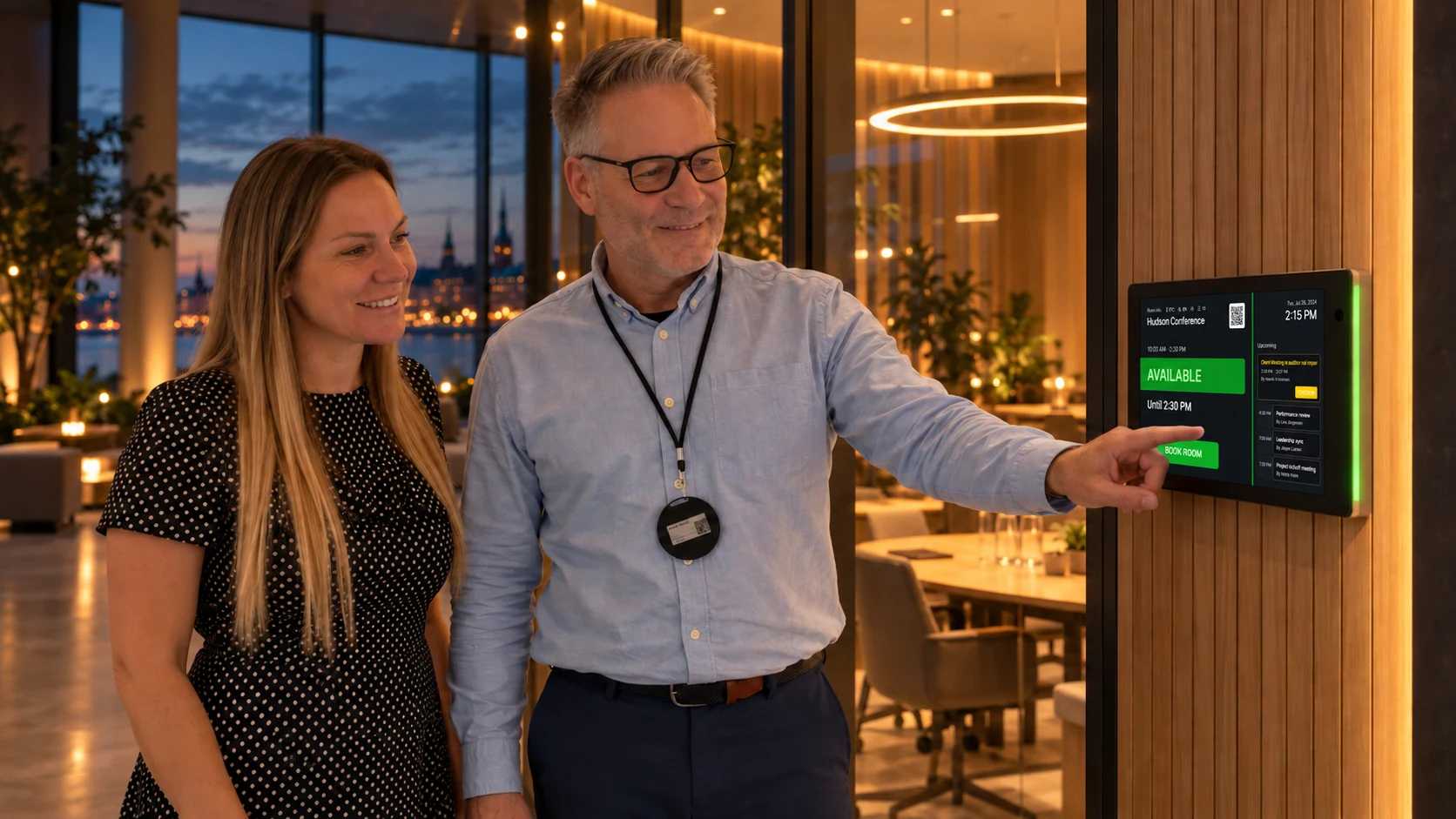
Available at 10:00


















Meetings and catering
View capacity and availability before inviting attendees.
Plan catering and other requirements alongside your meeting.
See where there is space in the calendar more easily.
TWO WAYS TO A GREAT MEETING
Get AI suggestions, or choose for yourself. Find the right room, add catering and review everything in Outlook.
Hello everyone,
We review the project and plan the next steps.
Agenda
• Project status
• Next steps and tasks
 ✦ MyAI
MyAI found 3 external attendees in the meeting.
Check room, quantities and delivery before confirming.
Shared rooms and booking rules
In a shared building, several companies can book the same meeting rooms through MyDesk. Employees can use Outlook, Teams, mobile or web.
We help define shared rooms, access and calendar connections, so the setup fits the companies in the building.
A room can be released automatically if the meeting is not confirmed or no use is detected. Check-in on a room display, a QR code or a sensor can be part of the solution. The method and time limit are agreed during setup.
We help you every step of the way
We help bring rooms, floorplans and booking rules into one solution that fits your office.
We discuss your rooms, capacities and requirements.
We help with setup and connecting to Microsoft 365.
Get help with getting started and everyday changes.
Part of the whole office
Give reception and PAs a shared starting point. See meetings, find free time and manage the details that make the day run smoothly.
Read moreOrder food and drinks while planning your meeting. The canteen receives the time, location and order together so you can focus on your attendees.
Read moreMake arrival easy for visitors and the day calmer for reception. Prepare the visit, register arrivals and see who is in the building.
Read moreCustomer cases · Meeting room booking
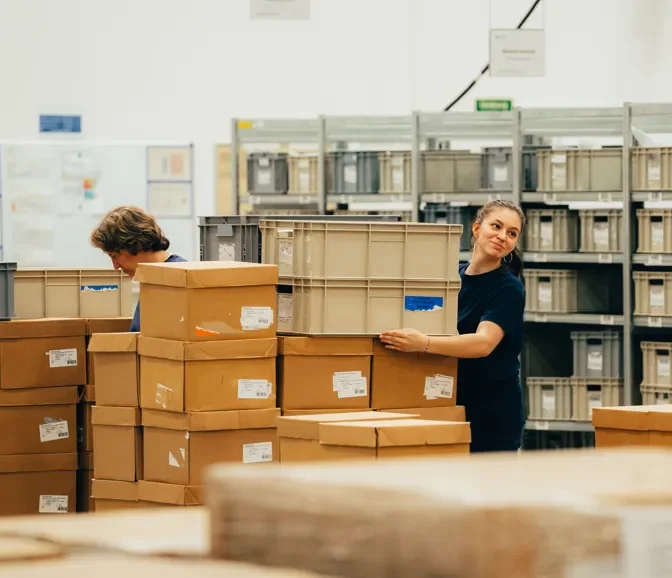
Orifarm has chosen MyDesk for desk booking and meeting room booking across several locations. Digital floor plans form part of workspace planning, and the Warsaw office also uses the solution for parking reservations.
Read the case about Orifarm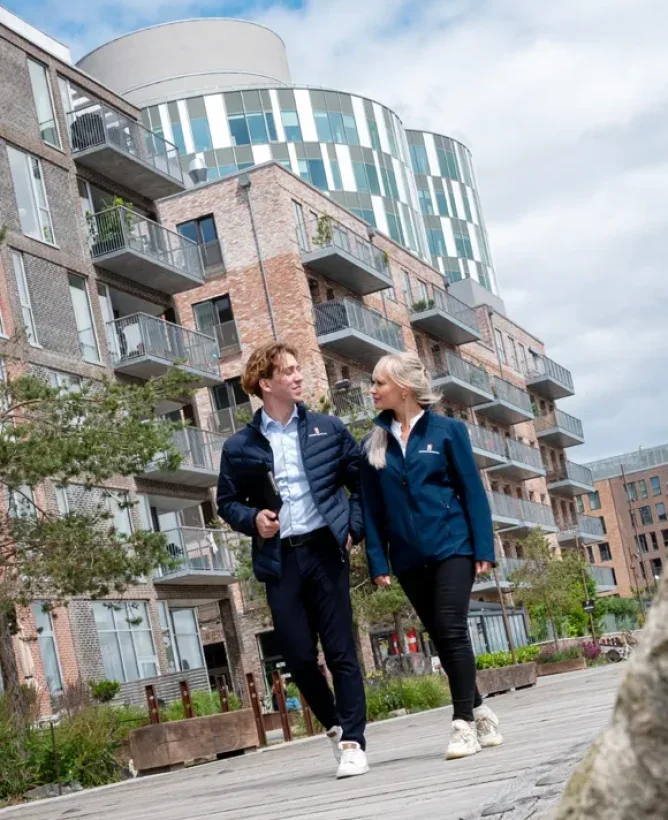
CEJ uses MyDesk for meeting room booking with integration to Outlook. The setup connects the office's meeting facilities with the company's existing systems.
Read the case about CEJ Ejendomsadministration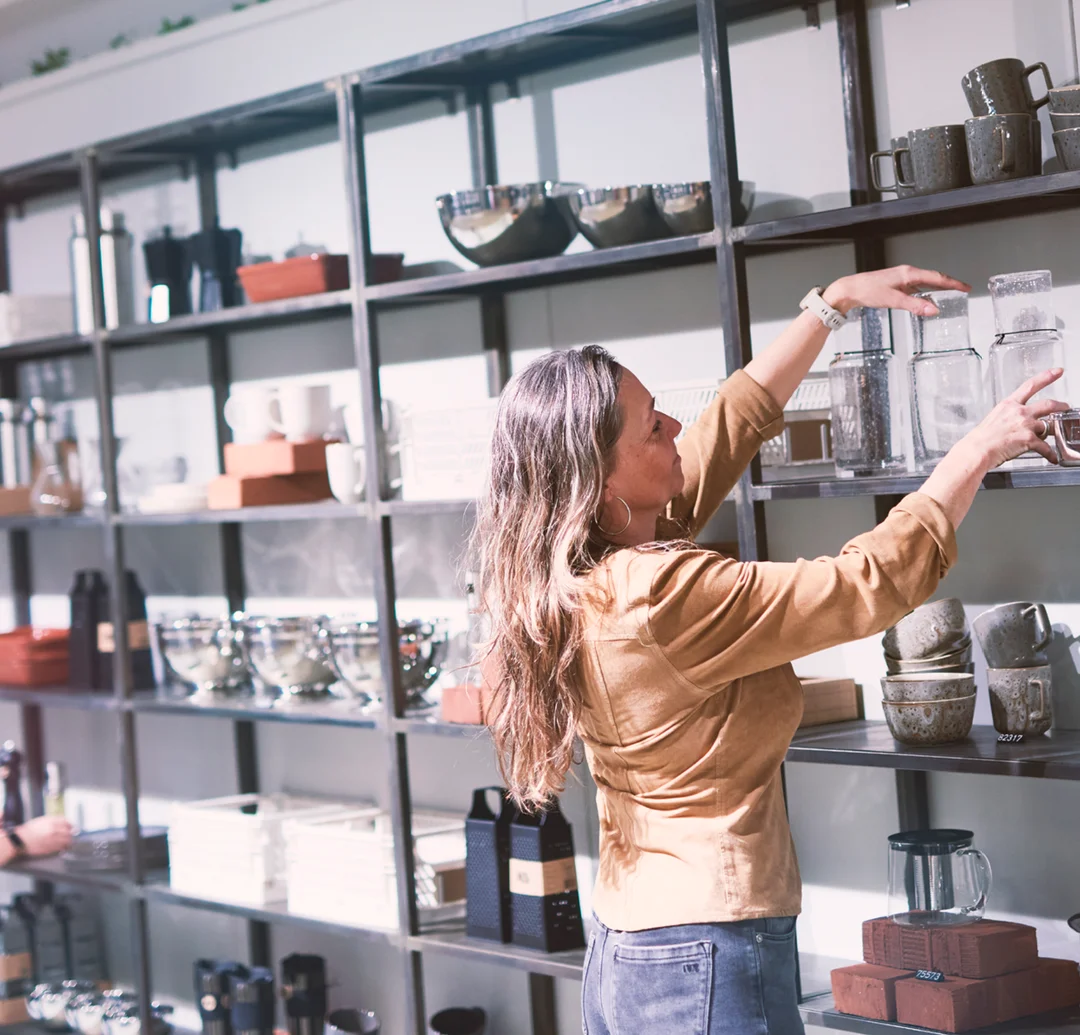
At Schou, MyDesk combines meeting room booking, visitor registration and meeting catering. Schou's setup includes the E-Ink meeting room monitors and the Floorplan.
Read the case about Schou
AS3 uses MyDesk for meeting rooms and the visual capabilities of the Planner and Floorplan. Floorplan links the overview to the office's physical framework.
Read the case about AS3
TV2 Øst has combined MyDesk Meeting room booking with Planner. In Vordingborg, colleagues across editorial and technical functions meet.
Read the case about TV2 Øst
KMC has combined meeting room booking, meeting catering and Planner into MyDesk. The order contains the practical information that the kitchen must work with.
Read the case about KMC
MyDesk was set up for IFU's meeting facilities in Copenhagen. Employees were given access to choose and reserve rooms via computer and mobile.
Read the case about IFU
Gi Group's office in Lisbon has received MyDesk for desk booking, meeting room booking and parking booking. Booking from mobile and computer is included in the setup.
Read the case about Gi Group
Novafos has integrated desk booking, meeting room booking and visitor registration in MyDesk. The setup for guests includes digital check-in, message to the host and digital E-Ink visitor badges.
Read the case about NovafosErhvervshus Fyn has chosen a MyDesk setup with meeting room booking, Planner, visitor registration and parking. The visitor registration is combined with digital E-Ink visitor badges.
Read the case about Erhvervshus Fyn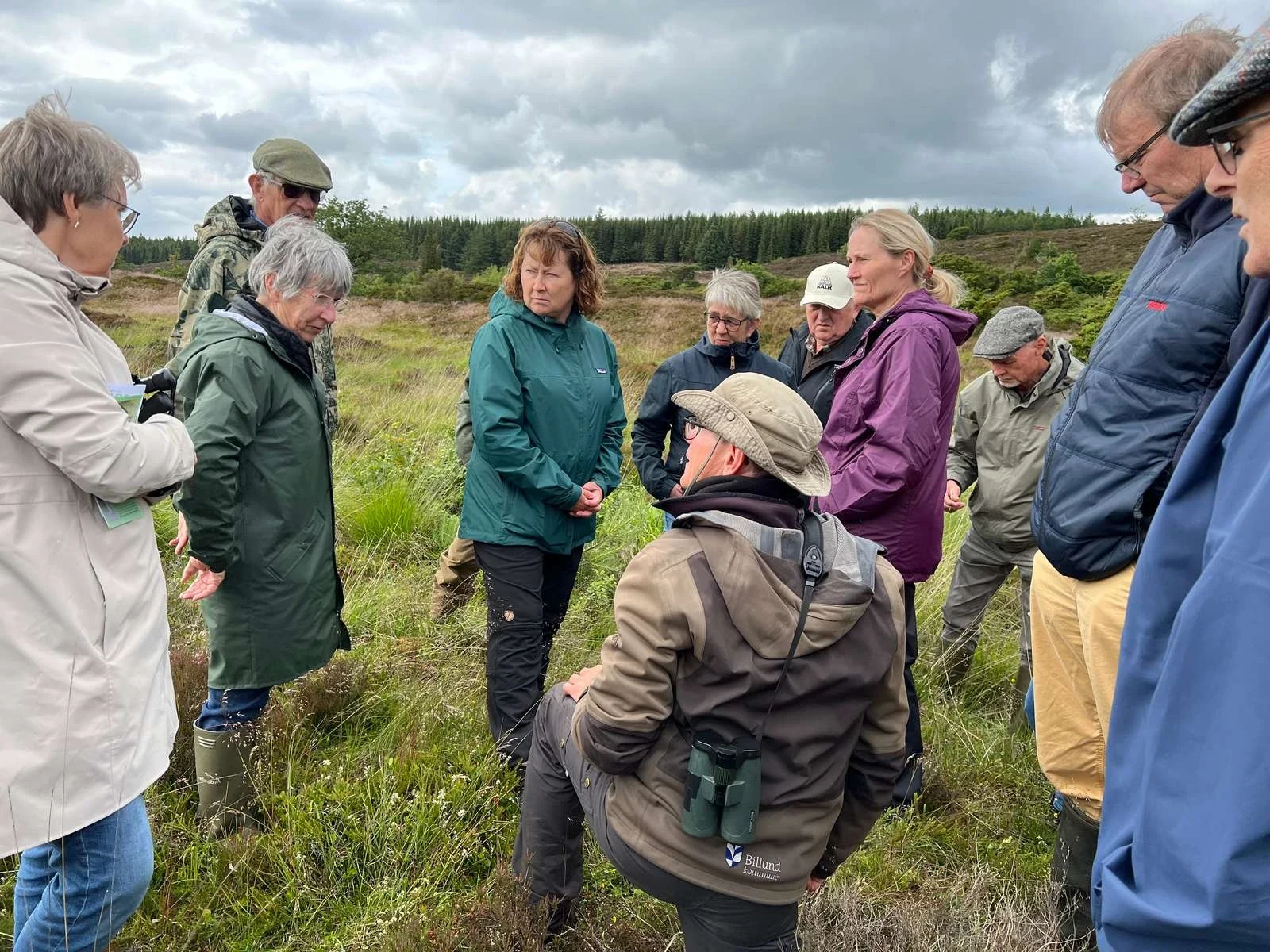
Billund Kommune uses MyDesk for meeting room booking and meeting catering. MyDesk is integrated with the municipality's calendar structure.
Read the case about Billund Kommune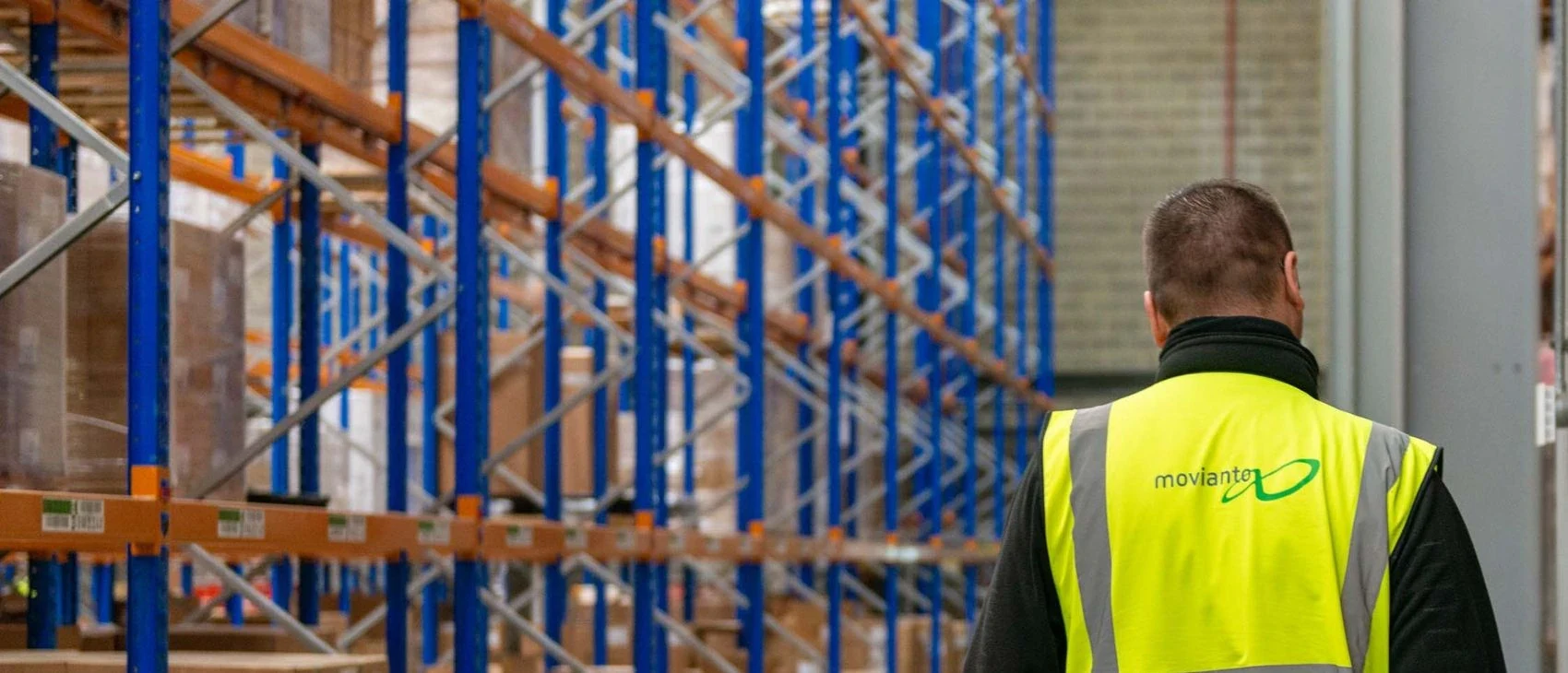
Movianto Nordic uses MyDesk for digital visitor registration. Visitor registration is included with meeting room booking.
Read the case about Movianto Nordic
Pengerådgivning has chosen MyDesk for booking the office meeting rooms. The setup includes info screens which are connected to MyDesk.
Read the case about Pengerådgivning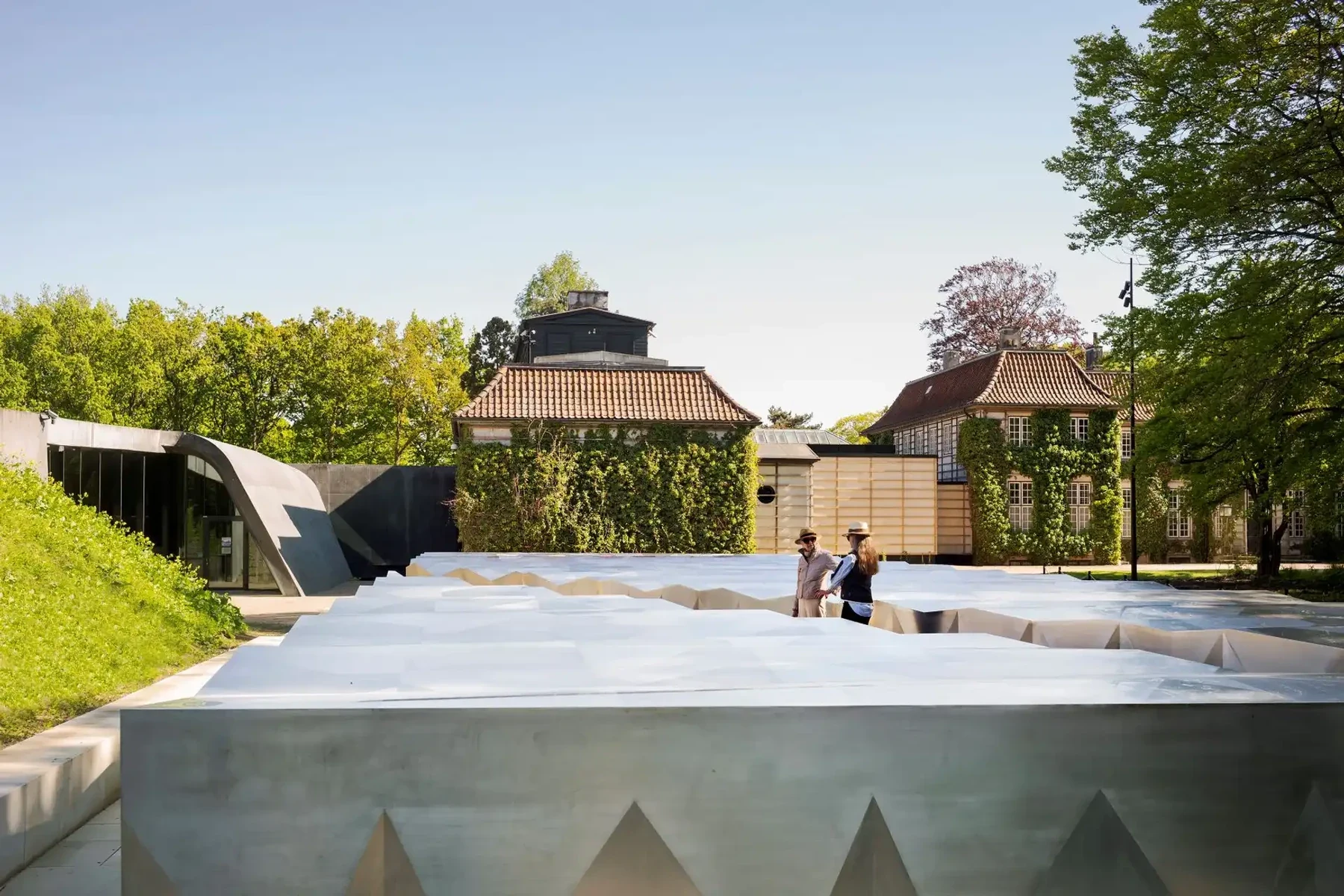
Augustinus Fonden uses MyDesk for meeting room booking, meeting catering and Planner. The setup is also about the practical service around a meeting.
Read the case about Augustinus Fonden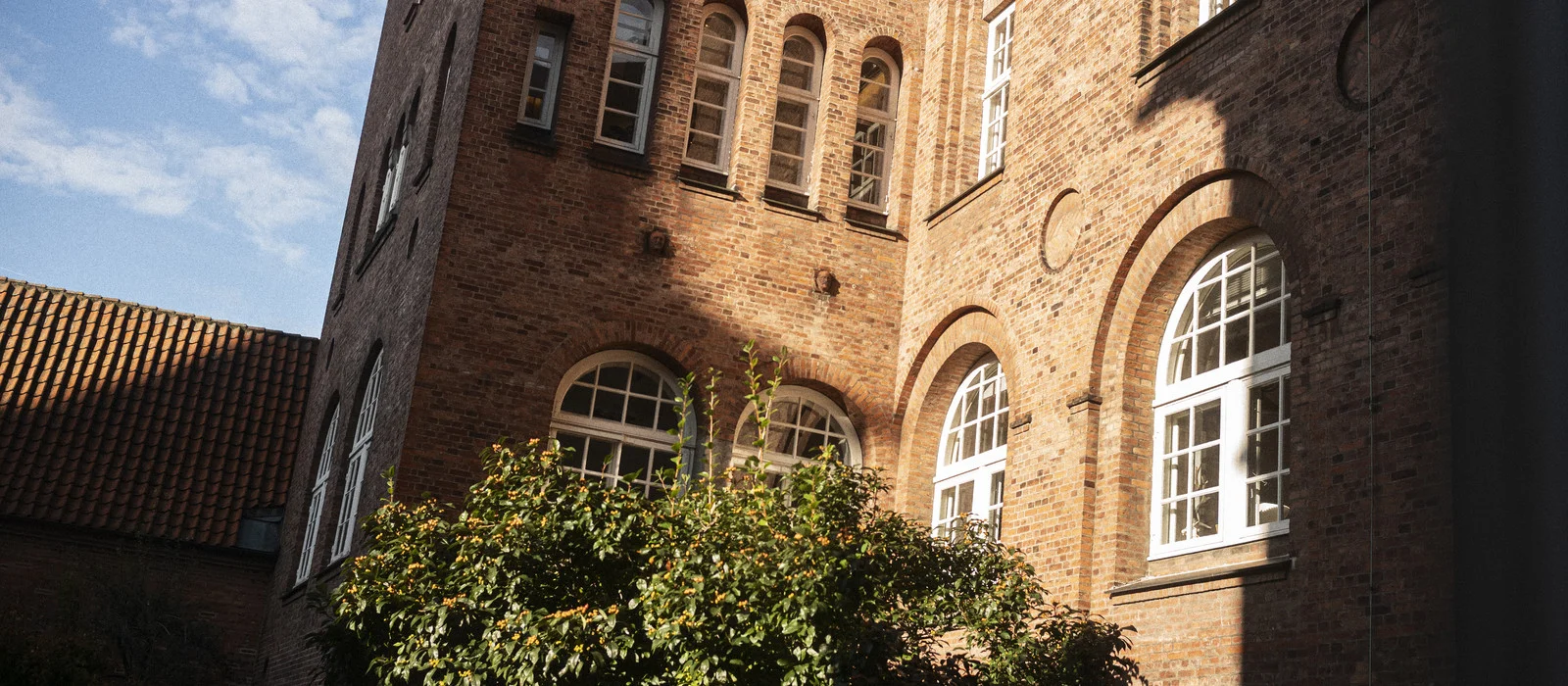
Bruun & Hjejle uses MyDesk for booking meeting rooms and ordering catering. Planner is included in the overview of today's meetings and orders.
Read the case about Bruun & Hjejle
EWII uses MyDesk for visitor registration and E-Ink digital visitor badges. The visitor reception is included together with meeting room booking and meeting catering.
Read the case about EWII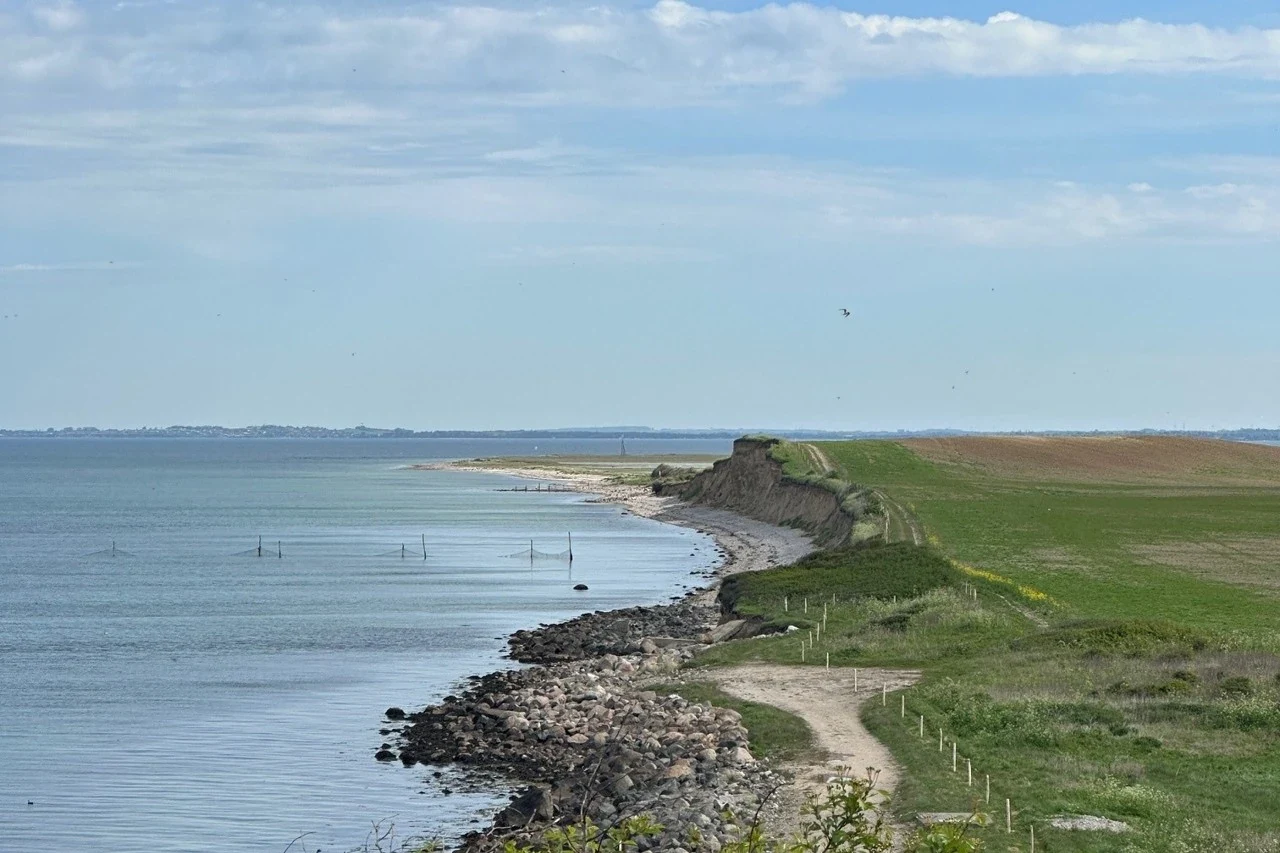
Slagelse Kommune has combined MyDesk Meeting room booking with meeting catering. The municipality's existing screens were connected to MyDesk.
Read the case about Slagelse Kommune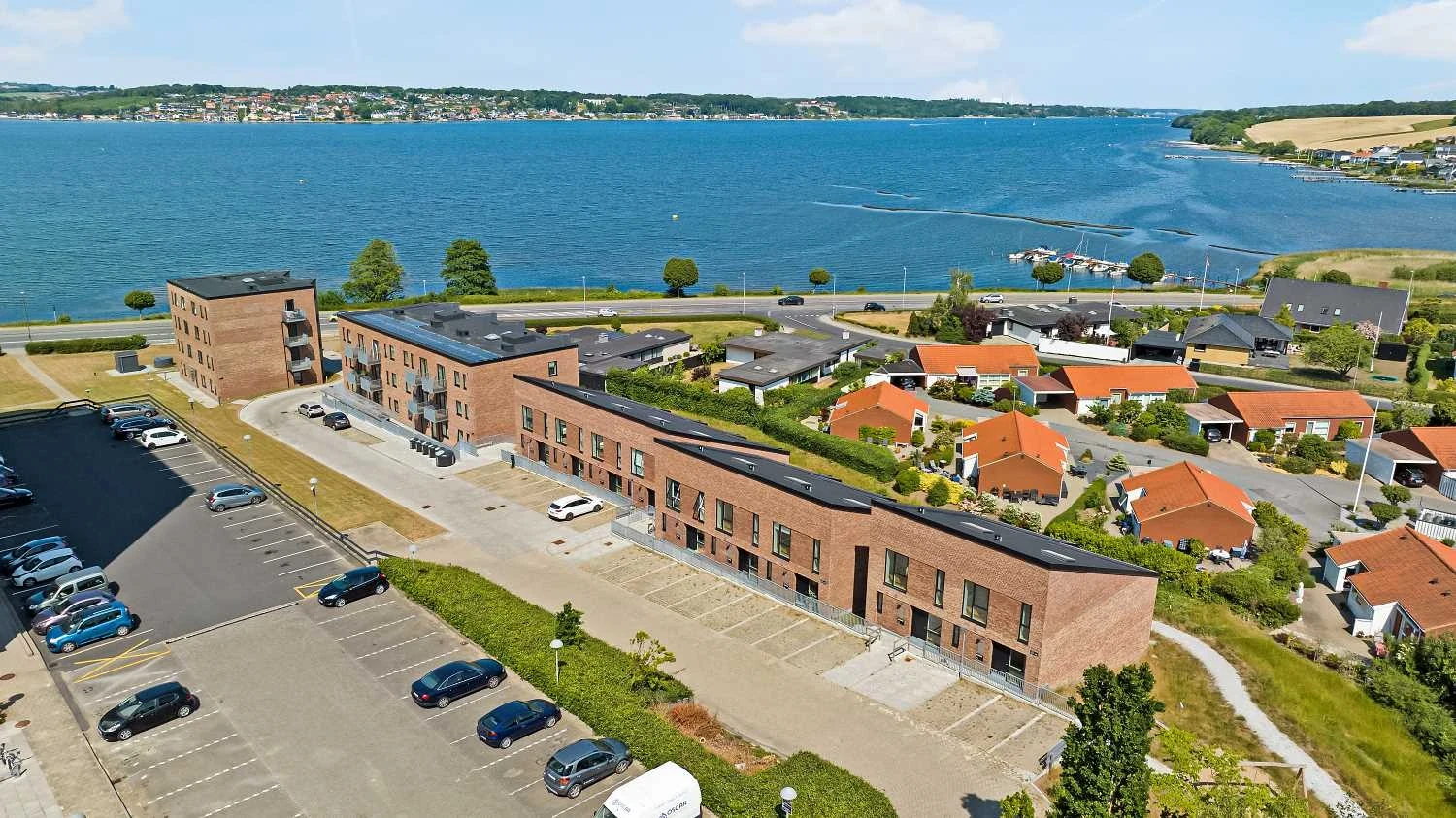
AP Ejendomme's solution on Østbanegade combines meeting room booking and Planner. The solution includes visitor registration and digital E-Ink visitor badges.
Read the case about AP Ejendomme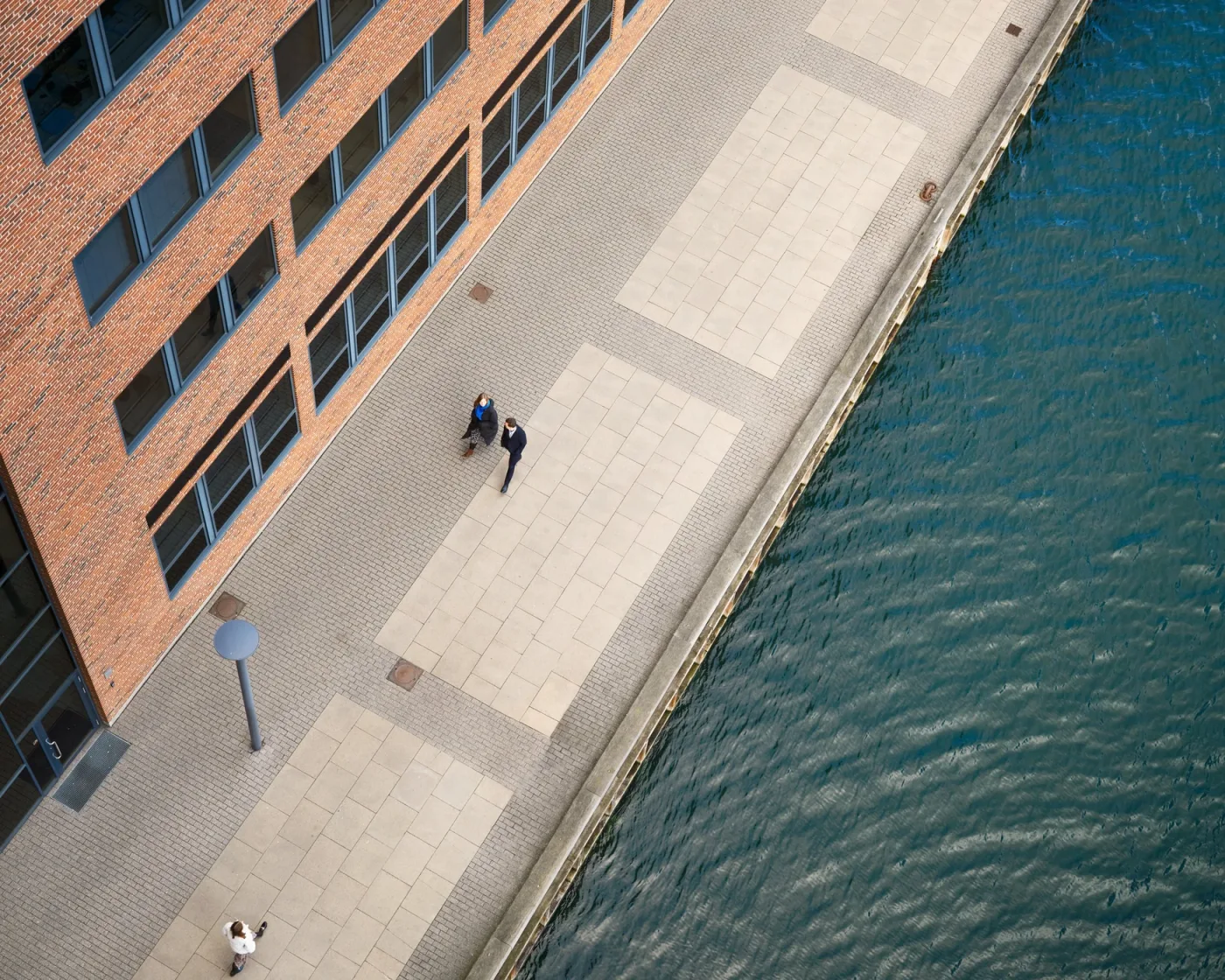
Castellum uses MyDesk for shared meeting rooms and catering. Employees can order premises and catering from Outlook.
Read the case about Castellum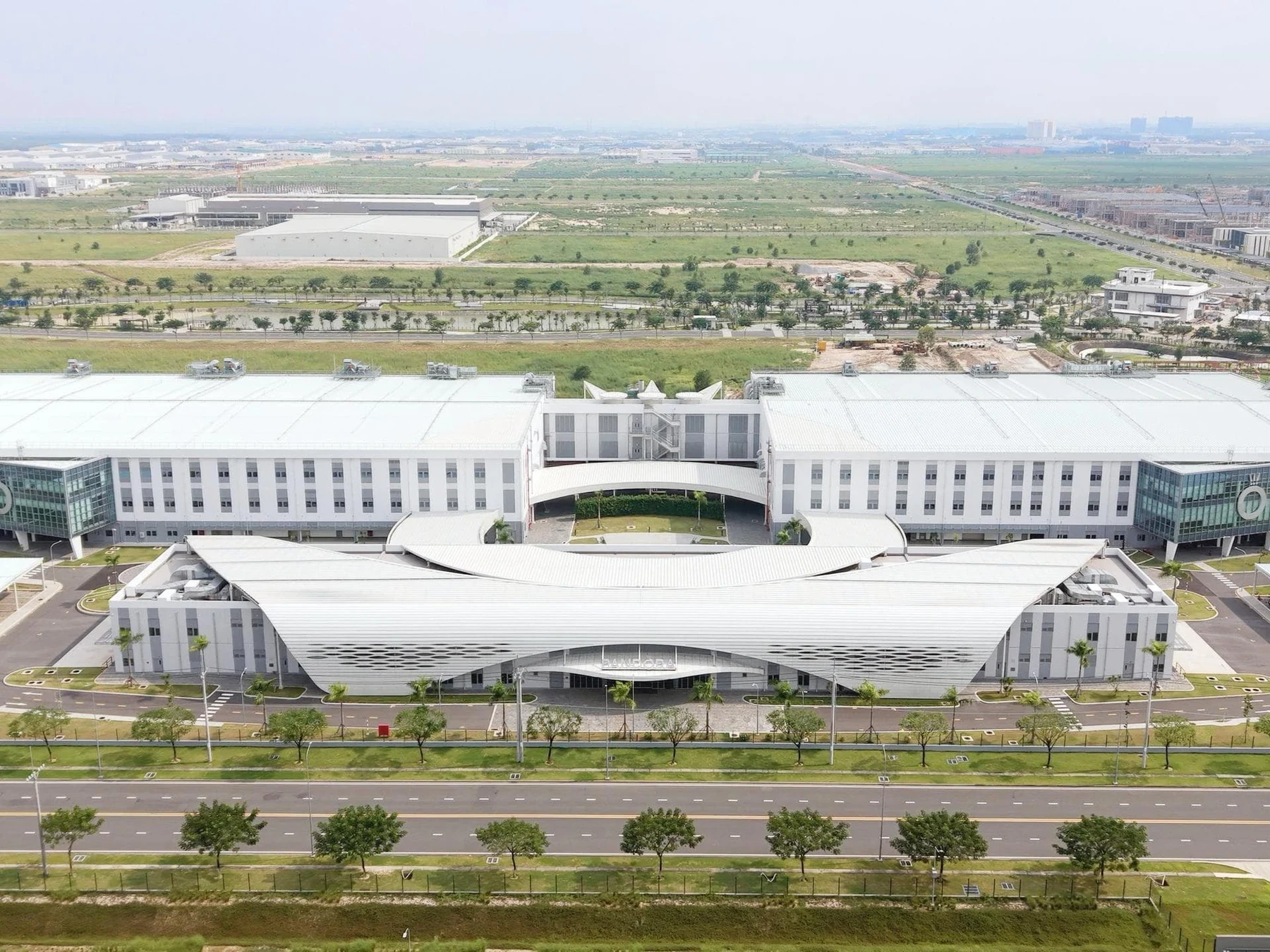
Pandora uses MyDesk for meeting room booking, meeting catering and visitor registration. A touch screen in the kitchen shows the day's orders, while Planner is part of the administration's overview.
Read the case about Pandora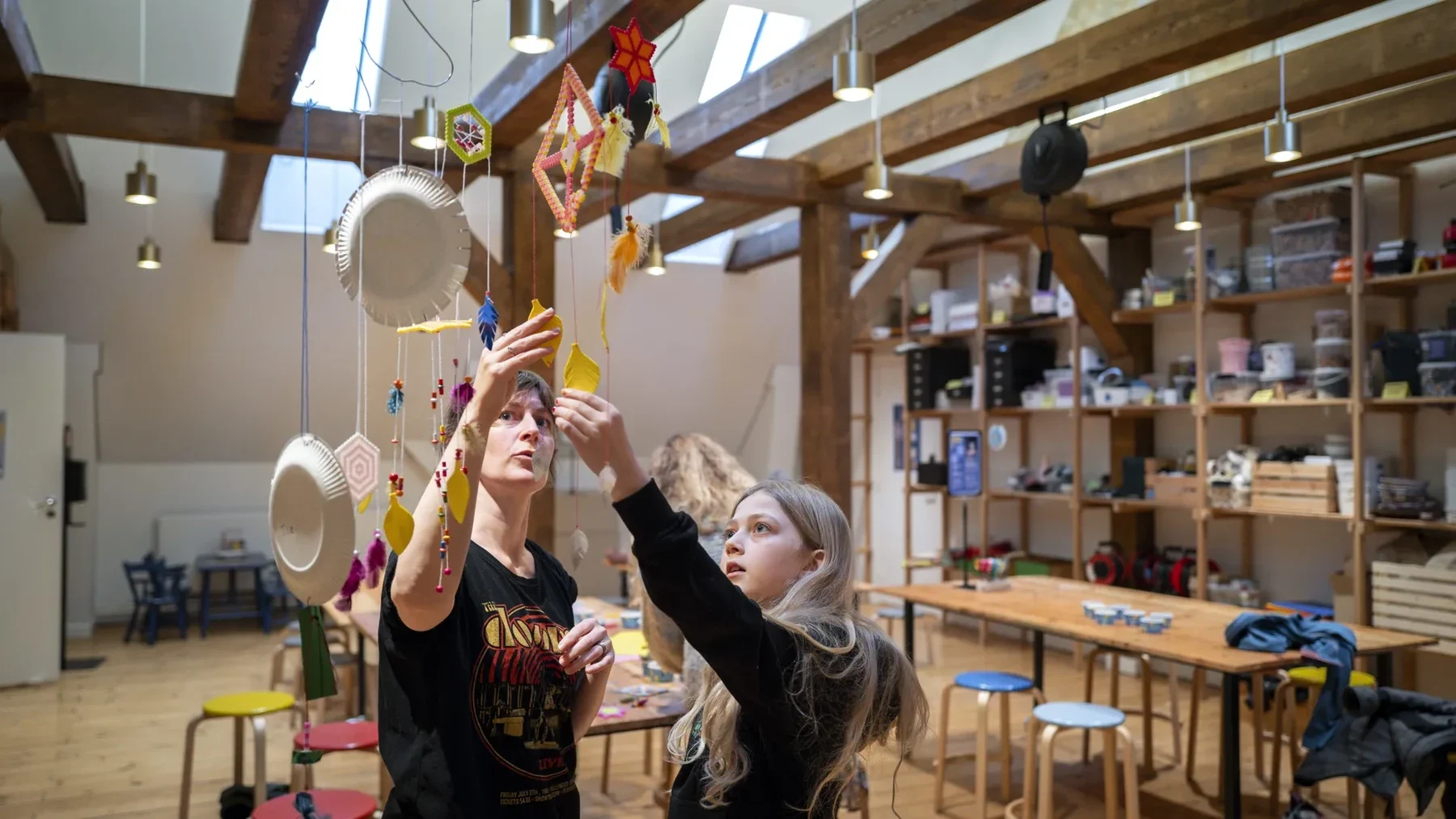
Realdania has chosen MyDesk for meeting room booking and meeting catering with integration to Outlook and the organization's calendar system. The solution also includes visitor registration with QR codes and a message to the host.
Read the case about Realdania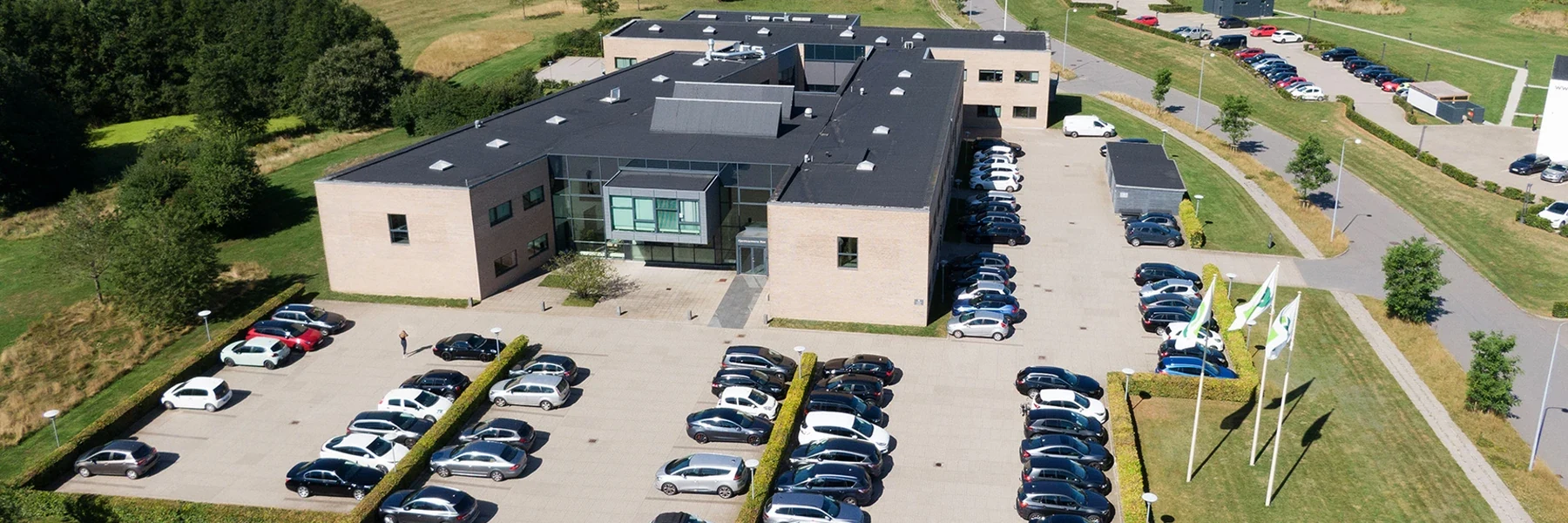
Dansk Fjernvarme uses MyDesk for meeting room booking and meeting catering. The kitchen works with the orders through a common overview.
Read the case about Dansk Fjernvarme
Scandlines uses MyDesk for meeting room booking and visitor registration. Upon arrival, the guest can check in digitally.
Read the case about Scandlines
Varde Kommune uses MyDesk for meeting rooms and meeting catering. The canteen's administration module is integrated with the municipality's financial system.
Read the case about Varde Kommune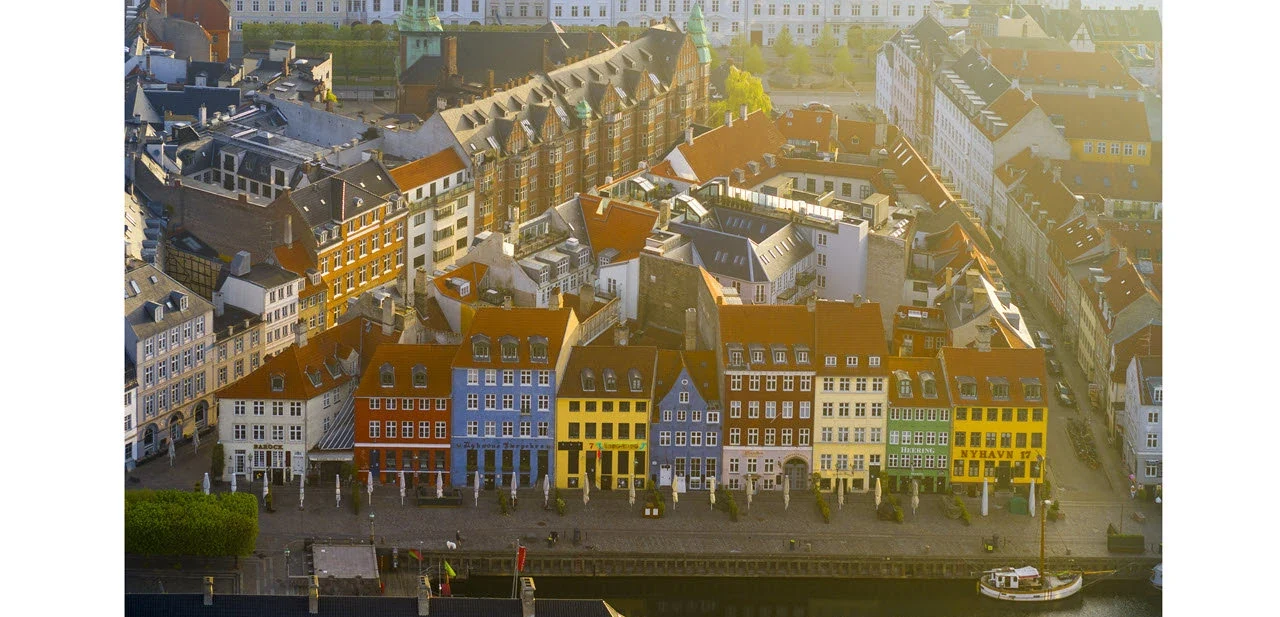
Finansiel Stabilitet has chosen MyDesk for booking meeting rooms and ordering meeting catering. The implementation includes a web portal for administrative handling.
Read the case about Finansiel Stabilitet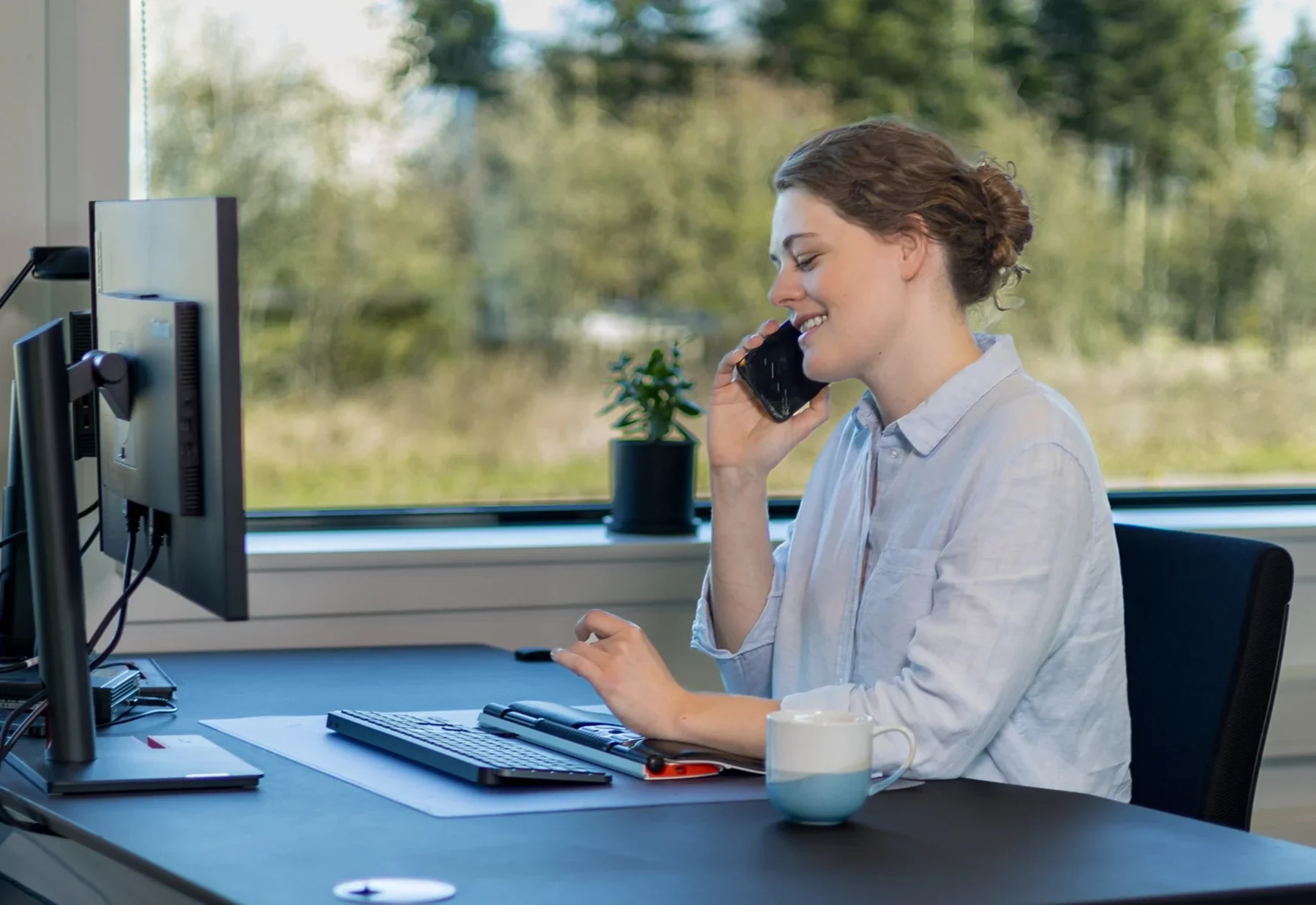
GF Forsikring has integrated meeting room booking, meeting catering, desk booking and visitor registration. Catering orders are part of the kitchen's workflow.
Read the case about GF Forsikring
Gastro Kantiner uses MyDesk for ordering meeting catering and for an overview of the canteen. Employees can register lunch with their access tag in the setup.
Read the case about Gastro Kantiner
Asetek and Turftank have received MyDesk for shared meeting facilities at the head office in Aalborg. The setup also includes visitor registration.
Read the case about Asetek
Ringsted Kommune has chosen MyDesk for meeting room booking and meeting catering with integration to Outlook. The municipality's existing meeting room screens were connected to the solution.
Read the case about Ringsted Kommune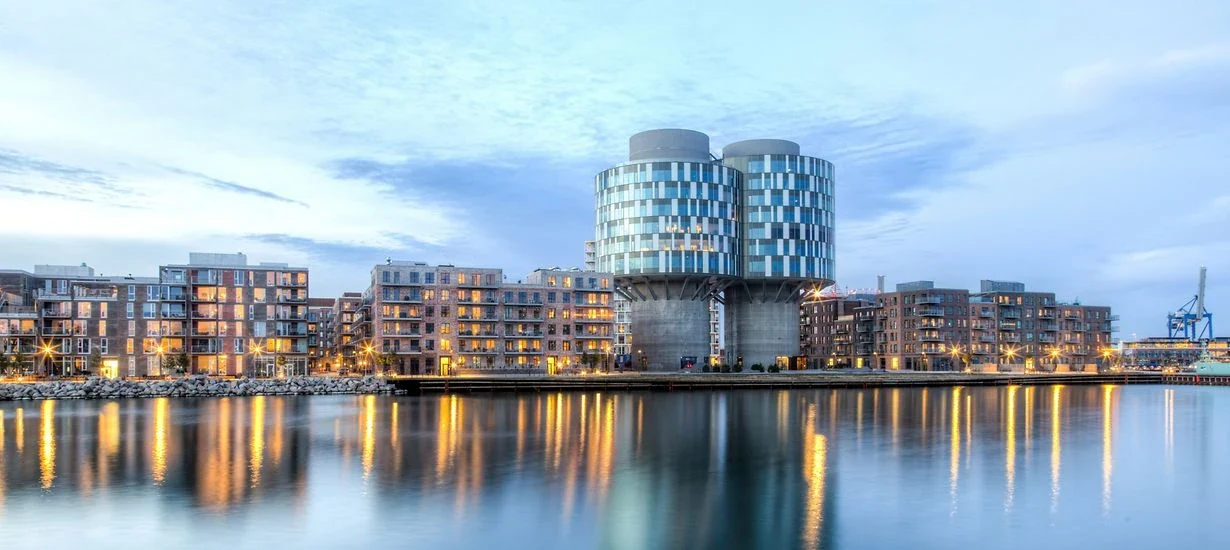
The German Embassy's MyDesk setup includes cross-company meeting booking in Portland Towers. The solution is also connected to the building's access system in connection with registration and payment of lunch.
Read the case about Den Tyske Ambassade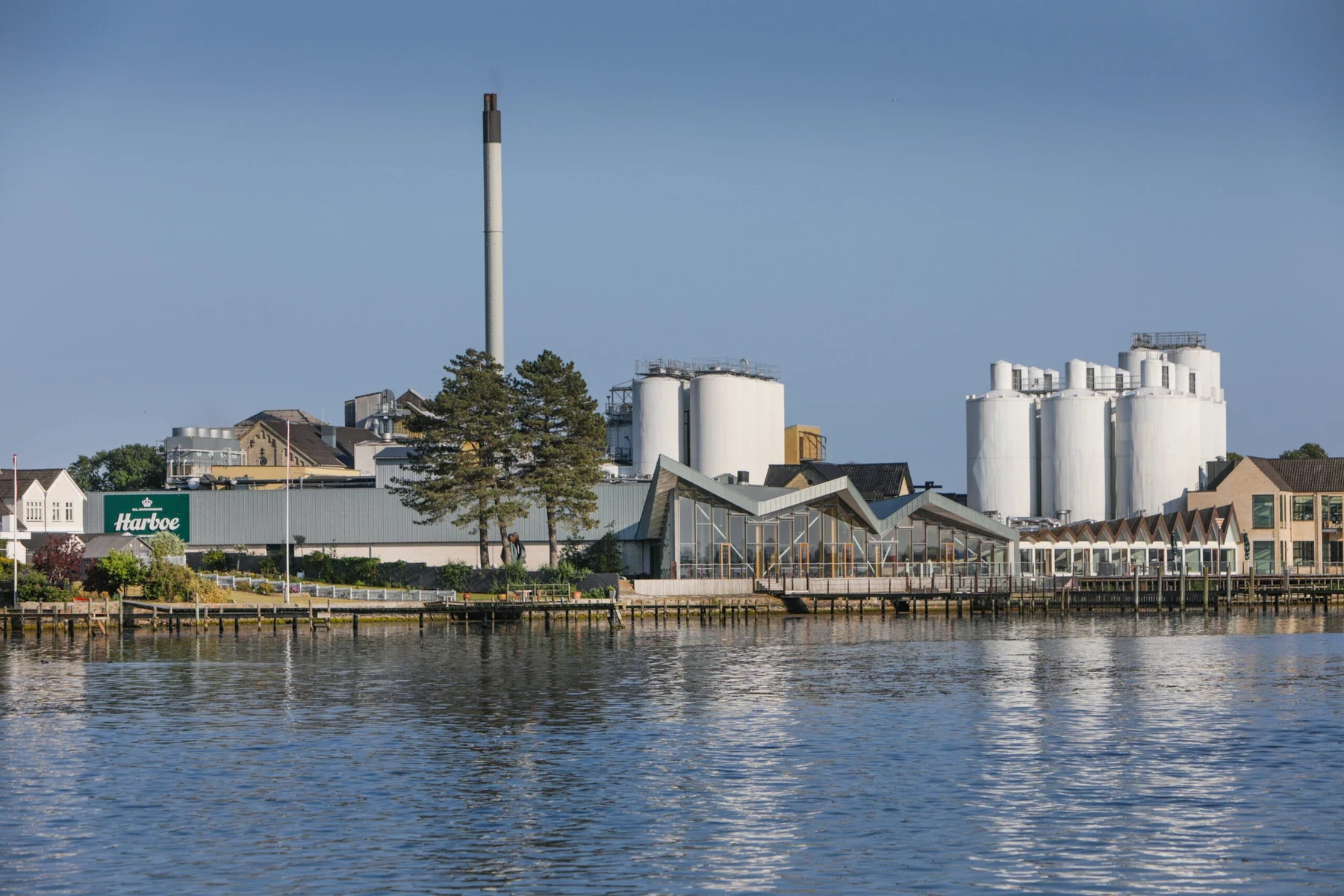
Harboe Bryggeri has added its meeting rooms to MyDesk with information on, among other things, size and equipment. The calendars were synchronized with Outlook.
Read the case about Harboe Bryggeri
Karnov Group has introduced MyDesk for meeting room booking, meeting catering and visitor registration at offices in Denmark and Sweden. Meals are ordered from the local canteens in the set-up.
Read the case about Karnov Group
Copenhagen Infrastructure Partners has introduced MyDesk to the office's workplaces in Nordhavn. MyDesk has also been used for meeting room booking and meeting catering.
Read the case about Copenhagen Infrastructure Partners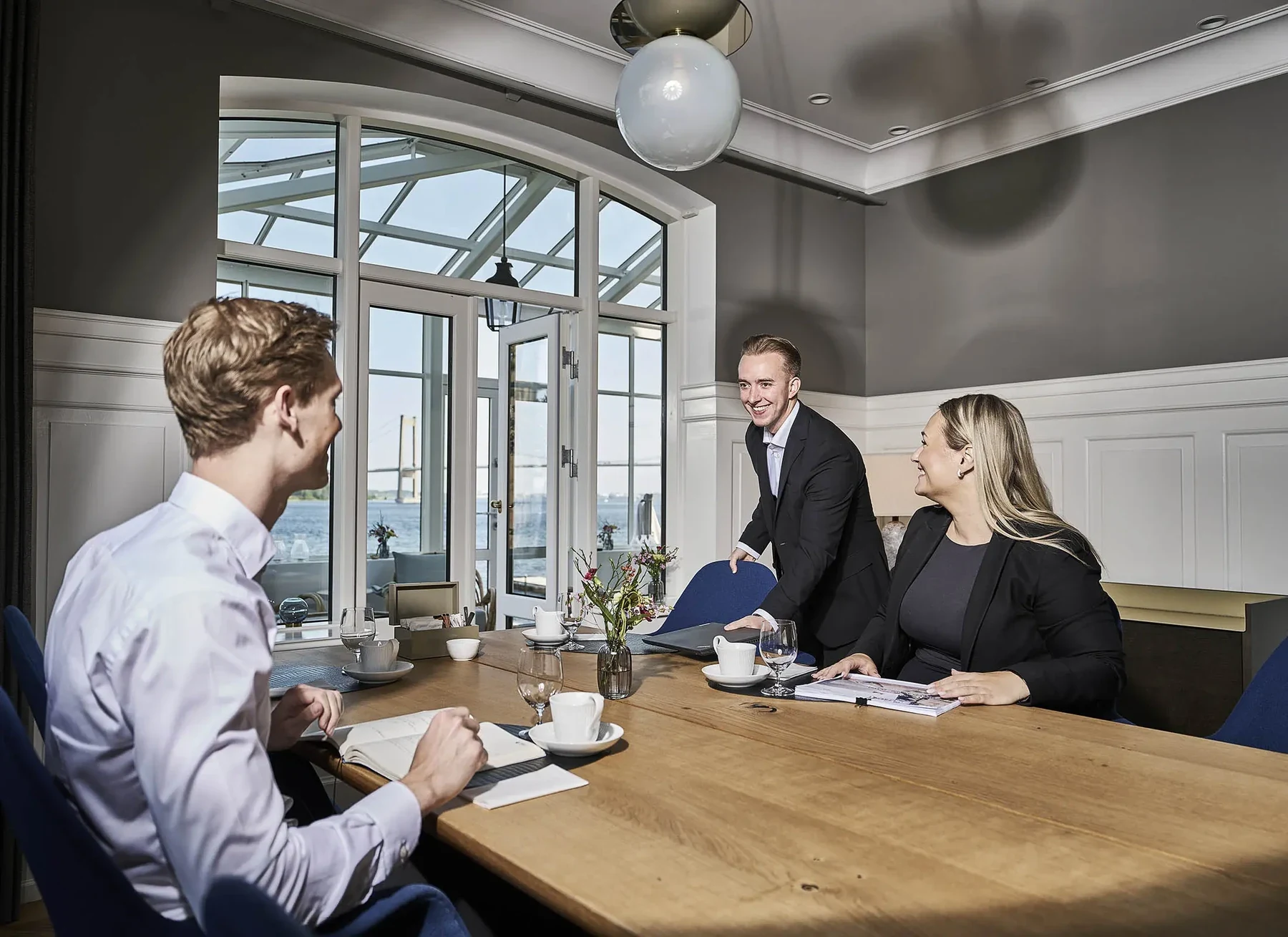
Selfinvest uses MyDesk for meeting room booking and meeting catering. The setup includes handling meeting bookings and internal settlement.
Read the case about SelfinvestPrices and calculation
Adjust quantity and see the recommended price immediately.
Features and options
Overview of meeting room booking and the options surrounding the solution.
| Feature / option | What it means for you | In your solution |
|---|---|---|
| Booking in your everyday apps | Outlook, Teams, mobile and web. | Solution functionality |
| Interactive floorplans | Find rooms visually in the office. | Solution functionality |
| Calendar synchronisation | Rooms and meetings follow the calendar. | Once configured |
| Catering and services | Add what your meeting needs. | Related modules |
| Meeting room displays | Show status at the room door. | Hardware / optional extra |
| Usage analysis | Follow up on capacity and utilisation. | Analytics / optional extra |
| Shared meeting rooms across companies | Let several companies in the same building book shared rooms. | Once configured |
| Release after a no-show | Make unused rooms available again using check-in, QR codes or sensors. | After setup / optional hardware may be required |
We agree scope, setup and optional extras with you. Hardware and related modules are discussed separately.
Good to know
Yes. MyDesk supports booking from Outlook, Teams, mobile and web.
Yes. MyDesk provides a visual room overview. We help with floorplans and setup.
It depends on your solution. Hardware and related modules are specified in the quote.
Yes. MyDesk can be configured for shared meeting rooms in a building with several companies. We agree which rooms are shared, who can book and how calendar connections and access should work.
Yes. Automatic release can be configured using check-in on a room display, a QR code or a sensor. The method, time limit and rules are agreed during setup. Displays and sensors may require optional hardware.
Meeting room booking
Book a demo to explore the options for your organisation.