View the whole day
Get a shared overview of meetings and rooms.
MyDesk · Planner – meeting overview
Give reception and PAs a shared starting point. See meetings, find free time and manage the details that make the day run smoothly.
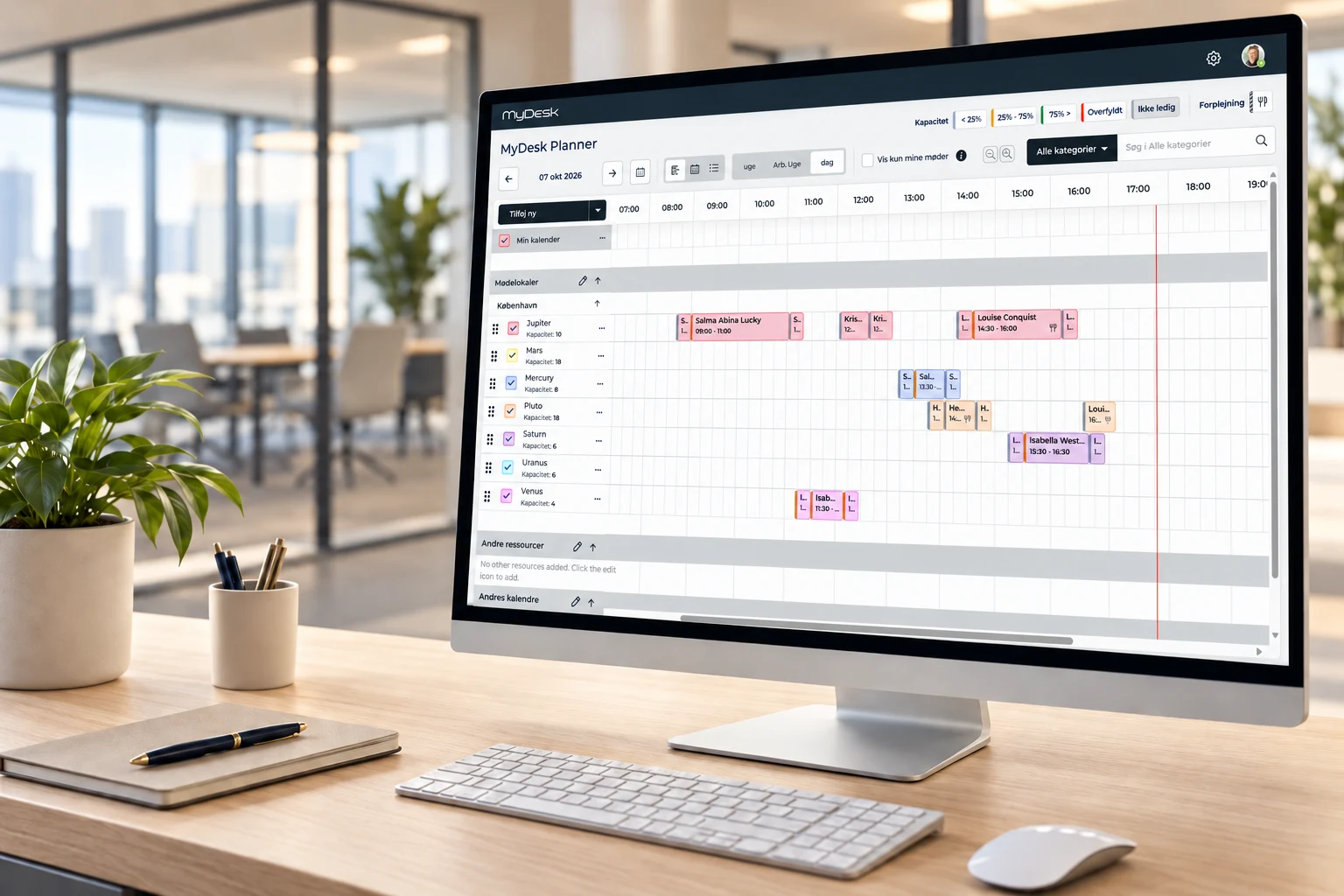
Calendar · Rooms · Catering





















Meetings and catering
Get a shared overview of meetings and rooms.
Find a new time when plans change.
Keep meetings and catering together.
Explore the possibilities
Drag a meeting to a new time or another meeting room. The panel opens with your suggestion – press Update meeting to save the move.
 ◉ AL
◉ ALDrag the meeting to a new time or another meeting room, or click to edit its details.
Try moving Team meeting to Pluto or Saturn – and optionally choose a new time.
Daily work at reception
When a meeting changes, reception, canteen and technical teams need to stay informed. Planner can bring together notifications and tasks for the meeting.
Use checklists for practical tasks and agree who does what.
Change records provide an overview of meetings, orders and deliveries. Automatic notifications can keep the relevant teams informed.
Templates can simplify planning when the same meetings or orders recur.
MyDesk can be used to book shared cars, bicycles and equipment. Resources and access are configured to suit your needs.
Explore resource booking options01 Requirements → 02 Setup → 03 Ready to useWe help you every step of the way
We focus on people planning on behalf of others and help bring your rooms and permissions together.
Reception, PAs and other planners get a suitable starting point.
Rooms and access are matched to your calendar setup.
Get help using Planner in your daily planning.
Part of the whole office
Find a room that suits your meeting. Bring rooms, catering and visitors into the working day you already know.
Read moreGive your kitchen an overview from the first order to the last delivery. See what, where and when, and keep up with changes as the day unfolds.
Read moreOrder food and drinks while planning your meeting. The canteen receives the time, location and order together so you can focus on your attendees.
Read moreCustomer cases · Planner and Floorplan

At Schou, MyDesk combines meeting room booking, visitor registration and meeting catering. Schou's setup includes the E-Ink meeting room monitors and the Floorplan.
Read the case about Schou
AS3 uses MyDesk for meeting rooms and the visual capabilities of the Planner and Floorplan. Floorplan links the overview to the office's physical framework.
Read the case about AS3
TV2 Øst has combined MyDesk Meeting room booking with Planner. In Vordingborg, colleagues across editorial and technical functions meet.
Read the case about TV2 Øst
KMC has combined meeting room booking, meeting catering and Planner into MyDesk. The order contains the practical information that the kitchen must work with.
Read the case about KMCErhvervshus Fyn has chosen a MyDesk setup with meeting room booking, Planner, visitor registration and parking. The visitor registration is combined with digital E-Ink visitor badges.
Read the case about Erhvervshus Fyn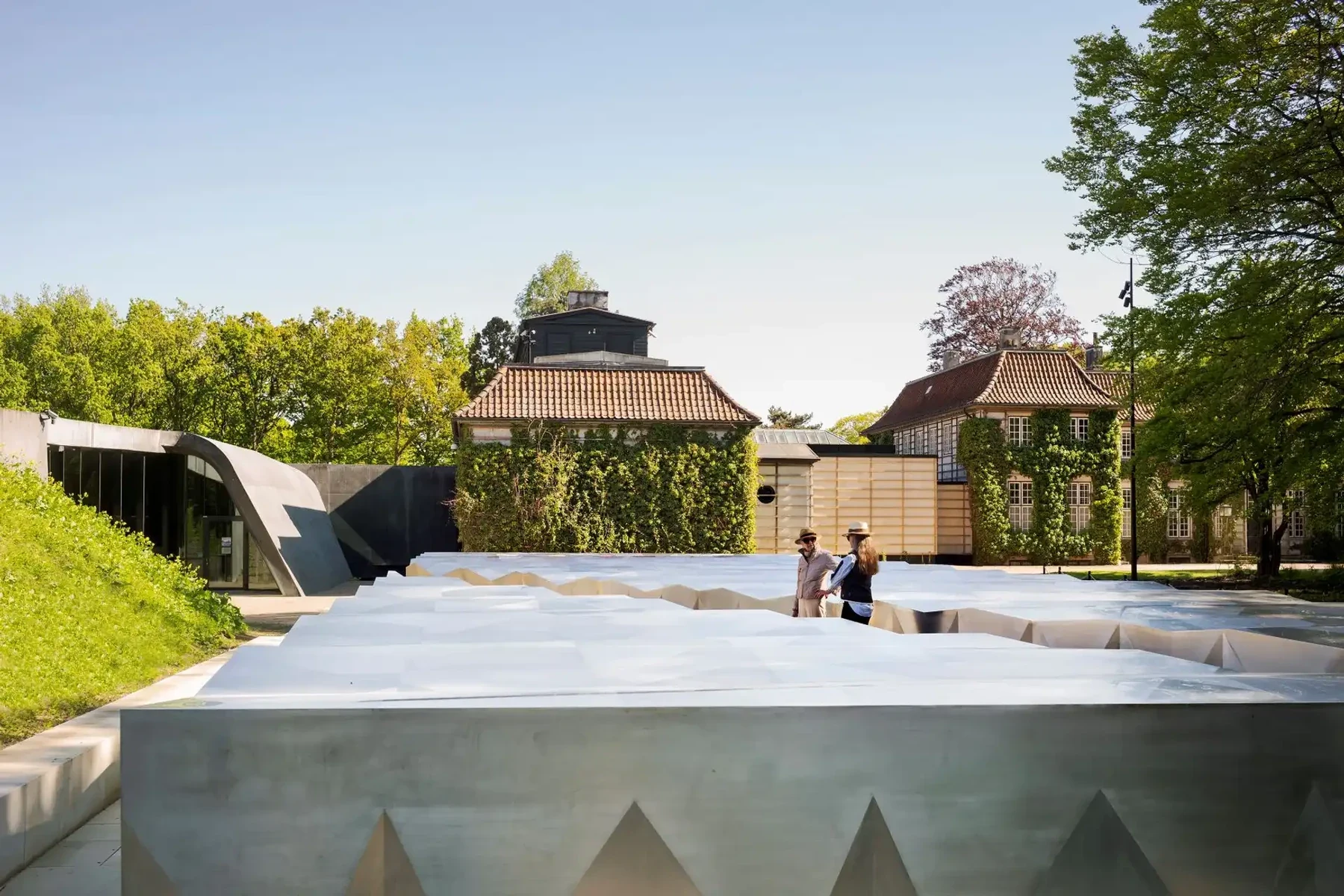
Augustinus Fonden uses MyDesk for meeting room booking, meeting catering and Planner. The setup is also about the practical service around a meeting.
Read the case about Augustinus Fonden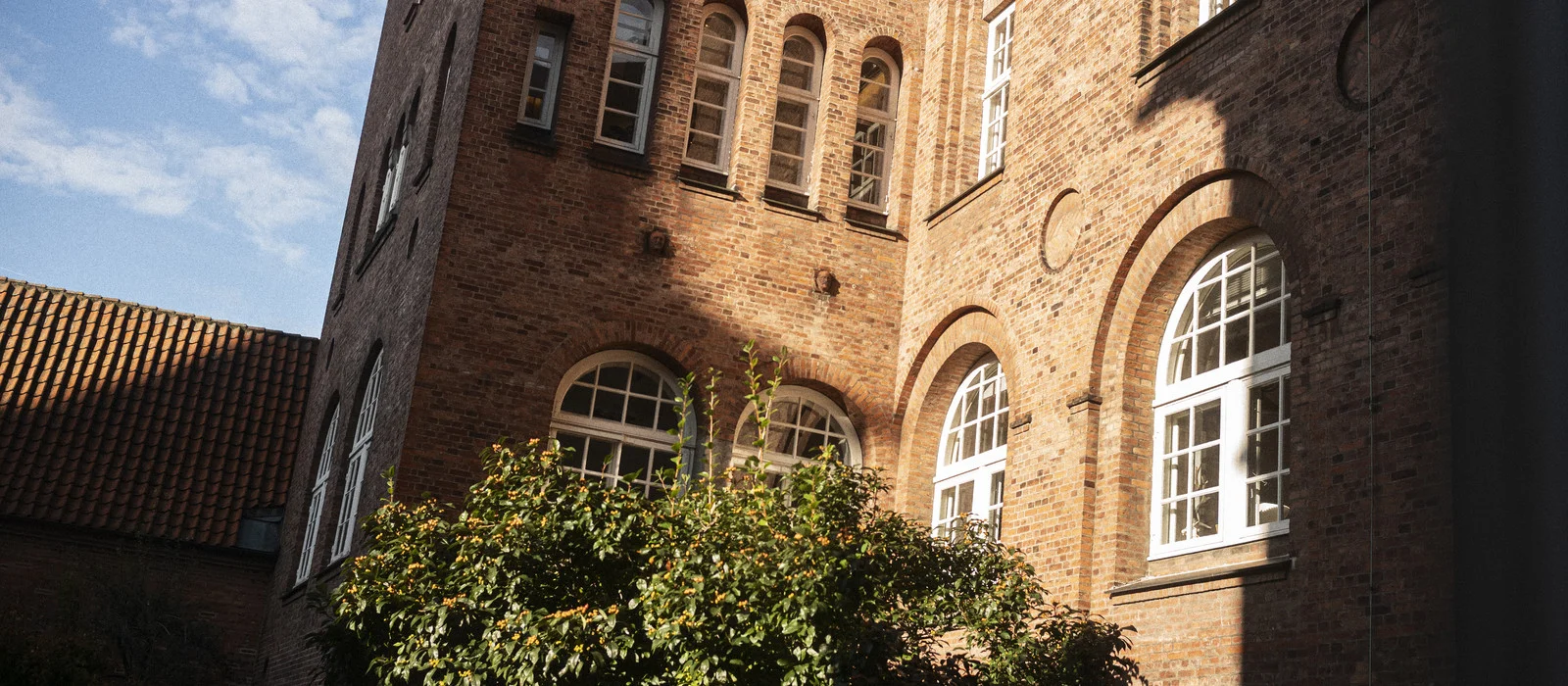
Bruun & Hjejle uses MyDesk for booking meeting rooms and ordering catering. Planner is included in the overview of today's meetings and orders.
Read the case about Bruun & Hjejle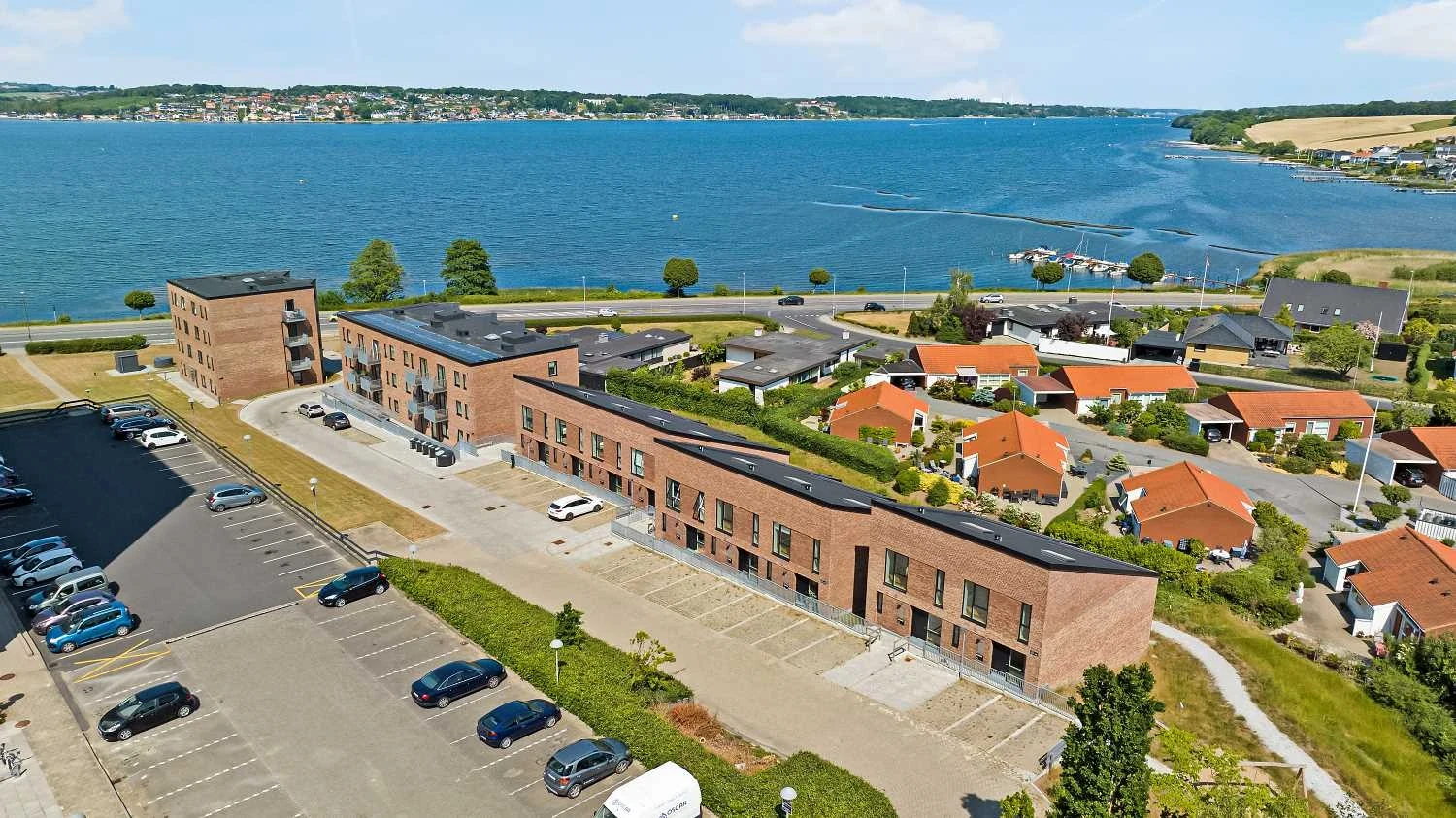
AP Ejendomme's solution on Østbanegade combines meeting room booking and Planner. The solution includes visitor registration and digital E-Ink visitor badges.
Read the case about AP Ejendomme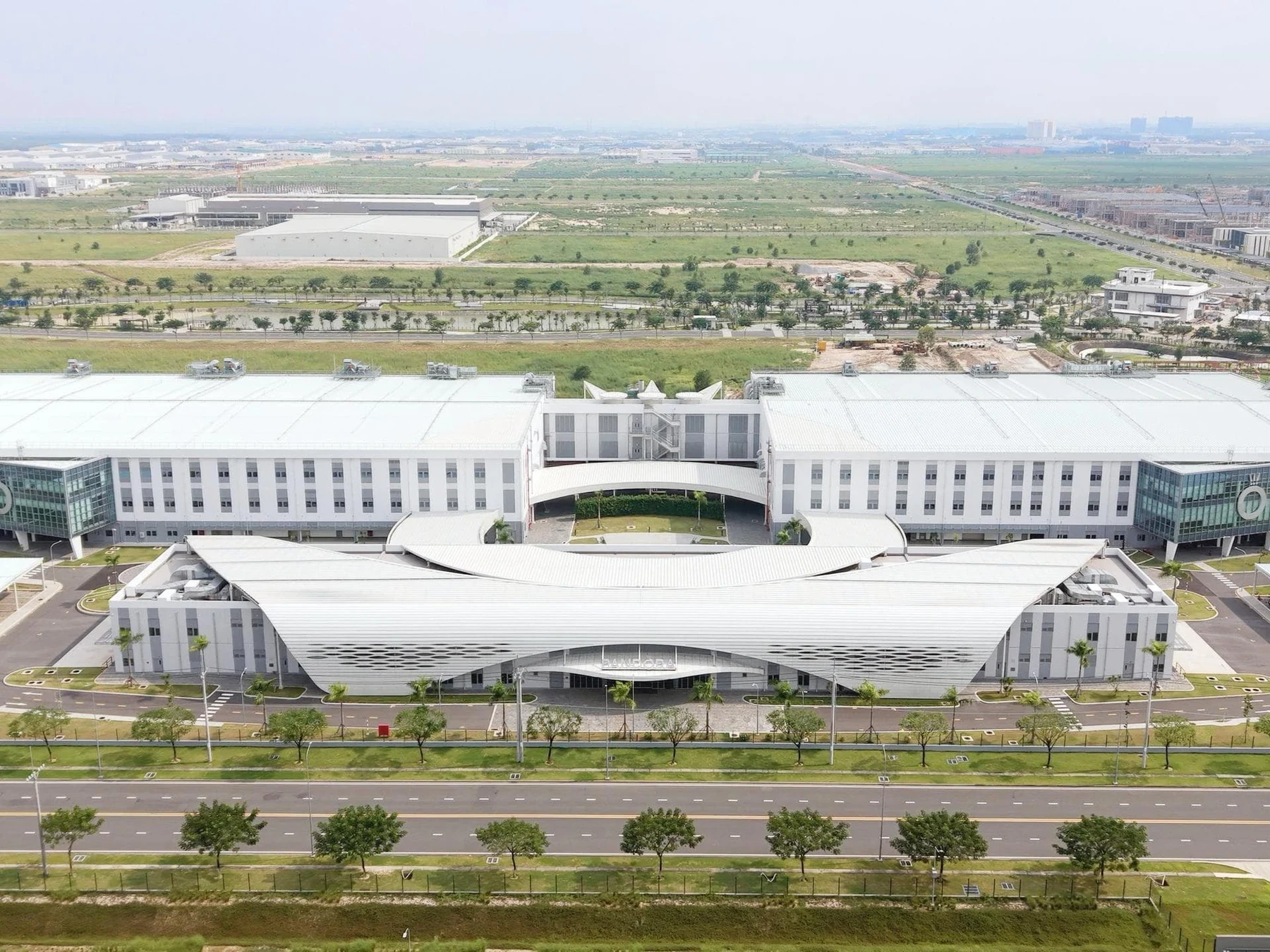
Pandora uses MyDesk for meeting room booking, meeting catering and visitor registration. A touch screen in the kitchen shows the day's orders, while Planner is part of the administration's overview.
Read the case about Pandora
The German Embassy's MyDesk setup includes cross-company meeting booking in Portland Towers. The solution is also connected to the building's access system in connection with registration and payment of lunch.
Read the case about Den Tyske Ambassade
Copenhagen Infrastructure Partners has introduced MyDesk to the office's workplaces in Nordhavn. MyDesk has also been used for meeting room booking and meeting catering.
Read the case about Copenhagen Infrastructure PartnersPrices and calculation
Adjust quantity and see the recommended price immediately.
Features and options
Overview of Planner – meeting overview and the options around the solution.
| Feature / option | What it means for you | In your solution |
|---|---|---|
| Shared calendar | View rooms and meetings across your workplace. | Solution functionality |
| Rescheduling | Adjust times as the day changes. | Solution functionality |
| Planning for others | Use the appropriate calendar permissions. | Once configured |
| Outlook / Exchange | Connection with your meeting calendar. | Once configured |
| Meeting catering | View and manage meeting orders. | Related module |
| Permissions and roles | Match access to job responsibilities. | Once configured |
| Notifications and tasks | Coordinate reception, canteen and technical teams. | Once configured |
| Checklists | Plan preparation and clearing away. | Once configured |
| Change records | Track changes, orders and deliveries. | Once configured |
| Templates | Reuse recurring meetings and menus. | Once configured |
We agree scope, setup and optional extras with you. Hardware and related modules are discussed separately.
Good to know
Planner is particularly useful for reception, PAs and employees who manage many meetings or plan for others.
Yes. The solution supports booking and rescheduling with the appropriate calendar permissions.
Yes, when Planner is configured with your meeting catering solution. Modules are specified in the quote.
Yes. Notifications, tasks and checklists can support your meeting operations. We agree roles and workflows during setup.
Access follows calendar permissions. Reception staff or PAs can be given specific permission to move meetings.
Planner – meeting overview
Book a demo to explore the options for your organisation.