Prepare for the visit
Preregister visitors before arrival.
MyDesk · Guest registration
Make arrival easy with digital guest registration in MyDesk. Prepare the visit, register check-in and check-out, and give the reception an overview of expected and arrived guests. Digital guest cards can be selected.
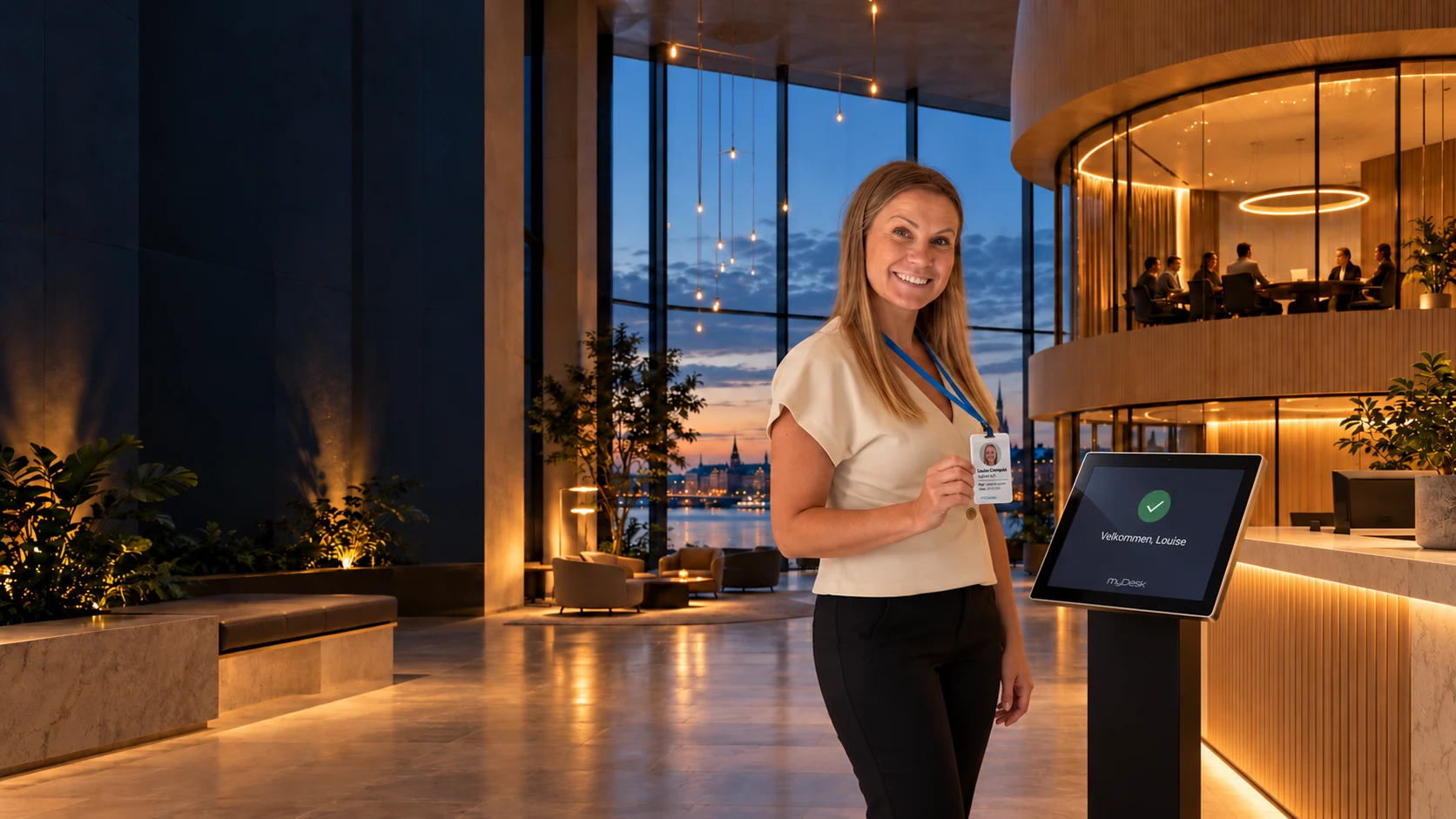
The reception overview is updated




















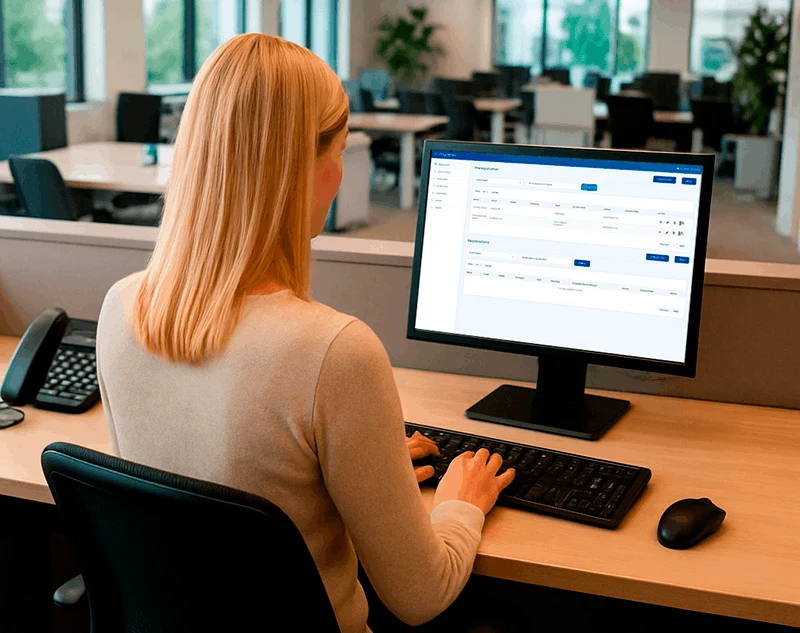
Visitors and reception
Preregister visitors before arrival.
Let visitors use a screen or QR code.
Give reception a complete visitor overview.
Explore the possibilities
If the visit is prepared, the guest only needs to enter his initials. Try checking in as a pre-registered guest, or fill in the information yourself.
Interactive demo with fictional guests and hosts. The information only stays on this page. No messages are sent.
 Reception
Your visit is already prepared.
Enter your initials to check in.
Check in to tip your host
notification of your arrival.
Thank you for your check.
You must visit .
In the right solution, the host will be notified of your arrival.
Take a digital guest card and scan the QR code on the card. Here you can see both cards being coded with your information.
Take a card from the holder to continue.
The QR scan is simulated in the demo. Camera and physical cards are not used.
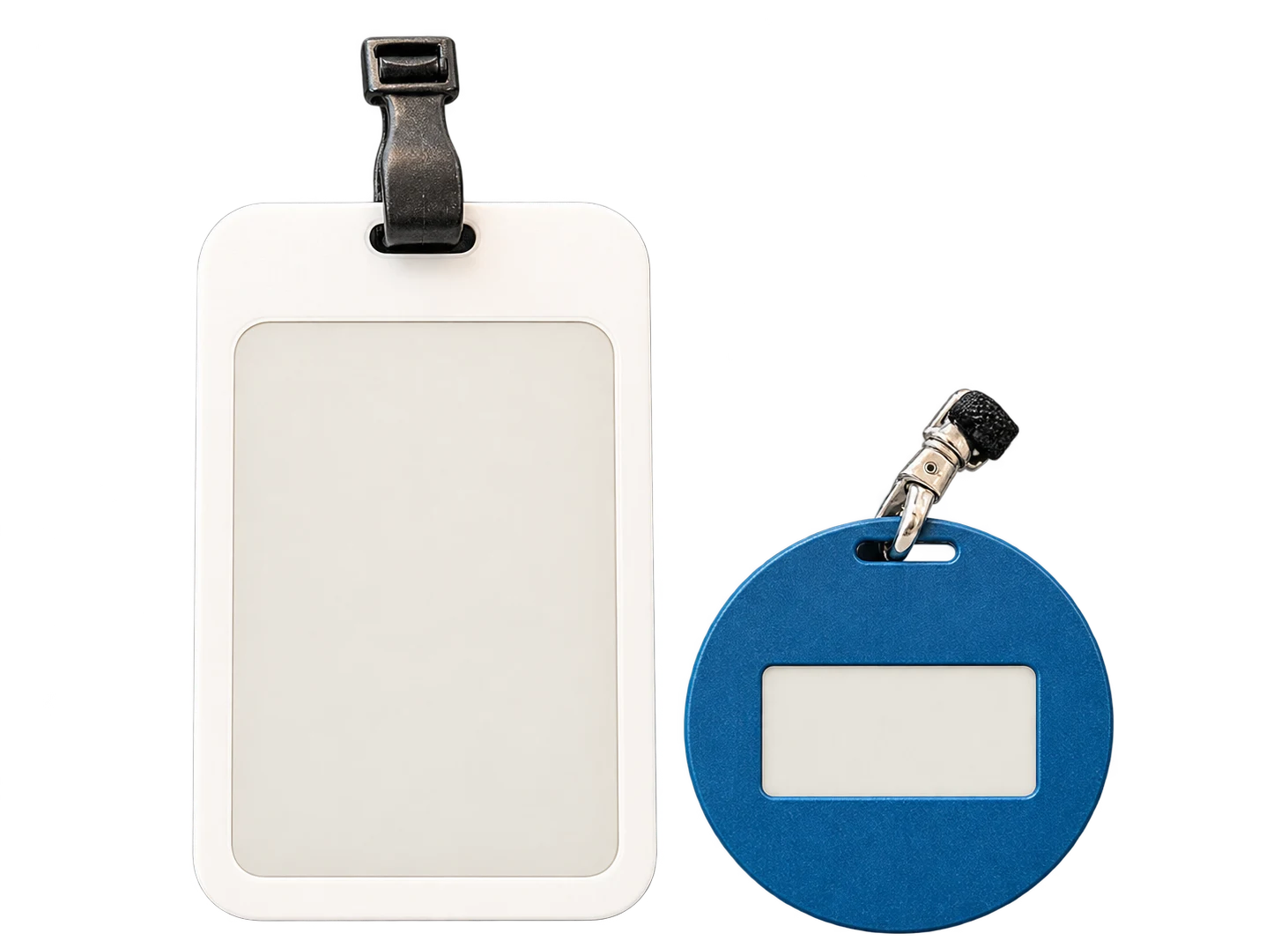
Same checkin · Both cards without guest photo
Try a checkin. Fields with * must be filled in.
From invitation to arrival
The host can receive an email when the visitor checks in. SMS can also be enabled, so the host is notified even when away from their computer.
Reception can import a visitor list and preregister several visitors for a meeting or event. Everything is ready before the group arrives.
Let visitors read and accept an NDA or your safety instructions on screen. Their acceptance is recorded as part of the visit.
The reception visitor list shows visit status and can help during an evacuation. The overview reflects visitors’ check-ins and check-outs.
 01 Requirements → 02 Setup → 03 Ready to use
We help you every step of the way
We help configure registration so your welcome suits your company and reception.
We agree arrivals, hosts and visitor badges with you.
Design and registration options are configured.
Get help with the visitor overview and everyday use.
Part of the whole office
Give visits a consistent look with E-Ink badges. The badge updates at check-in and can be reused for the next visitor once the visit ends.
Read moreFind a room that suits your meeting. Bring rooms, catering and visitors into the working day you already know.
Read moreFind and reserve parking before leaving home. Give employees and visitors a clear overview of the options at your office.
Read morePrices and calculation
Adjust quantity and see the recommended price immediately.
Features and options
Overview of Guest registration and the options surrounding the solution.
| Feature / option | What it means for you | In your solution |
|---|---|---|
| Preregistration in Outlook | Prepare for the visit when sending the meeting invitation. | ✓ Included |
| On-screen registration | Let visitors check in at reception. | ✓ Included |
| Custom design | A welcome in your style. | ✓ Included |
| Visitor overview | View registered visits and status. | Solution functionality |
| Visitor badge printing | An option for traditional visitor badges. | Printing option included |
| Digital E-Ink visitor badges | Reusable badges for your visitors. | Hardware / optional extra |
| Host notification | Email the host when the visitor checks in. | Once configured |
| Arrival SMS | Add an SMS to the host notification. | Requires SMS activation |
| Group visits and events | Import a visitor list and preregister multiple visitors. | Solution functionality |
| NDA and safety instructions | Show your documents at check-in and record the visitor’s acceptance. | Once configured |
| Visitor list for evacuation | Use the checked-in visitor list to support emergency response. | Solution functionality |
| Visitor parking | Plan parking alongside the visit with digital parking permits. | Related solution / after setup |
We agree scope, setup and optional extras with you. Hardware and related modules are discussed separately.
Choose a solution for your office
MyDesk is an option for businesses looking for digital visitor management with pre-registration, check-in and host notification. Choose the workflow according to your reception and the visitors you receive.
Yes. Visits can be prepared from Outlook, and MyDesk supports check-in on guest screen or by QR code after setup. The host can receive an e-mail upon arrival, and SMS can be activated as a supplement. The reception can also pre-register groups. Digital guest cards and prints are different options, which are clarified together with the screen and other hardware.
A digital receptionist must make it clear who the guest is visiting, how they check in, and who will help with problems. With MyDesk, the reception can track expected, arrived and checked-out guests. Also test unannounced visits and agree who will receive when the reception is unmanned.
MyDesk's Security Center describes processing and storage in the EU/EEA on Microsoft Azure as well as deletion after agreed storage periods. Data processing agreement is included as standard. Clarify necessary guest fields, access and the specific storage period for your setup. Use the documentation in the company's GDPR assessment; a digital NDA acceptance is not only documentation of overall compliance.
Good to know
Yes. Visitors can be preregistered from Outlook when planning a meeting.
Choose a workflow with digital badges, printed badges or no badges.
Physical hardware is discussed separately for your solution.
Yes. The host can receive an email at check-in. SMS can also be enabled. Notifications and SMS setup are adapted to your visitor process.
Yes. Reception can import a visitor list and preregister multiple visitors for a group visit or event. You can use digital visitor badges, printed badges or a process without badges.
Yes. You can add your NDA, policy or safety instructions to check-in. Visitors can accept the documents digitally, and their acceptance is recorded with the visit.
Yes. The checked-in visitor list can help reception and emergency responders keep track of visitors. Its status depends on visitors being checked in and out.
Yes. Visitor parking can be planned alongside the visit. Digital parking permits can be sent before arrival when the solution is configured for it.
Visitor registration
Book a demo to explore the options for your organisation.