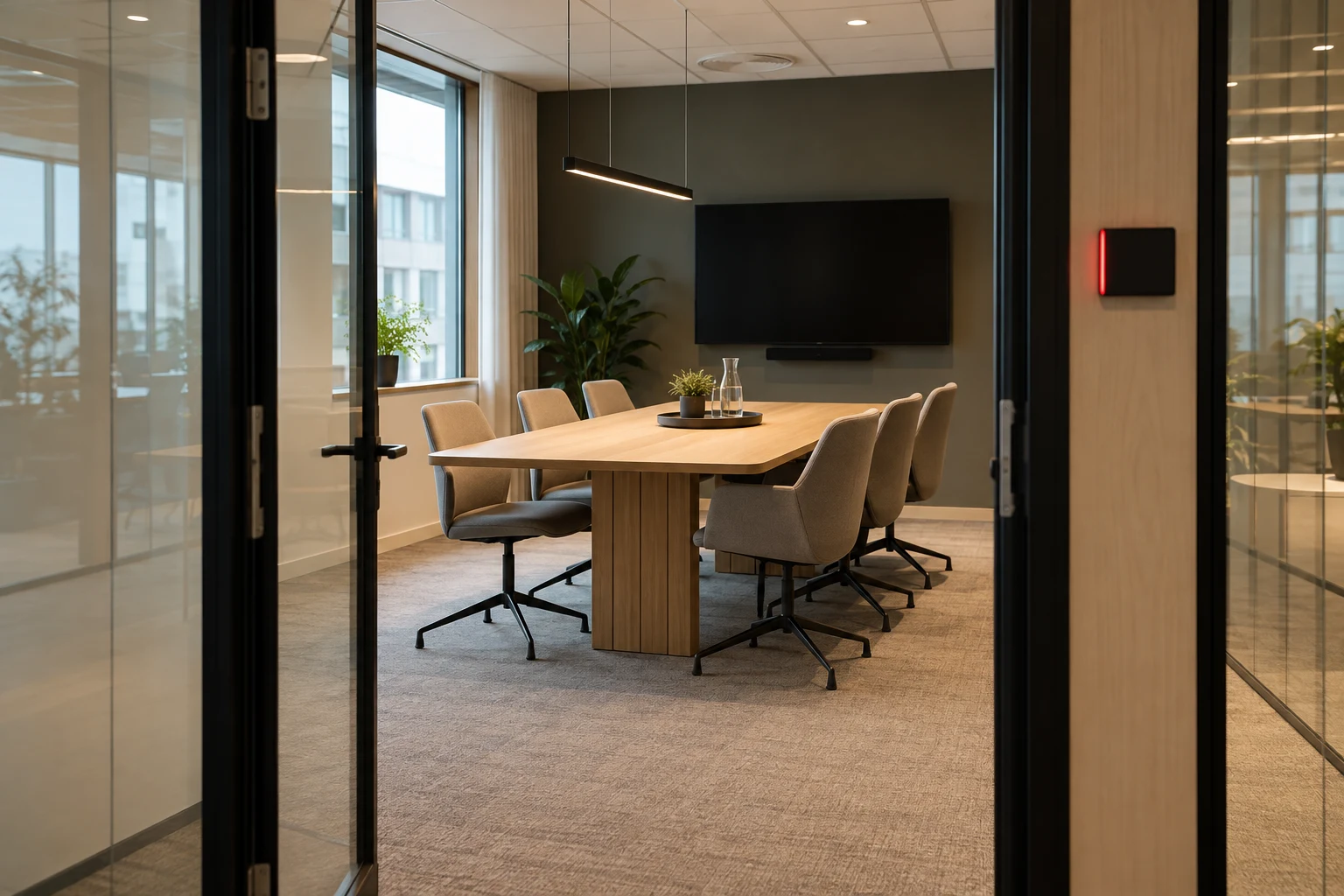
A no-show occurs when a meeting room is reserved but nobody uses it. This may happen because a meeting was cancelled, a recurring reservation was forgotten or participants decided to meet online. The reservation remains, making the calendar an unreliable guide for others.
Start with clear cancellation routines. If the problem continues, confirmation at the start of a meeting and release rules may be the next step. Always agree on how to handle delays and breaks before putting an automatic rule into use.
Keep cancellations and recurring bookings up to date
Agree that the meeting organiser will cancel or update the reservation when the room is no longer needed. For recurring meetings, the organiser should regularly check whether each upcoming meeting is still relevant and whether the chosen room is still needed.
Check that the change appears in the room’s booking overview. A message to participants is not the same as an updated reservation. Also make it clear who takes responsibility if the organiser is away.
Choose how a meeting should be confirmed
A reservation tells you that someone plans to use the room. Check-in or recorded activity can add information about whether the meeting has started. The methods require different routines and equipment.
Check-in at the door
A room display or QR code can be part of a solution where participants confirm their meeting on arrival. Agree on who will do this and how new employees and guests will learn the routine.
Recording use with sensors
A sensor can form part of a system for recording room use. Clarify what the selected sensor detects and how its signal is used in the booking rules. A room may also be temporarily empty because the meeting participants are taking a break.
Agree on a deadline before releasing the room
There is no single deadline that suits every workplace. Consider your meetings: how often do participants arrive a little late? Do you run long workshops with breaks? Who can help if a confirmation fails?
As an illustrative example, a team could trial a ten-minute confirmation deadline. This is a trial setting, not a recommendation for everyone. Test what happens if people are delayed and how participants can check whether their reservation still applies.
Do not let an employee take over a room simply because it looks empty. Check the current booking status and follow the agreed procedure for releasing and reserving the room.
How MyDesk can support the routine
With MyDesk meeting room booking automatic release can be configured using check-in on a room display, a QR code or a sensor. The method, deadline and rules are agreed during setup. Displays and sensors may be optional hardware extras.
Choose a method that employees can use day to day. A simple routine that people understand is a better starting point than rules nobody knows they need to follow.
Review the results after the first few weeks
Look at both unused reservations and meetings that incorrectly lost their room bookings. Ask organisers and reception staff whether the deadline is clear and whether particular rooms or meetings need different rules.
If you use booking data or sensor data, distinguish between planned and recorded use when reviewing the results. Read our overview of office sensors for more on the difference, and see guide to planning meeting rooms for the overall workflow.
Checklist for your first trial
- Appoint someone responsible for cancellations and recurring bookings.
- Choose a confirmation method and explain it to employees.
- Agree on a deadline, how to handle delays and where to get help if something goes wrong.
- Test the rules in a limited number of rooms.
- Review both released reservations and errors before extending the trial.