Order where you work
Plan your meeting and food together.
MyDesk · Meeting catering
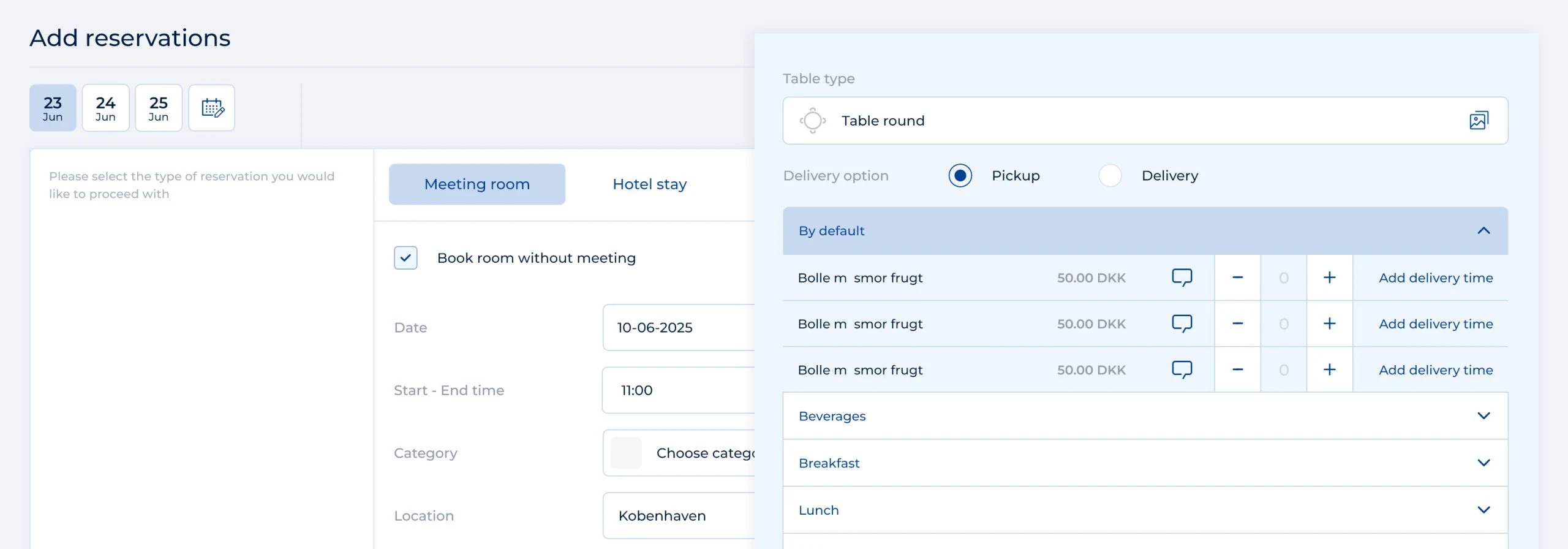
Order food and drinks while planning your meeting. The canteen receives the time, location and order together so you can focus on your attendees.
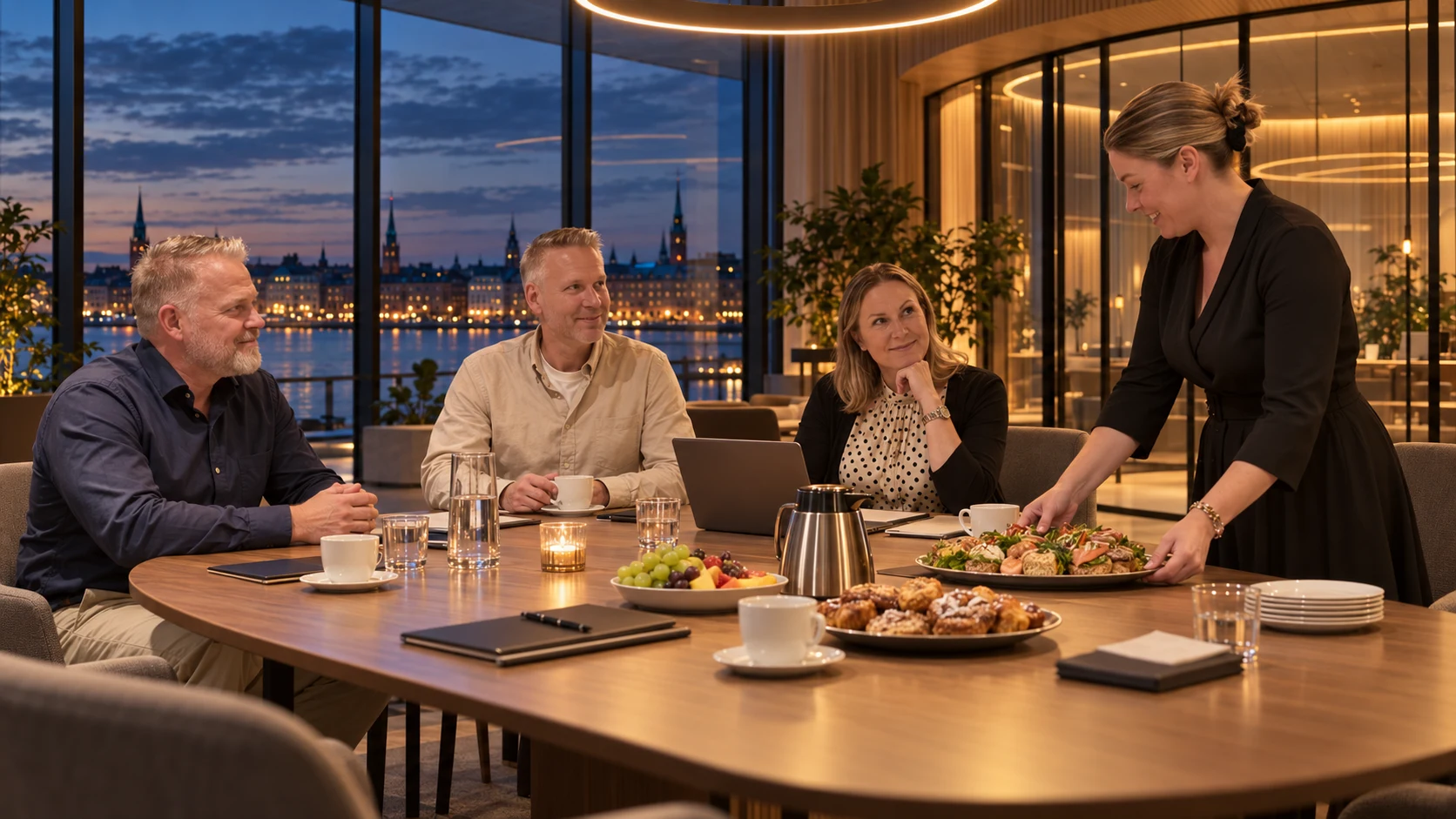
Delivery at 11:30

















Meetings and catering
Plan your meeting and food together.
Give the canteen the time, location and special requests.
Keep employee orders and the kitchen overview connected.
Explore the possibilities
Order food and drinks for your meeting in Outlook. Try the AI suggestion, or choose items, quantities and delivery yourself. The example meeting is already scheduled in room Atlas.
Hello everyone,
We review the project and plan the next steps.
Agenda
• Project status
• Next steps and tasks
 ✦ MyAI
MyAI found 3 external attendees in the meeting.
Check room, quantities and delivery before confirming.
Notifications, preparation and billing
Automatic notifications can keep employees and the canteen informed of new orders, changes, cancellations and delivery status.
Add buffer time before and after the meeting to allow for setting up and clearing away.
Link the order to a project or cost centre. Order data can be used for internal billing and sent to your accounting system through an additional module.
We help you every step of the way
We help turn your menu and ordering rules into a solution employees can use every day.
Products and ordering options are based on your canteen.
We agree deadlines, locations and delivery options.
Employees and canteen staff are introduced to the shared workflow.
Part of the whole office
Give your kitchen an overview from the first order to the last delivery. See what, where and when, and keep up with changes as the day unfolds.
Read moreFind a room that suits your meeting. Bring rooms, catering and visitors into the working day you already know.
Read moreGive reception and PAs a shared starting point. See meetings, find free time and manage the details that make the day run smoothly.
Read moreCustomer cases · Meeting catering
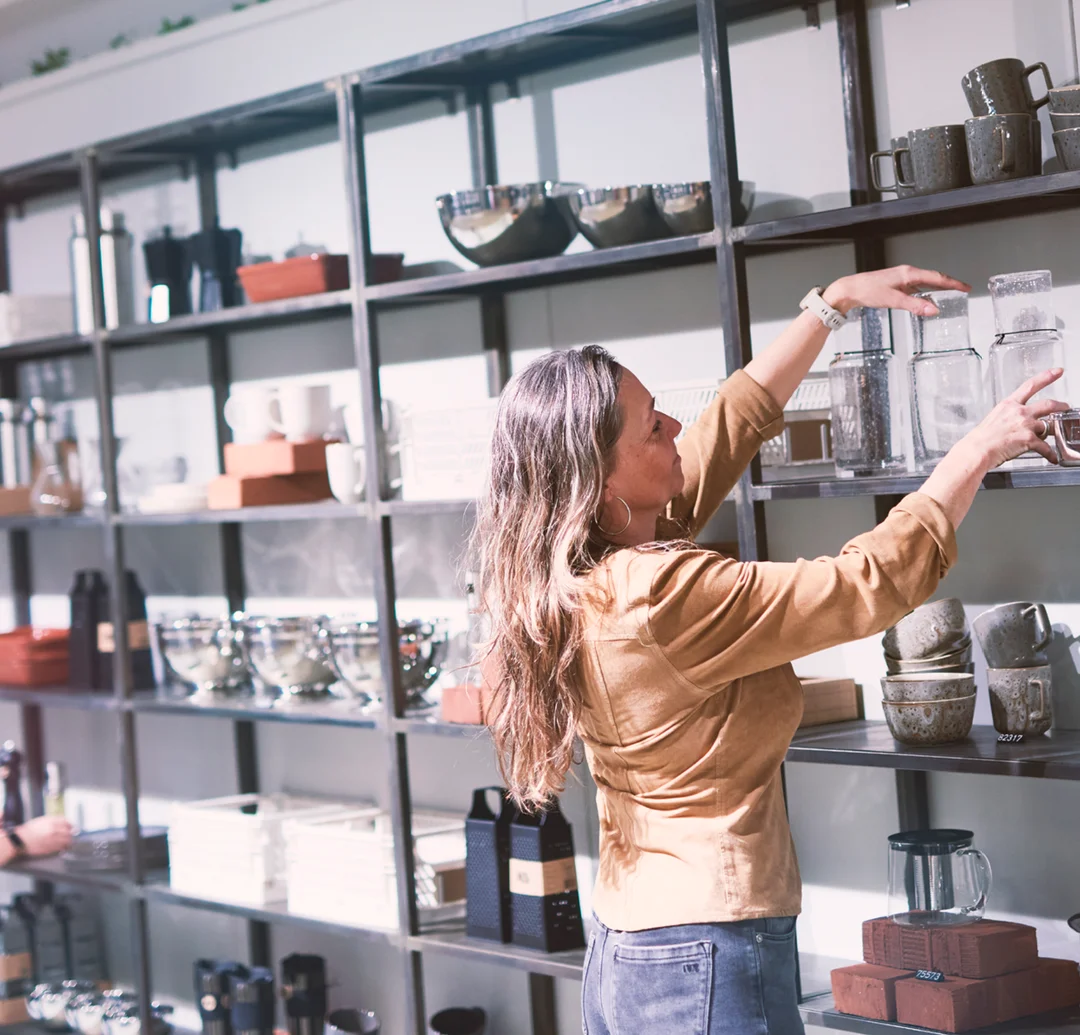
At Schou, MyDesk combines meeting room booking, visitor registration and meeting catering. Schou's setup includes the E-Ink meeting room monitors and the Floorplan.
Read the case about Schou
KMC has combined meeting room booking, meeting catering and Planner into MyDesk. The order contains the practical information that the kitchen must work with.
Read the case about KMC
Billund Kommune uses MyDesk for meeting room booking and meeting catering. MyDesk is integrated with the municipality's calendar structure.
Read the case about Billund Kommune
Augustinus Fonden uses MyDesk for meeting room booking, meeting catering and Planner. The setup is also about the practical service around a meeting.
Read the case about Augustinus Fonden
Bruun & Hjejle uses MyDesk for booking meeting rooms and ordering catering. Planner is included in the overview of today's meetings and orders.
Read the case about Bruun & Hjejle
EWII uses MyDesk for visitor registration and E-Ink digital visitor badges. The visitor reception is included together with meeting room booking and meeting catering.
Read the case about EWII
Slagelse Kommune has combined MyDesk Meeting room booking with meeting catering. The municipality's existing screens were connected to MyDesk.
Read the case about Slagelse Kommune
Castellum uses MyDesk for shared meeting rooms and catering. Employees can order premises and catering from Outlook.
Read the case about Castellum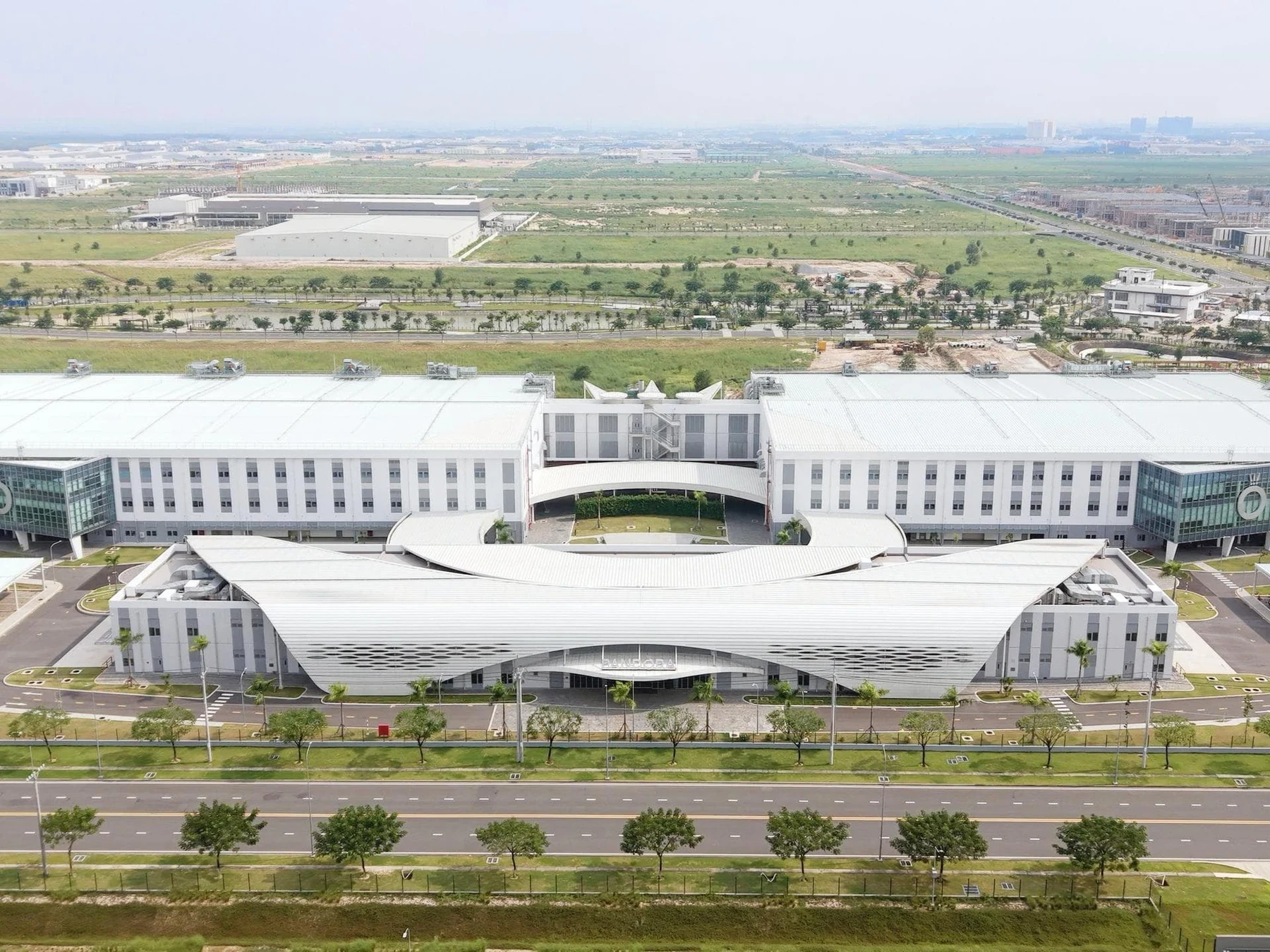
Pandora uses MyDesk for meeting room booking, meeting catering and visitor registration. A touch screen in the kitchen shows the day's orders, while Planner is part of the administration's overview.
Read the case about Pandora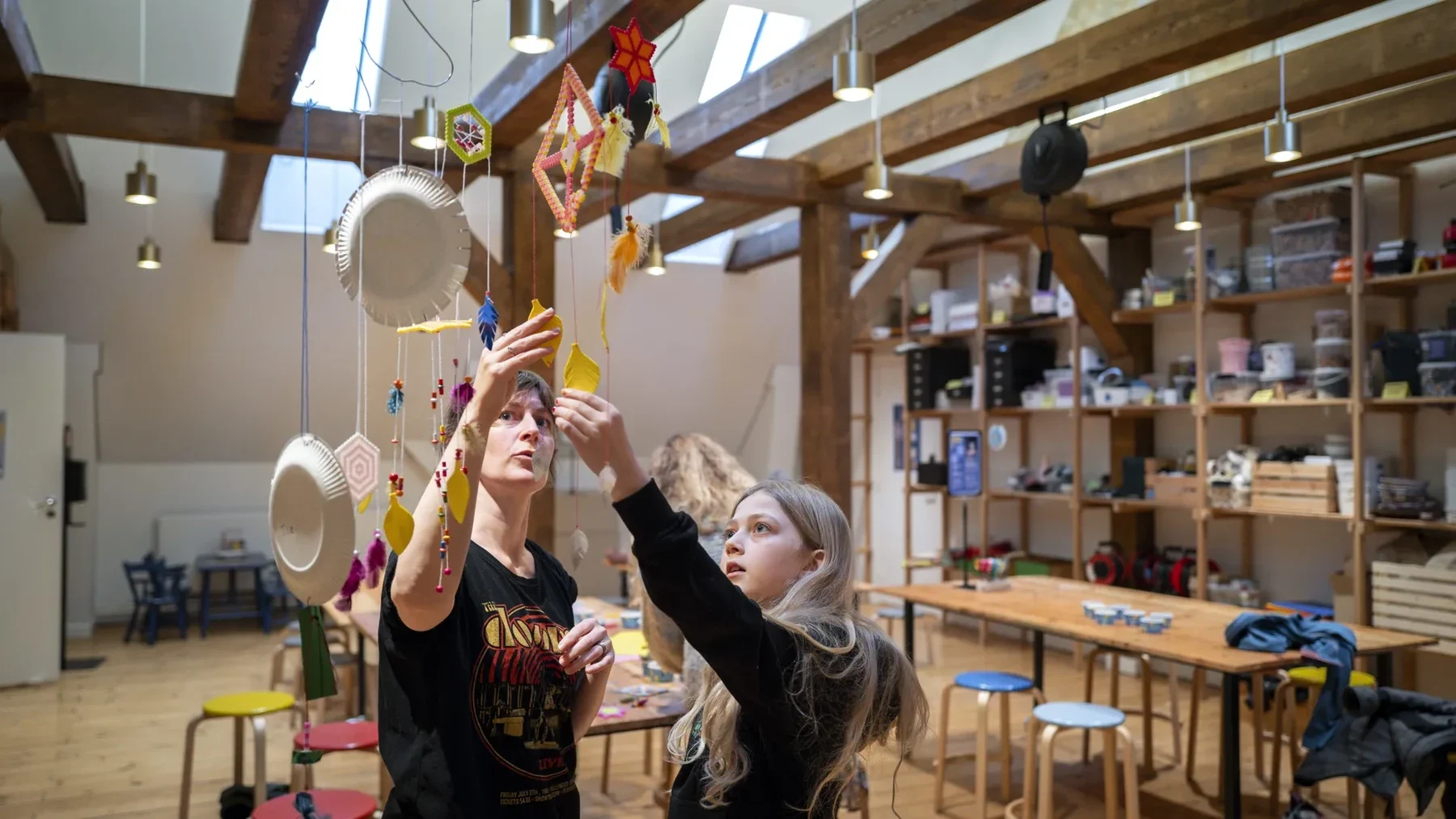
Realdania has chosen MyDesk for meeting room booking and meeting catering with integration to Outlook and the organization's calendar system. The solution also includes visitor registration with QR codes and a message to the host.
Read the case about Realdania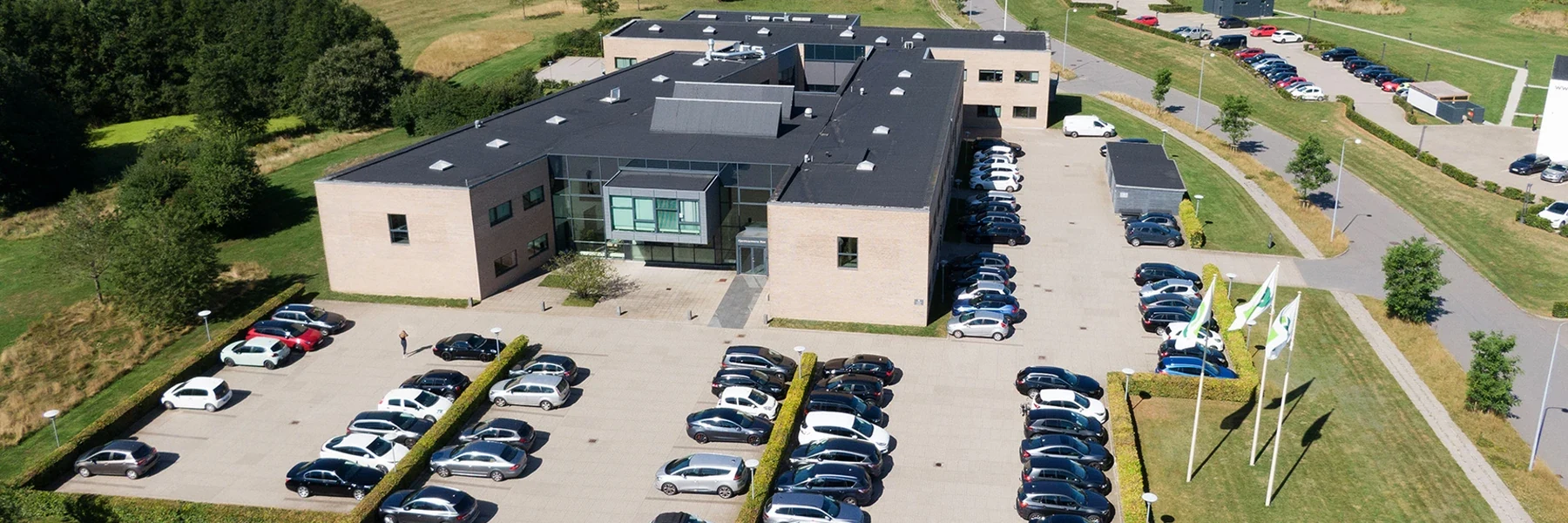
Dansk Fjernvarme uses MyDesk for meeting room booking and meeting catering. The kitchen works with the orders through a common overview.
Read the case about Dansk Fjernvarme
Varde Kommune uses MyDesk for meeting rooms and meeting catering. The canteen's administration module is integrated with the municipality's financial system.
Read the case about Varde Kommune
Finansiel Stabilitet has chosen MyDesk for booking meeting rooms and ordering meeting catering. The implementation includes a web portal for administrative handling.
Read the case about Finansiel Stabilitet
GF Forsikring has integrated meeting room booking, meeting catering, desk booking and visitor registration. Catering orders are part of the kitchen's workflow.
Read the case about GF Forsikring
Gastro Kantiner uses MyDesk for ordering meeting catering and for an overview of the canteen. Employees can register lunch with their access tag in the setup.
Read the case about Gastro Kantiner
Ringsted Kommune has chosen MyDesk for meeting room booking and meeting catering with integration to Outlook. The municipality's existing meeting room screens were connected to the solution.
Read the case about Ringsted Kommune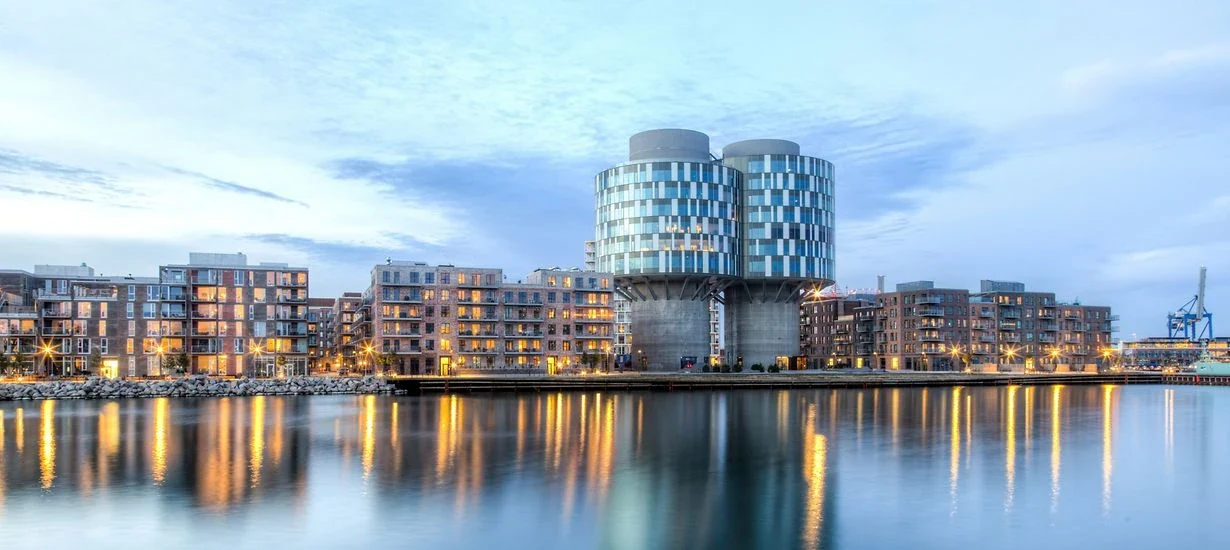
The German Embassy's MyDesk setup includes cross-company meeting booking in Portland Towers. The solution is also connected to the building's access system in connection with registration and payment of lunch.
Read the case about Den Tyske Ambassade
Karnov Group has introduced MyDesk for meeting room booking, meeting catering and visitor registration at offices in Denmark and Sweden. Meals are ordered from the local canteens in the set-up.
Read the case about Karnov Group
Copenhagen Infrastructure Partners has introduced MyDesk to the office's workplaces in Nordhavn. MyDesk has also been used for meeting room booking and meeting catering.
Read the case about Copenhagen Infrastructure Partners
Selfinvest uses MyDesk for meeting room booking and meeting catering. The setup includes handling meeting bookings and internal settlement.
Read the case about SelfinvestPrices and calculation
Adjust quantity and see the recommended price immediately.
Features and options
Overview of meeting catering and the options surrounding the solution.
| Feature / option | What it means for you | In your solution |
|---|---|---|
| Ordering in apps and on the web | Order in Outlook, Teams, mobile or web. | ✓ Included |
| Canteen administration | An overview of orders and deliveries. | ✓ Included |
| Menus and rules | Match products to your locations. | Once configured |
| Delivery details | Keep the time, location and notes with the order. | Solution functionality |
| Canteen mobile app | An overview on the move for canteen staff. | Additional module |
| Finance integration | Connect order data and billing. | Additional module |
| Automatic notifications | Keep track of new orders, changes and cancellations. | Once configured |
| Buffer time | Allow time before and after the meeting. | Once configured |
| Project and cost centre | Allocate meeting catering costs. | Once configured |
We agree scope, setup and optional extras with you. Hardware and related modules are discussed separately.
Good to know
Yes. Meeting catering can be ordered from Outlook, Teams, mobile and web.
Yes. Menus and ordering options are tailored to your canteen and locations.
The canteen staff mobile app and finance system integration are additional modules.
Yes. Automatic notifications can inform users and the canteen of new or changed orders, cancellations and status updates. Notifications are tailored during setup.
Yes. You can add buffer time before and after the meeting. We agree the time periods and rules with you.
Yes. Orders can be linked to projects and cost centres. Integration with your accounting system is an additional module agreed separately.
Meeting catering
Book a demo to explore the options for your organisation.