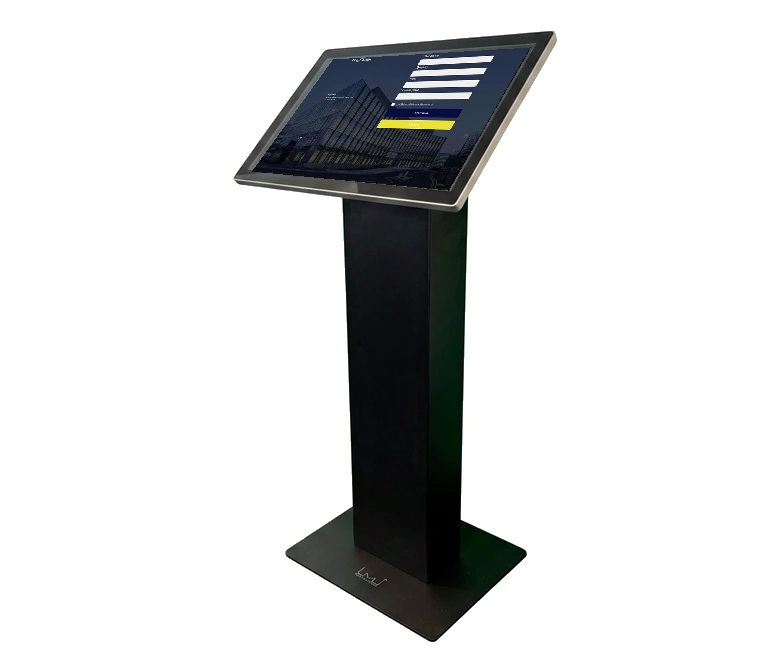
Check-in must be followed by a welcome
When the reception is not permanently staffed, the guest still needs to know where the visit begins and who will help. A check-in screen can register the arrival, but it cannot take over all the host's tasks. Therefore agree on a reception routine that also works when the host is busy.
Assign three tasks before the visit
- The host prepares the visit, checks the meeting place and receives the guest.
- An agreed substitute will assist if the host is late, absent or unresponsive.
- A person responsible for day-to-day operations keeps the entrance instructions up to date and helps with screen or connection faults.
One team can cover all three roles, but responsibilities must be clear. Document how to contact someone and when the backup should take over. A shared mailbox only helps if someone monitors it during the agreed hours.
Make it clear what the guest needs to do
Walk from the entrance to the meeting point with someone unfamiliar with the building. Can visitors find the screen, select their host and see where to wait? Provide an agreed way to contact someone if check-in cannot be completed. Avoid instructions that require access to internal employee systems.
In MyDesk, a visit can be prepared before arrival. At check-in, the host can receive an e-mail, and SMS can be activated as a supplement. Check your specific setup and the recipients' information; a registered arrival is not in itself confirmation that the host has seen the message.
An example: the host is still in a meeting
The visitor arrives on time and checks in. The host cannot leave a meeting already in progress. The agreed contact method should let the visitor get help without relying on the host checking their phone. The backup contact can welcome the visitor or explain where to wait and for how long.
Document this workflow and test it with the colleagues involved. Do not assume a backup contact automatically receives the same notification as the host. Any forwarding or other notification arrangement needs separate clarification and testing.
Test exceptions before leaving reception unstaffed
- The visitor arrives without an appointment or cannot find their host.
- The host is on leave, ill or has changed their contact details.
- The screen or connection is not working, so the visitor needs another way to contact someone.
- The visit ends and the visitor needs to know how to check out and what to do with any visitor badge.
Also agree who will check the visitor status at the end of the day. The guest overview follows the registrations; failure to check out must be handled according to your routine. Clarify access to the building separately from the registration of the visit.
Use a test visit to check the entire process: invitation, arrival, message, reception and departure. Note where the guest needs help and correct the instructions with those responsible for reception.
See the options for MyDesk Guest Registration.