Book before you travel
Plan parking alongside your office day.
MyDesk · Parking booking
Find and reserve parking before leaving home. Give employees and visitors a clear overview of the options at your office.
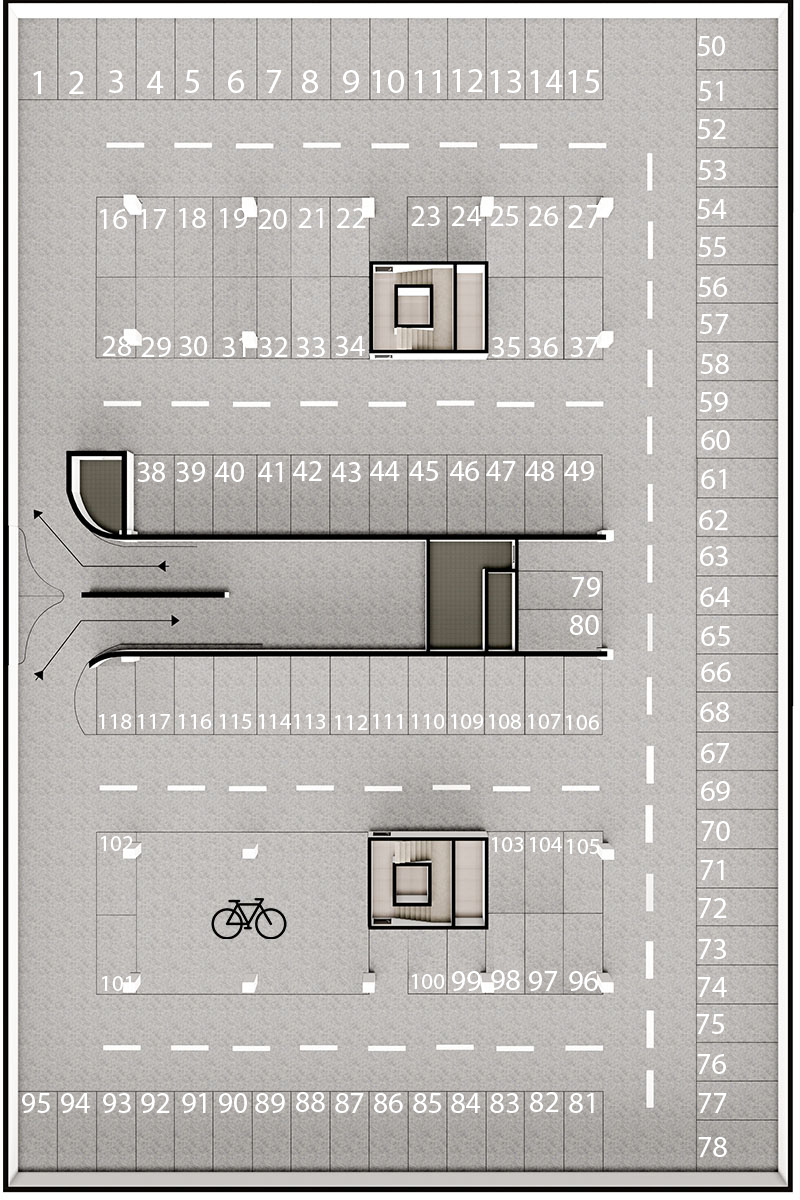
Reserve before you arrive





















Workspaces and insights
Plan parking alongside your office day.
Match zones and rules to your needs.
Plan visitor parking during preregistration.
Explore the possibilities
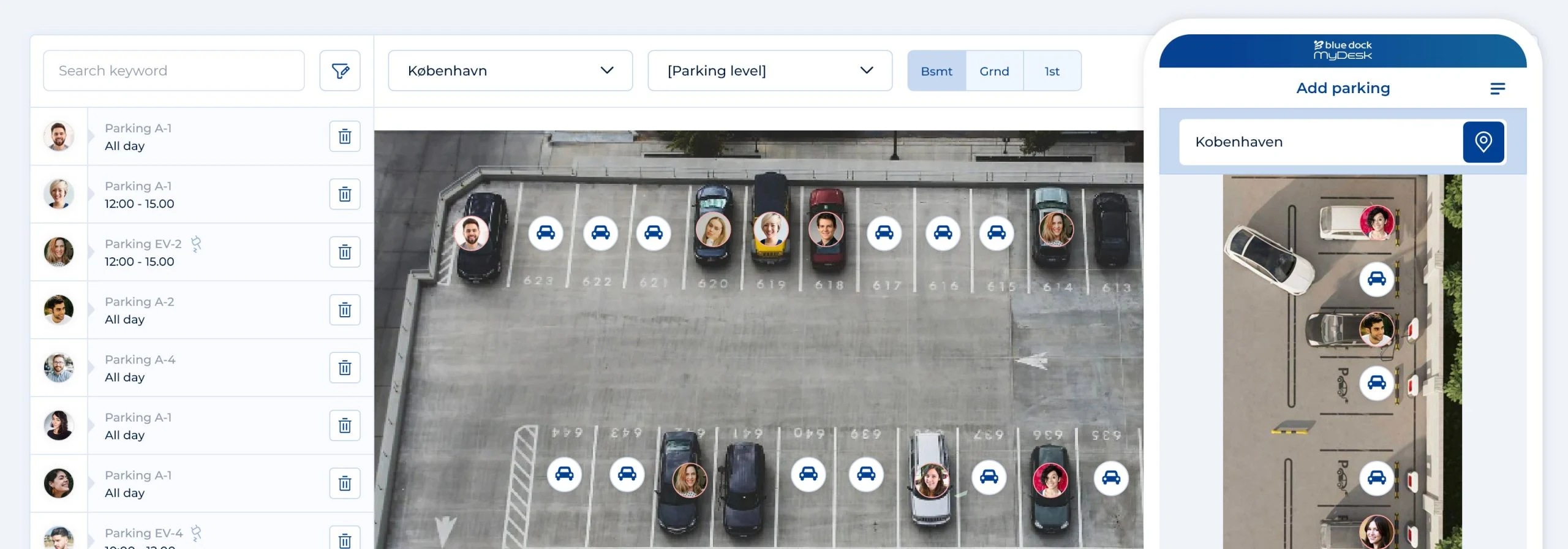
Choose an available parking space and try a reservation. Booked spaces cannot be reserved.
Try the example →
Illustrative data. No real bookings or orders are created.
Choose a green space.
We help you every step of the way
MyDesk helps with the floorplan and setup. We agree parking areas and rules with you.
Your parking spaces become a clear map.
We agree zones and booking options.
Layout changes can be reflected in the floorplan.
Shared resource booking
The things you share at work can also be made bookable in MyDesk. Employees can find an available resource and reserve it for when they need it.
Choose a location and find the car, bike or equipment. Photos and descriptions help employees choose.
Resources can be set up for hourly or full-day bookings. This makes it clear when the same resource will be available again.
Restrict access by employee, department or location, and block a resource while it is being serviced or cannot be used.
Part of the whole office
Find a desk near your team.
Read moreMake arrival easy for visitors and the day calmer for reception. Prepare the visit, register arrivals and see who is in the building.
Read moreBring office data and AI into one view. Understand how desks and meeting rooms are used, ask questions about the patterns and find opportunities for a better working day.
Read moreCustomer cases · Parking booking

Orifarm has chosen MyDesk for desk booking and meeting room booking across several locations. Digital floor plans form part of workspace planning, and the Warsaw office also uses the solution for parking reservations.
Read the case about Orifarm
Gi Group's office in Lisbon has received MyDesk for desk booking, meeting room booking and parking booking. Booking from mobile and computer is included in the setup.
Read the case about Gi Group
Erhvervshus Fyn has chosen a MyDesk setup with meeting room booking, Planner, visitor registration and parking. The visitor registration is combined with digital E-Ink visitor badges.
Read the case about Erhvervshus Fyn
Jyske Bank has introduced MyDesk for visitor registration and parking at Kalvebod Brygge. The delivery included 500 digital E-Ink visitor badges.
Read the case about Jyske Bank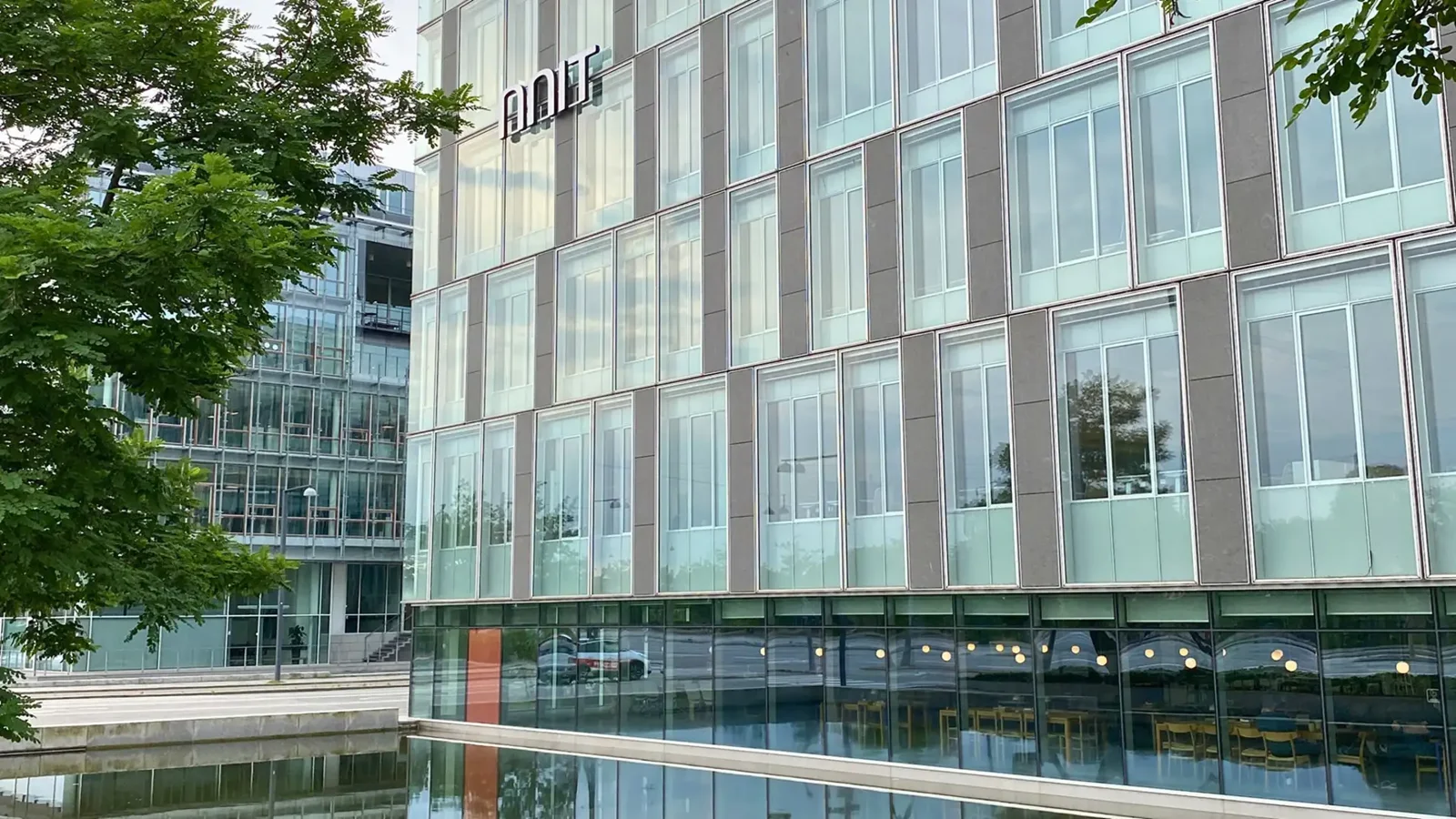
NNIT has added parking booking to MyDesk app employees already use for their office workstations. The setup includes 3D floor plans and space status.
Read the case about NNITPrices and calculation
Parking is included in desk booking. The calculation is based on the number of desks, not parking spaces.
Features and options
Overview of Parking booking and the options surrounding the solution.
| Feature / option | What it means for you | In your solution |
|---|---|---|
| Reservation before arrival | Book from Outlook, mobile or web. | Solution functionality |
| Visual space selection | Find spaces on a digital map. | Once configured |
| Zones and rules | Match usage to your office's needs. | Once configured |
| Visitor parking | Plan parking alongside the visit. | Related solution |
| EV parking spaces | Show relevant space types and rules. | Once configured |
| Usage analysis | Monitor capacity and usage patterns. | Analytics / optional extra |
| Shared resource booking | Make company cars, bikes and equipment bookable by the hour or for full days. | Separate setup |
| Access and availability controls | Restrict who can book and block resources during servicing. | Once configured |
| Digital parking permits | Send the guest’s parking permit before their visit. | Guest parking / requires setup |
| Release of unused spaces | Agree on rules for automatically releasing parking spaces that are not used. | Once configured |
We agree scope, setup and optional extras with you. Hardware and related modules are discussed separately.
Good to know
Yes. Employees can reserve parking from Outlook, the mobile app or the web.
Yes. Spaces and zones are configured to your rules and needs.
Yes. Visitor parking can be planned alongside preregistration. We discuss the specific solution with you.
Yes. Shared resources can be made bookable in MyDesk with photos, descriptions and hourly or full-day bookings. Resource types, access, scope and pricing are agreed separately.
Yes. A resource can be marked as unavailable or blocked for a period. Access can also be limited to specific employees, departments or locations.
Yes. Guest parking can be set up with a digital parking permit sent before arrival. We work with you to agree how it fits your parking area and visitor registration.
Yes. Automatic release can be configured. The rules and the basis for determining whether a space is being used are agreed during setup.
Parking booking
Book a demo to explore the options for your organisation.