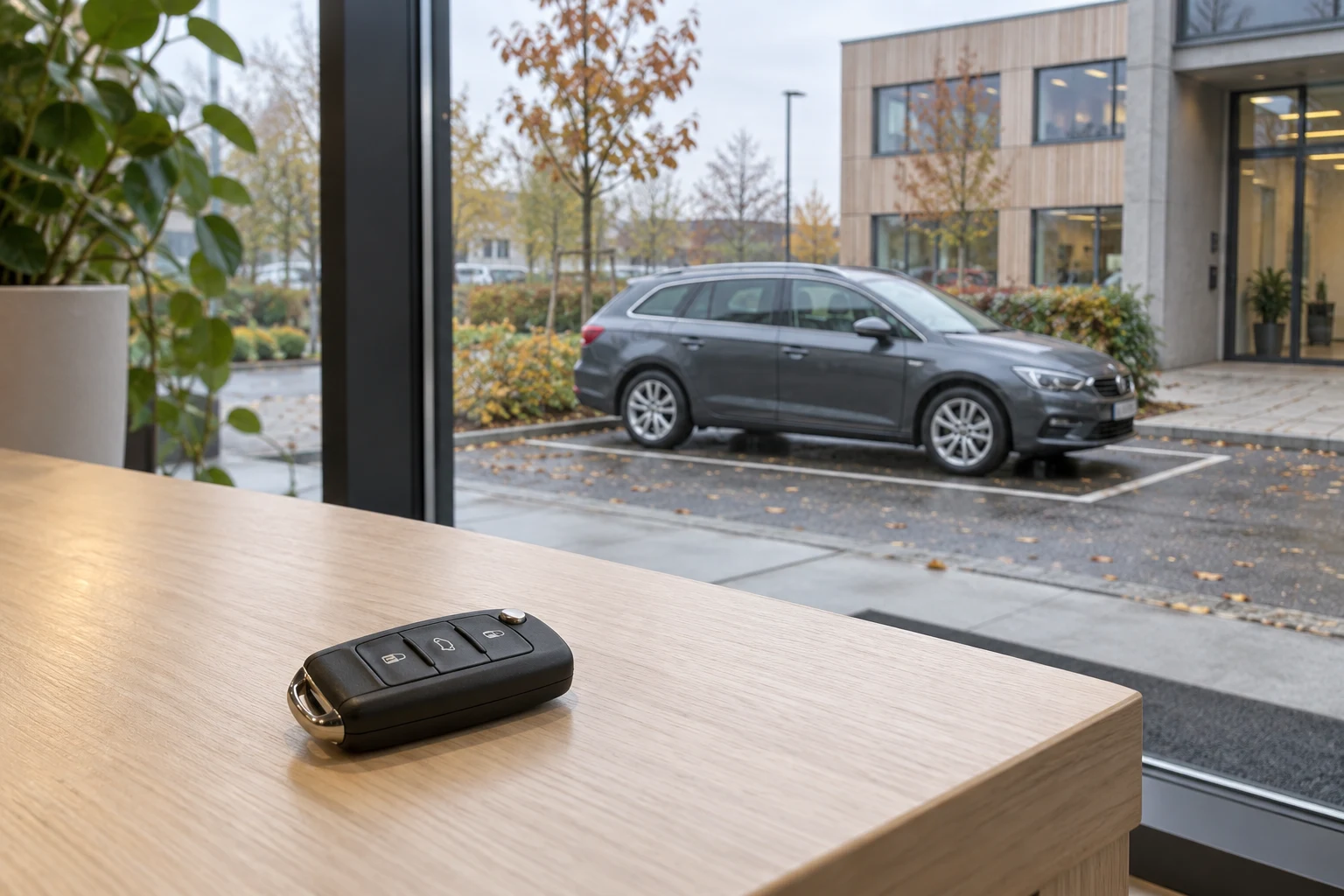
Book the whole time the car is away
Booking shared company cars requires both a reservation and an agreement about the physical handover. Reserve the car from collection to its expected return so the next colleague does not plan a trip while it is still on the road.
If the car is needed for an off-site meeting, include travel time too. Any extra time allowance is a local planning agreement, not in itself an automatic booking system setting. Cancel the reservation if the trip is called off.
Agree collection and responsibility for keys
- Where is the car parked, and how can it be identified?
- Where are the keys collected, and who helps if they are missing?
- Can the car and keys be collected at the reserved time?
- Where should missing items or visible damage be reported before departure?
An available slot in the calendar is not the same as access to a key. If reception hands out the keys, its opening hours must fit the trip. A key box or digital car key needs its own agreed solution; do not assume it comes with a reservation.
Return the car ready for the next colleague
Describe the return location, where to leave the key and the agreed approach to fuel or charging. Follow the vehicle and charging equipment instructions. The person responsible for the cars must define what employees check and who is contacted about faults.
Remove personal belongings, put equipment back and report missing items so the next user can be informed. A completed reservation does not by itself prove that the key has been returned or that the car is ready for another trip.
Handle delays before the next booking
If a trip is delayed, contact the person responsible in time to check the next reservation. Agree who helps the affected colleague find an alternative. Do not rely on automatic rebooking, messages or changes to access unless these have been verified in your solution.
Separate reservations from operations and access
MyDesk can be configured to book shared resources such as company cars by the hour or for whole days. Resources can have images and descriptions, booking permissions can be restricted and a resource can be blocked during servicing. Scope and the specific setup are agreed separately.
Test the process from reservation to key return with a clearly labelled test booking. Check both the booking overview and the actual handover. Then save a short instruction with a responsible person and a contact route for problems.
Read about parking and shared resource bookings with MyDesk.