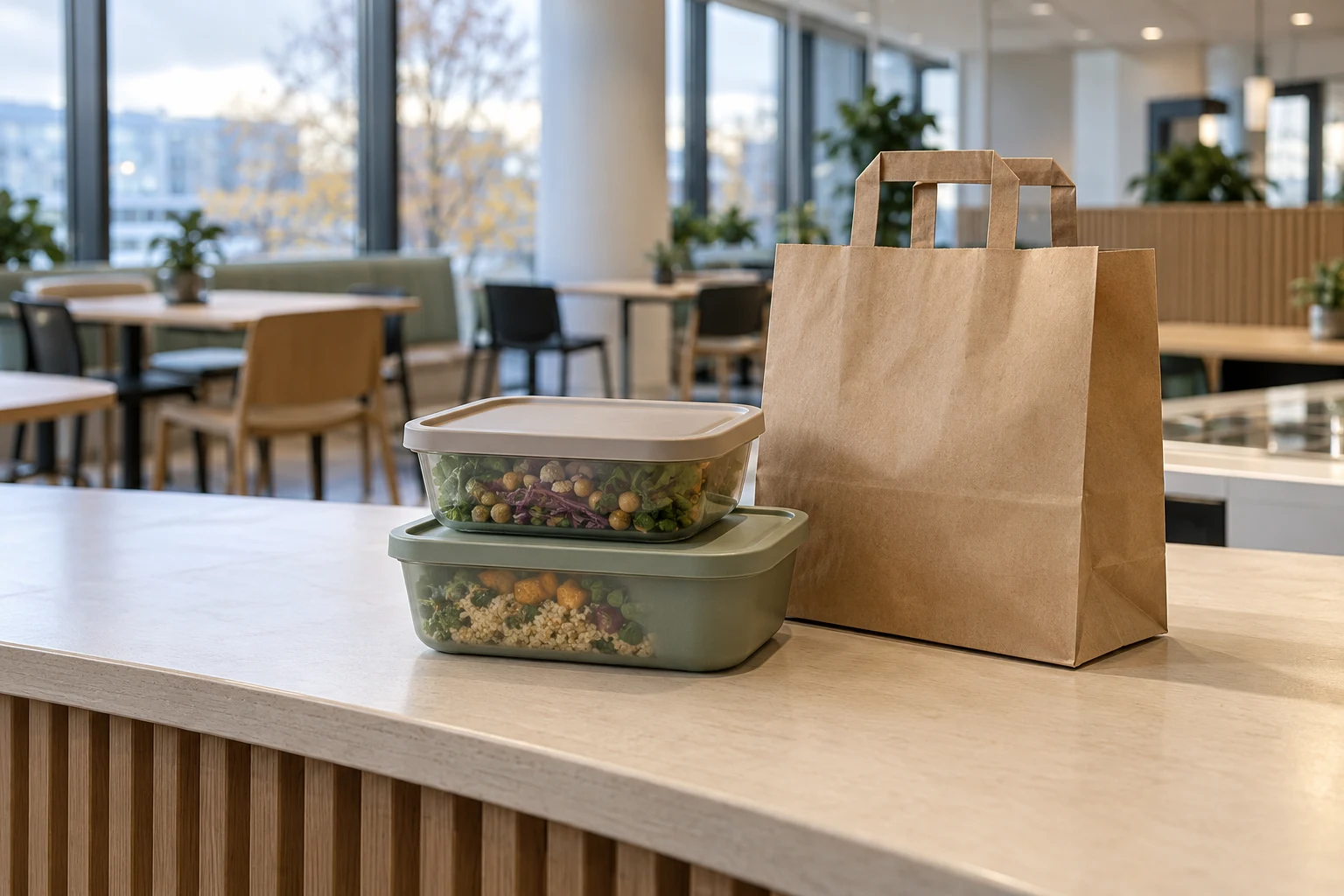
Describe the offer before ordering opens
Canteen takeaway is food that employees order to take home. Keep it separate from signing up for that day’s lunch so both employees and the kitchen know what has been ordered.
Describe the current dish and the number of portions covered by an order. One order may be a single portion or a pack for several people. List only options and special requests that the kitchen has actually confirmed.
Match the deadline to the kitchen’s work
Agree an ordering deadline that suits purchasing, preparation and packing. Make clear which day and location it applies to. A particular time is a local agreement, not a common standard for every canteen.
- What is the latest time employees can order?
- How can an order be changed or cancelled before the deadline?
- Who should be contacted if plans change after the deadline?
- How do employees receive confirmation that a late change has been accepted?
Make collection arrangements specific
Include the collection location and time window with the offer. Describe how employees find the right order and who helps if something is missing. Also agree a contact route for delays or orders that are not collected.
A recorded order does not prove that the food has already been packed or collected. Agree with the kitchen how handover is managed and what instructions accompany the food. Do not promise automatic messages or a particular collection arrangement until it has been checked in your setup.
Clarify payment without mixing up the figures
Tell employees how payment works and who can help with questions. Keep ordered portions, collected meals and payment separate in administration. A paid order does not by itself show that the food has been handed over, and a lunch registration should not automatically count as a takeaway order.
Test the whole process with the kitchen
If the company offers takeaway, employees can order it through the MyDesk lunch app. Rules can be set for the latest registration of lunch and takeaway. The specific setup and any payment solution must be agreed separately.
Try a clearly labelled test order with the person responsible for the canteen. Check the dish, number of portions, day, location and collection. Also test a change before the deadline and agree how to handle a late change. Save a short instruction that both the kitchen and employees can find.