Agree what the kitchen’s meal count includes
Lunch sign-ups help the kitchen plan when employees split their time between the office and home. A count is only useful if everyone knows what it includes. Keep meals booked, meals actually served and payment separate. Paying for lunch and signing up in advance provide different information.
Start with three questions: Which date and location does the count cover? Are guests included? Are special meals part of the total or additional orders? Use the same definition for employee sign-ups and the kitchen’s overview.
Set a deadline and one contact route for late changes
The kitchen’s purchasing and preparation determine when the count is needed. Agree deadlines for signing up and cancelling, and a contact method after the deadline. Also explain when a late change needs confirmation from the kitchen.
- Employees book or cancel their meal before the agreed deadline.
- The person responsible for the guest visit clarifies whether the guests' lunch is already included.
- The kitchen confirms late changes and uses one agreed overview for production.
Avoid the same correction being both sent in a message and registered as an additional order. Agree who will update the overview and how the sender can see that the change has been received.
A calculation example with clear assumptions
Imagine a day with 72 employee meals and eight guest meals. Five employees cancel their lunch before the deadline. The planning total is then 72 + 8 − 5 = 75 meals.
If five of the 75 meals are vegetarian, they should not be added to the total. The kitchen must know both the total number and distribution. The example is a calculation of registrations, not a measurement of how many actually eat. Any buffer must be agreed separately.
Clarify the role of the system before setup
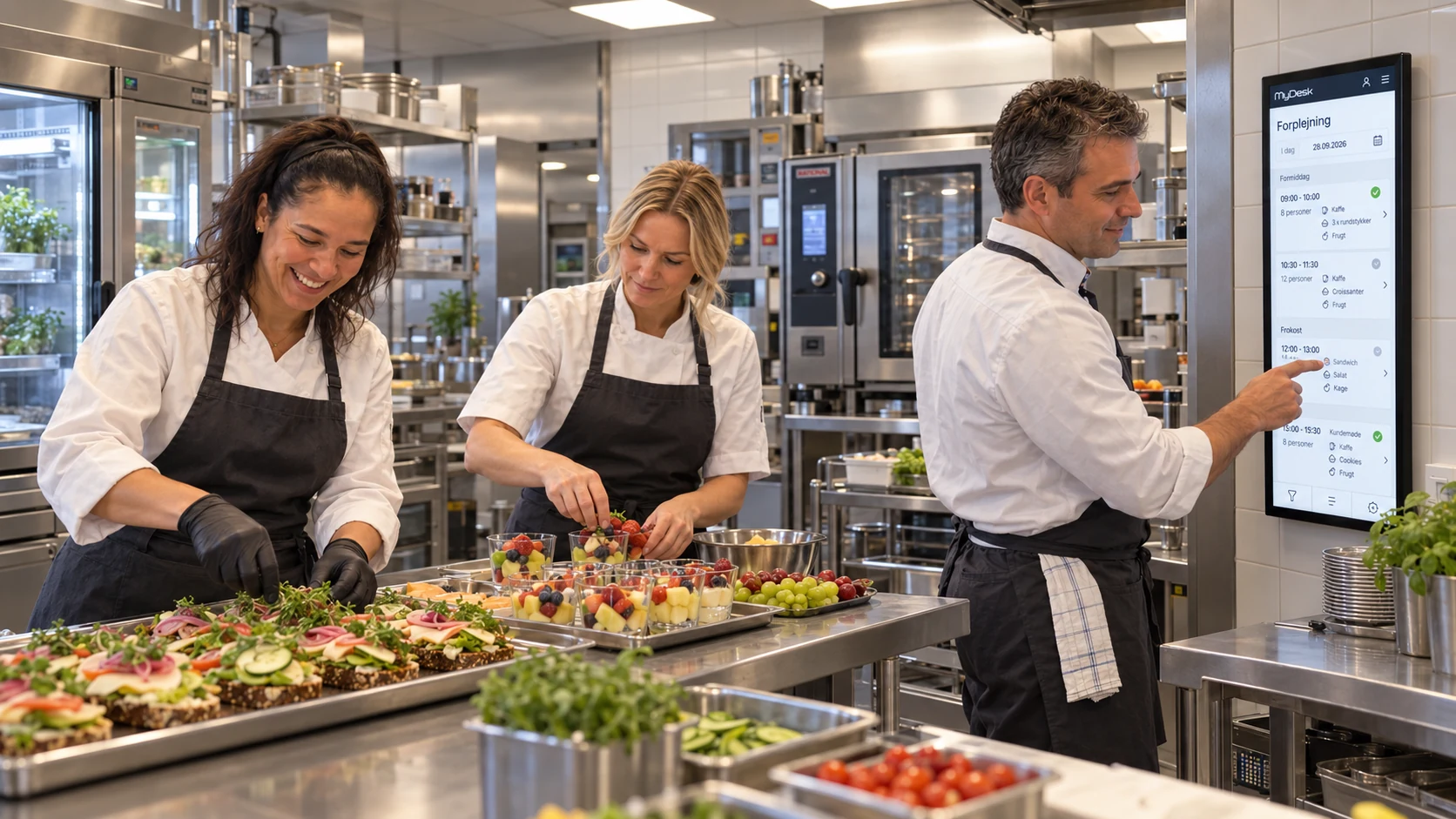
MyDesk canteen administration gives the kitchen an overview of orders, number, time and place as well as changes and cancellations. Lunch registration and lunch payment must be clarified as separate workflows in your setup. Agree where the kitchen's lunch numbers come from and what requires a separate module or integration.
Do not assume a desk booking automatically includes lunch. A colleague may come to the office without eating in the canteen, and a guest may have lunch without booking a workspace. Test the actual process with both employees and guests.
Follow up on the difference between plan and consumption
After an agreed period, compare sign-ups with meals you can document as actually served. Use the same location, date and definition for both counts. Record known explanations too, such as a cancelled workshop or a group added after the deadline.
Use the differences to adjust deadlines and contact methods with the kitchen. A recurring problem with late guest meal orders will not necessarily be solved by changing everyone’s lunch sign-up deadline. Fix the part of the workflow where information becomes unclear.
See MyDesk canteen administration and the options for lunch.