See the status immediately
Clearly show whether a room is available or in use.
MyDesk · Meeting room monitors
See room status at the door. Choose a powered touchscreen or wireless E-Ink display and connect it to your meeting calendar.
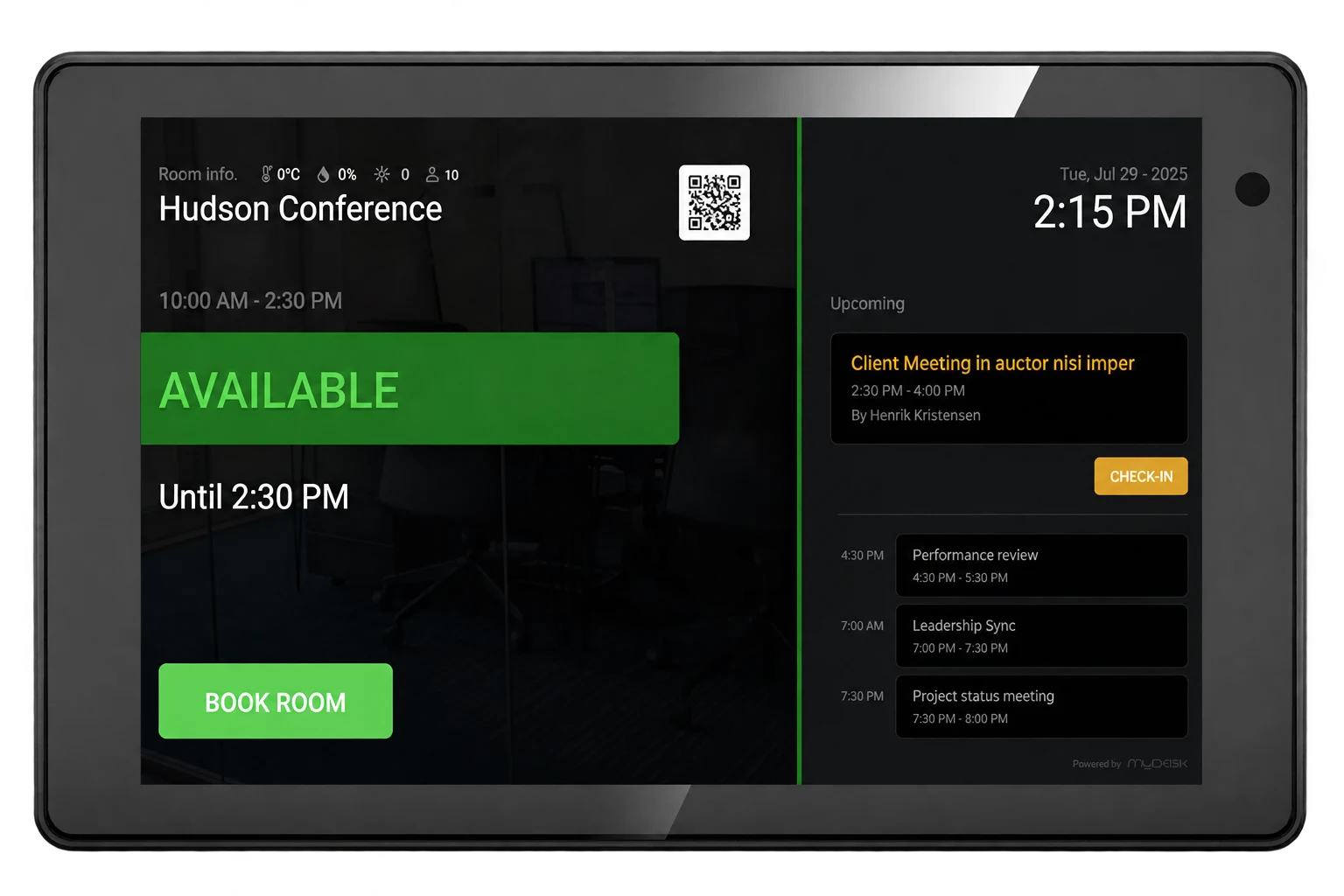






















Hardware · Meetings
Clearly show whether a room is available or in use.
Choose touch or E-Ink based on placement and needs.
Let display information follow your meeting calendar.
Explore the possibilities
Switch between two sample times and see the status at the door. Compare touch and E-Ink displays.
Try the example →
Illustrative data. No real bookings or orders are created.
 North Room
09.30 – 10.00
Available
Available until 10:00
Book roomsAvailable
Book a meeting room via the QR code10.00 – 11.00Team meeting
13.00 – 14.00Project meeting
LED lights up green · The room is available
Illustrative touch view. Select a time to change the status.
Screen selection and installation
Choose the screen according to the actions the employees need and the installation options available at the room.
We support most screens and generally recommend reusing the ones you already have. It saves new purchases and is better for the environment. We review the model and software with you before the screens are set up.
It is not decisive for us which screen you choose or whether you buy it through MyDesk. We don't make money from hardware.
If you have a screen supplier you are happy with, we recommend that you continue the collaboration. We will ensure that the screens are set up correctly with MyDesk meeting room booking once compatibility has been determined.
On the Philips 10BDL5051T, employees can book, cancel or extend the meeting. We clarify the functions of the selected model. Booking rules, calendar rights and free time determine which actions can be performed.
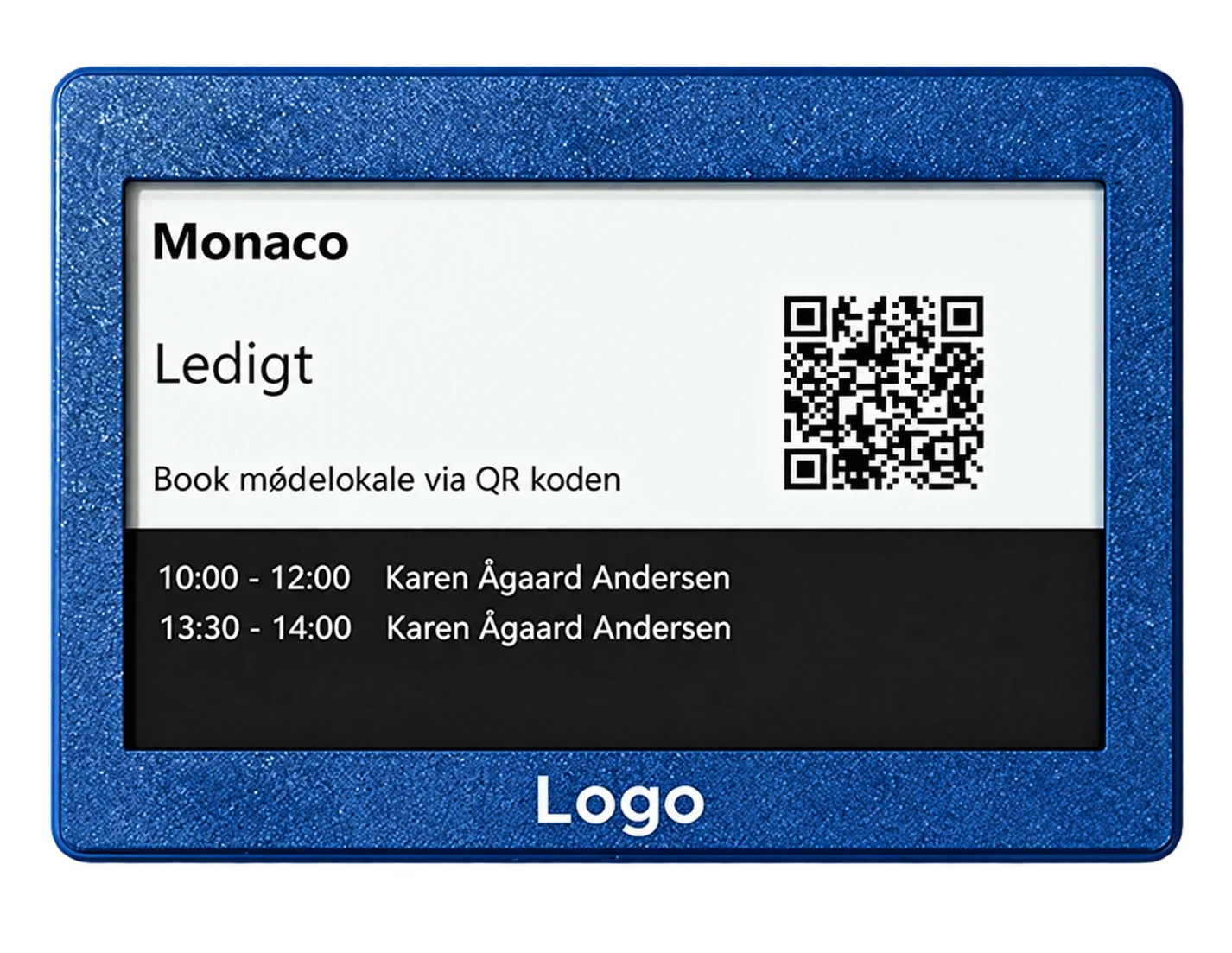
The battery-powered screen shows the room's status and meeting information. It still needs network connectivity for updates. Select it for an overview at the door; touch screen actions are not included.
The touch screen's power connection and network depend on the model. The E-Ink solution requires Wi-Fi. We review coverage, installation and connection with your IT, even if a separate network is to be used.
Send the model and software version of your existing monitors so we can clarify compatibility. For new screens, we also confirm battery life, maintenance and any accessories for the specific model.
We help you every step of the way
We help select display types, agree installation and connect displays to your rooms.
We review touch, E-Ink and any existing screens.
We plan placement, power and connectivity with you.
Rooms and displays are configured and checked together.
Part of the whole office
Find a room that suits your meeting. Bring rooms, catering and visitors into the working day you already know.
Read moreGive reception and PAs a shared starting point. See meetings, find free time and manage the details that make the day run smoothly.
Read moreConnect your office to activity and occupancy data. Use sensors to understand space requirements and support the release of unused bookings.
Read moreKundecases · Skærme og overblik

At Schou, MyDesk combines meeting room booking, visitor registration and meeting catering. Schou's setup includes the E-Ink meeting room monitors and the Floorplan.
Read the case about Schou
Pengerådgivning has chosen MyDesk for booking the office meeting rooms. The setup includes info screens which are connected to MyDesk.
Read the case about Pengerådgivning
Slagelse Kommune has combined MyDesk Meeting room booking with meeting catering. The municipality's existing screens were connected to MyDesk.
Read the case about Slagelse Kommune
Ringsted Kommune has chosen MyDesk for meeting room booking and meeting catering with integration to Outlook. The municipality's existing meeting room screens were connected to the solution.
Read the case about Ringsted KommunePrices and calculation
Calculate hardware with the unit price from your offer. Software is listed separately.
Features and options
Overview of meeting room screens and the options surrounding the solution.
| Feature / option | What it means for you | In your solution |
|---|---|---|
| Status at the door | See whether the room is available or booked. | Display functionality |
| Meeting information | View meetings at the room. | Once configured |
| Touchscreen | A powered display with touch controls. | Hardware selection |
| Wireless E-Ink | Battery-powered display without a power cable. | Hardware selection |
| Existing displays | An option to reuse your existing screens. | Compatibility to be confirmed |
| Calendar connection | Connect the display to Outlook / Exchange. | Once configured |
| Booking at the door | Book, cancel or extend a meeting on a compatible touchscreen. | Depends on the model and setup |
| Network and battery operation | Schedule connection and maintenance for the selected display. | Depends on the model and setup |
We agree scope, setup and optional extras with you. Hardware and related modules are discussed separately.
Good to know
The touchscreen requires power and provides touch controls. E-Ink is battery-powered and suited to status displays without power cables. Specific functions depend on the display type.
Yes. We support most screens and generally recommend reusing the ones you already have. We review the model, software and compatibility with you and help with the setup.
Displays, installation and software are specified separately in the quote.
No. You can choose the supplier you want. If you have a supplier you are happy with, we recommend that you continue the collaboration. MyDesk doesn't make money on hardware and we help set up the compatible displays correctly with MyDesk meeting room booking.
Yes, on a compatible touchscreen, booking, cancellation and extension can be included in the setup. The actions follow the rights of the calendar and the availability of the room. E-Ink must be selected for status display; the same touch actions are not included.
Yes. Battery operation replaces the power cable, but the screen should still be able to receive updates. The E-Ink solution requires Wi-Fi. Network, coverage and possibly a separate guest network or a 4G router are clarified during setup.
Battery life and maintenance depends on model and update needs. We confirm specifications and operating requirements for the monitor you choose.
Meeting room displays
Book a demo to explore the options for your organisation.