Release unused desktops
Booked desks are automatically released when they are not in use.
MyDesk · Sensors and IoT
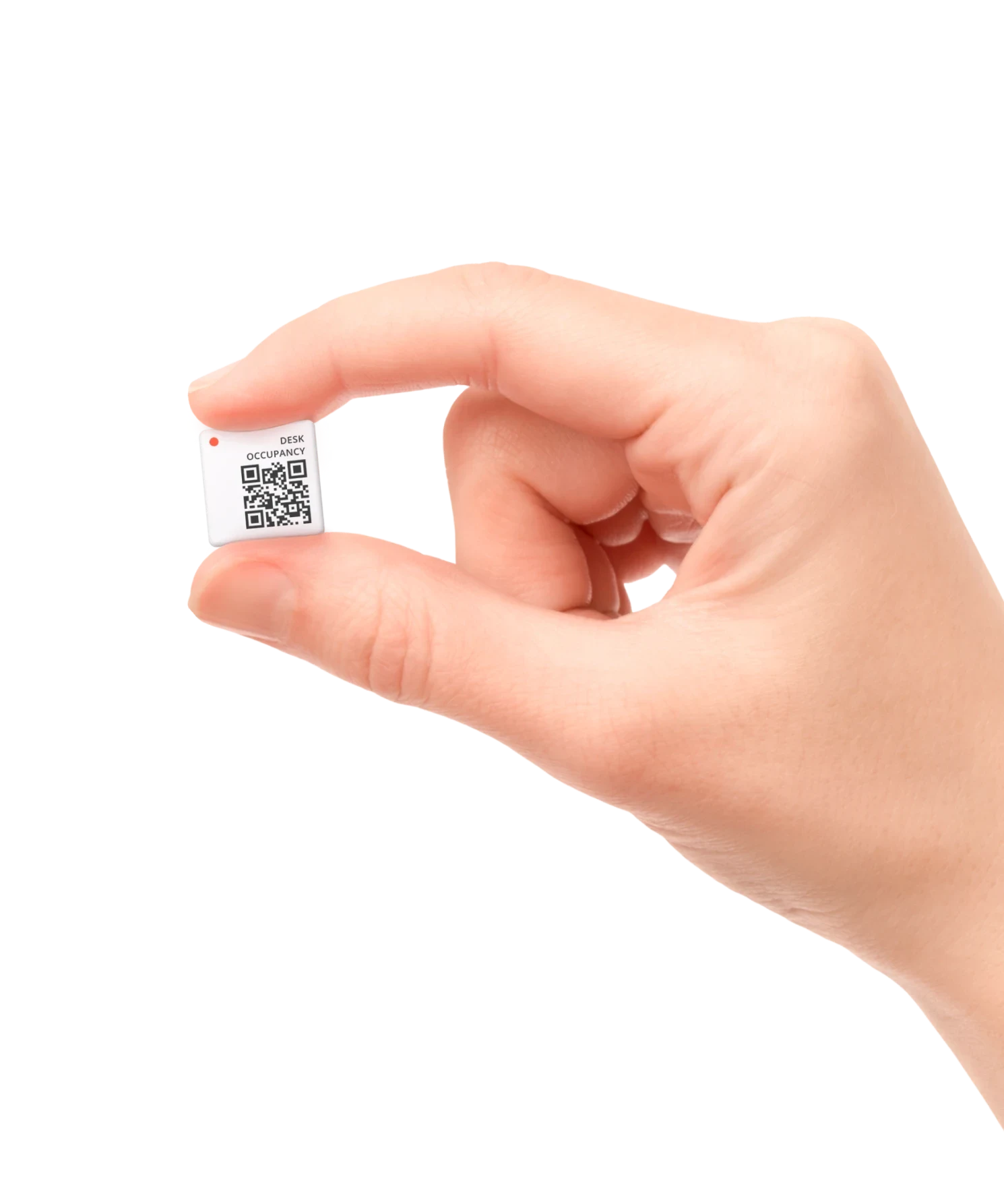
With sensors from Disruptive Technologies, the MyDesk can book, check in and release seats automatically. Get an overview of your floor plan and analyze office use with MyDesk AI Analytics.






















Hardware · Insights
Booked desks are automatically released when they are not in use.
When an employee sits down, the table is booked automatically. If the table is already booked, the booking is checked in automatically.
See occupancy and usage patterns in MyDesk AI Analytics and adapt the office to actual needs.
Explore the possibilities
Switch between bookings and registered activity on the same floor plan. The example shows 12 spaces with sensors: eight are booked, but only five are in use.
Try the example →
Illustrative data. No real bookings or orders are created.
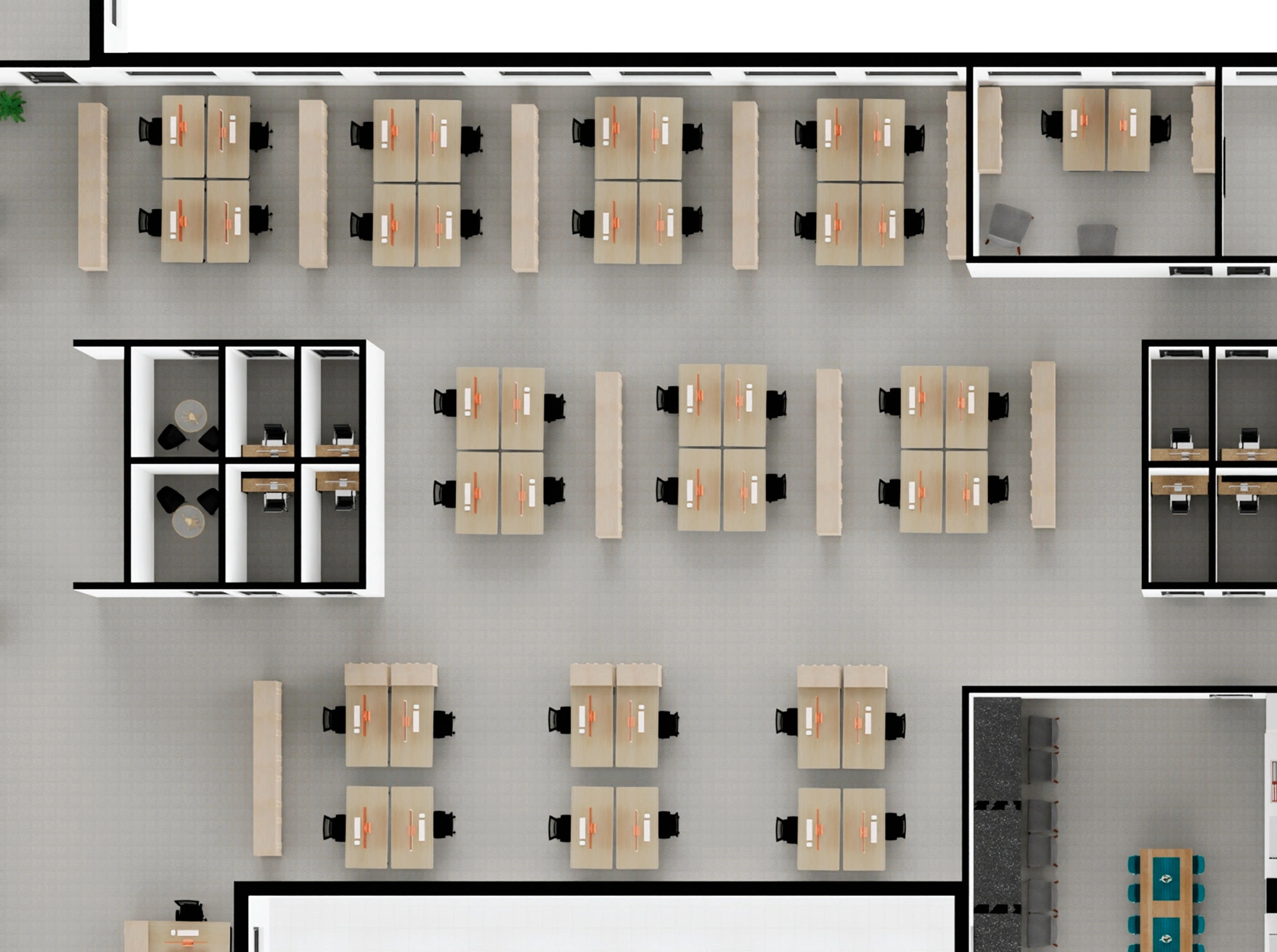
● Active / reserved○ No activity / free
8 desks are reserved. Activity has been recorded at 5 of them. Release rules are agreed during setup.
Fixed sample figures. No connection to sensors or live data.Sensors in practice
The MyDesk uses sensors from Disruptive Technologies. We choose the sensor type according to what you want to measure and automate.
Desks
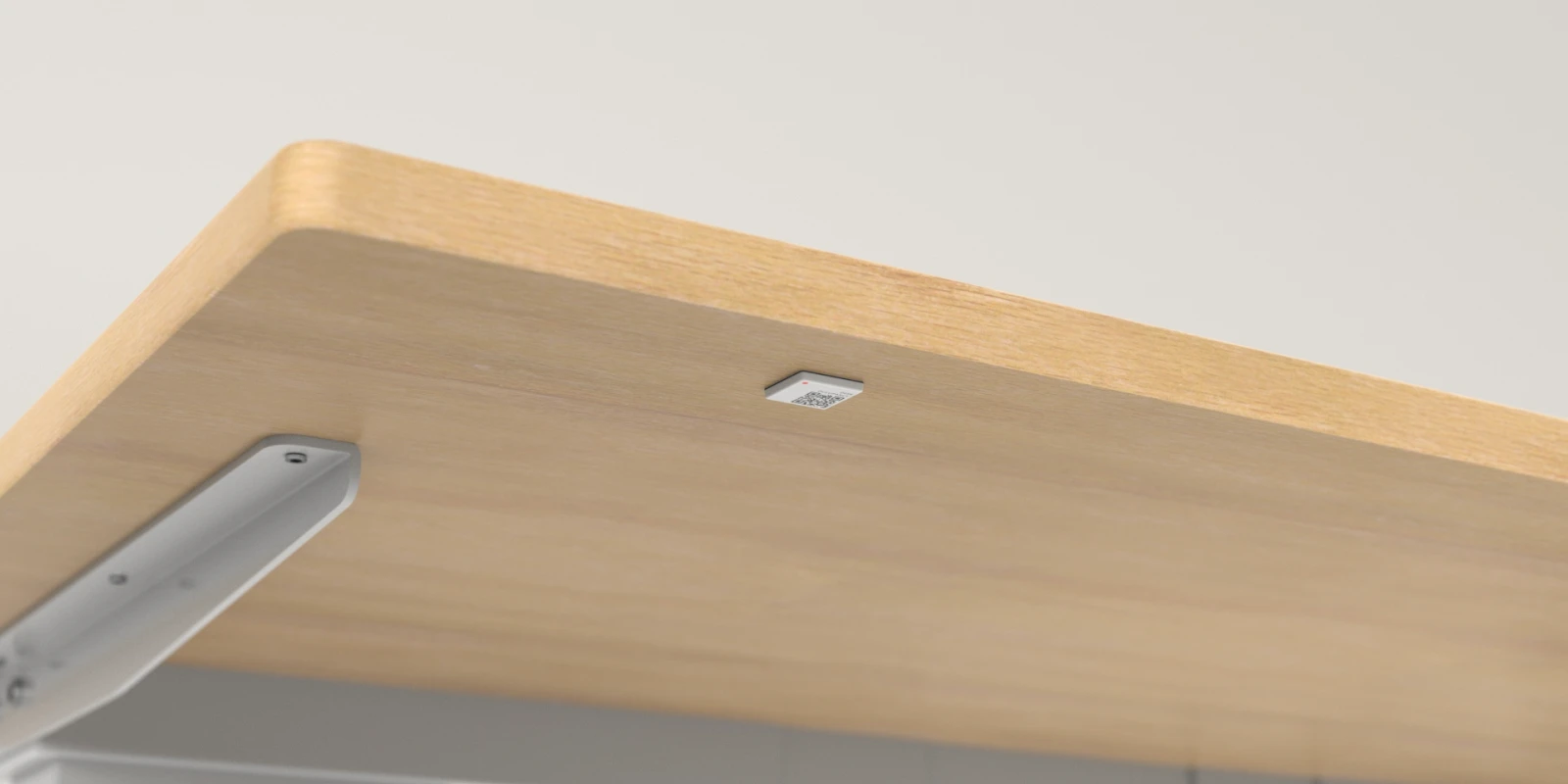
The sensor detects when a desk is being used. MyDesk books the table automatically or checks in an existing booking. If a booked place is not used, it can be released to a colleague.
View Desk Occupancy SensorMeeting rooms
With the relevant sensor solution, you can measure the number of people in meeting rooms and see if the size of the rooms matches the needs. The room can also be checked in and out automatically when someone is using it.
The Desk Occupancy Sensor measures the use of a desk. The number of people in a room requires another, relevant sensor type.
MyDesk AI Analytics
Compare booking data with actual usage. Analyze occupancy, popular areas and usage patterns over time, and use the insights for layout, capacity and operations.
Explore MyDesk AI AnalyticsFrom need-based cleaning to better utilization of common areas: Let us find the measurements and actions that make sense for you.
 01 Requirements → 02 Setup → 03 Ready to use
We help you every step of the way
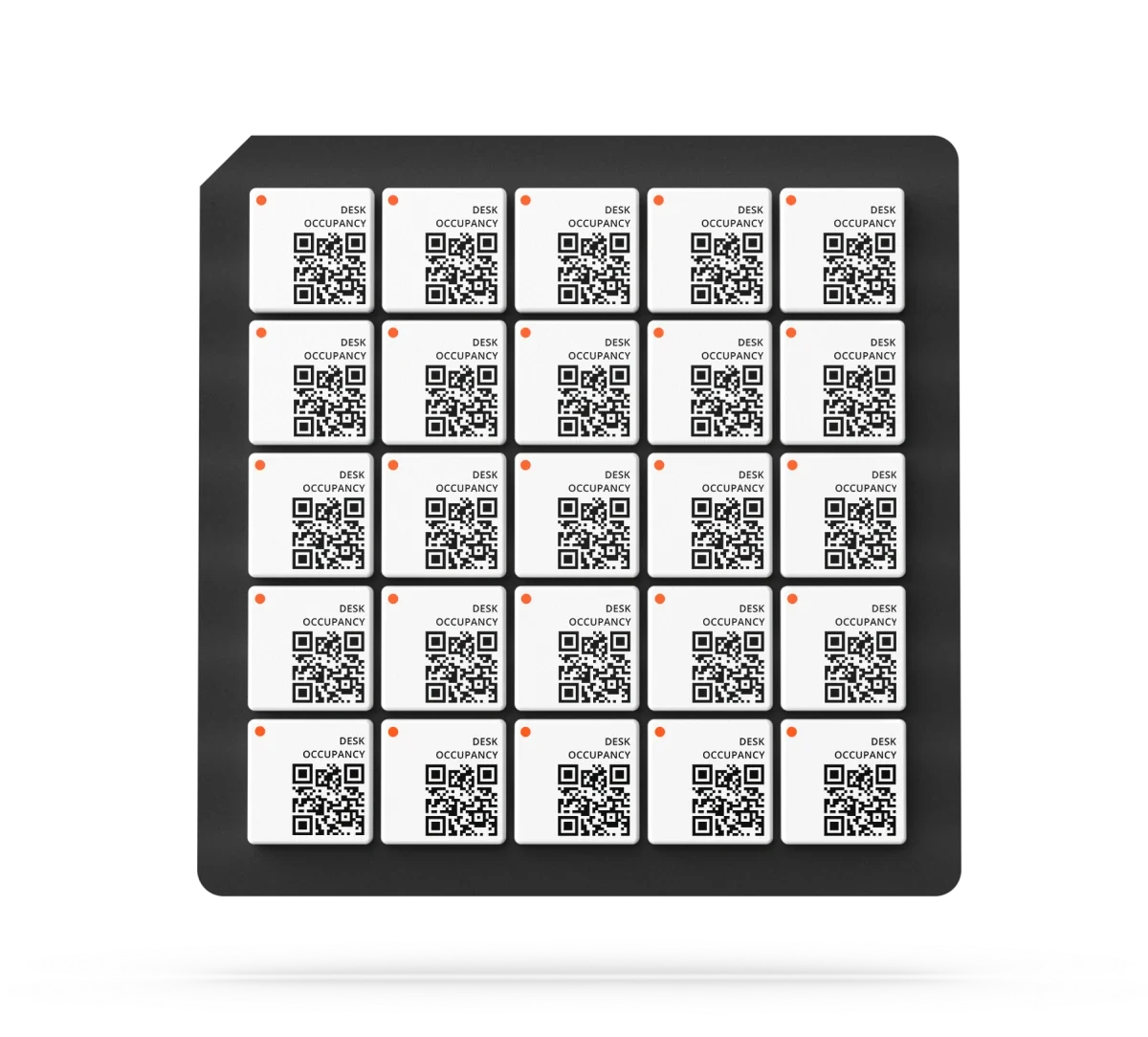
Our partner IoT Fabrikken mounts the sensors and helps with support. Together we clarify what you want to measure and how the MyDesk should react to data.
Desks, meeting rooms, number of staff and desired automation are reviewed.
The right sensor types are placed and connected to your office.
Booking rules, automatic check-in and MyDesk AI Analytics are set up and checked.
Part of the whole office
Bring office data and AI into one view. Understand how desks and meeting rooms are used, ask questions about the patterns and find opportunities for a better working day.
Read moreFind a desk near your team.
Read moreFind a room that suits your meeting. Bring rooms, catering and visitors into the working day you already know.
Read moreFeatures and options
Overview of Sensors and IoT and the options surrounding the solution.
| Feature / option | What it means for you | In your solution |
|---|---|---|
| Automatic release | Booked desks that are not used are released to others. | Once configured |
| Automatic booking | A desk is booked when an employee sits down. | Once configured |
| Automatic check-in at the table | An existing booking is checked in when the table is taken into use. | Once configured |
| Number of people in meeting rooms | Measure how many people use the room and compare it to the capacity. | Relevant sensor type / setup |
| Check-in and check-out of meeting rooms | Register automatically when the room is used and left. | Once configured |
| MyDesk AI Analytics | Analyze the office's actual use, occupancy and patterns over time. | Analytics / data sources |
| Heatmaps and operation | Use data for interior design, capacity, cleaning and service. | By agreement |
| Disruptive Technologies | Compact sensors for desks and relevant measurements in the office. | Hardware / quote |
| Installation and support | The IoT Fabrikken is responsible for mounting and supporting the sensors. | Partner agreement |
We agree scope, setup and optional extras with you. Hardware and related modules are discussed separately.
Good to know
We use sensors from Disruptive Technologies. Desk Occupancy Sensor detects use of a desk. Number of people in meeting rooms requires the relevant sensor type and setup.
Yes. MyDesk can book the table when an employee sits down, or check in an existing booking. Unused bookings can be released automatically. Rules and deadlines are agreed upon at the set-up.
Yes. Sensors can register when a meeting room is used and left, so that employees do not have to check in and out themselves. We can also measure the number of people with the relevant sensor solution.
Our partner IoT Fabrikken is responsible for mounting and supporting the sensors. MyDesk connects data with booking and MyDesk AI Analytics.
The Desk Occupancy Sensor detects whether the desk is in use; it does not identify the employee. MyDesk compares the activity with booking and the rules that have been set up.
Yes. Only the imagination sets the limits. Data can support capacity planning, cleaning and operation, among other things. We clarify measurements, integrations and automation based on your needs.
The price depends on the number, sensor types, installation and setup. Contact MyDesk or IoT Fabrikken for prices and an offer for your office.
Sensors and IoT
Contact MyDesk or IoT Fabrikken for prices on sensors, assembly and your solution. Feel free to book a demo so we can review your needs.