



















Find the right placement
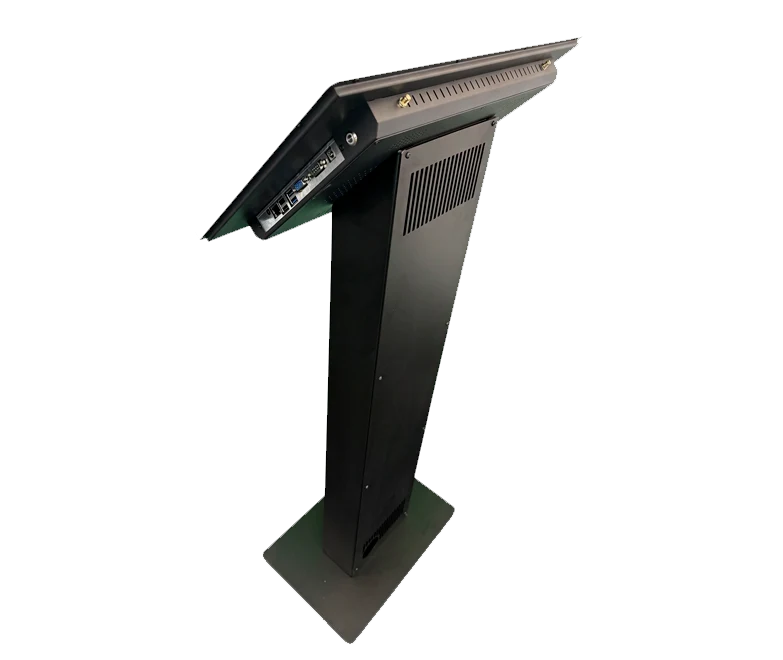
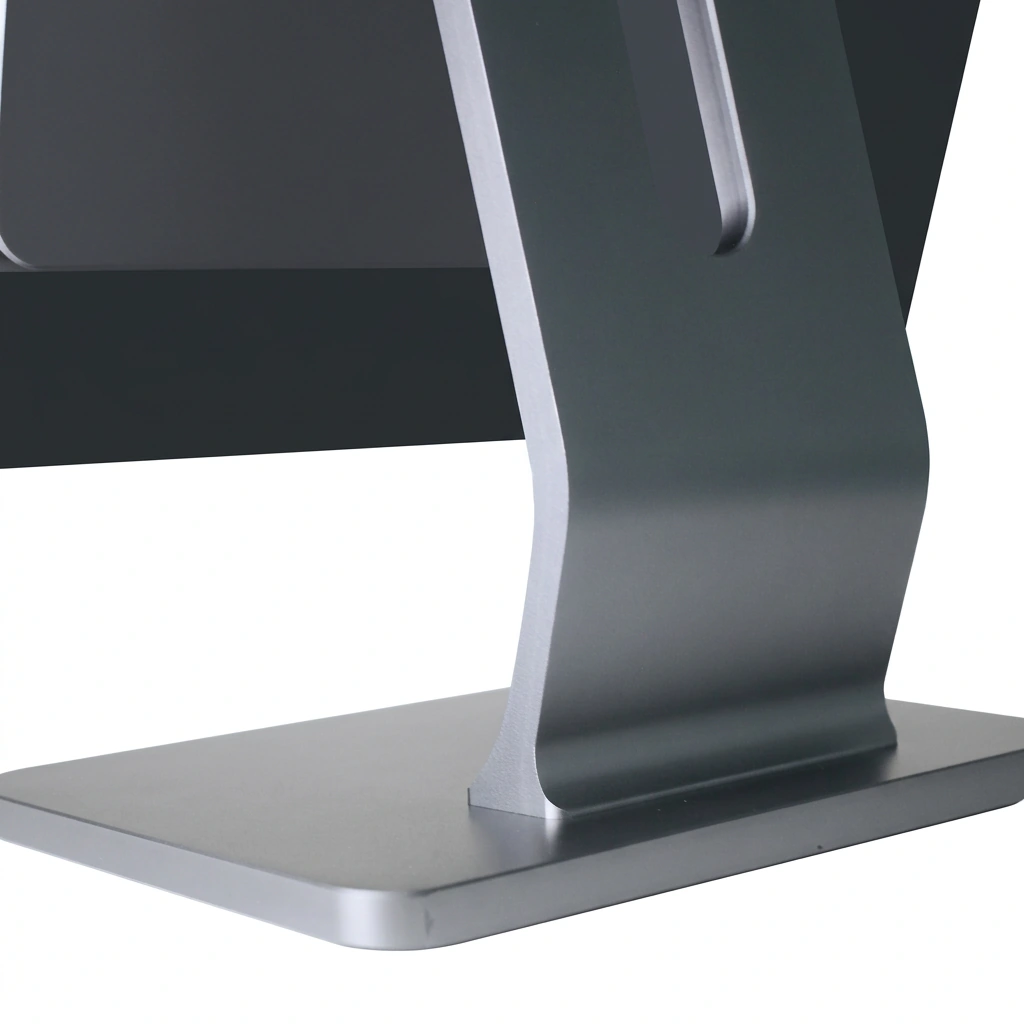
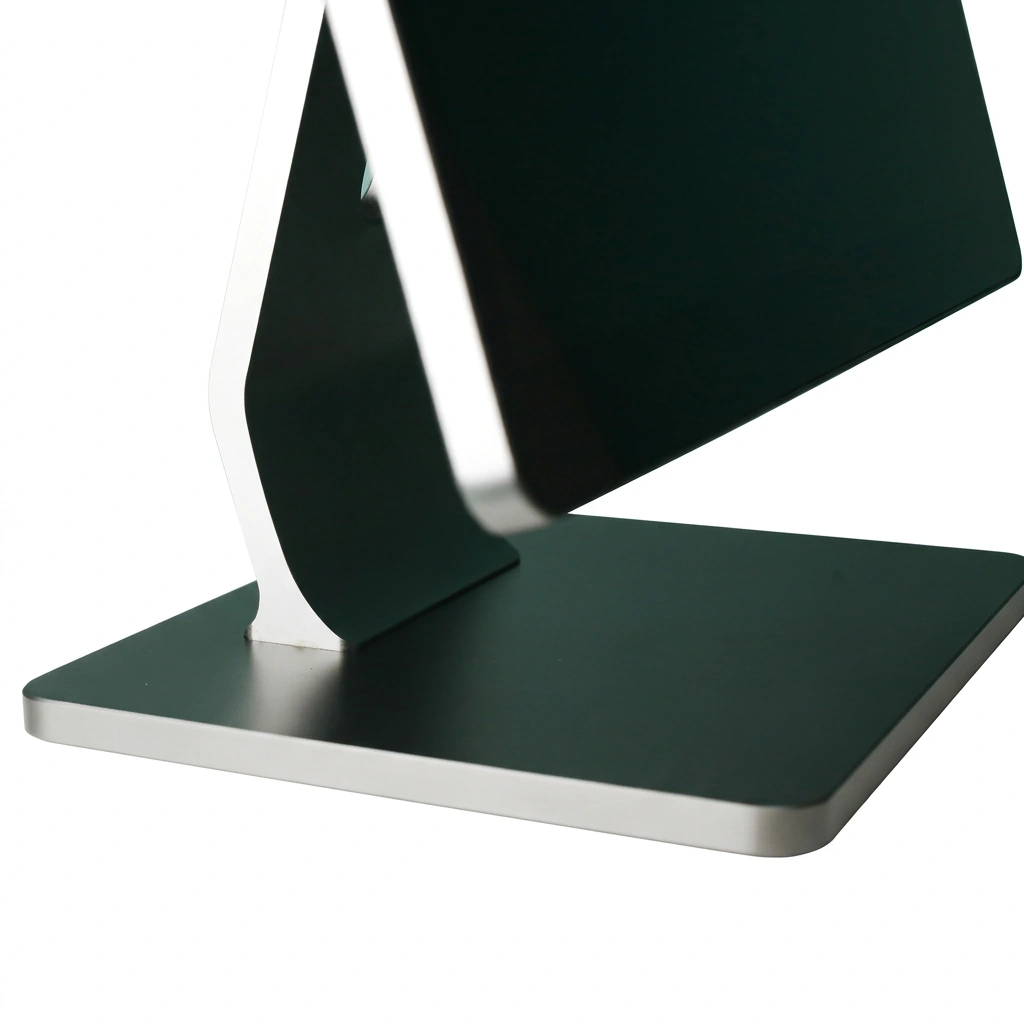
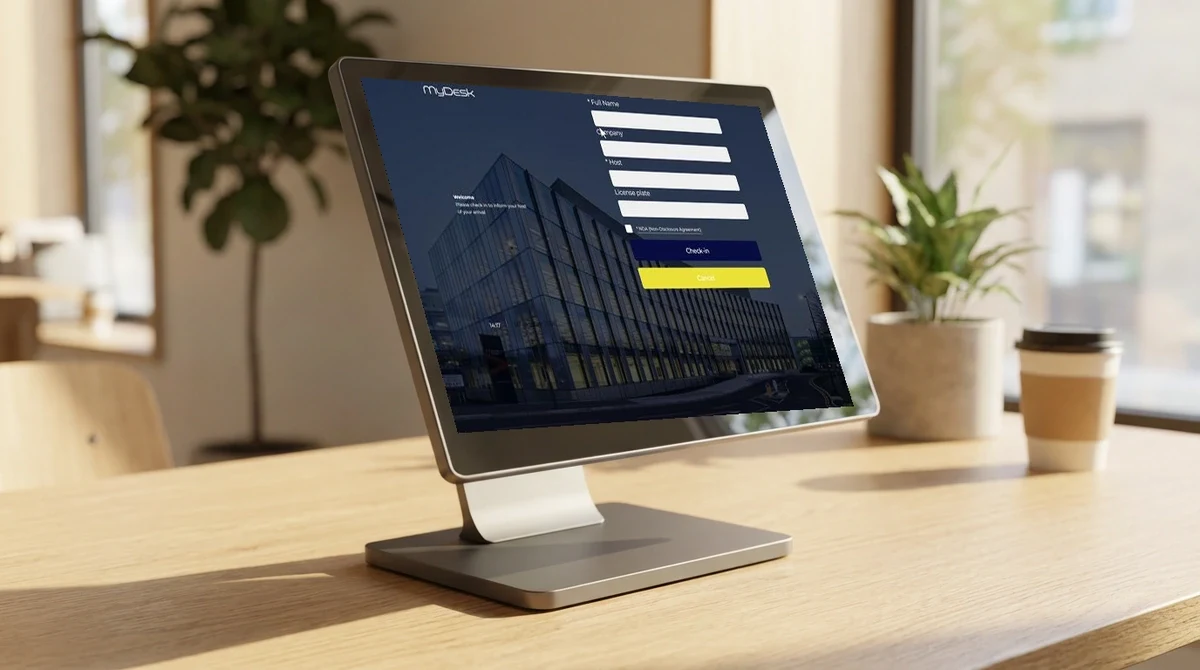
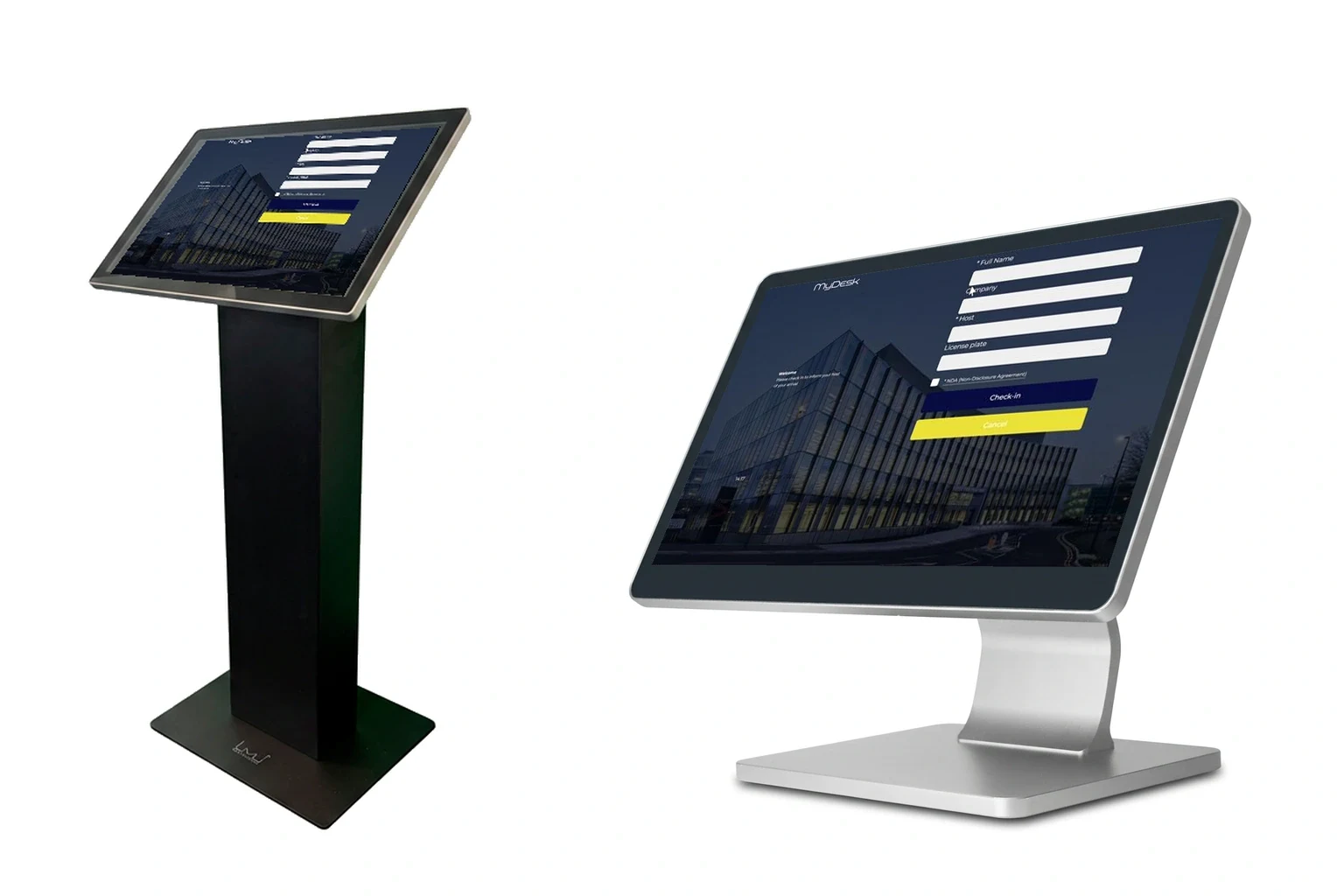
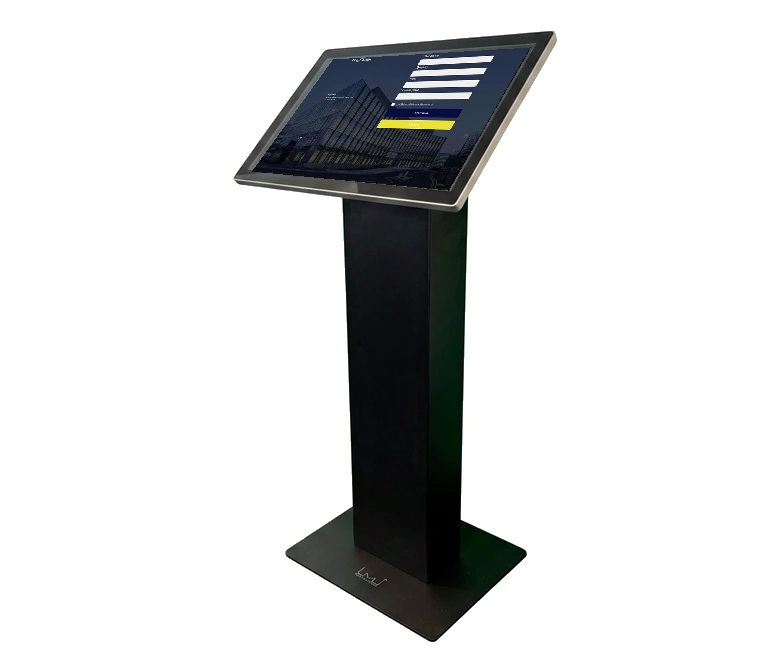
Choose a floor stand or counter solution.
MyDesk · Guest registration screens
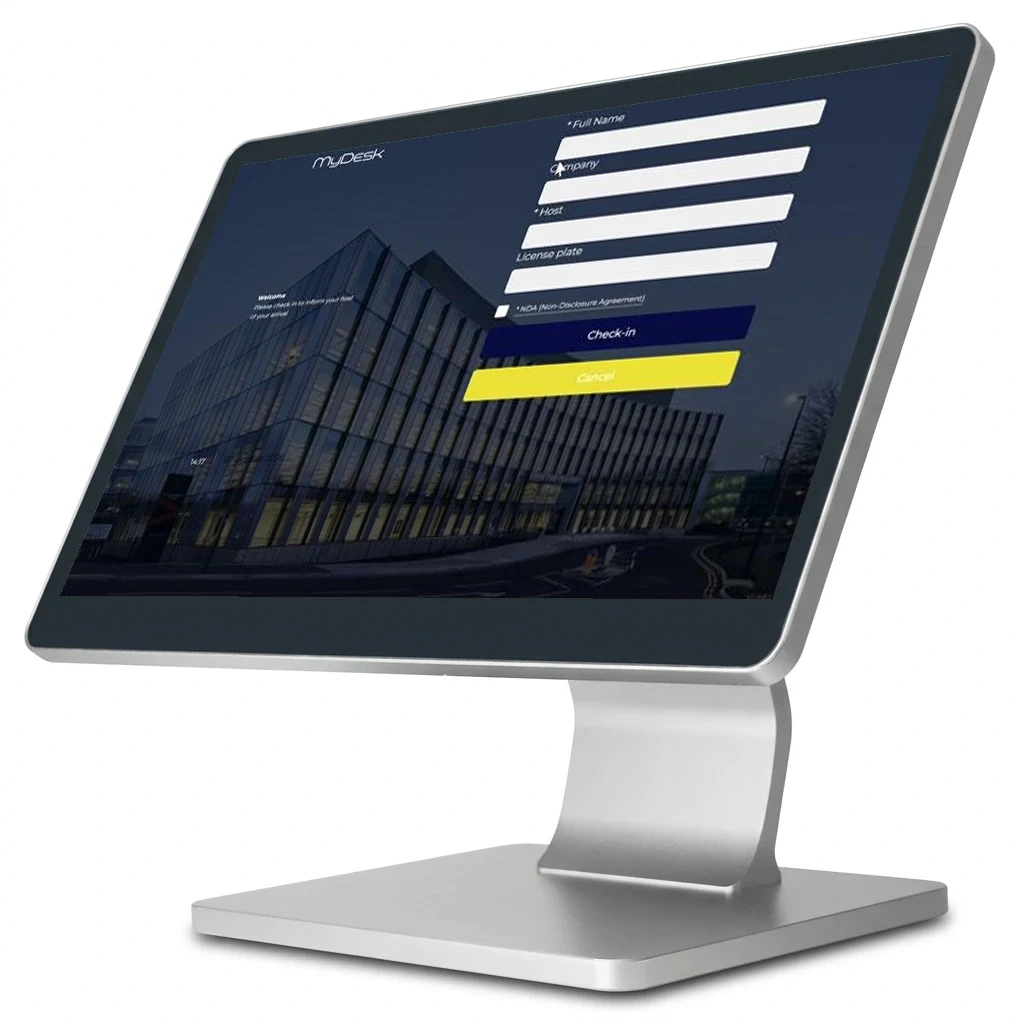
Make arrival simple with a reception touchscreen. Choose a floor stand or counter model and welcome visitors in your own style.

Your design · Your visitor journey
Hardware · Reception
Choose a floor stand or counter solution.
Guide your visitor clearly through arrival.
Tailor the welcome and flow to your reception.
Explore the possibilities
Try checking in a preregistered sample visitor. See the welcome and confirmation on screen.
Try the example →
Illustrative data. No real bookings or orders are created.

A great start to your visit
Alex Visitor · Example Company
Host: Reception
The example visitor is pre-registered. Try checking in.
01 Requirements → 02 Setup → 03 Ready to useWe help you every step of the way
The screen, installation and visitor flow are agreed with reception to suit the way you welcome visitors.
We review placement, visitor flow and accessory needs.
Design and registration connect to MyDesk Visitor Management.
We check the screen and connection and introduce reception to the solution.
Part of the whole office
Make arrival easy for visitors and the day calmer for reception. Prepare the visit, register arrivals and see who is in the building.
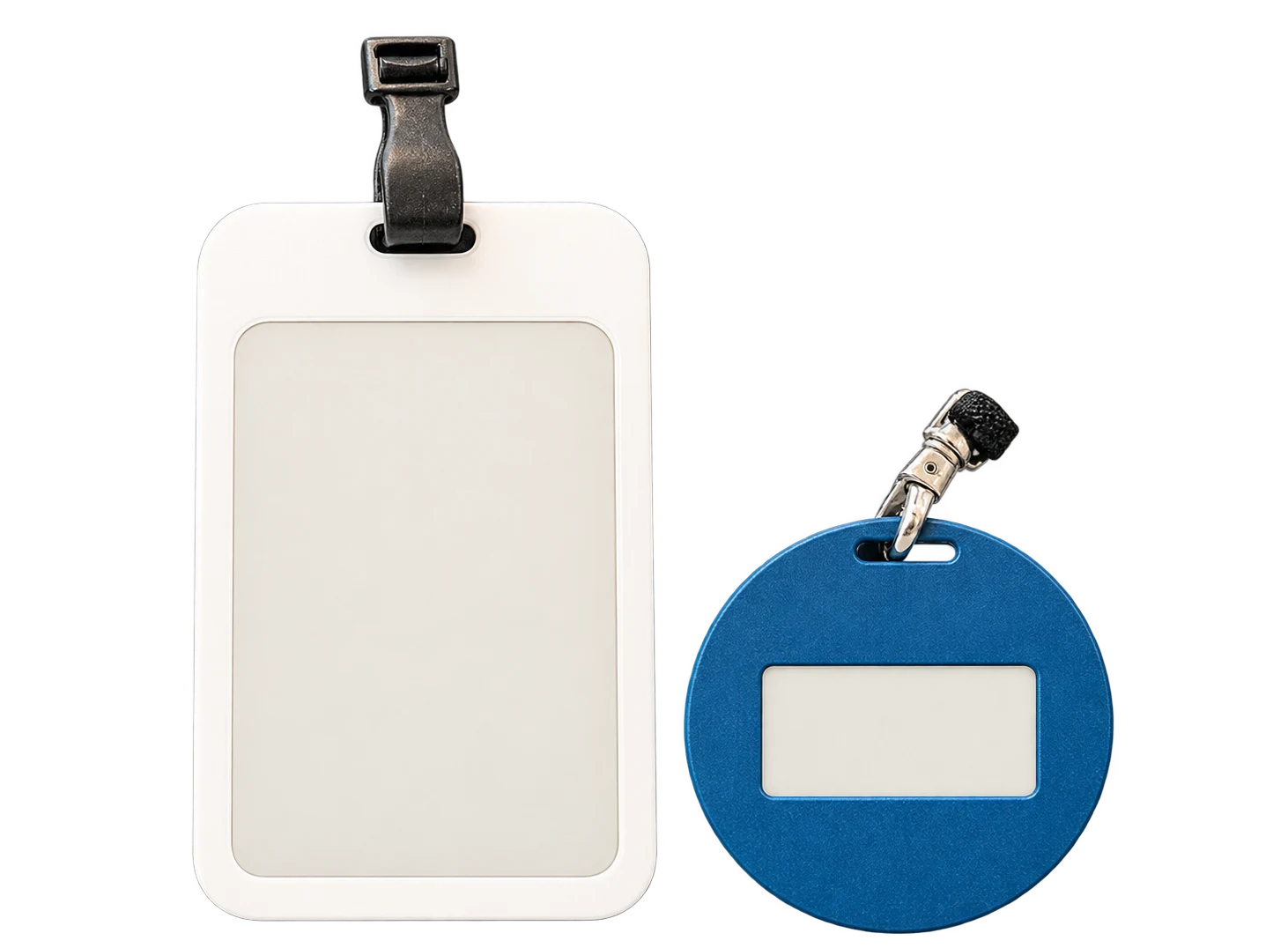
Read more ↗Give visits a consistent look with E-Ink badges. The badge updates at check-in and can be reused for the next visitor once the visit ends.
Read more ↗See room status at the door. Choose a powered touchscreen or wireless E-Ink display and connect it to your meeting calendar.
Read more ↗Features and options
Overview of Guest registration screens and the options surrounding the solution.
| Feature / option | What it means for you | In your solution |
|---|---|---|
| Touchscreens | Screen for self-service check-in. | Hardware selection |
| Floor stand or counter model | Adapt placement to your reception. | By agreement |
| Your design | A welcome reflecting your company brand. | Once configured |
| Printer, camera and NFC | Discuss accessories for your visitor journey. | Optional / model-dependent |
| Windows or Android | Choose an appropriate platform and display. | Compatibility to be confirmed |
| Existing displays | Explore reusing your existing equipment. | Compatibility to be confirmed |
We agree scope, setup and optional extras with you. Hardware and related modules are discussed separately.
Good to know
Yes, existing screens can be used with MyDesk Visitor Management. We discuss the model and setup with you.
Yes. Choose a counter model or floor stand depending on your reception layout.
Yes. The visitor journey can connect to printing or digital badges. Badges, printers and accessories are agreed separately.
Pricing and calculation
Calculate equipment costs using the unit price from your quote. Software is shown separately.
Visitor check-in screens
Book a demo to explore the options for your organisation.