Start with the right address
When working at another office, your booking needs to suit both the location and the day’s tasks. Check the location, date and time before choosing a desk. A familiar room name is not enough: two offices may use the same name.
Find the street address, entrance and floor in your company’s local guidance. If you are travelling between two addresses on the same day, allow time for the journey. For offices in different time zones, also agree which local time applies.
Choose a desk to suit the work
An available desk is not necessarily the right one. Check the listed equipment and the surrounding area. Agree with your team whether you need to sit together and find out where conversations and video meetings can take place without disturbing others.
- Does the desk have the equipment you need, and should you bring an adapter?
- Does the area suit focused work or collaboration?
- Have meeting rooms, parking and lunch been arranged separately if needed?
Agree how to enter the building
A desk reservation does not in itself grant access to the building. Ask the local contact whether your usual access card works, where to report on arrival and what to do outside reception hours. Do not share access codes or personal cards to resolve unclear arrangements.
Follow the site’s actual arrival routine and any check-in procedure. Do not assume that visitor registration, door access and confirming a desk reservation are the same action.
Update the booking when travel plans change
If you change offices or are delayed, check your existing reservation. Amend or cancel it under your procedure and arrange a new desk at the right location. Also check any separate meeting, lunch and parking arrangements. These do not necessarily change along with the desk booking.
Test the process with a visiting colleague
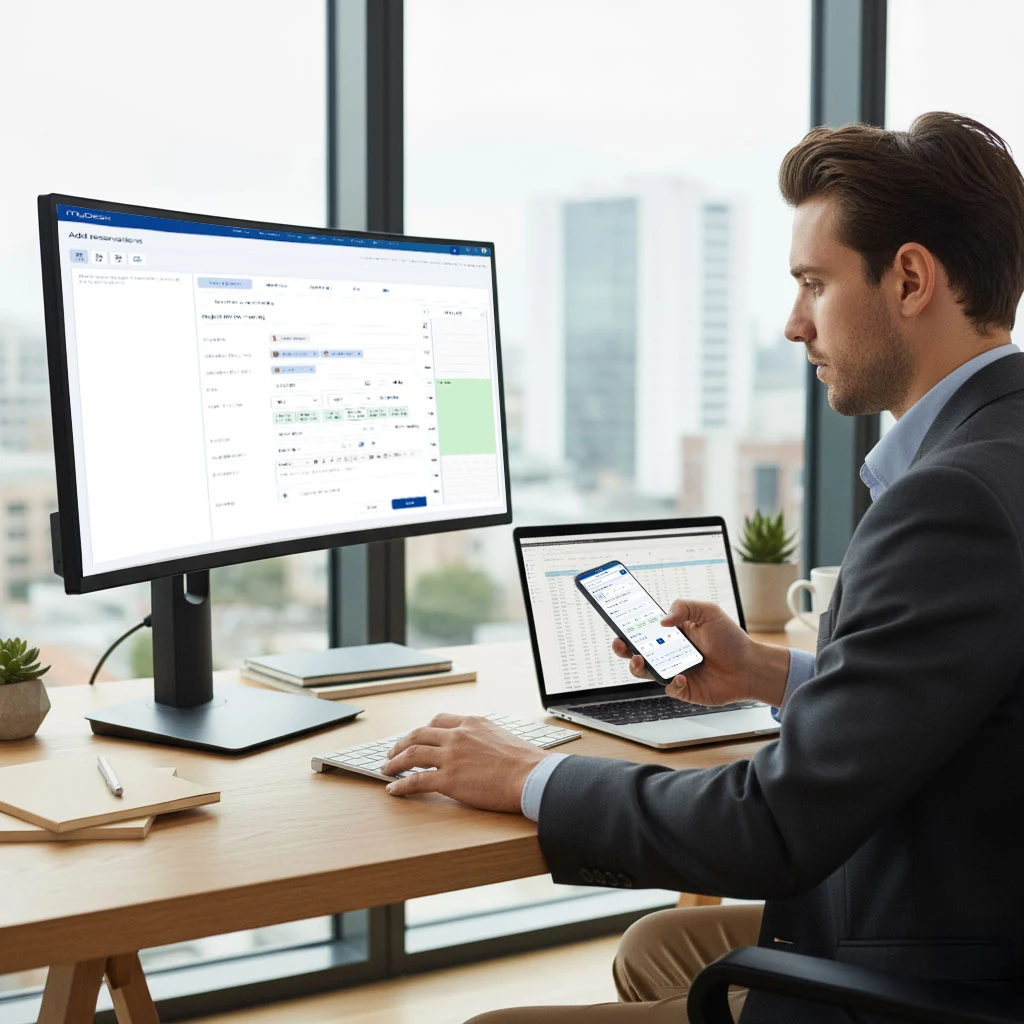
MyDesk supports desk booking across multiple locations and displaying desks on floor plans. Each employee’s options depend on the company’s setup. Test the process with a colleague who normally works at a different address.
Ask the colleague to find the location, choose a suitable desk and learn how arrival works. Note any missing information and appoint a local person to keep the guidance up to date. This tests the whole visit, rather than just the reservation button.