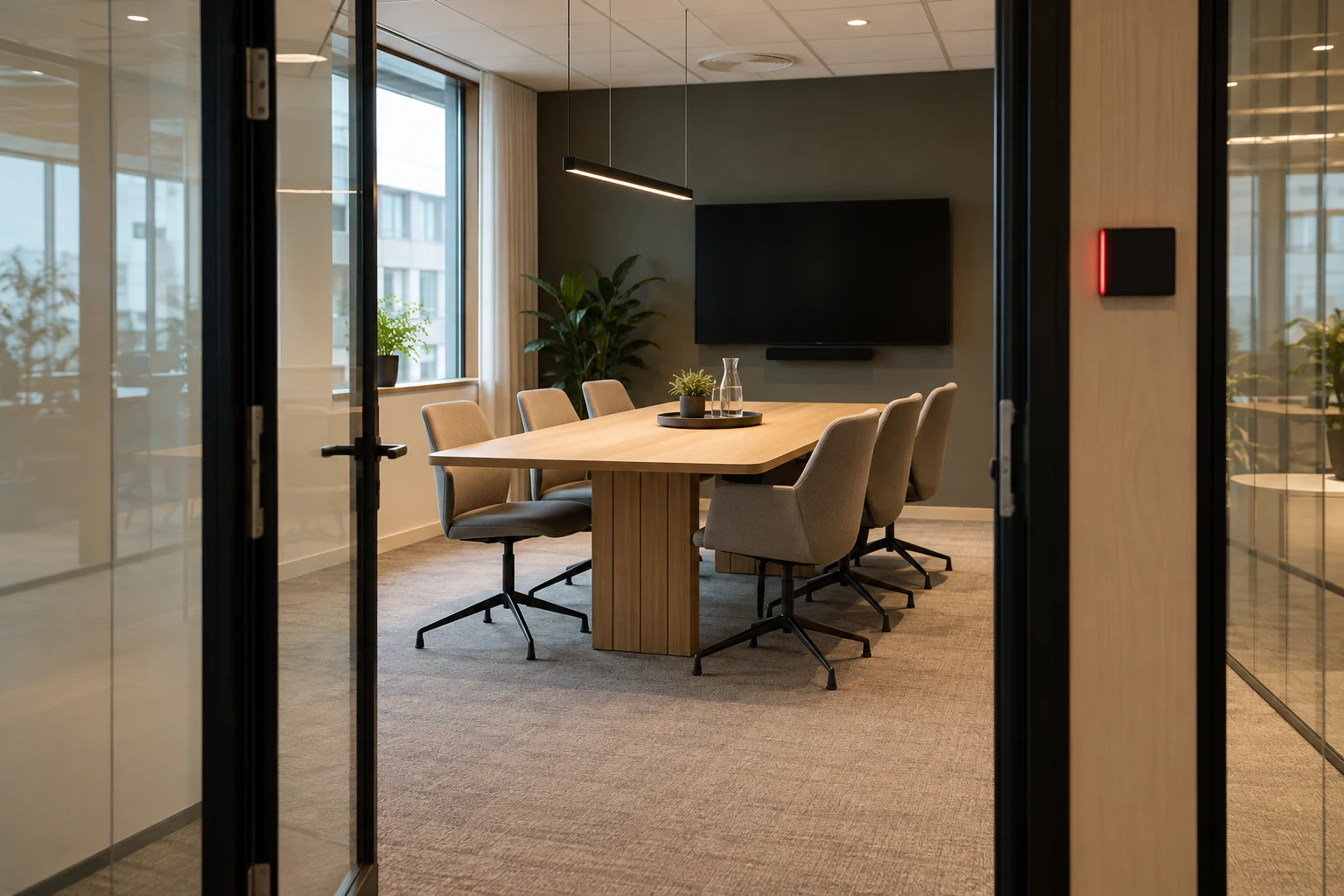
An available room is not always ready for the next meeting
The first meeting ends at 10, and the next starts in the same room at 10. People need to leave, cups need clearing and the furniture may need rearranging. The bookings do not overlap, but there is no time to get the room ready. Preparation between meetings needs to be planned as a specific task.
Start with rooms where handovers often cause problems. Agree what the departing organiser, the next organiser and any service staff each need to do. An available slot in the booking overview does not by itself confirm that the table is clear or the equipment works.
Define what ready means in your workplace
- Tables and chairs are left in the agreed layout.
- Cups, packaging and personal materials are removed according to your workplace routine.
- The whiteboard is ready for use, and shared content has been closed on the room’s equipment.
- Problems with the display, audio or connections have been reported to the person responsible.
Distinguish between tidying up, cleaning and changing the room layout. A meeting organiser can clear away their papers without being responsible for moving heavy furniture. Make the task and the contact point clear.
Allow time for the work required
Assess the time needed based on the actual tasks. A short discussion may need less preparation than a workshop with catering and a different table layout. Try the routine in the room before agreeing a shared turnaround time. No single number of minutes suits every room.
As a hypothetical example, a workshop could end at 10 while the next meeting starts at 10.15. Those fifteen minutes are for tidying up and preparation, not for extending the workshop. This is an example of a planning agreement, not a default MyDesk setting.
Include room preparation in the booking process
Agree with the person responsible for configuration how the necessary time slots are reserved in your solution. Check through the channels employees use that a new meeting cannot be booked during the time needed for preparation. A note in an invitation is not the same as a room reservation.
MyDesk supports meeting room booking through Outlook, Teams, mobile and web. Use the relevant channels to test two consecutive meetings. This article does not assume that preparation time is added automatically; this needs to be clarified and tested in your configuration.
Handle changes and delays
If the first meeting moves or runs longer, the person responsible should check both the next reservation and any service tasks. Contact the next organiser if the change affects the handover. Do not take another room without checking availability and making the appropriate booking.
After a trial period, review where the routine caused delays or left rooms empty unnecessarily. Adjust responsibilities and turnaround time based on specific examples. Keep reserved time, actual meeting time and preparation time separate when assessing capacity.
Explore meeting room booking with MyDesk.
Check room capacity and equipment too.
Use the checklist for ordering and changing meeting catering.