Give the name a clear location
A good meeting room name should be easy to recognise and distinguish from other rooms. A themed name can work well, but the name alone does not necessarily tell people which building or floor the meeting is on. Start by agreeing how to indicate the location.
For example, you could combine a short room code with a name: N2-04 · Eg. This is a fictional example, not a MyDesk standard. Explain the code in your local guidance and avoid using the same label for different rooms across several addresses.
Use the same label throughout
Compare the places where employees and visitors encounter the room name. A colleague should be able to get from the invitation to the right door without knowing the office’s old nicknames.
- The calendar’s room selection and meeting invitation.
- The floor plan and digital room overview.
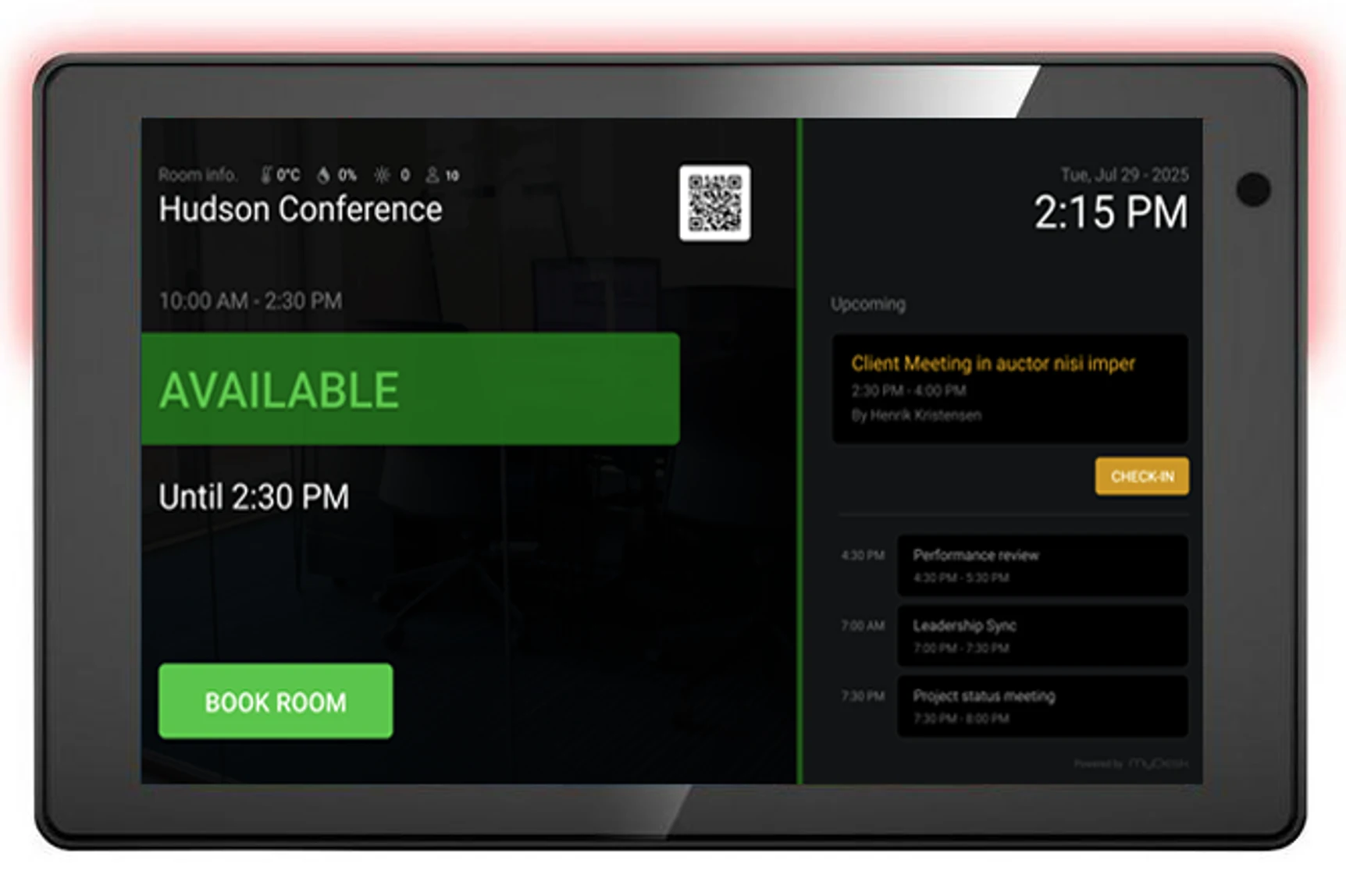
- The sign or meeting room display at the door.
- Reception’s directions and the canteen’s delivery information.
If different labels are necessary, make the connection clear. A new door sign does not itself change the wording in the calendar, and a name on a display does not prove that the display is linked to the right room.
Keep the name short and describe equipment separately
Try the name in the views employees actually use, including on a phone. Check whether the part that distinguishes the room from others remains visible. A long list of screens, cameras and chairs in the name becomes difficult to maintain when equipment changes.
Put capacity and equipment in the information fields your solution provides for them. Check these separately. A creative name does not tell you whether a room suits a hybrid meeting or the planned number of participants.
Plan renaming with the administrator
Before making a change, ask the responsible administrator to investigate how renaming affects existing reservations, links and displays. Agree who updates each place and when the change happens. Tell colleagues both the old and new names during the transition.
MyDesk supports meeting room booking in Microsoft 365 and visual floor plans. The specific connection between calendar, room overview and display depends on the setup. Check the result rather than assuming that every label updates automatically.
Ask a colleague to find the room
Ask a colleague unfamiliar with the floor to find the room using a clearly labelled test invitation. Compare the calendar, plan and door, and ask reception where they would direct a visitor. Note any ambiguities and give one person responsibility for maintaining the room name list.