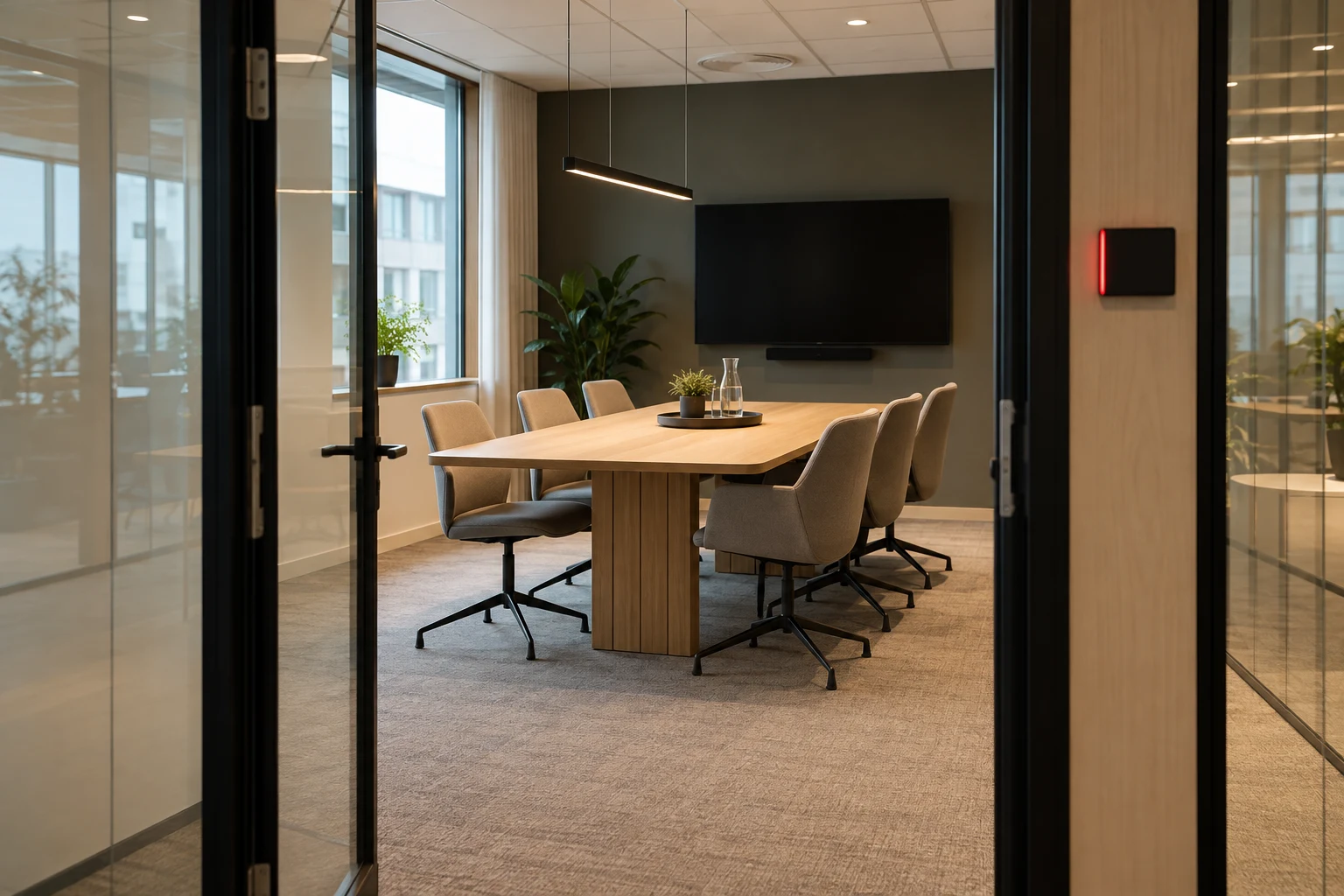
What should be ready for a hybrid meeting?
In a hybrid meeting, some participants sit together, while others participate remotely. Prepare both the room and the digital connection. An empty chair and a meeting link are not enough to ensure that everyone can hear, see and contribute.
- A room with enough space for everyone attending in person.
- Audio equipment and a camera suited to the room.
- A meeting link and shared access to the material.
- A facilitator who includes remote participants.
- An agreed plan if the connection or equipment fails.
Choose the room according to the task
Count those who actually come to the office when choosing the size of the room. Then clarify the need for camera, microphone, screen and connections. A presentation and a workshop may require different setups. Check that the participants can see both each other and the content you want to work with.
Test from both sides of the connection
Before the meeting, test the room with a colleague joining from another location. Speak from the seats you plan to use, share a presentation and ask what they can hear and read. Follow the room’s audio instructions so that multiple active microphones and speakers do not interfere with one another.
A test on your own computer does not alone confirm that the entire room is working. Check the equipment and connection that will be used for the actual meeting and allow time to get help in case of errors.
Make sure remote participants are included
Share the agenda and materials in advance. Appoint a meeting leader who distributes the speaking time and keeps an eye on questions from remote participants. Repeat relevant comments from the room if they could not be heard, and use a shared digital document for decisions rather than just a physical whiteboard.
Agree on a plan in case of technical problems
Decide who will contact support and how participants will hear about changes. Can the meeting continue using another approved connection or room, or should it be postponed? Know how to reach support so the facilitator does not have to troubleshoot and run the discussion at the same time.
Check the room booking and invitation together
MyDesk meeting room booking lets you find and reserve rooms in Outlook, Teams, on mobile or on the web. Still check that the selected room and equipment suit the meeting. A reservation does not replace testing audio, video and participants’ access.
See MyDesk meeting room booking.