Sådan gør du
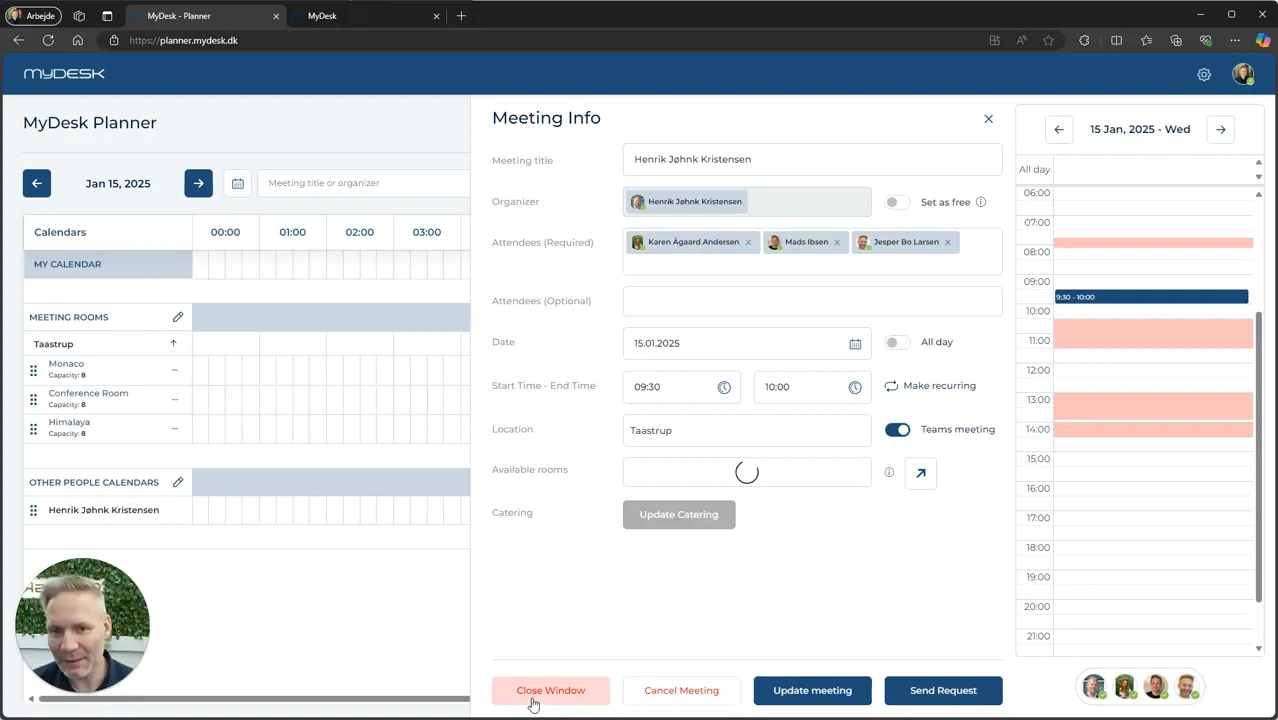
Close window exits the view without saving unsaved changes to the meeting itself.
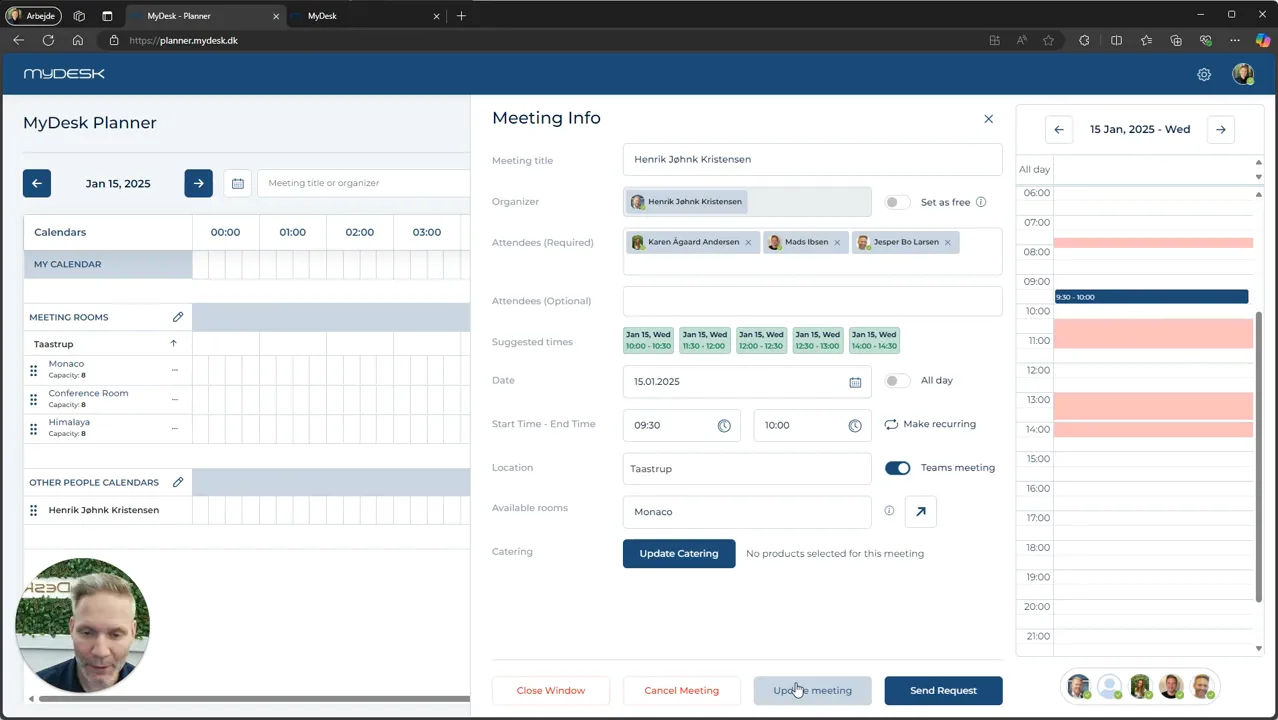
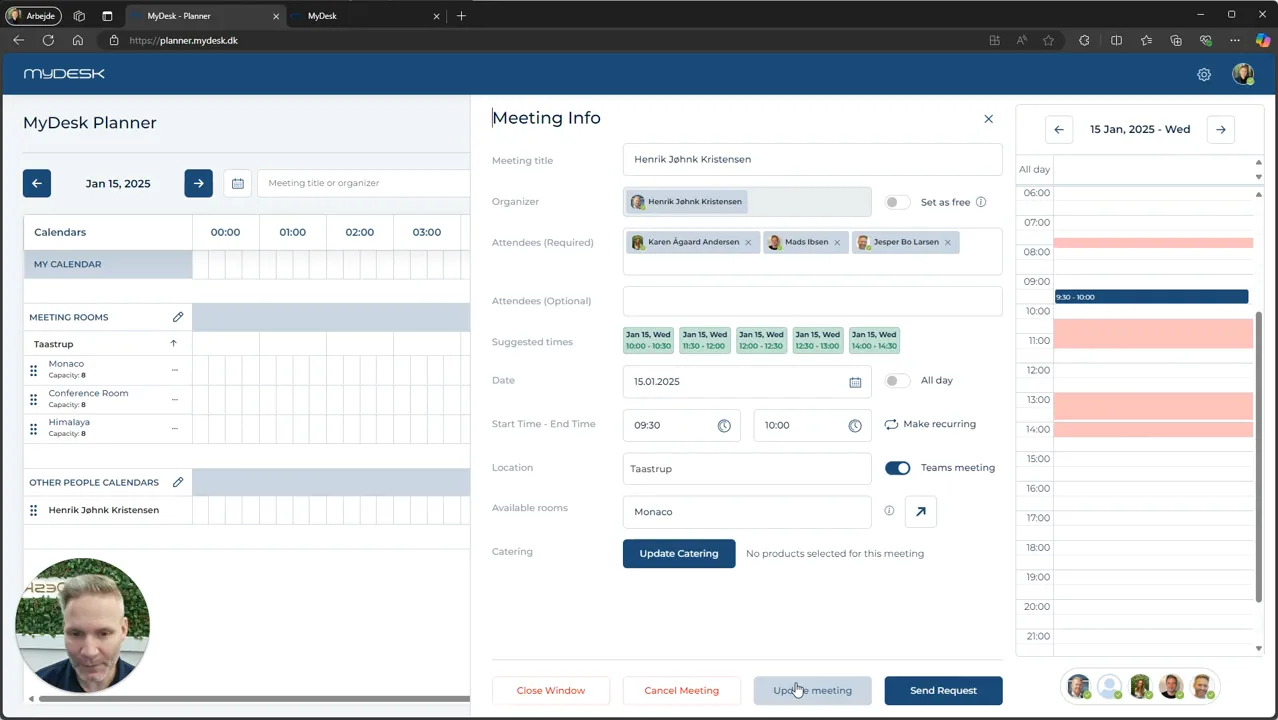
Update Meeting saves, for example, a changed time or room when you have the rights.
Catering is saved through Update in the catering window. Then close the meeting window without refreshing the meeting again for that reason alone.
Cancel meeting requires the necessary rights.
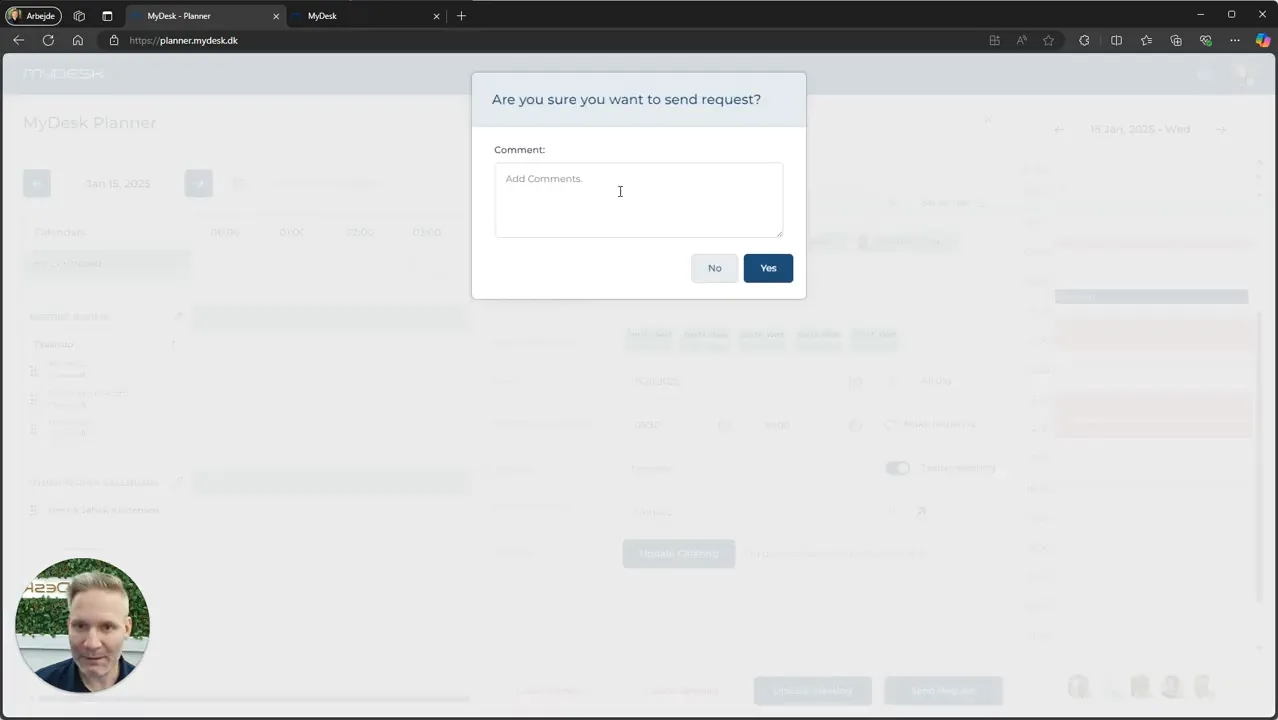
Send request is used when a change needs to be approved by the organizer. Write what you want changed and wait for approval.
Se den oprindelige video
Video og skærmbilleder kan vise en tidligere version af MyDesk.
See screenshots from the original guide (4)
Skærmbillederne stammer fra den tidligere guide og kan vise en ældre brugerflade.