Reuse instead of reprinting
Update the card when details change. The same card can be reused, including by a new employee.
MyDesk · Digital employee cards
An employee ID, an office access card and a simple way to register lunch. MyDesk’s six-colour digital E-Ink cards combine all three in a durable card you can reuse.













Workspaces and insights
Update the card when details change. The same card can be reused, including by a new employee.
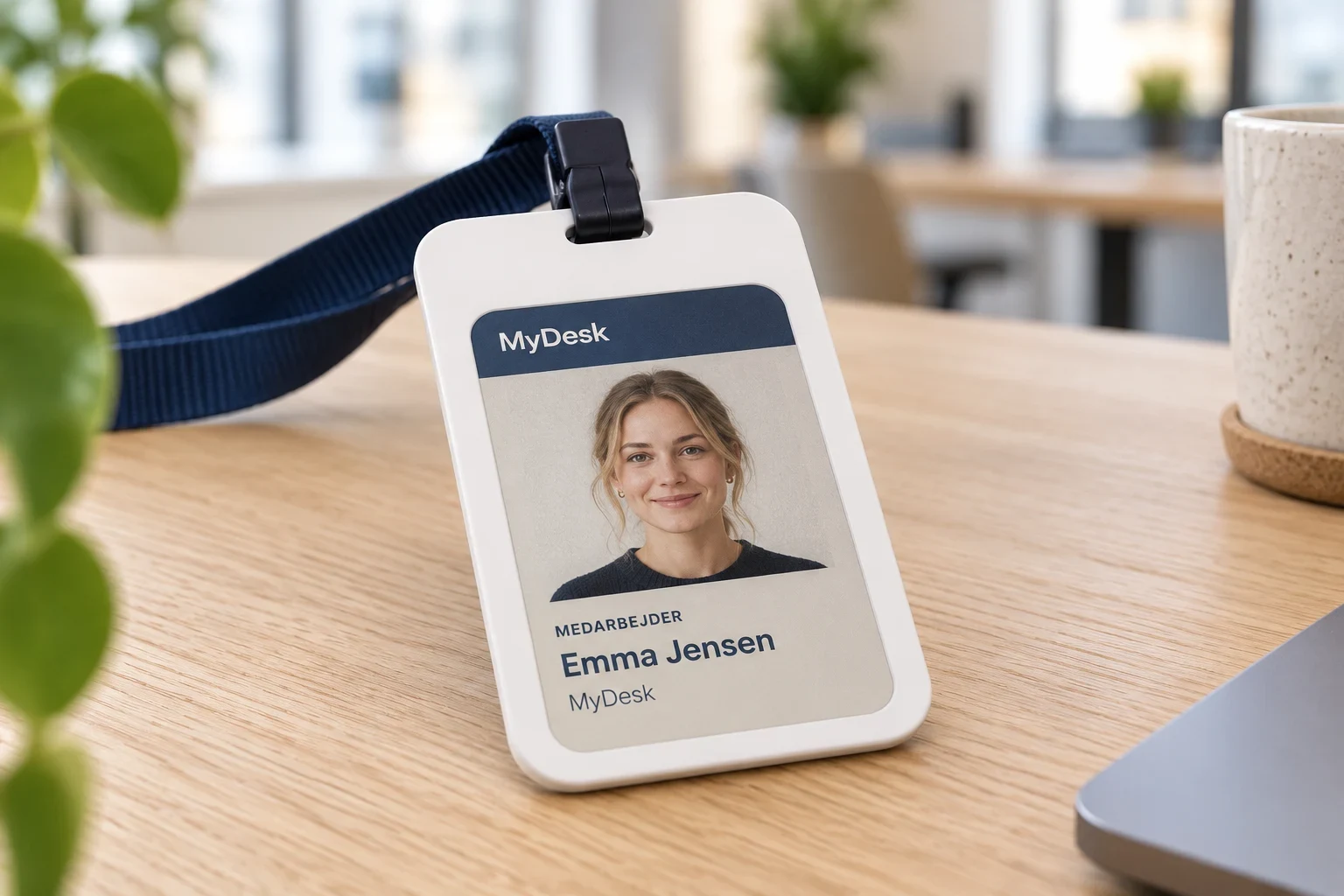
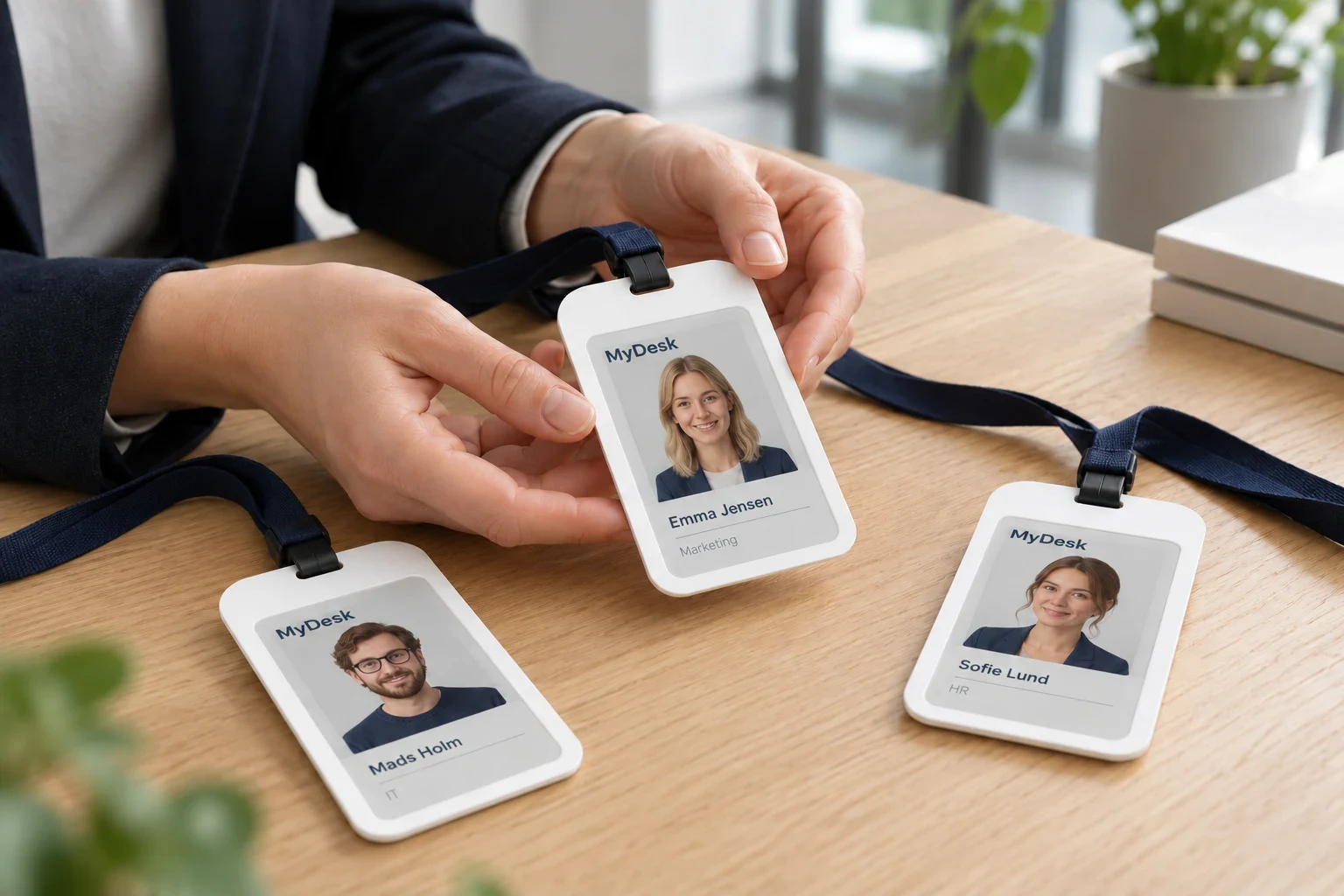
A durable card for everyday use, with the employee’s name, photo and company logo on a six-colour E-Ink display.
Once the card is encoded, the E-Ink display uses no power to display the information. Power is only used when the display is updated.
A card for name and access
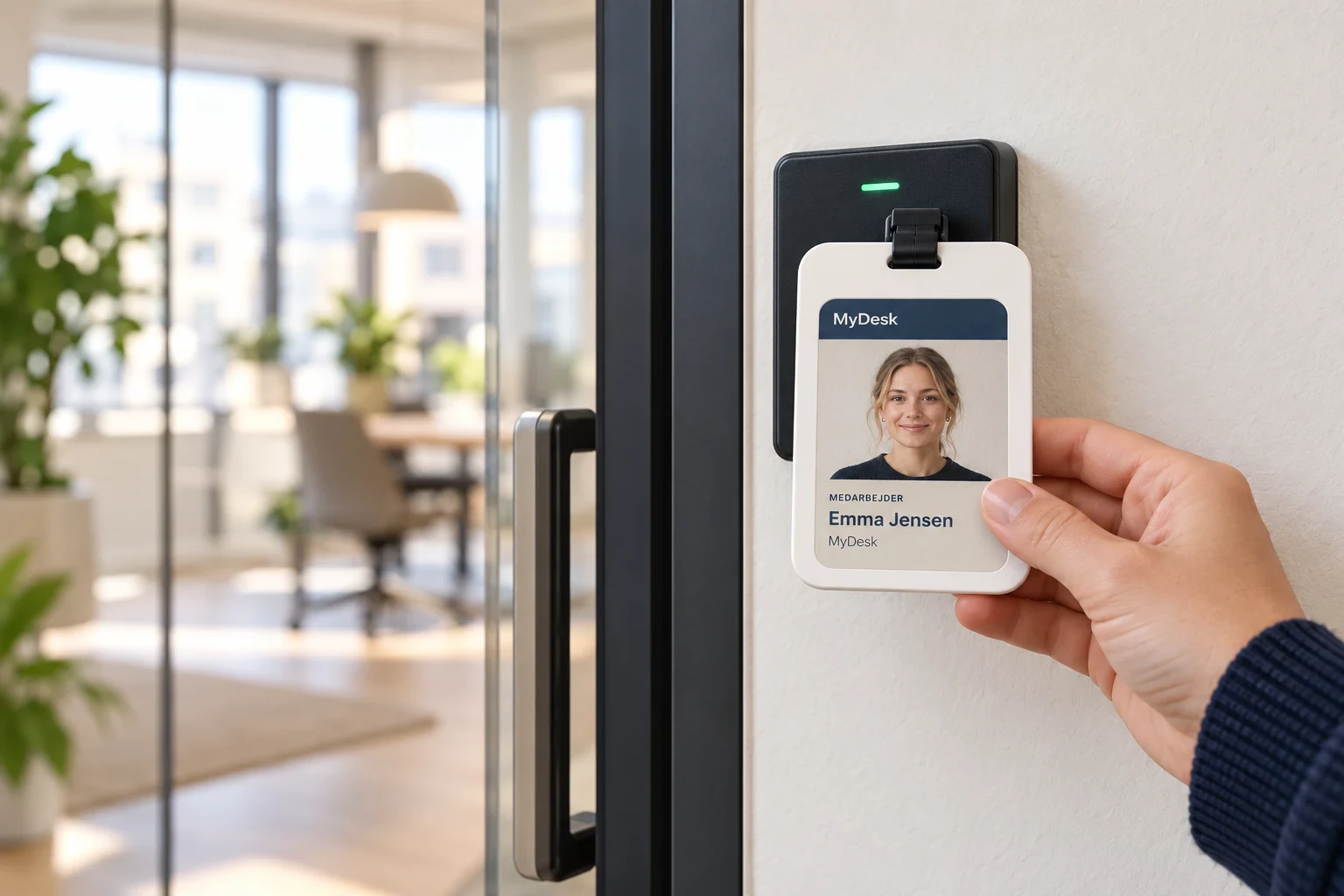
MyDesk's digital card can be used as both an employee card and a guest card. With the built-in MiFare chip, the card can also provide access to the office: hold the card up to the door reader and open the door.
The card must be compatible with your access system and set up with the relevant access rights. Employees and guests can then use the same card to both show who they are and gain access to the areas they are allowed to use.
The employee card in the canteen
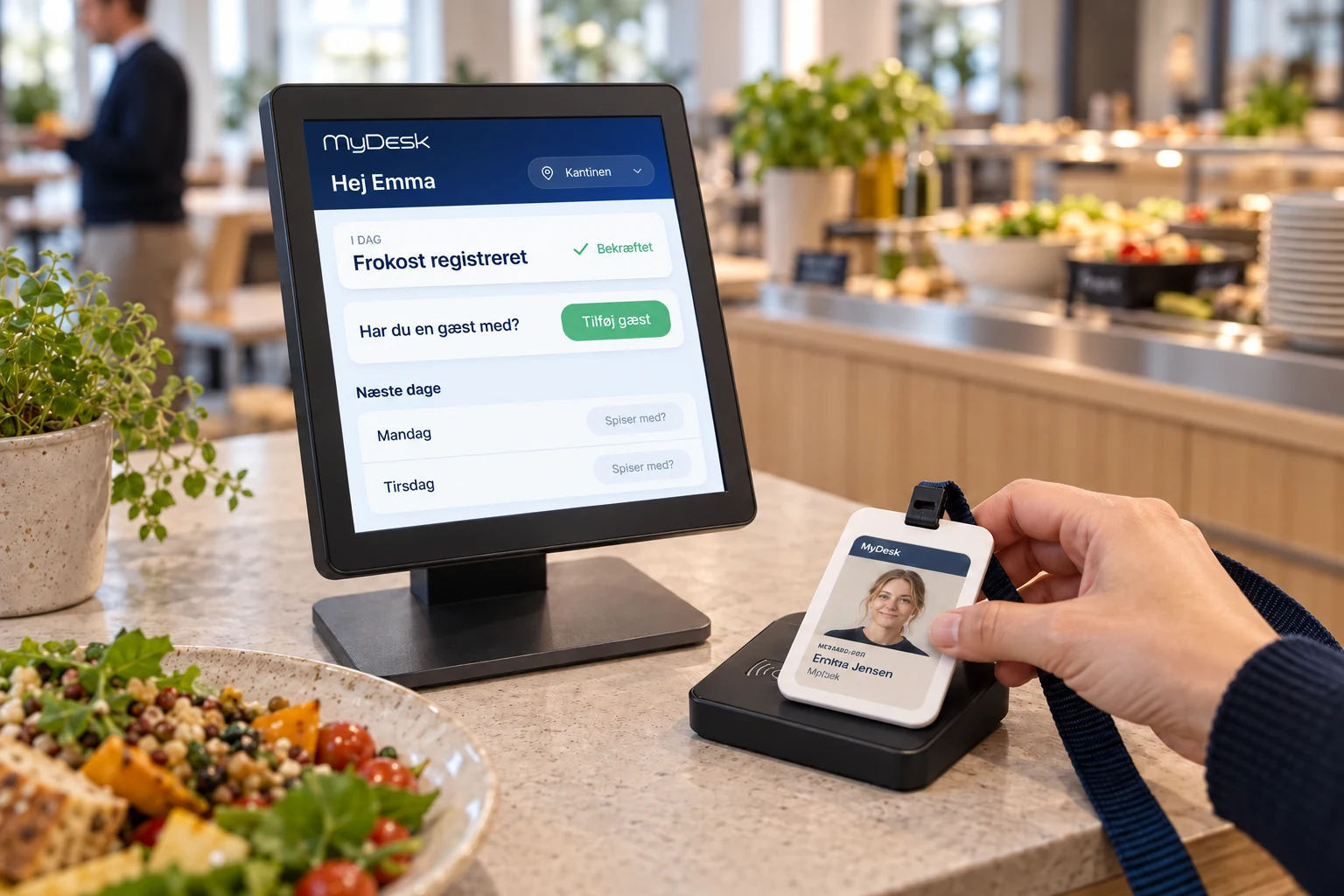
With the MyDesk catering module, employees place their card on an NFC reader in the canteen. The registration appears on the MyDesk catering screen. Employees bringing a guest for lunch can add them on the touchscreen.
We help you every step of the way
We clarify the design of the card and the functions you will use. From a visible employee card to access at the door and lunch registration in the canteen.
Name, photo, logo and layout are coordinated with your company.
The card's MiFare chip must match your access system and be set up with the relevant access rights.
NFC reader and touchscreen connect to MyDesk catering module so that employees and their guests can be registered.
Part of the whole office
Give your kitchen an overview from the first order to the last delivery. See what, where and when, and keep up with changes as the day unfolds.
Read moreOrder food and drinks while planning your meeting. The canteen receives the time, location and order together so you can focus on your attendees.
Read moreGive visits a consistent look with E-Ink badges. The badge updates at check-in and can be reused for the next visitor once the visit ends.
Read moreFeatures and options
Overview of Digital employee cards and the options surrounding the solution.
| Feature / option | What it means for you | In your solution |
|---|---|---|
| E-Ink with six colours | Display the employee's name, photo and company logo. | The card's display |
| Reusable and durable | Update the information and use the same card again. | Card properties |
| No power for the displayed image | The display retains the content when the card is coded. | Power is used when updating |
| MiFare chip | Use the card to open doors in a compatible access system. | Requires access setup |
| Lunch registration via NFC | Place the card on the reader upon arrival at the canteen. | With MyDesk catering module |
| Confirmation on screen | View the lunch registration on the MyDesk catering screen. | With reader and screen |
| Guest for lunch | Add the guest on the canteen's touchscreen after registration. | With MyDesk catering module |
We agree scope, setup and optional extras with you. Hardware and related modules are discussed separately.
Good to know
The card's E-Ink display can display six colours. It allows you to display a photo, name and logo in a unified card design.
No. The E-Ink display does not use power to keep the image visible once the card is encoded. The display uses power when the content is updated.
Yes. The card contains a MiFare chip which can be used for access control, for example to open doors. We clarify compatibility and setup with your access system.
When the card is connected to the MyDesk catering module, the employee places it on the NFC reader in the canteen. The registration is then displayed on the MyDesk catering screen.
After the employee's lunch registration, the guest can be added on the touchscreen in the canteen.
Yes. The card's displayed information can be updated so that it can be used again. Access rights and association with the catering module must also be adjusted.
Digital employee cards
Book a demo to explore the options for your organisation.