This is how you do it
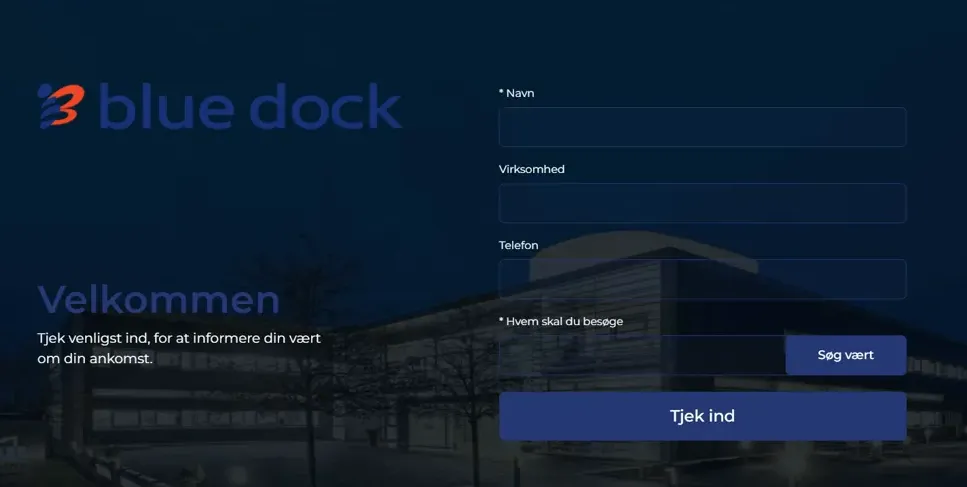
Clarify which fields the guest must fill in, and adapt colors, texts and background to the reception.
Choose whether you want to use printed cards, digital E-Ink guest cards or check-in without a card. Digital name cards are not in themselves access cards.
Set up host messages and any pre-registration from meeting invitations according to your needs.
Consider whether recognition of previous guests should be used and clarify retention of guest data.
Choose the hardware that suits the reception and control an overall arrival and departure process.
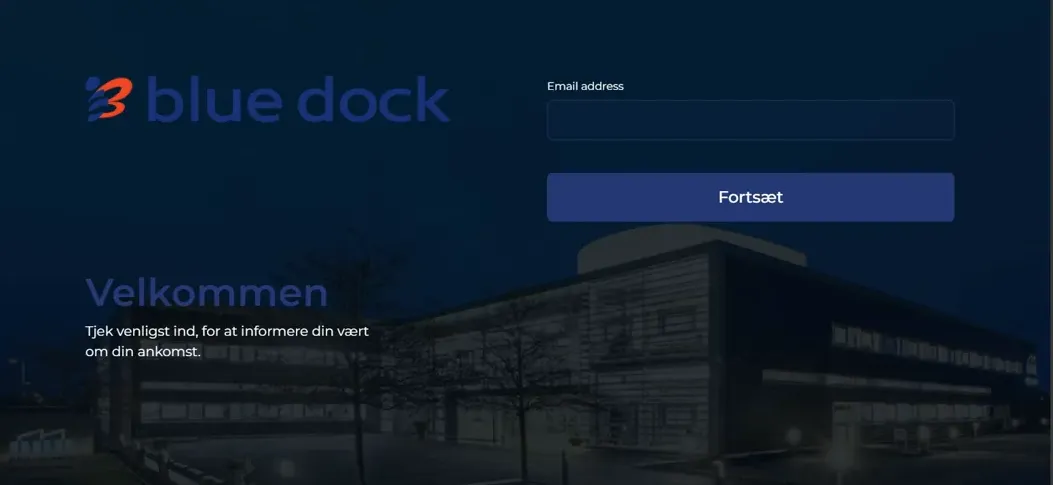
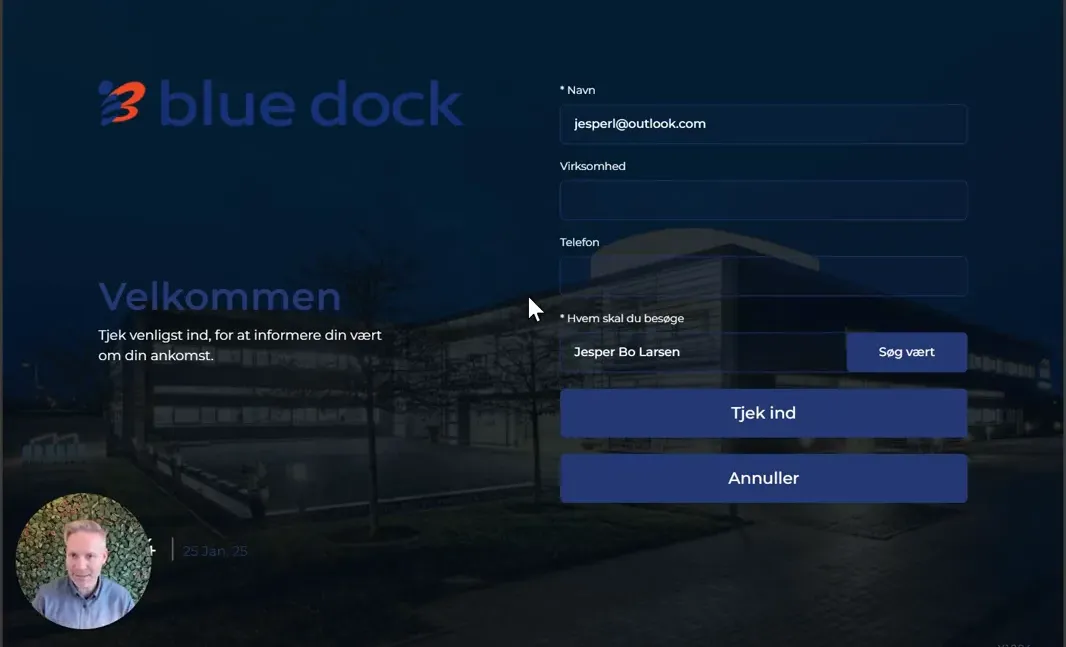
See screenshots from the original guide (3)
The screenshots are from the previous guide and may show an older user interface.