Sådan gør du
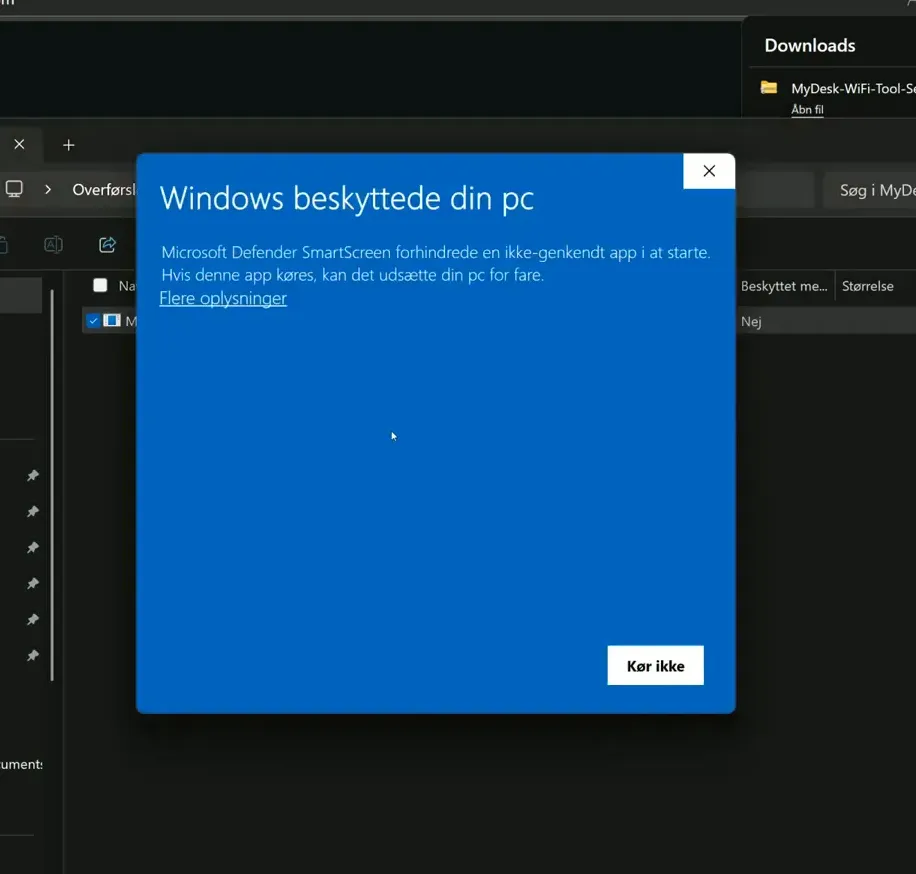
Download WiFi Tool from the official download link below. Arrange the installation with your IT department if Windows displays a security warning.
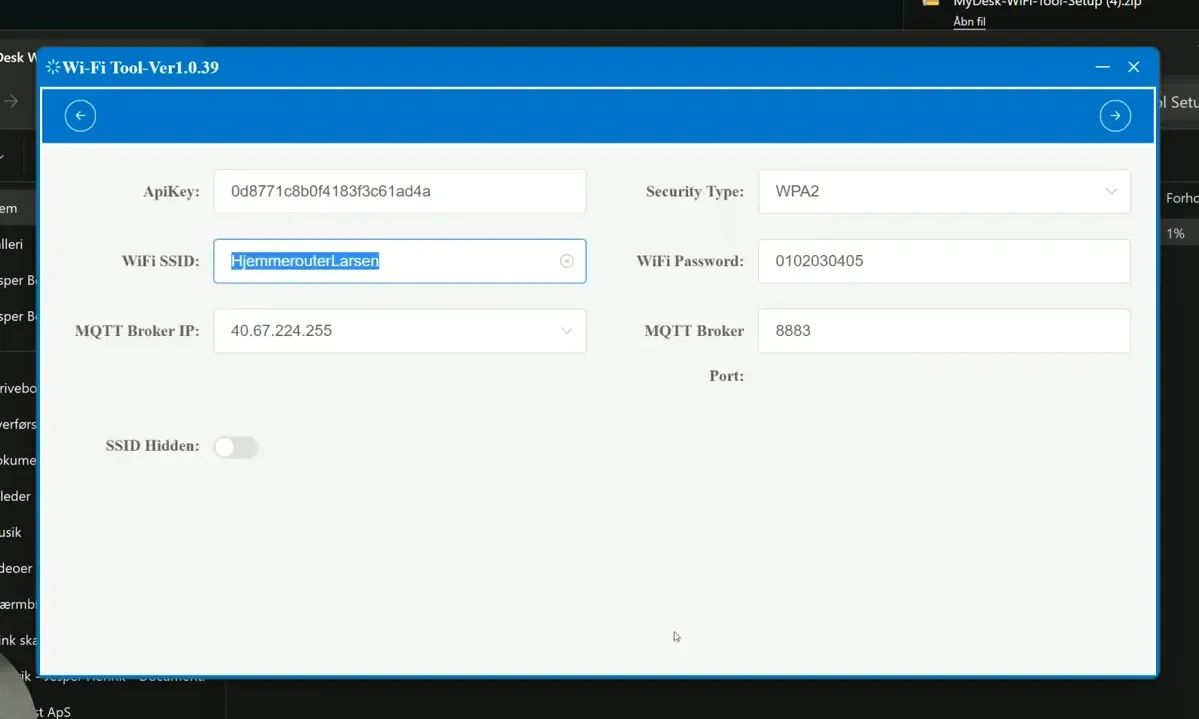
Open the tool and replace any sample settings with your own network information.
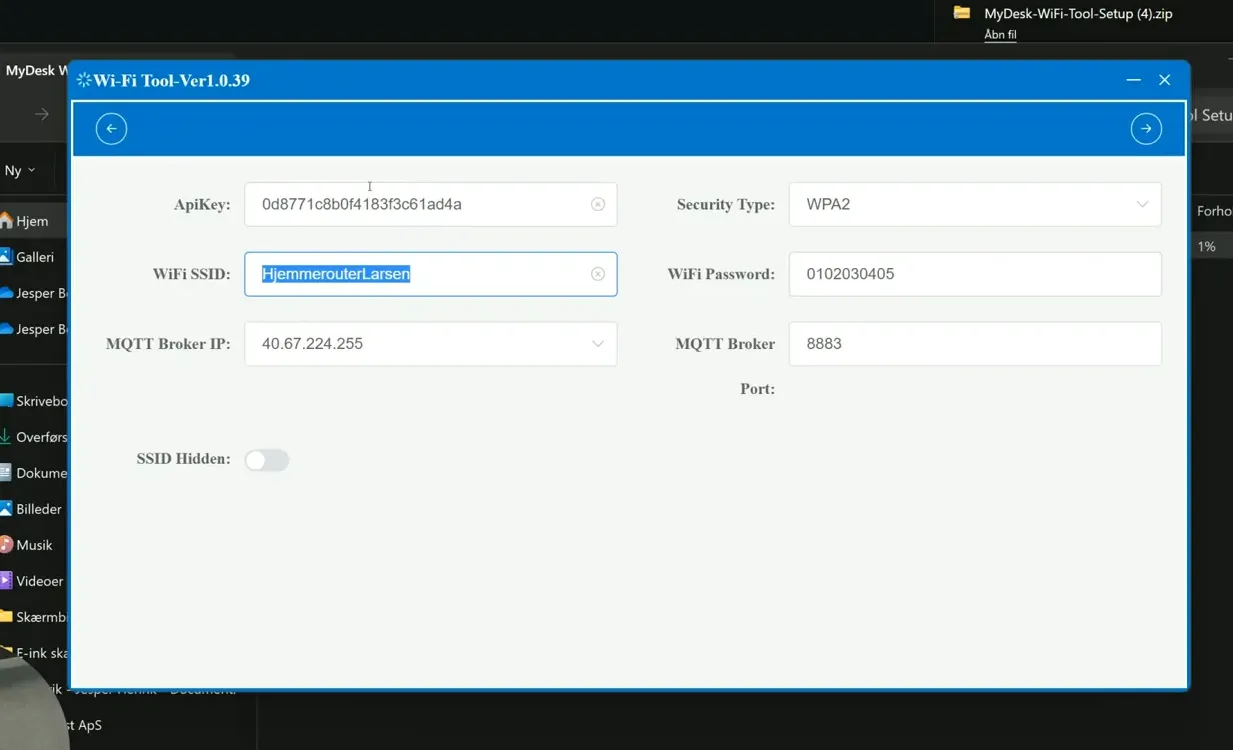
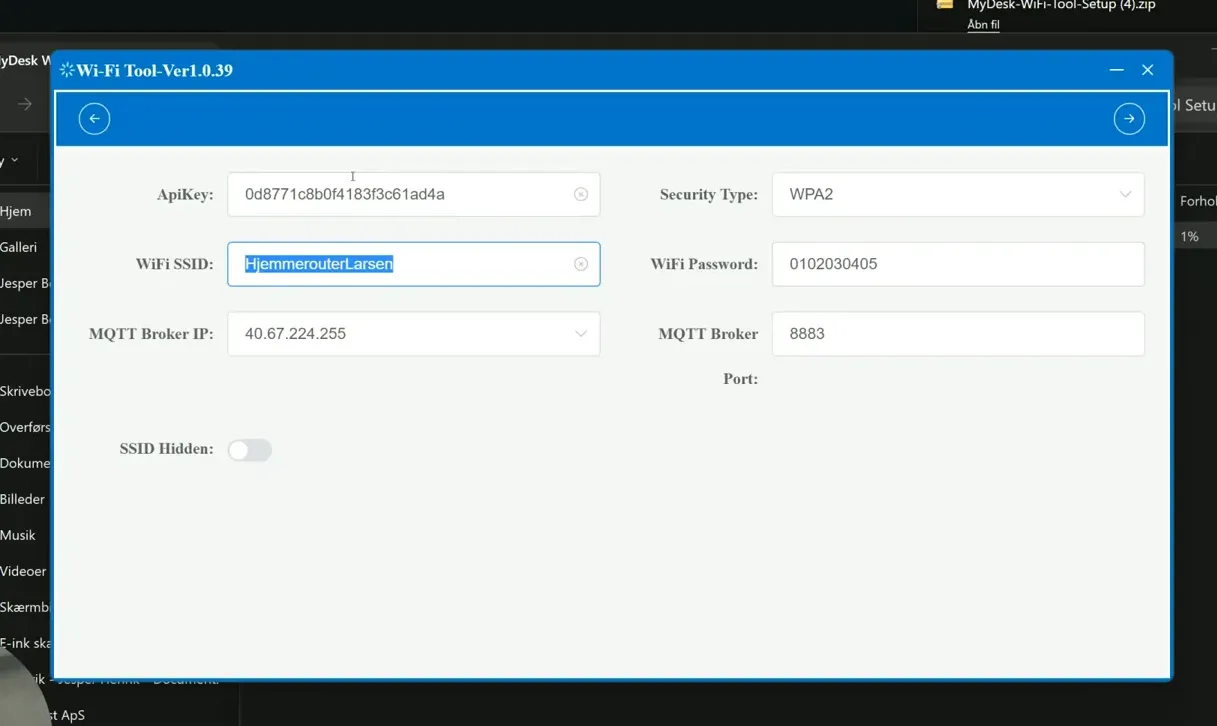
Enter the WiFi name and password as well as the API key you received from MyDesk. Do not share the key in screenshots or regular messages.
Press Next and continue adding devices. Check that the network has Internet access and that maps or screens can be updated.
Links og materialer
Se den oprindelige video
Video og skærmbilleder kan vise en tidligere version af MyDesk.
See screenshots from the original guide (4)
Skærmbillederne stammer fra den tidligere guide og kan vise en ældre brugerflade.