This is how you do it
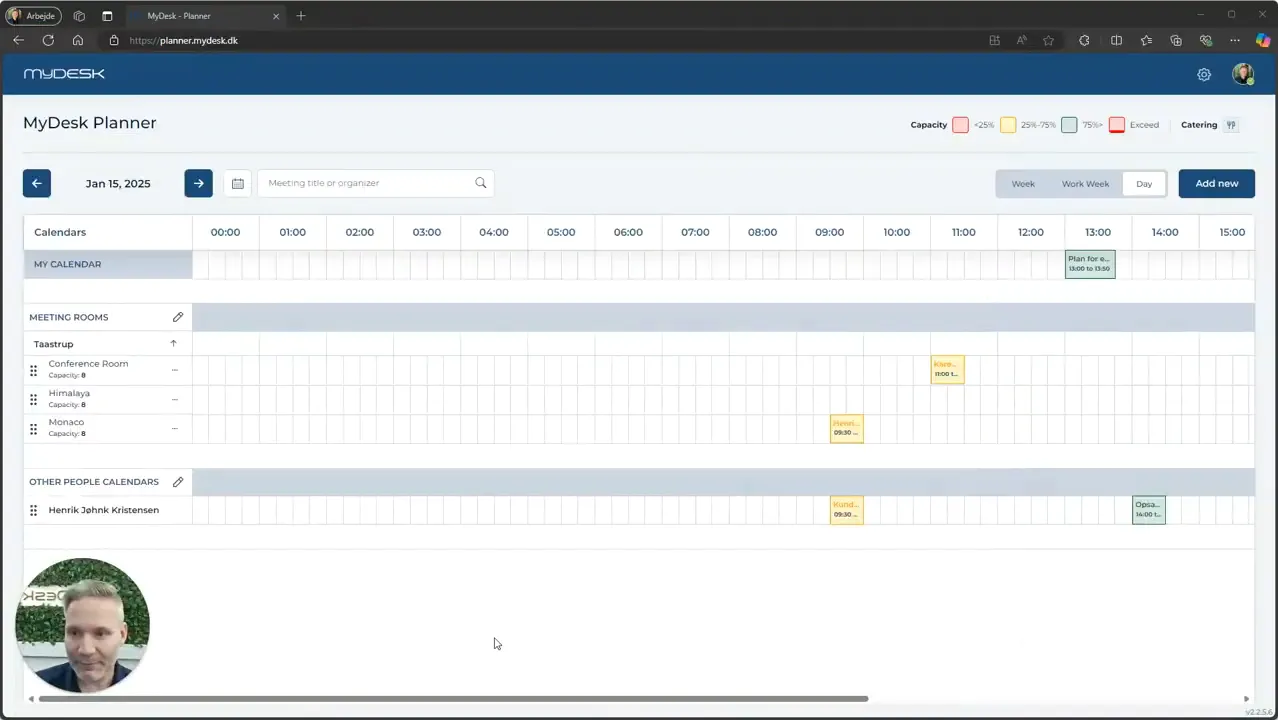
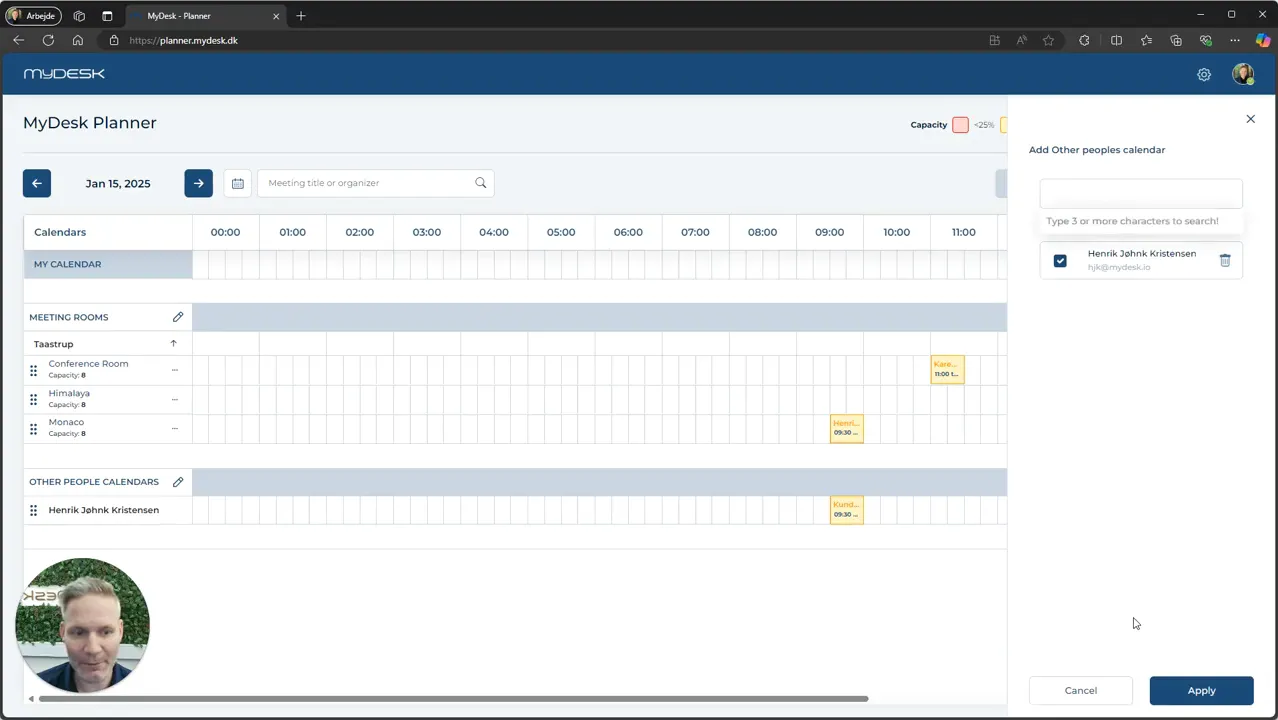
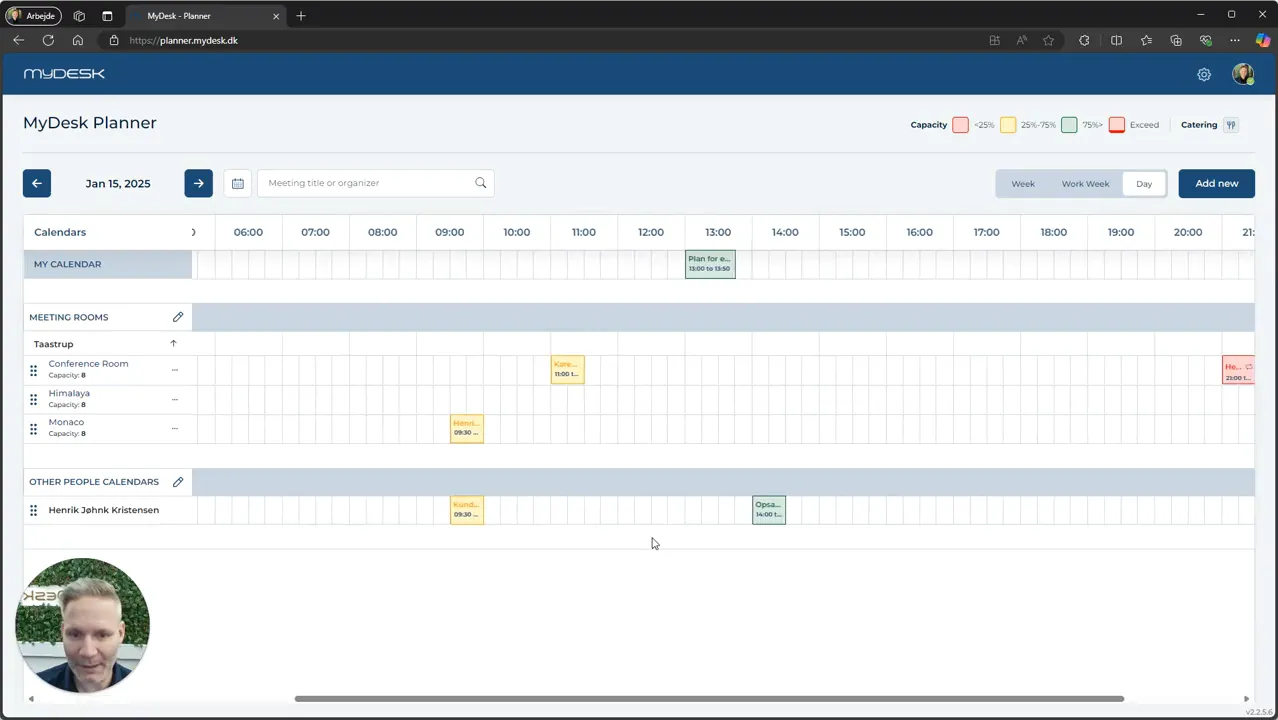
Open Planner and use the pencil next to the personal calendar to find the colleague. Press Apply.
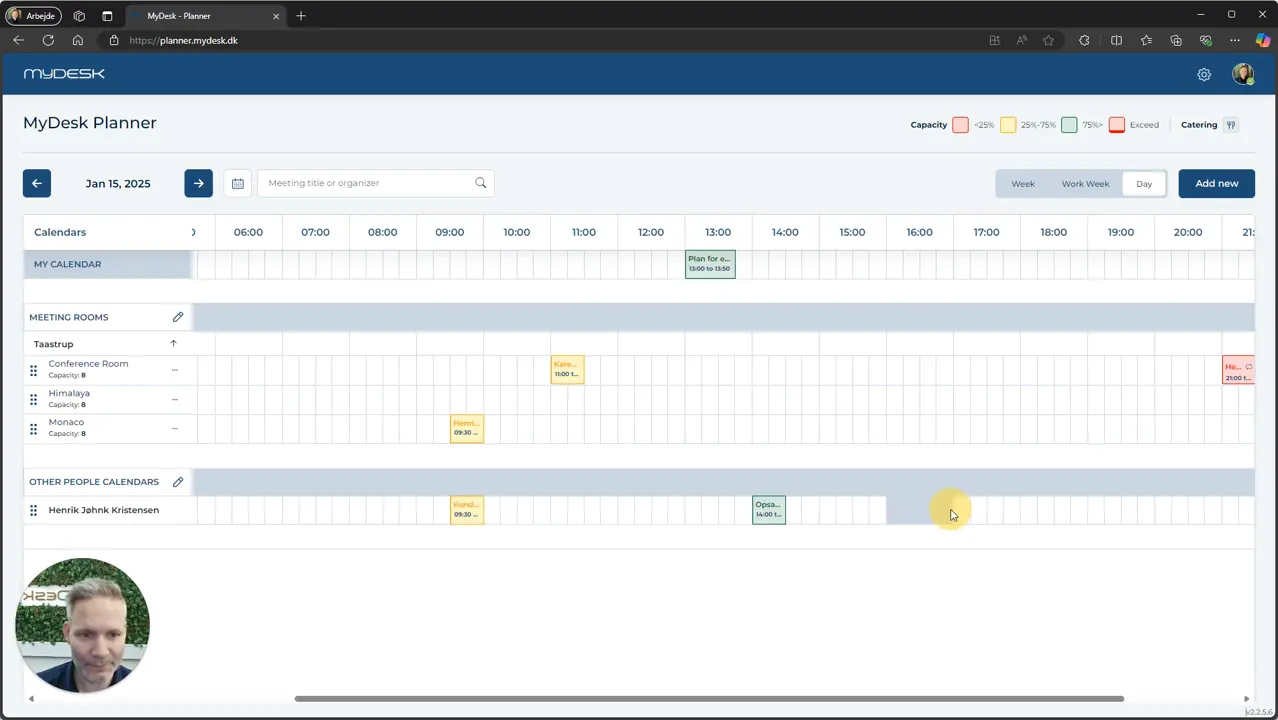
Mark the time period in the colleague's calendar, or select Add New.
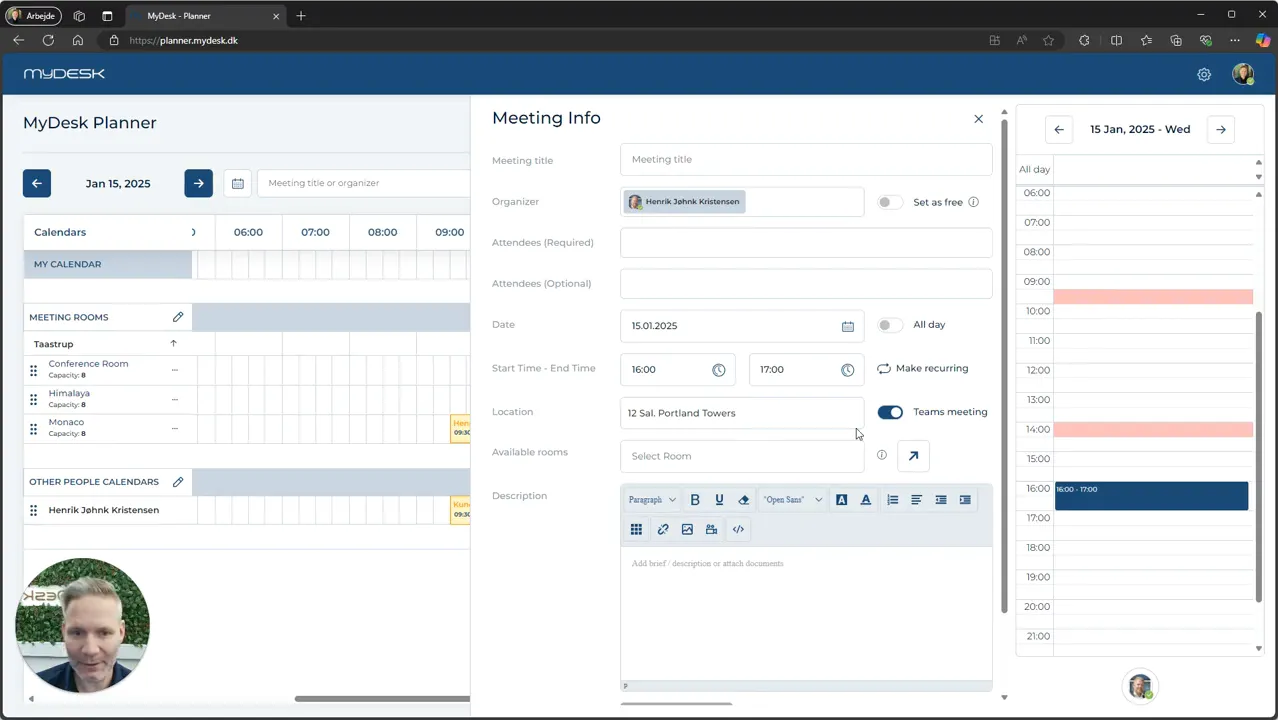
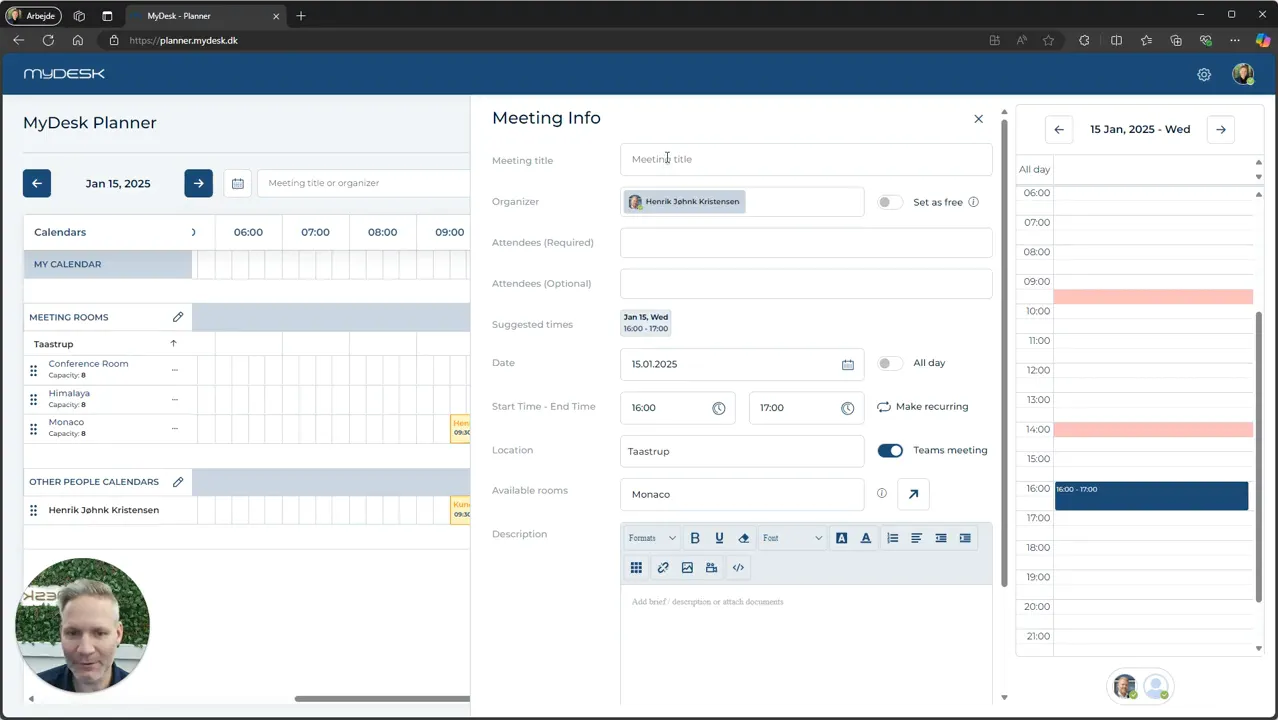
Check that the right person is the organizer. Fill in the title, participants and time.
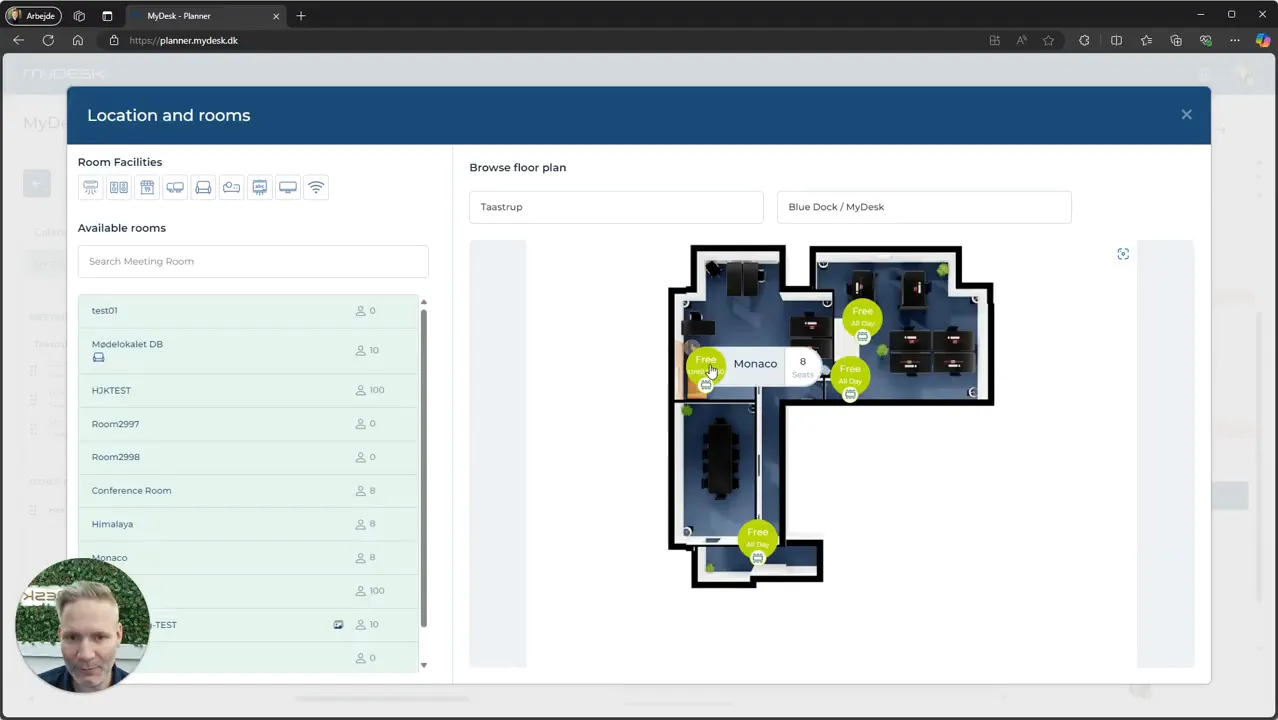
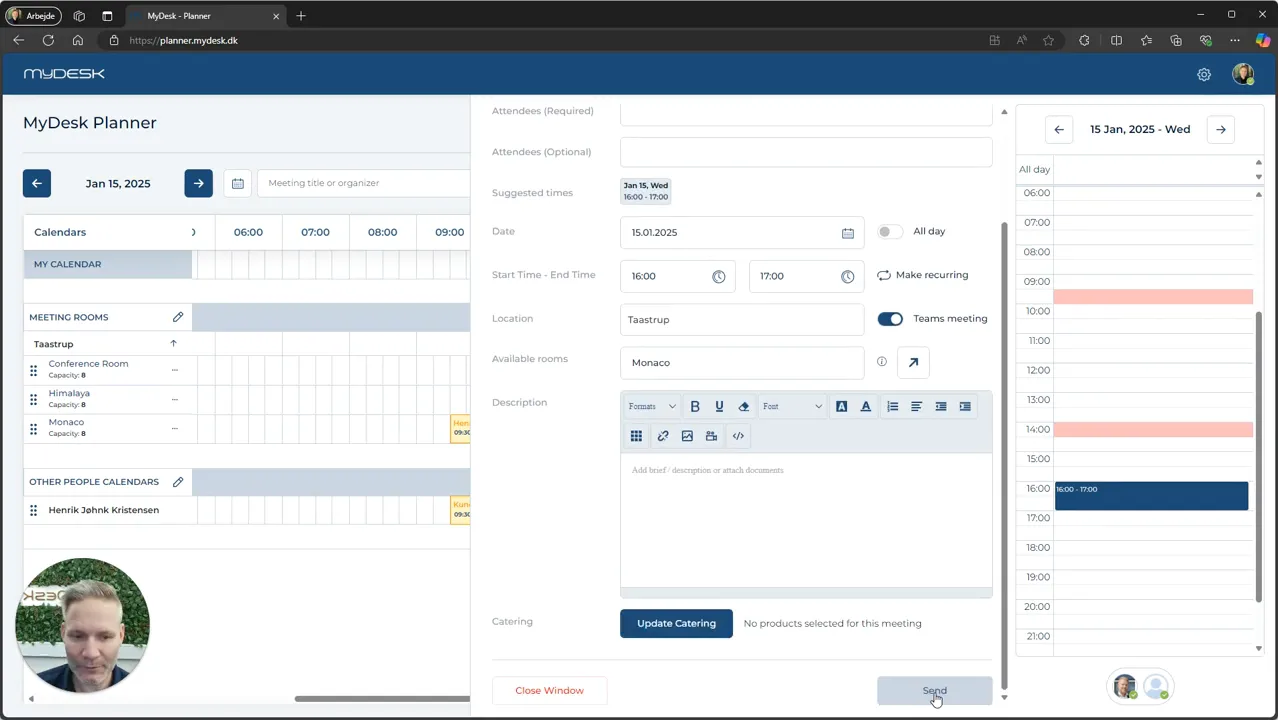
Choose an available meeting room, possibly via the floor plan, and add a description and catering.
Press Send and check the meeting and room responses.
See screenshots from the original guide (8)
The screenshots are from the previous guide and may show an older user interface.