Check the reservation and space first
A car in your booked space means the reservation and the situation in the car park do not match. Start by checking your own booking and the physical markings. This gives the local person responsible a concrete basis for helping.
- Is this the right location and entrance?
- Does the reservation cover today’s date and the current time?
- Do the space number and zone match the markings on site?
- Is your car registered correctly in the agreed system?
Keep the booking details so you can show which space and period you reserved. An active reservation alone does not establish why another car is there. Signs, markings or another arrangement may also need clarification.
Use the agreed local contact route
Contact reception, facilities or the person your company has designated for parking problems. Give the location, space number and time, and briefly explain the mismatch. If a visitor is involved, the host can help make contact.
Let the local person responsible clarify the situation under the site’s arrangements. A booking overview is not necessarily a record of who owns the car in the space. Do not assume that reception can identify or contact the driver directly.
Confirm an alternative space
Ask for specific directions if you cannot use your reserved space. An empty bay nearby may be reserved for someone else or have special conditions. Clarify both where you can park and whether the alternative requires a new reservation, registration or permit.
If an external parking operator manages the alternative, the relevant terms must also be clarified. A message to reception does not itself confirm that the operator’s registration has changed. Follow the site’s instructions and keep the entrance and passage clear while getting help.
Match the booking to the actual parking location
Once the alternative is confirmed, agree who updates the original reservation and creates a new one if necessary. Check the result so no unused reservation remains. Cancelling a booking does not move the car occupying the space.
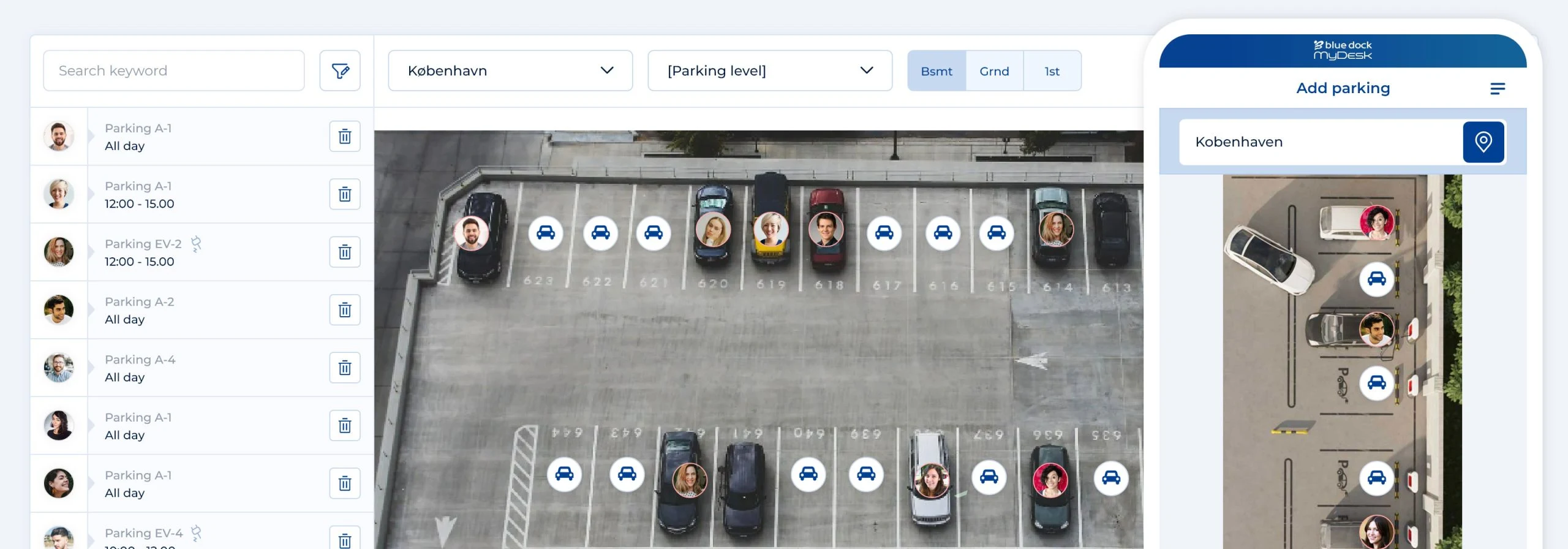
MyDesk supports parking reservations before arrival and visual space selection. Rules, access and any external connections depend on the setup. Check your specific process rather than relying on automatic reallocation.
Follow up if the problem recurs
Note the affected space numbers and times and review them with the person responsible. Compare the parking map, markings and booking periods. Agree who corrects any information errors and how employees and visitors can find the contact route next time.