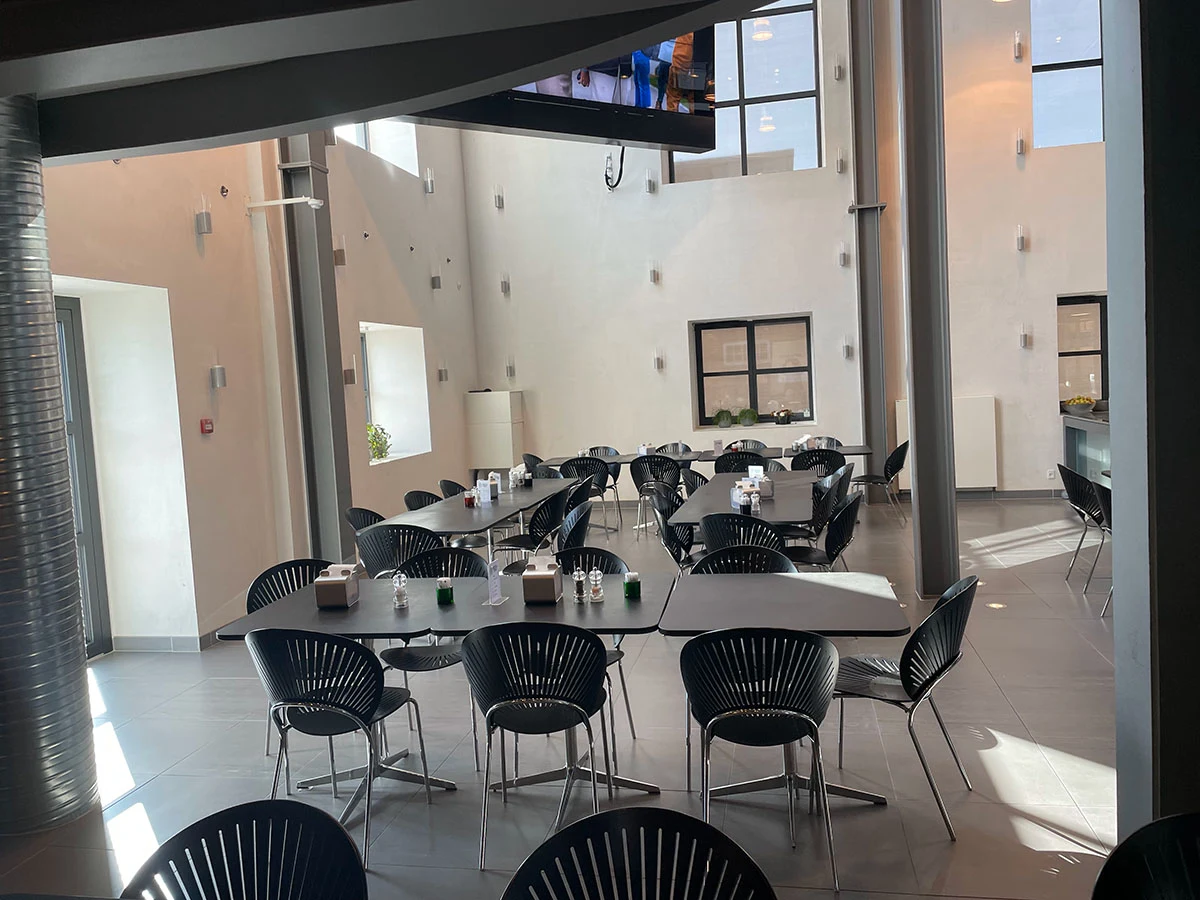
Choose the days you eat with
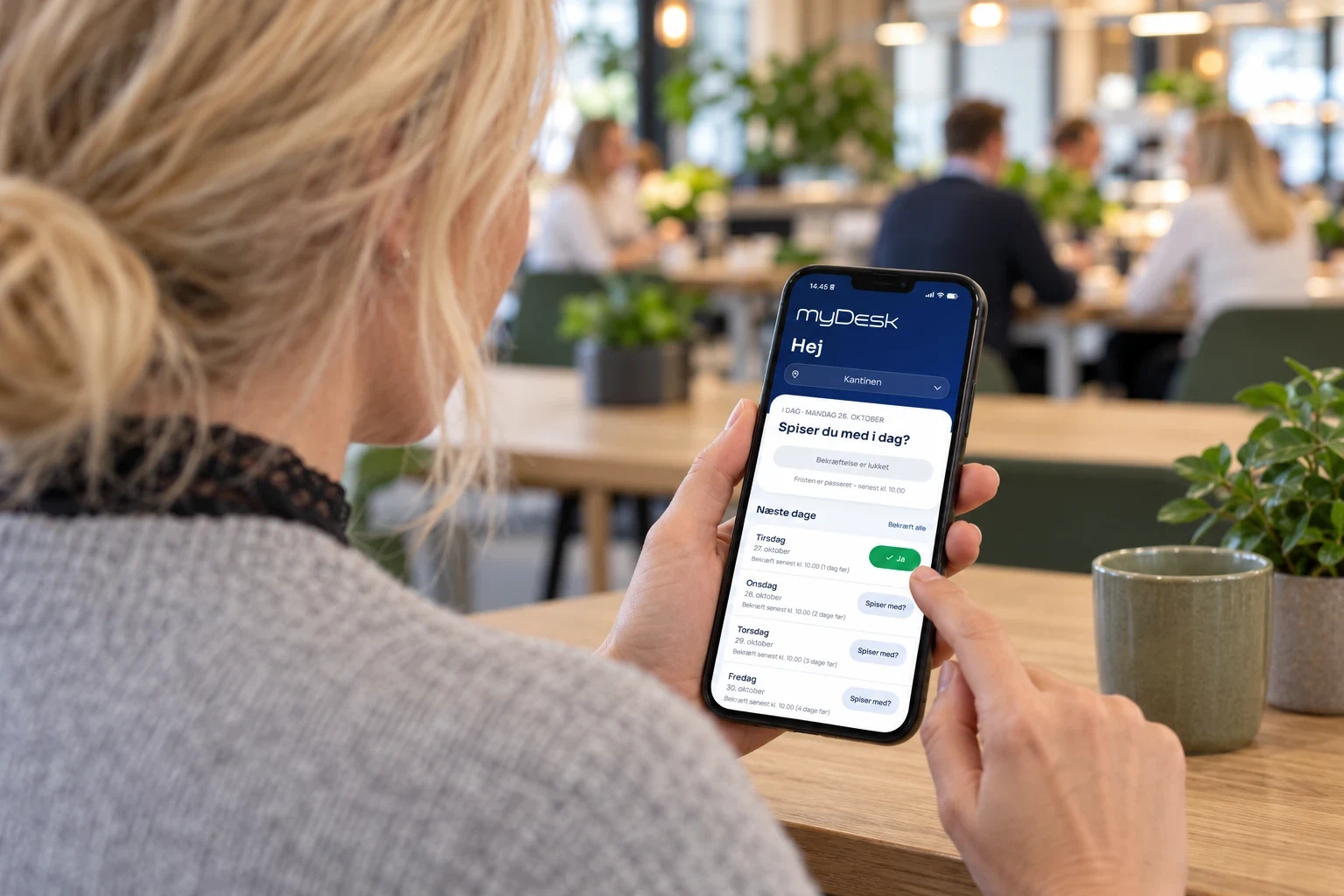
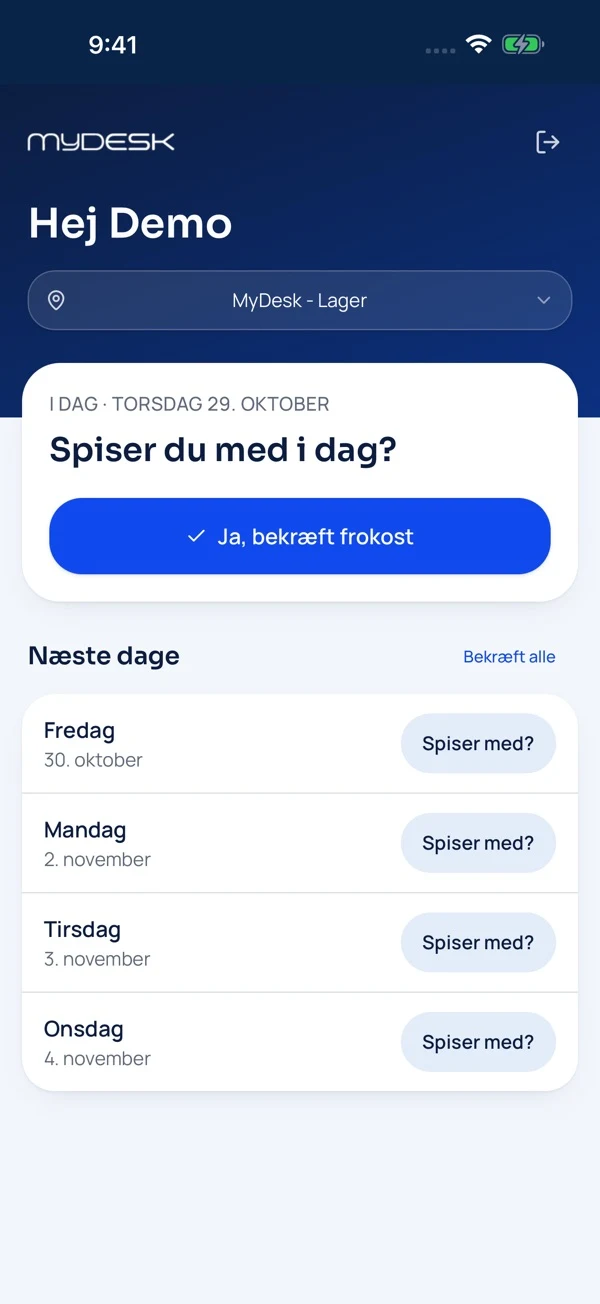
Are you in the office today and at home tomorrow? Open MyDesk Lunch, select the working days on which you will eat in the canteen and confirm your choice. You can see your registrations and correct them before the deadline if your working week changes.
Open the lunch app in Outlook
Once your workplace has made the lunch app available in Outlook, you can record lunch while planning your office days.
Confirm the lunch on the mobile
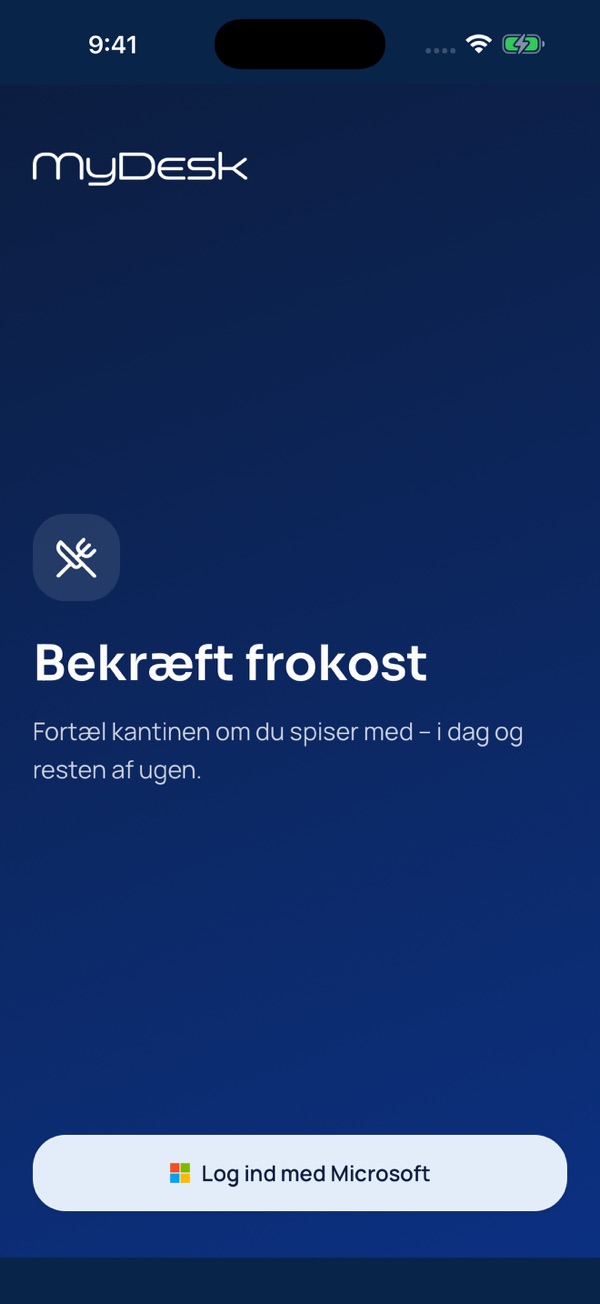
If you have your mobile at hand, you can also register lunch from there. On iPhone, download MyDesk Lunch and log in with your Microsoft work account.
Download MyDesk Lunch in the App Store
On Android, you can register lunch in The MyDesk app from Google Play.
The canteen knows how many people are coming
When employees register which days they eat, the canteen gets a better basis for planning the day's portions. This can make it easier to prepare enough for everyone and reduce food waste.
Your workplace determines which locations you can choose and when registration closes.