Sådan gør du
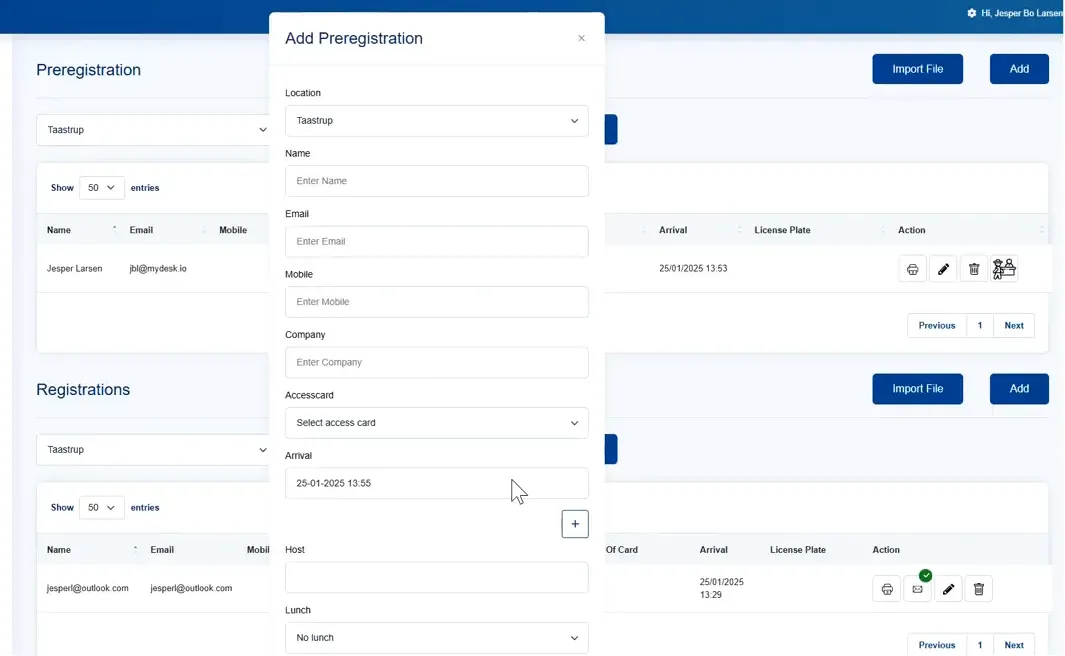
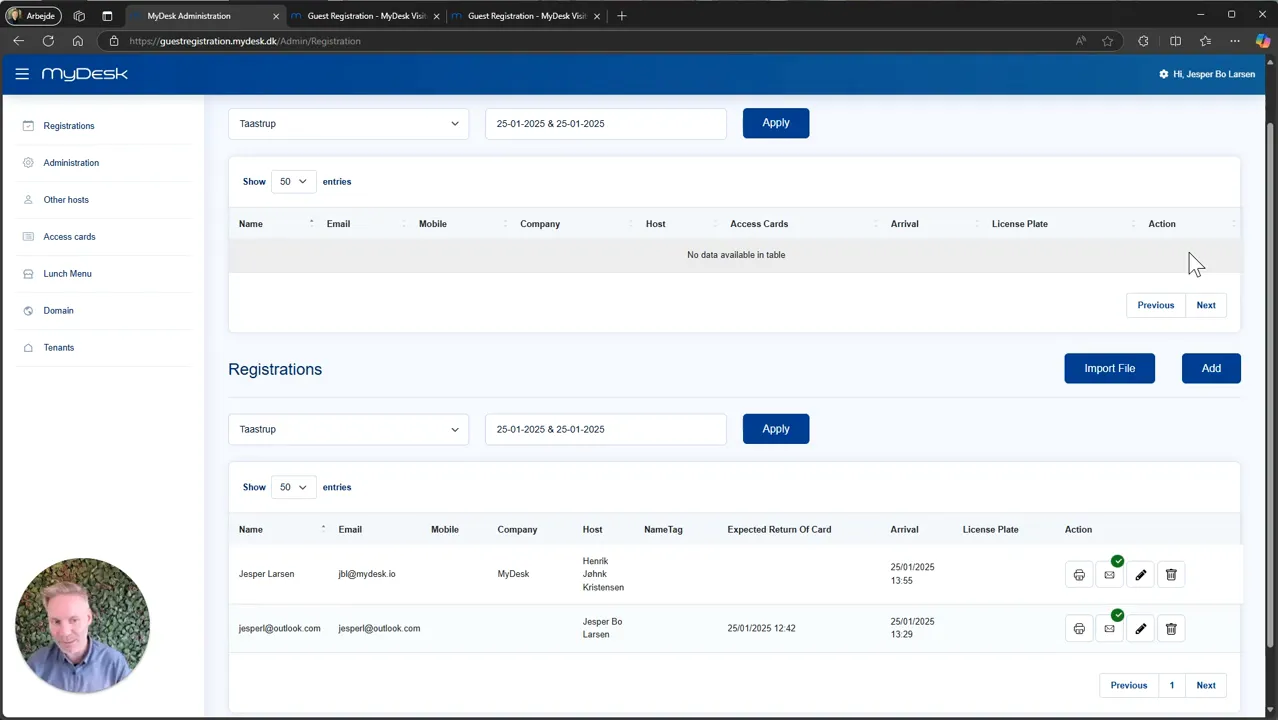
Select Add and fill in the guest information your setup requires. Select the person the guest is visiting.
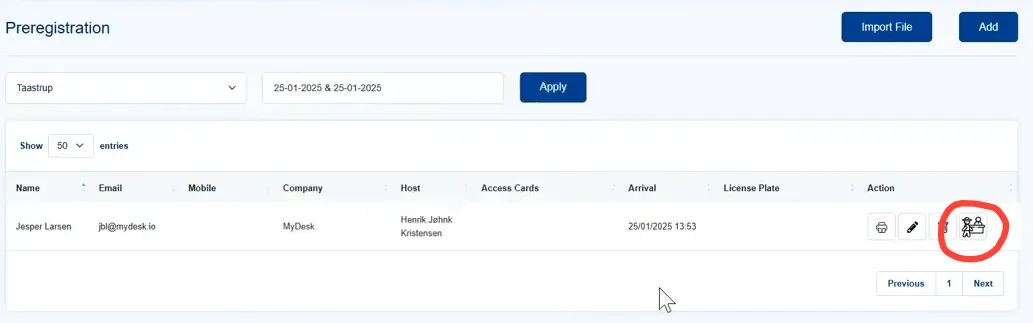
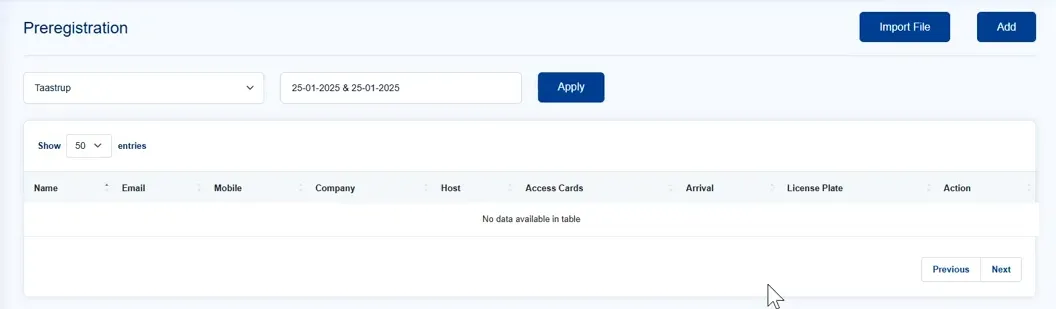
Press Check-in when the guest arrives. Check that the registration is shown as arrived.
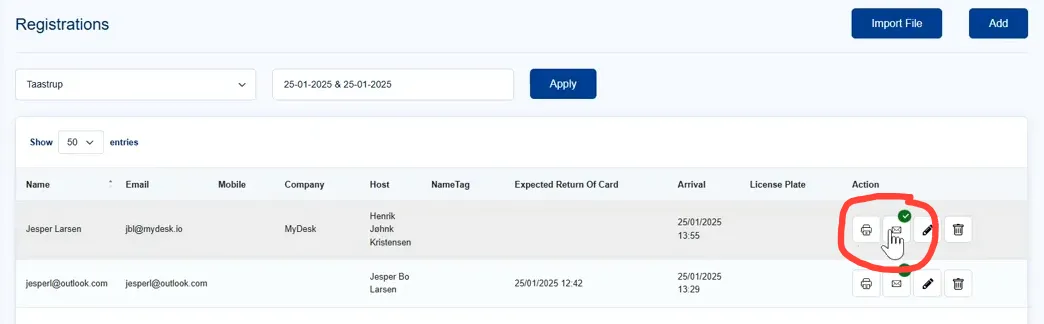
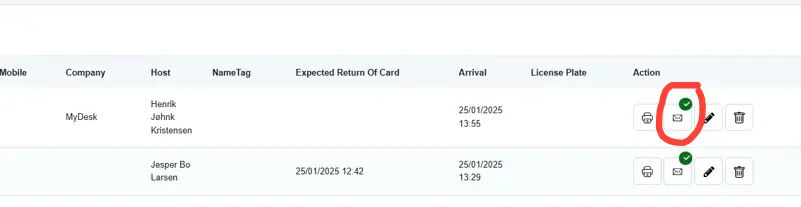
Print a guest card with the print button if you use printed cards. Use the envelope to send or resend a message to the host.
If automatic printing and notification are activated, they are performed at check-in.
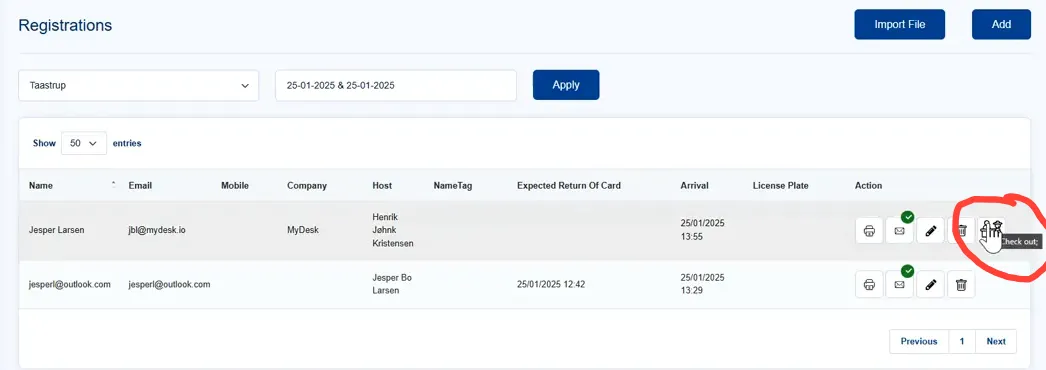
Press Check-out on departure so that the visitor overview is updated.
Se den oprindelige video
Video og skærmbilleder kan vise en tidligere version af MyDesk.
See screenshots from the original guide (7)
Skærmbillederne stammer fra den tidligere guide og kan vise en ældre brugerflade.