Sådan gør du
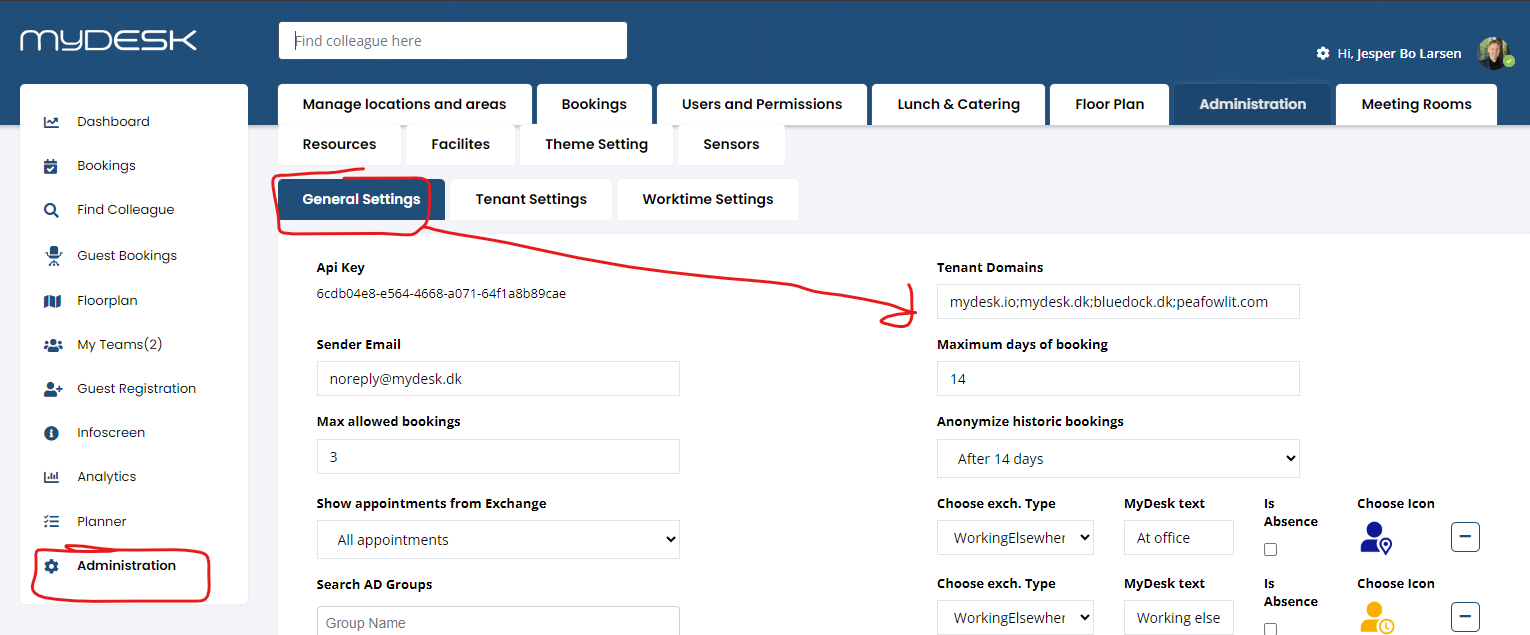
Open Administration, General settings and Tenant Domains and add the agreed domain.
Add the specific users or rights groups under Users.
If the entire other organization needs to be connected, contact MyDesk support about ConnectedTenants.
Check the booking access and demarcation from both organisations.
See screenshots from the original guide (1)
Skærmbillederne stammer fra den tidligere guide og kan vise en ældre brugerflade.