Sådan gør du
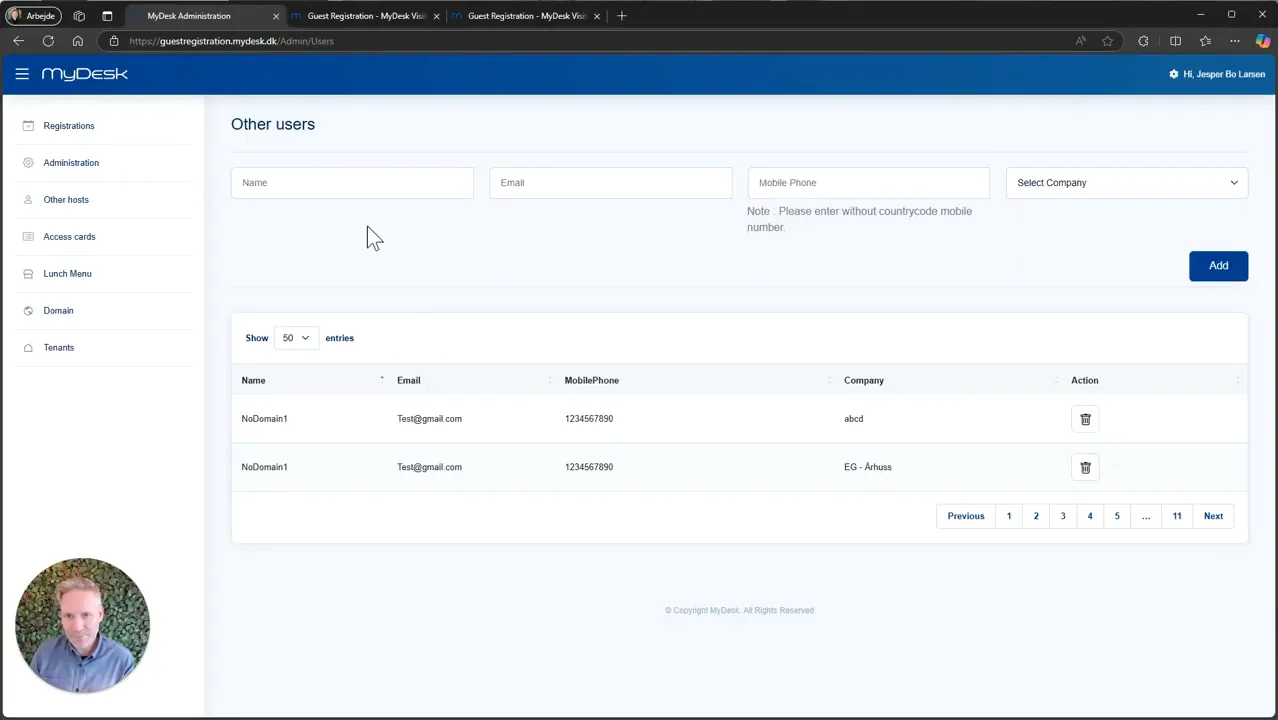
Open Other hosts in the guest registration administration.
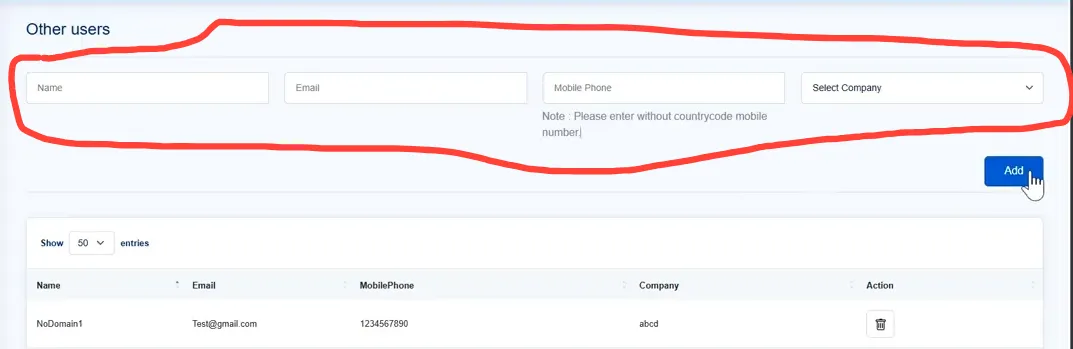
Enter the name, email, mobile number and company of the host who will be able to receive guests.
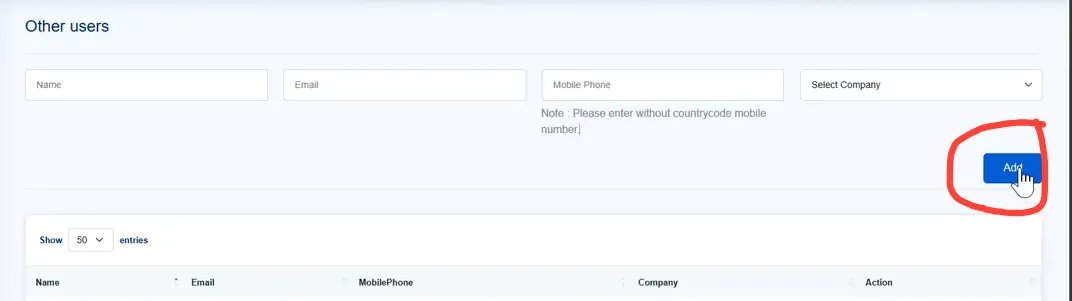
Press Add and check that the host can be found in the guest registration.
With many hosts, MyDesk can help with import or an agreed connection to the other company's user management. First, clarify which users should be available.
Se den oprindelige video
Video og skærmbilleder kan vise en tidligere version af MyDesk.
See screenshots from the original guide (3)
Skærmbillederne stammer fra den tidligere guide og kan vise en ældre brugerflade.