Sådan gør du
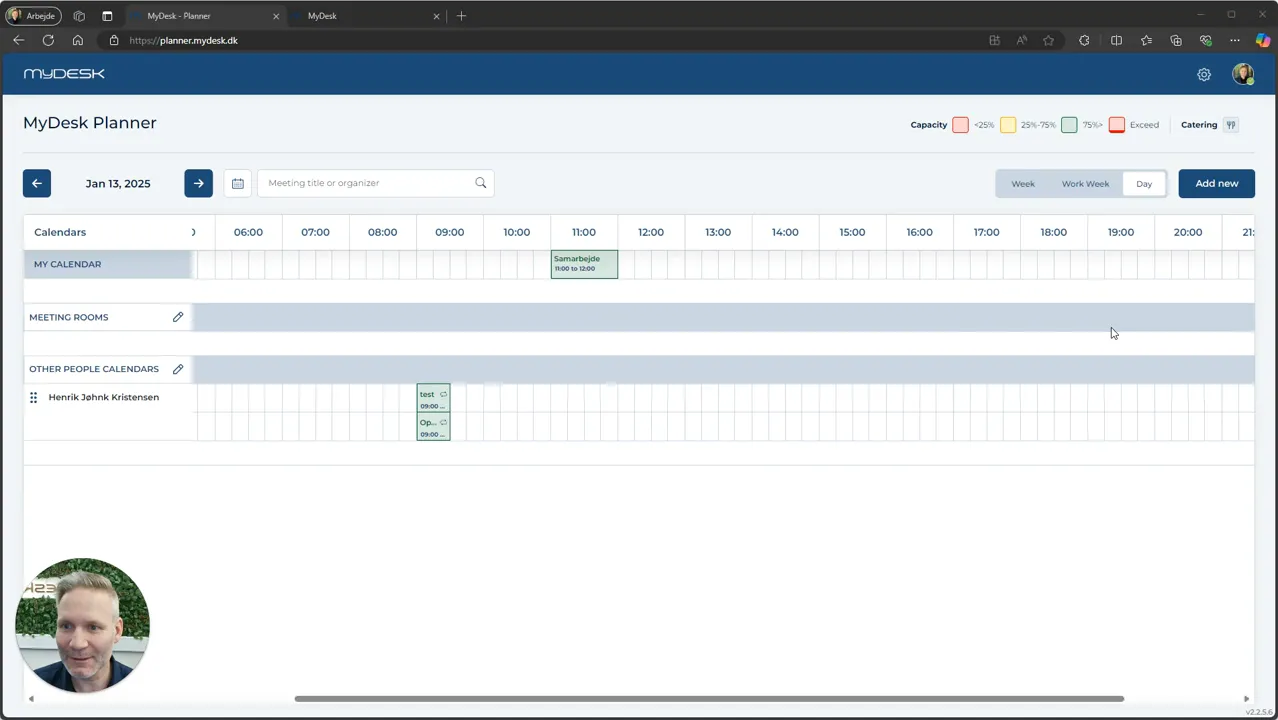
Open Planner and find Meeting Room on the left side.
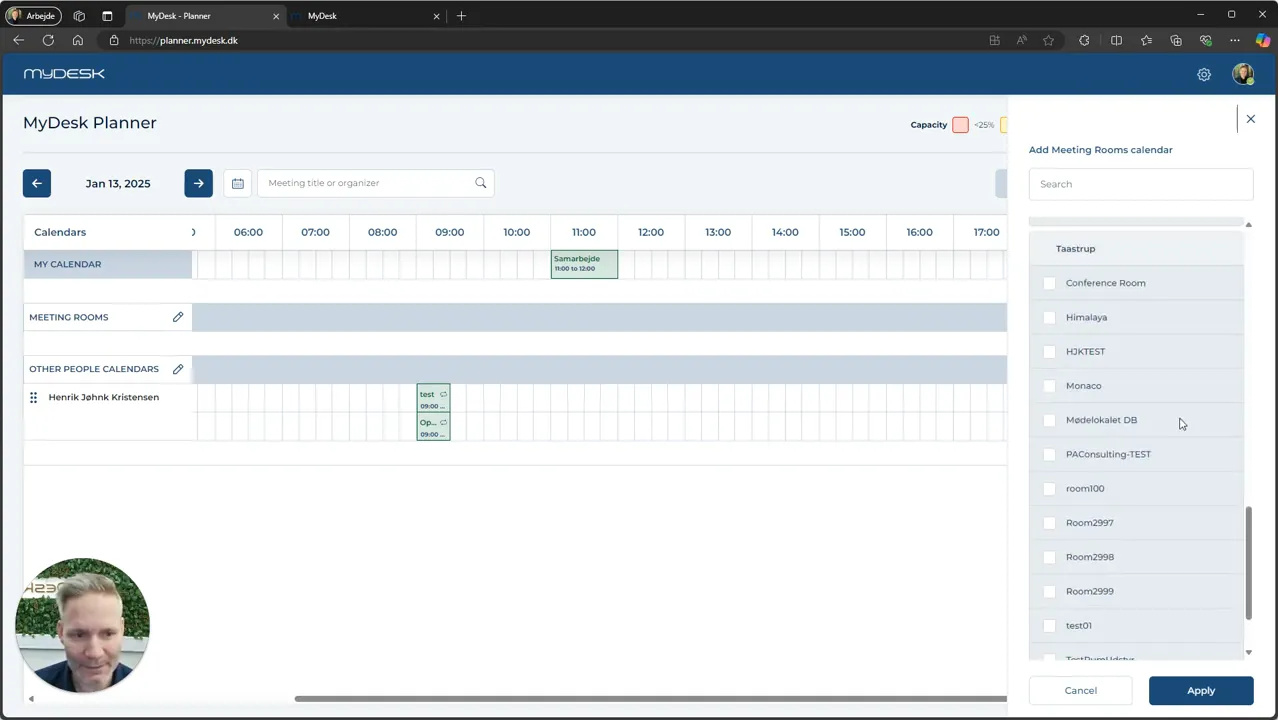
Tap the pencil, search for rooms and select the relevant rooms in the locations you are working with.
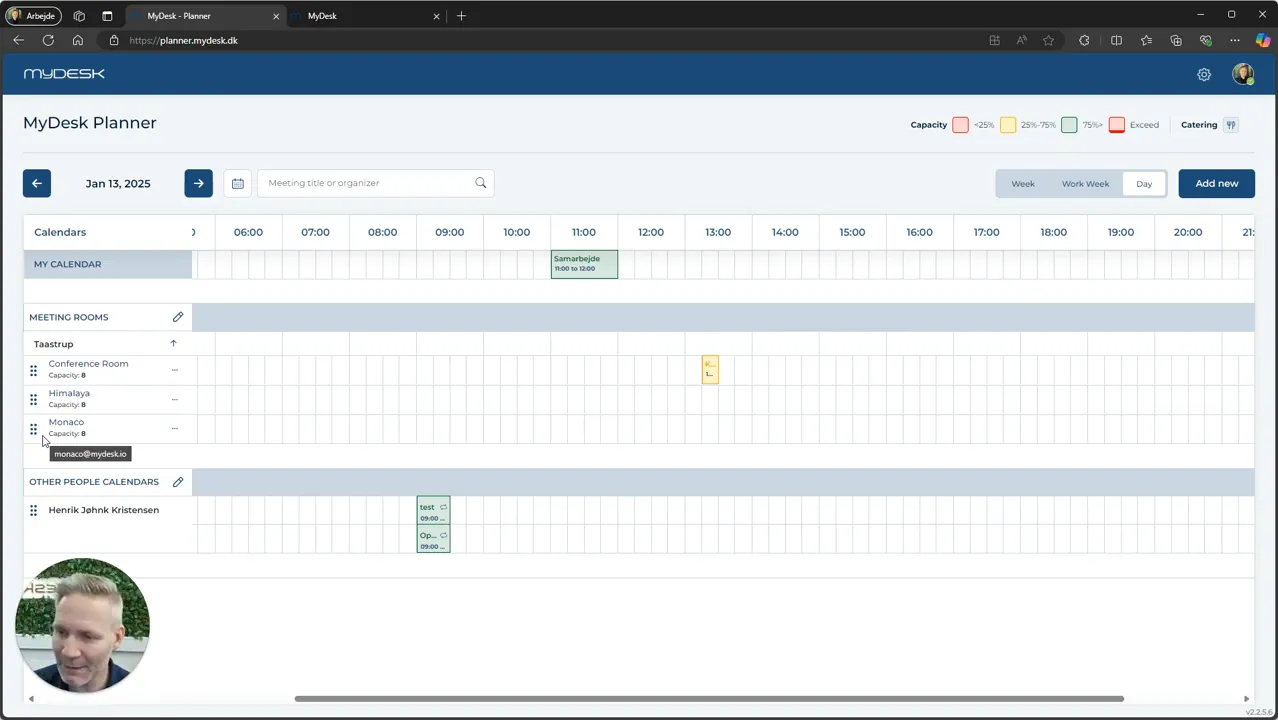
Press Apply to display the selected premises.
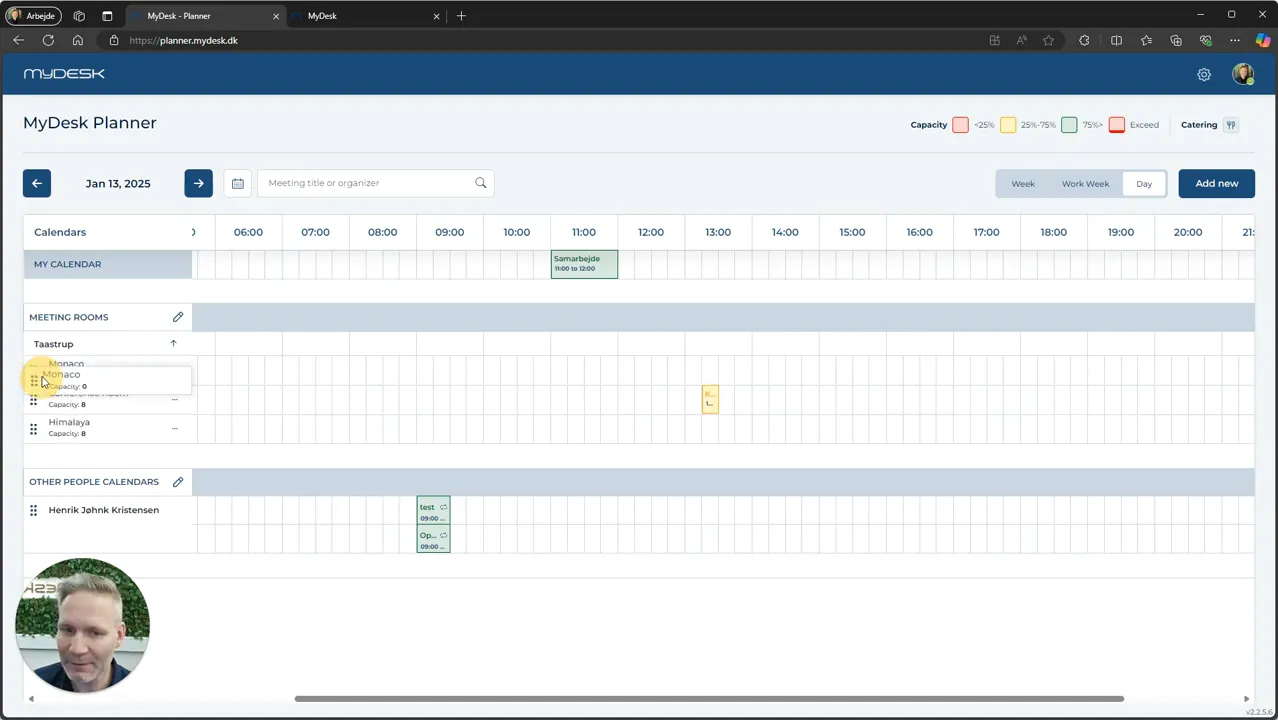
Drag the rooms to the order you want and save the settings.
Check the overview before creating the next booking.
Se den oprindelige video
Video og skærmbilleder kan vise en tidligere version af MyDesk.
See screenshots from the original guide (4)
Skærmbillederne stammer fra den tidligere guide og kan vise en ældre brugerflade.