Sådan gør du
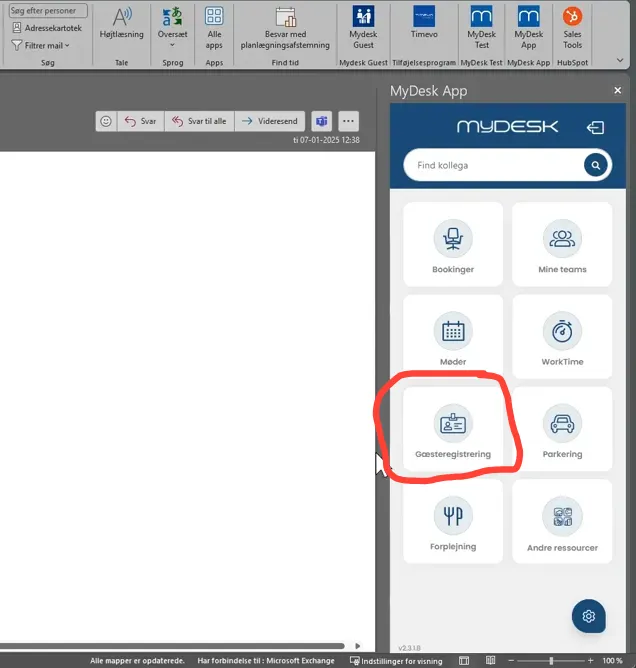
Open MyDesk in Outlook, Teams, web or mobile and select Guest Registration.
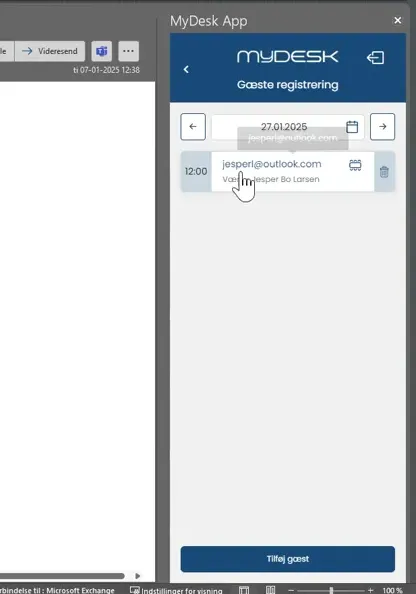
Select the relevant date and guest from the meeting or enter the guest manually.
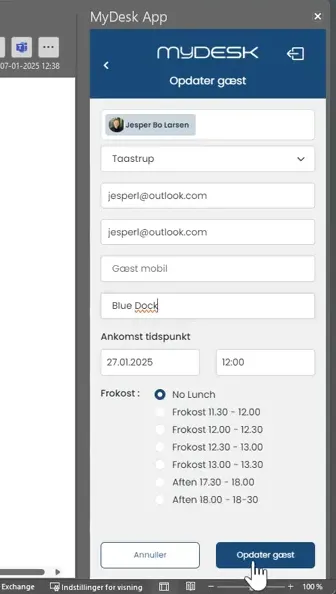
Check the name and company, and possibly add lunch if your solution offers it.
Press Update Guest and check the list of invited guests.
Cancel the pre-registration if the visit is cancelled. Automatic pre-registration of external meeting participants depends on your setup.
Se den oprindelige video
Video og skærmbilleder kan vise en tidligere version af MyDesk.
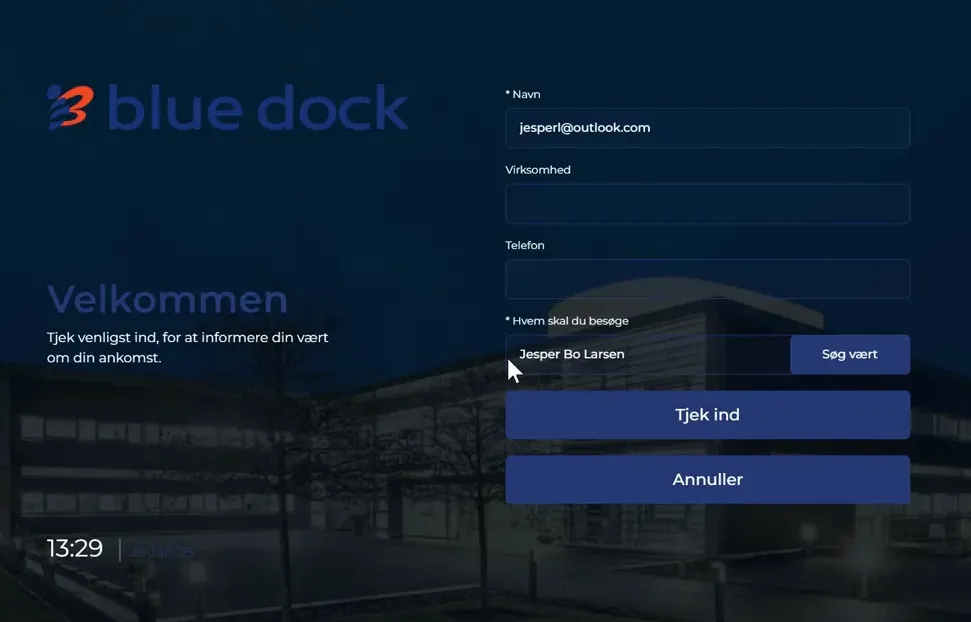
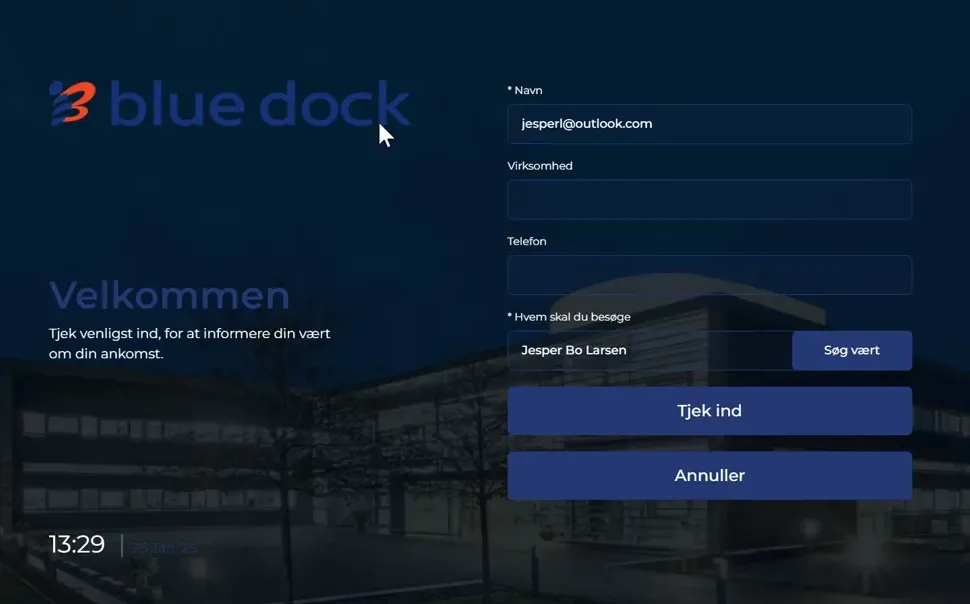
See screenshots from the original guide (6)
Skærmbillederne stammer fra den tidligere guide og kan vise en ældre brugerflade.