Sådan gør du
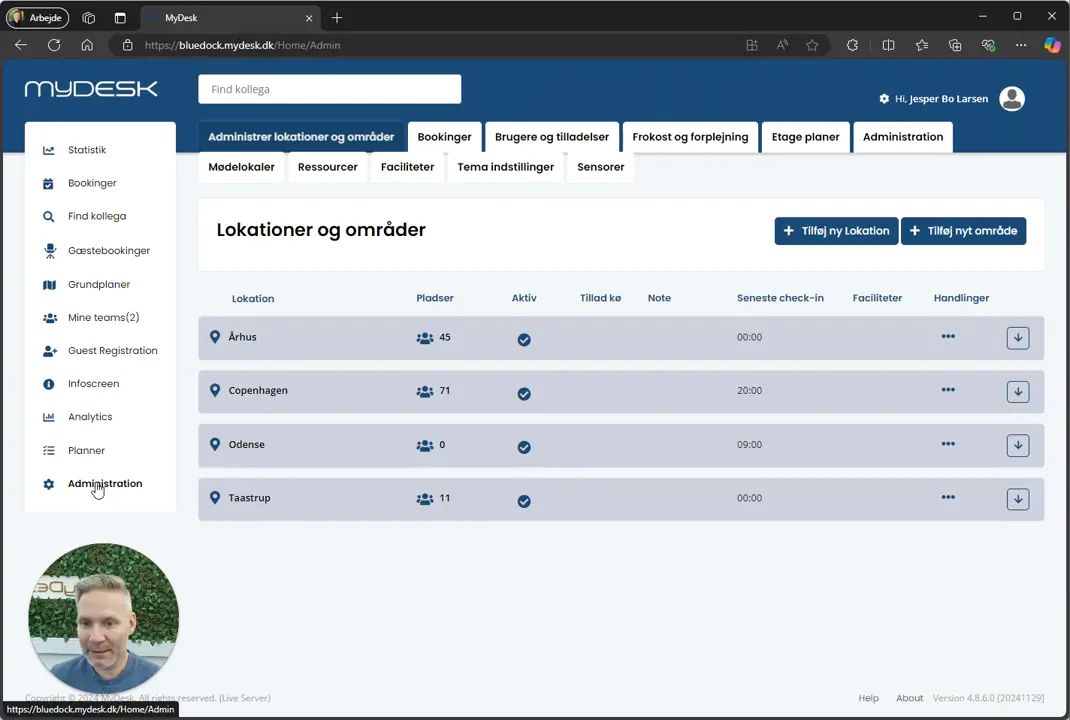
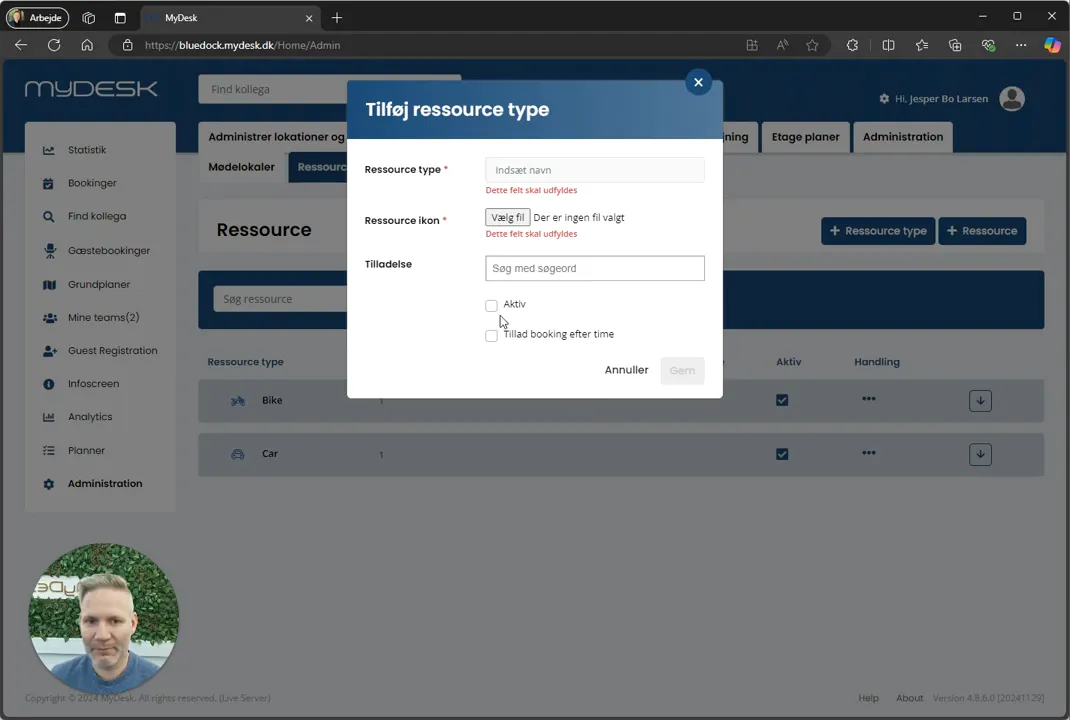
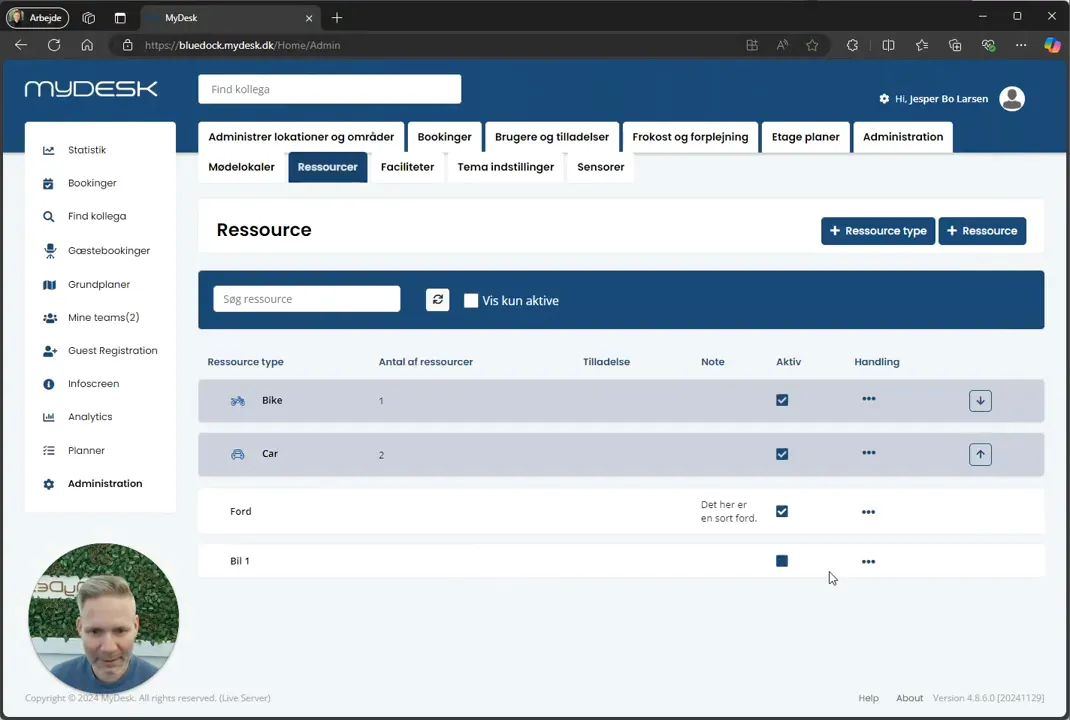
Open Administration and create a resource type with name, icon and active status.
Choose booking by hour if the resources are not to be reserved for whole days.
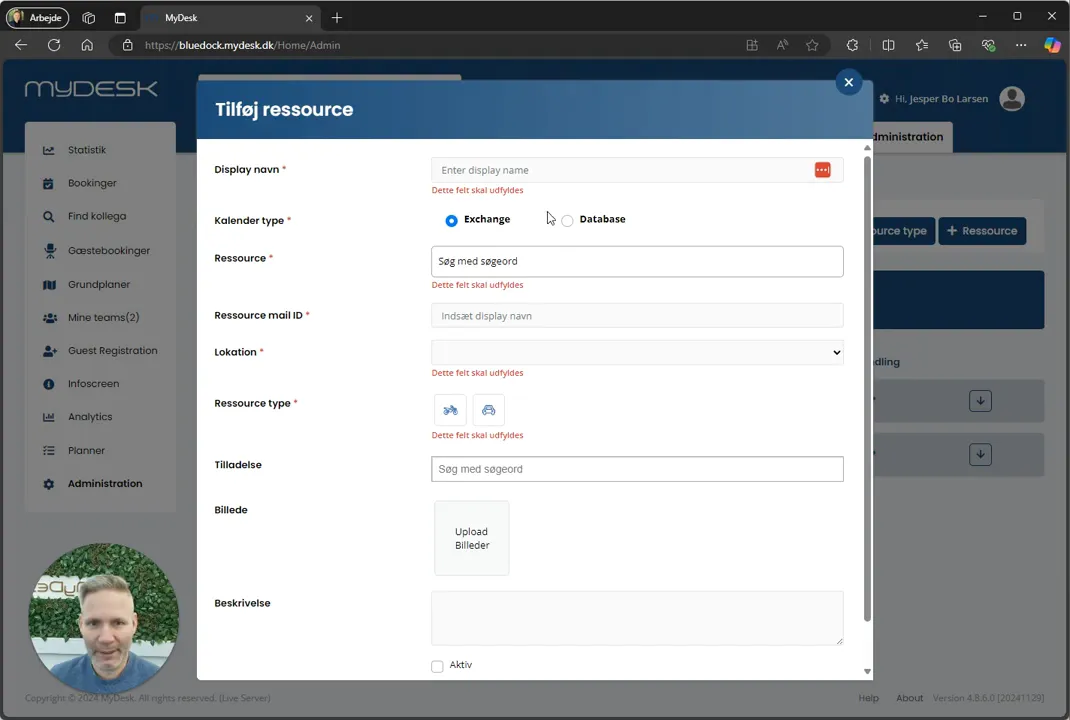
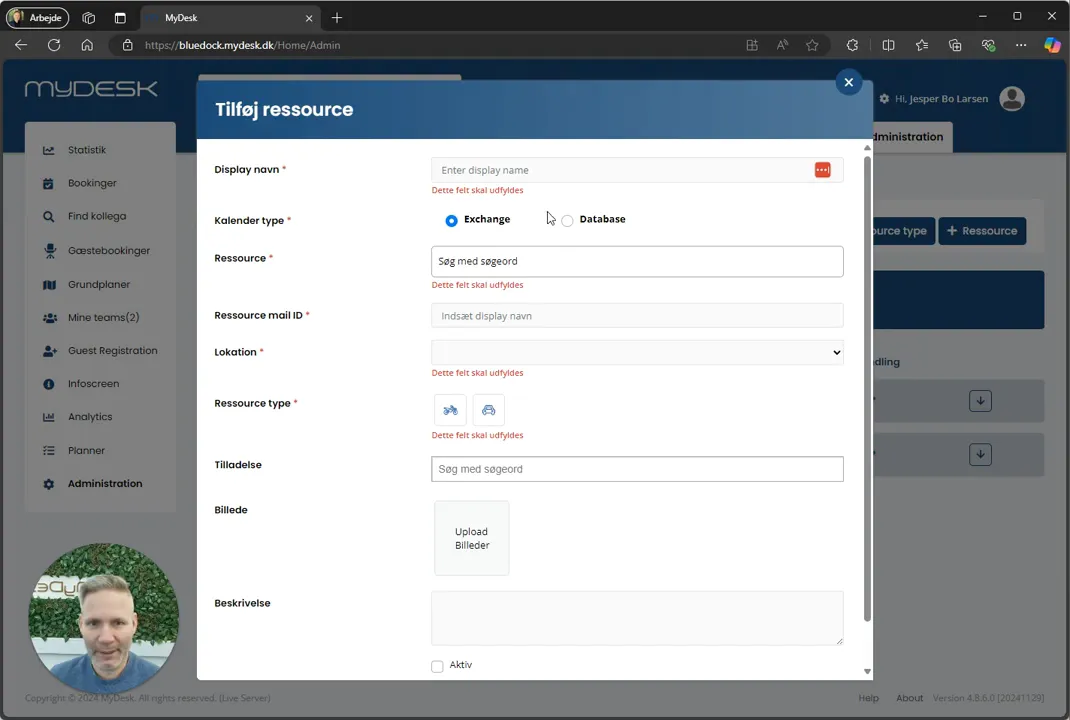
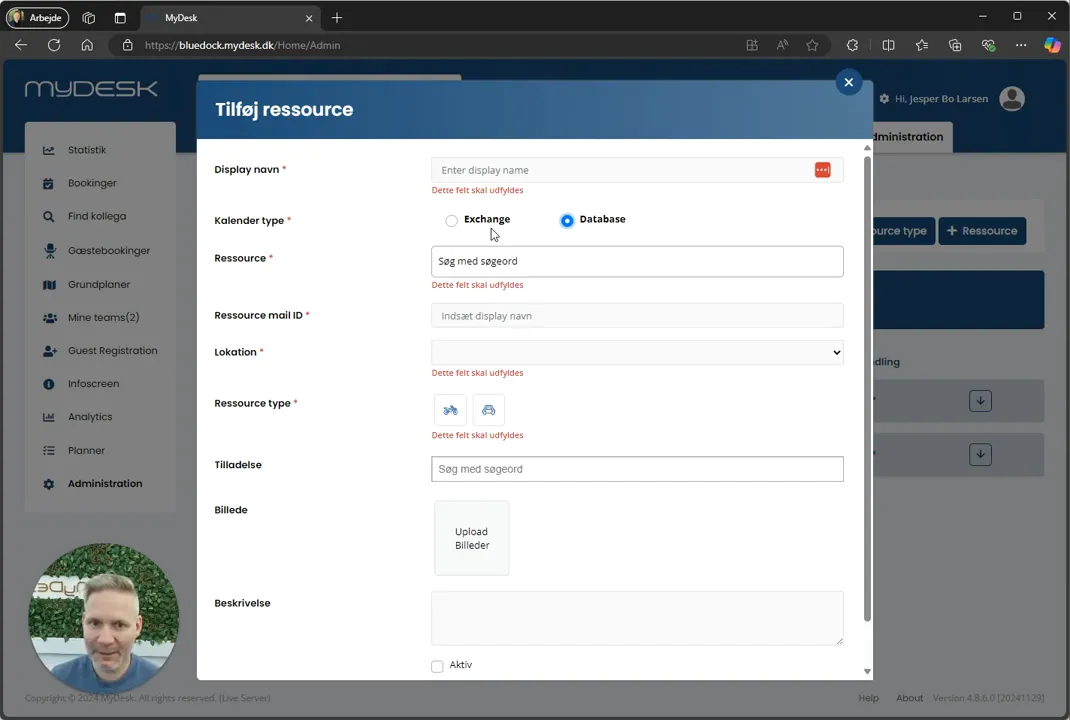
Select + Resource and clarify the type: an Exchange resource has a calendar in Microsoft, while a database resource is handled in MyDesk.
Enter the location, name, resource type and, if applicable, image, and activate the resource.
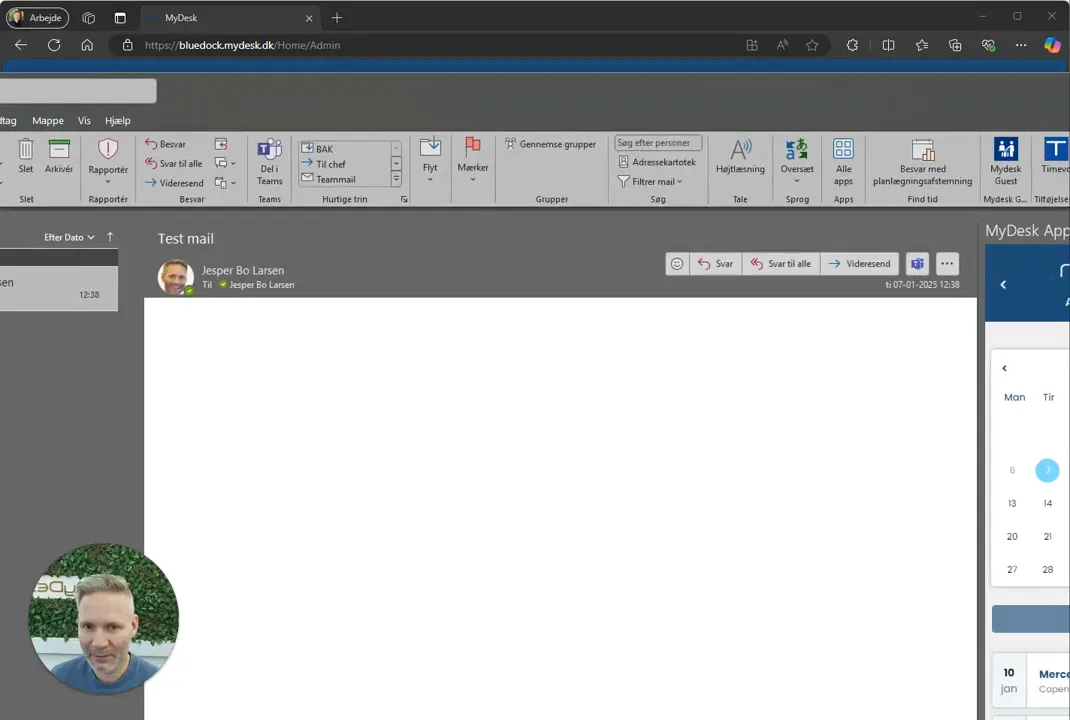
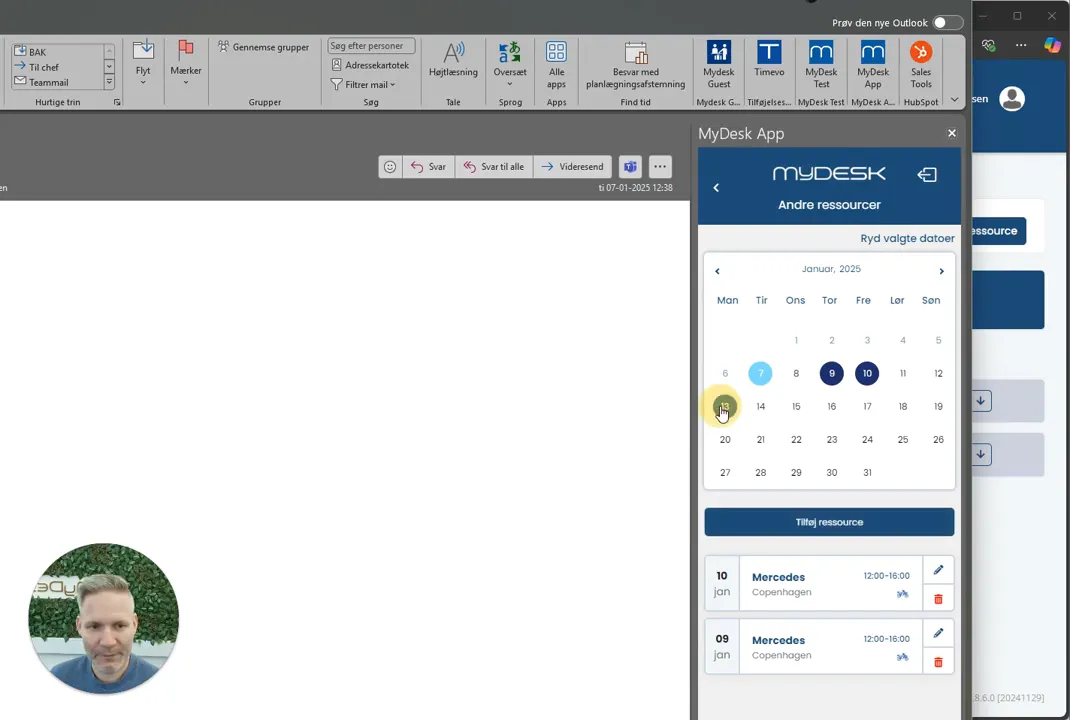
Save and check it in the booking view. If the list is not updated, reopen Outlook.
Se den oprindelige video
Video og skærmbilleder kan vise en tidligere version af MyDesk.
See screenshots from the original guide (8)
Skærmbillederne stammer fra den tidligere guide og kan vise en ældre brugerflade.