Sådan gør du
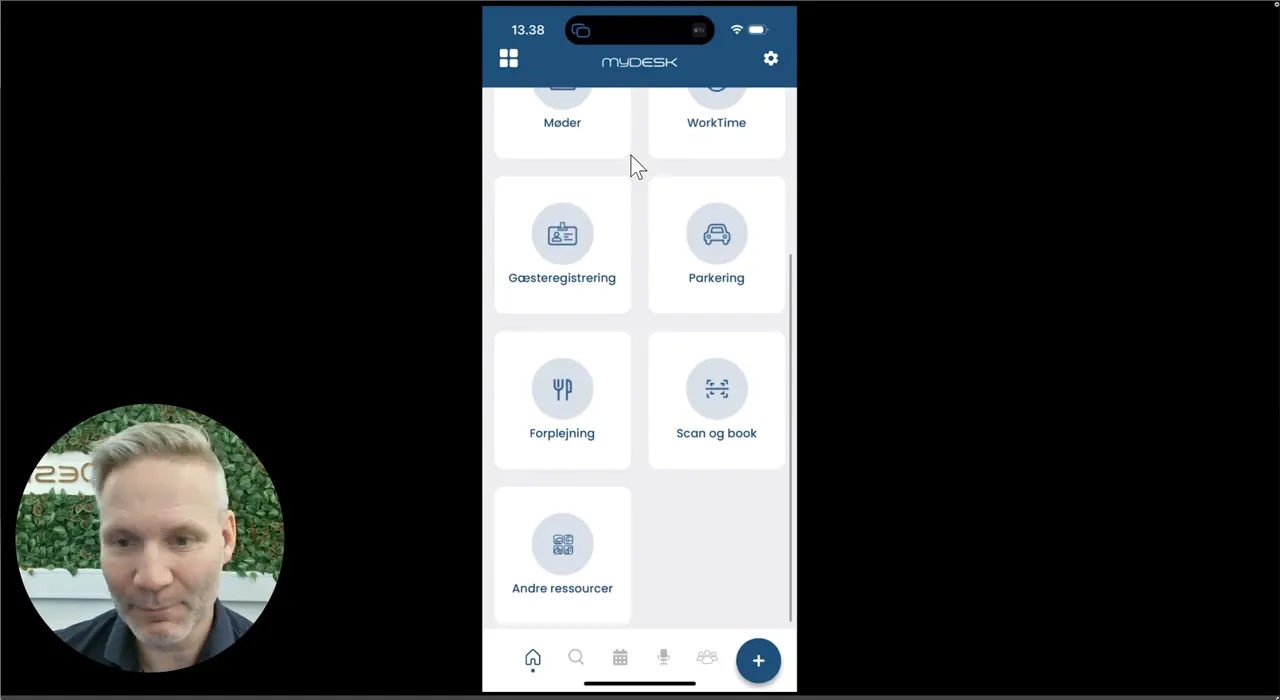
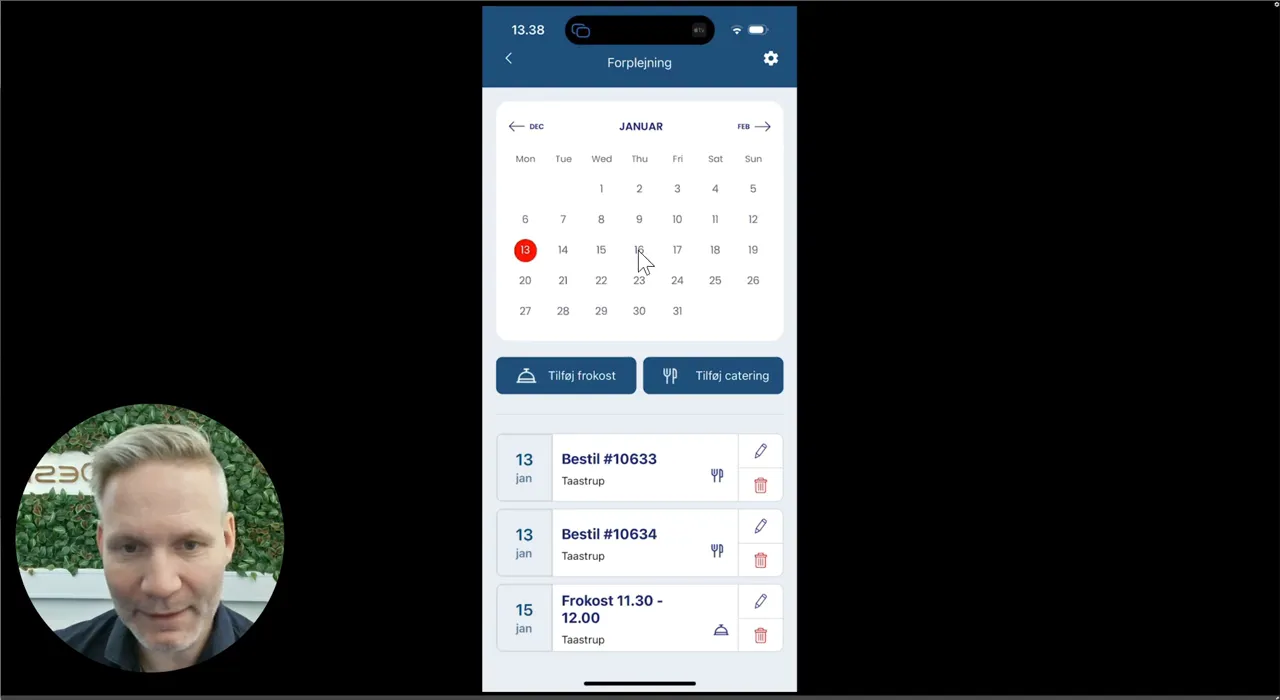
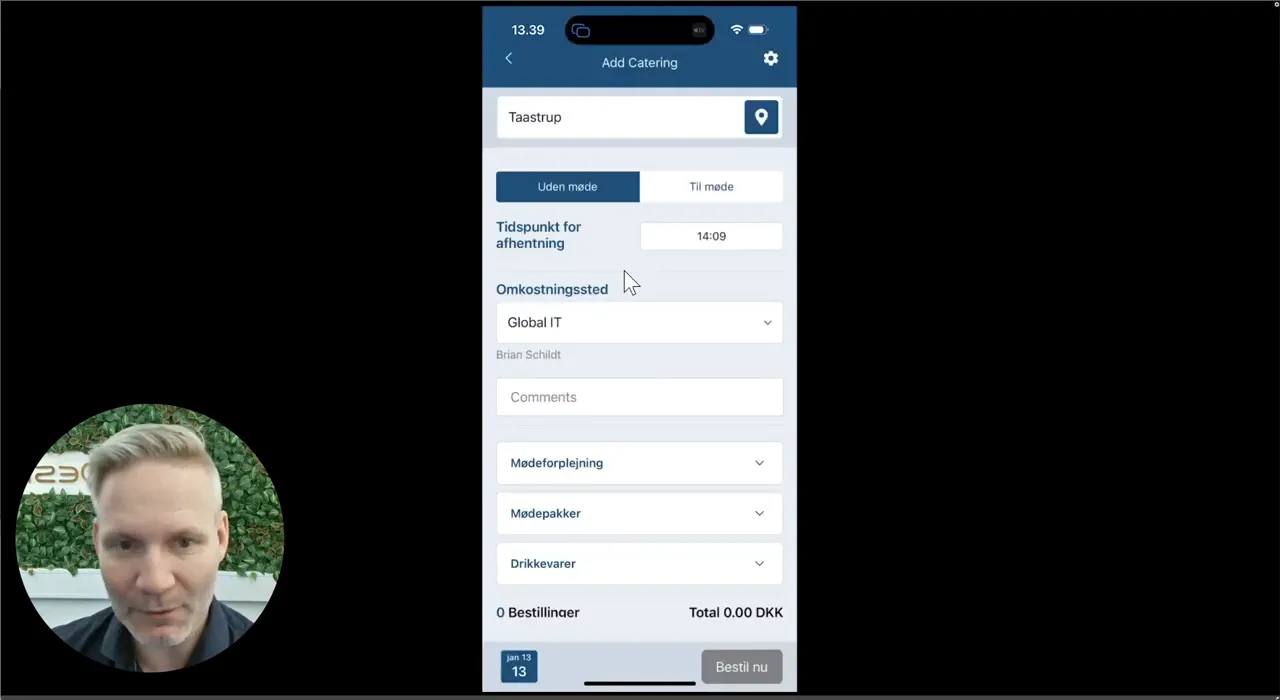
Open the mobile app, select Catering and select the date.
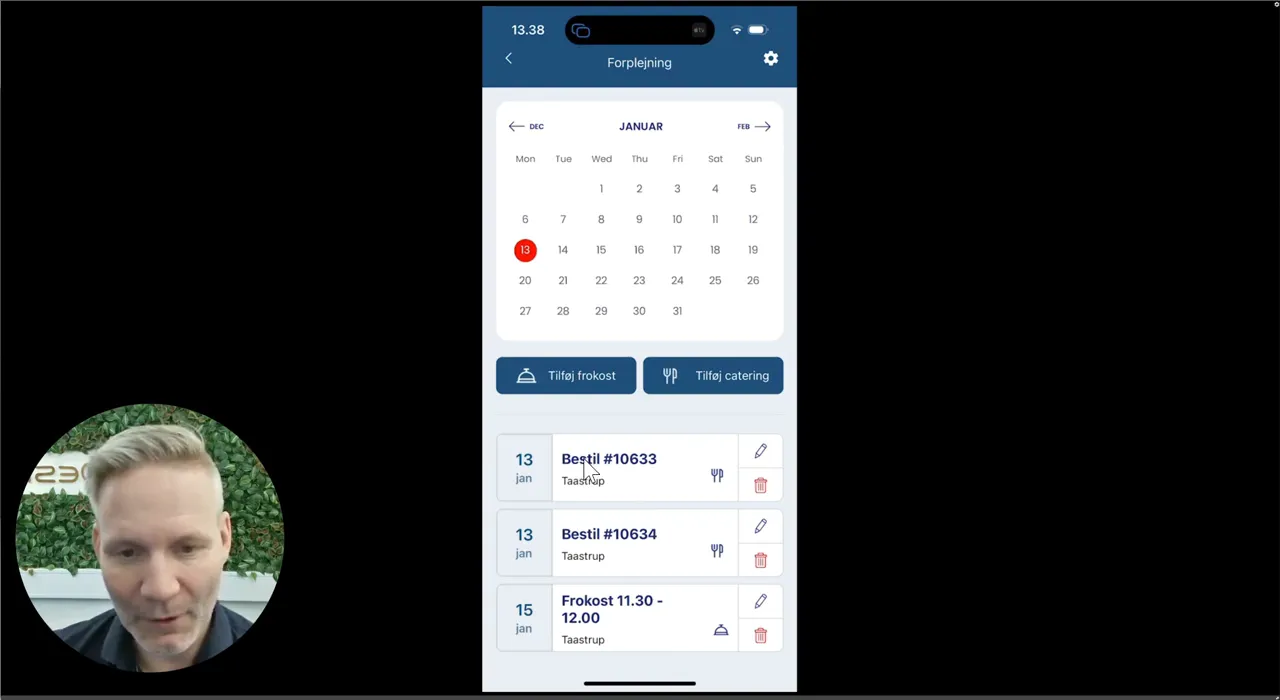
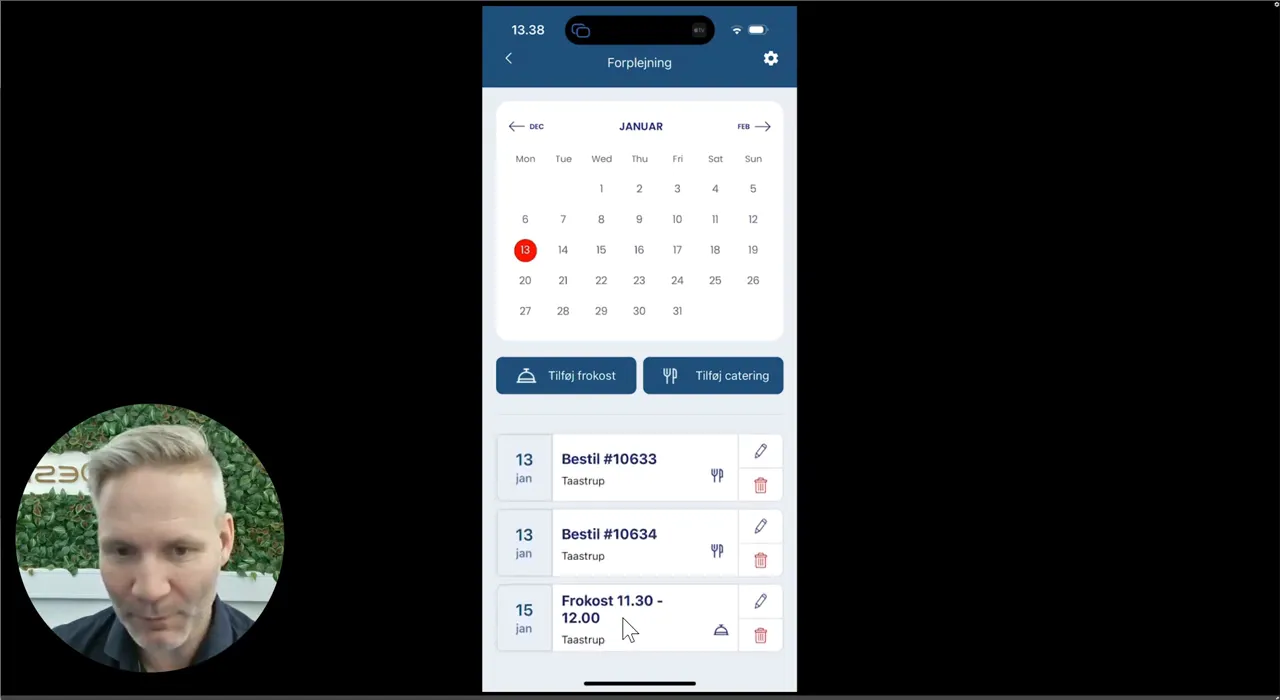
Open an order to see products and delivery.
Use the bin if the catering needs to be cancelled. This does not in itself cancel your appointment.
Select Add catering for a new order and indicate whether it should be linked to a meeting.
A No Meeting order must be canceled separately if plans change.
Se den oprindelige video
Video og skærmbilleder kan vise en tidligere version af MyDesk.
See screenshots from the original guide (5)
Skærmbillederne stammer fra den tidligere guide og kan vise en ældre brugerflade.