Sådan gør du
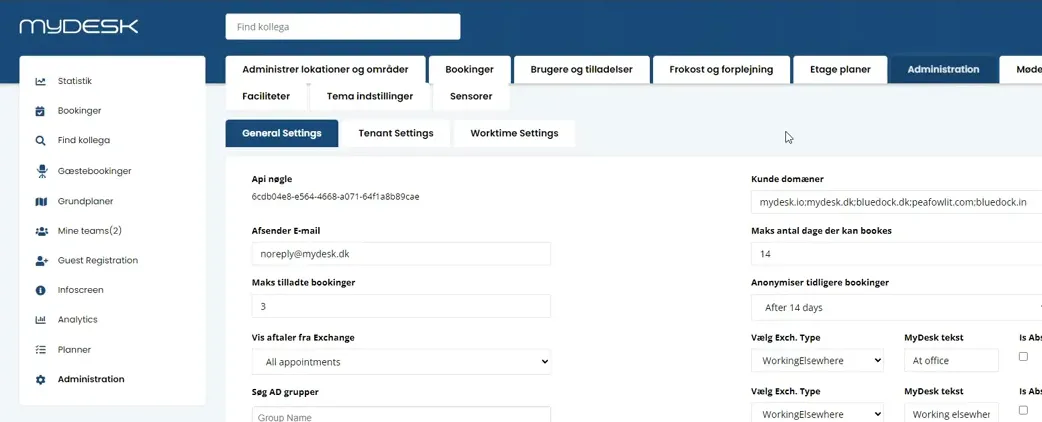
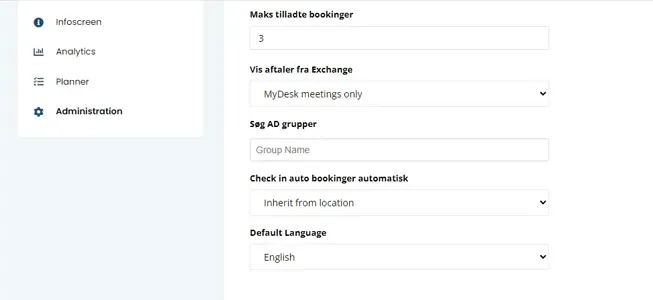
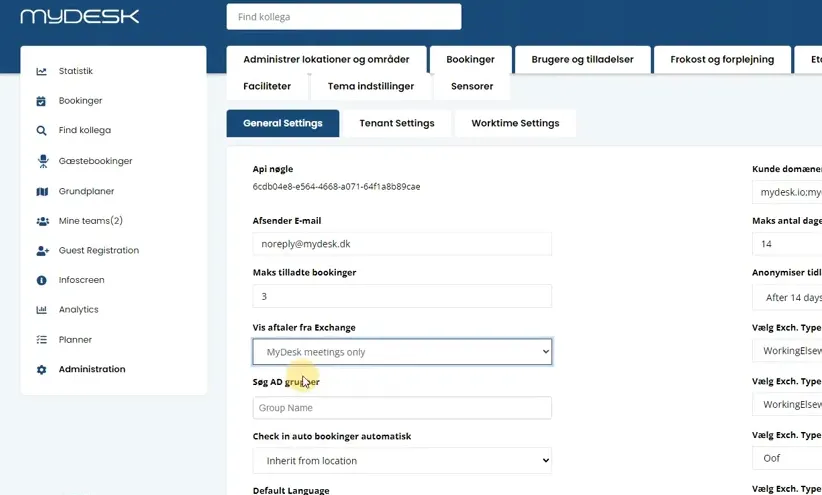
Open Administration and find Show appointments from Exchange.
Select MyDesk Meetings only if the overview should only show meetings created through MyDesk.
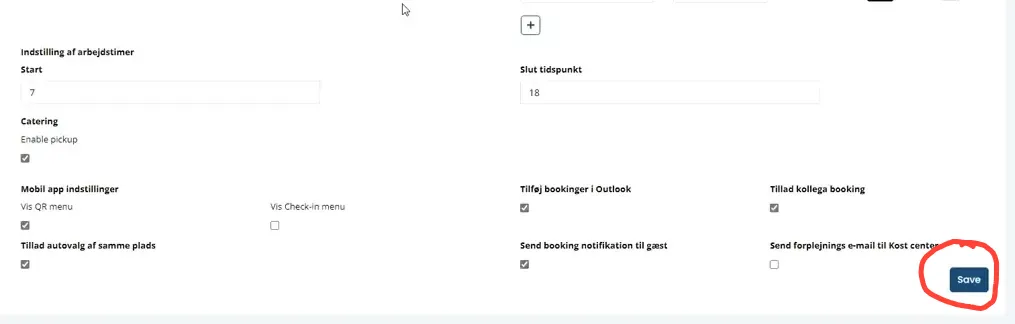
Save the change and check the overview with both a MyDesk meeting and a regular Outlook appointment.
Clarify the change with the organization first: it applies to all colleagues and cannot be set for one user alone.
Se den oprindelige video
Video og skærmbilleder kan vise en tidligere version af MyDesk.
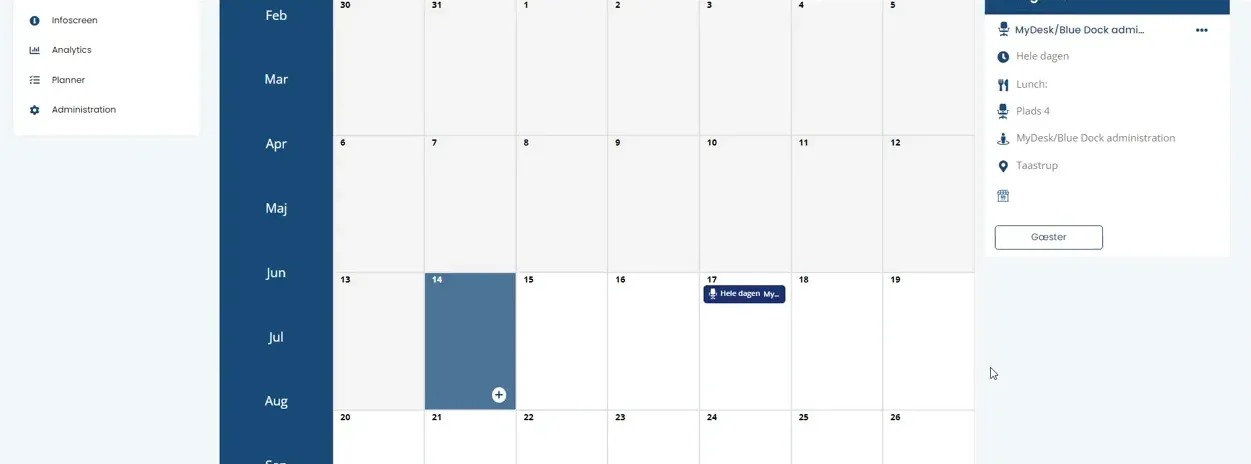
See screenshots from the original guide (5)
Skærmbillederne stammer fra den tidligere guide og kan vise en ældre brugerflade.