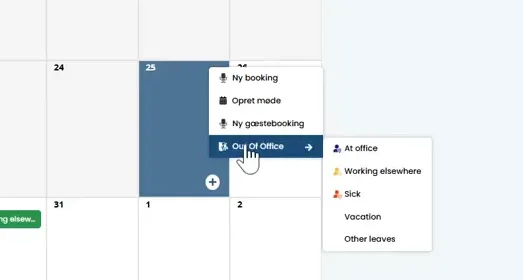
Sådan gør du
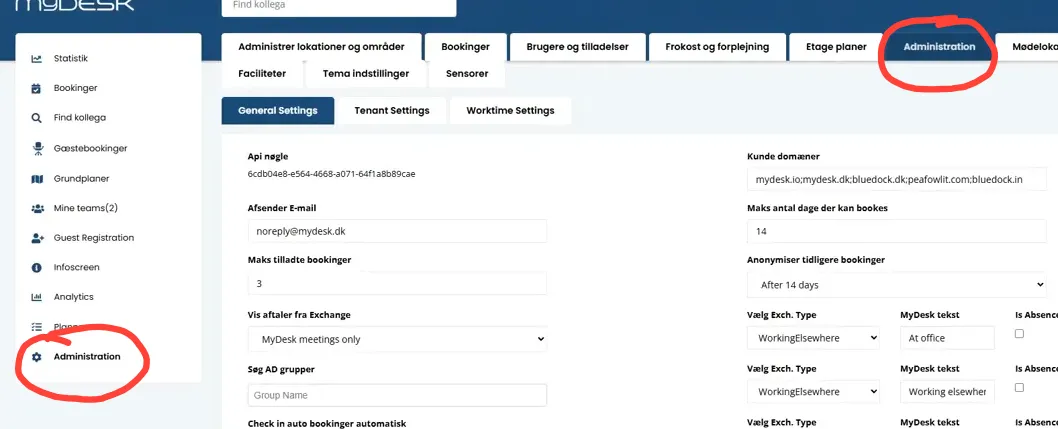
Open Administration and General settings with administrator rights.
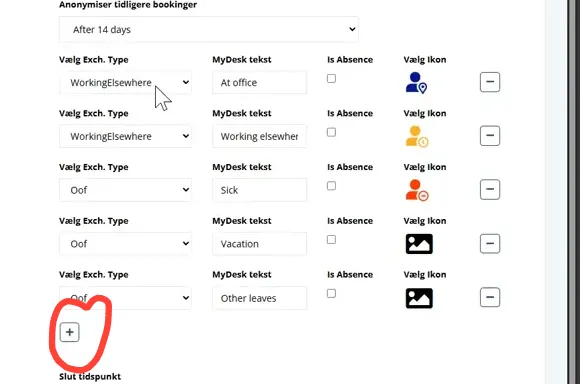
Create a type with the plus icon or edit an existing type.
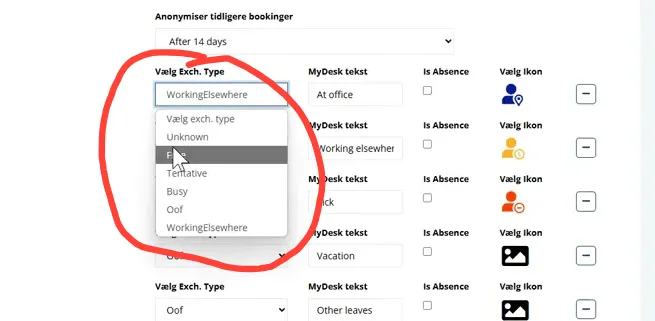
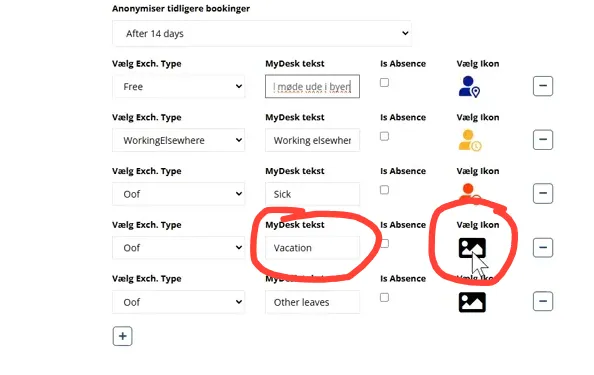
Enter title and possibly icon. Select the Exchange status to display in Outlook.
Free shows the employee as free; Busy shows busy in the calendar's availability. It is not in itself an access rule that prevents invitations.
Press Save and check the status selection in MyDesk and the calendar.
Se den oprindelige video
Video og skærmbilleder kan vise en tidligere version af MyDesk.
See screenshots from the original guide (5)
Skærmbillederne stammer fra den tidligere guide og kan vise en ældre brugerflade.