Sådan gør du
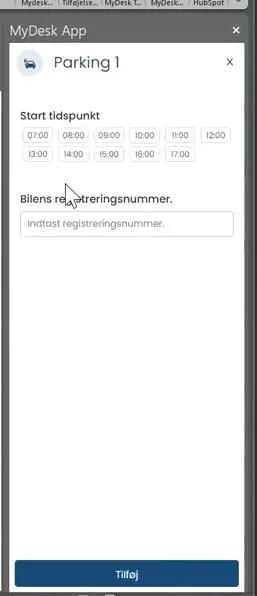
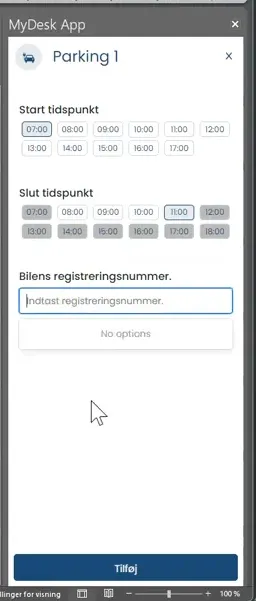
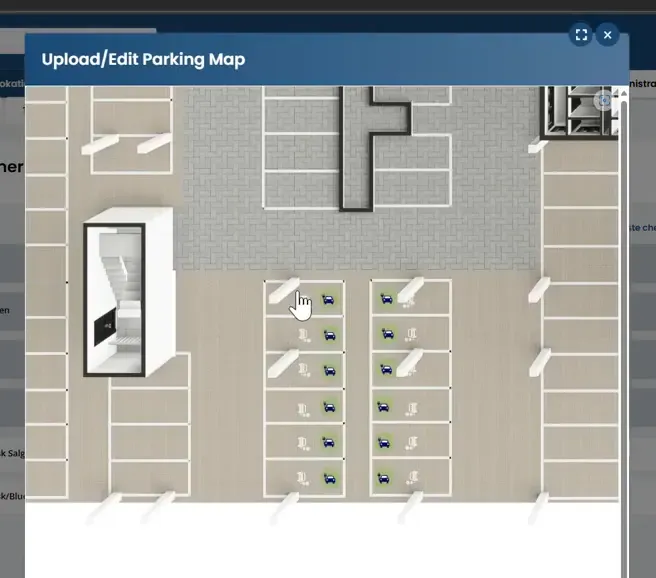
Select Parking, date and time, and find a space marked with a charging icon.
Enter the car's registration number and confirm the booking.
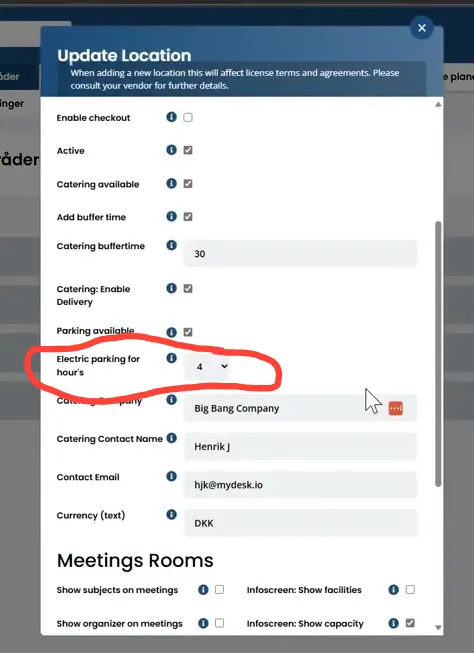
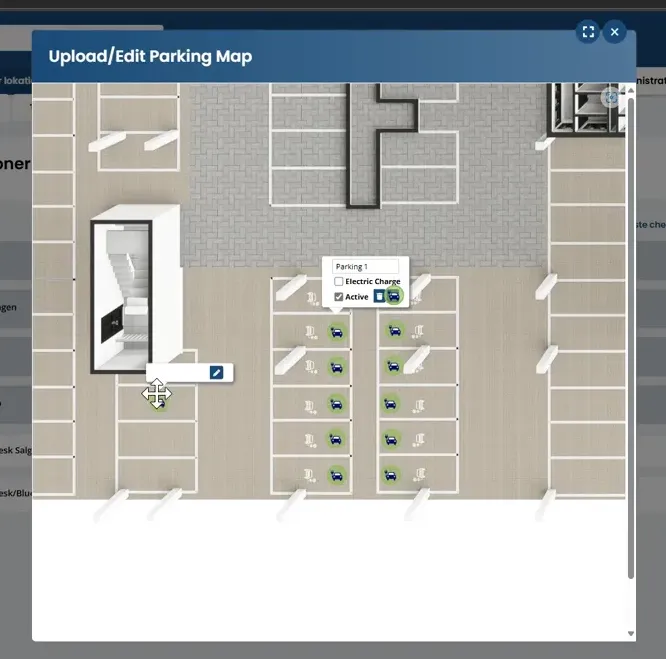
As an administrator, you can mark electric car spaces on the parking map and set a maximum booking time for the area.
Check that the selected seats and time limits are displayed correctly. The actual charging, payment and access depends on your charging and parking setup.
Se den oprindelige video
Video og skærmbilleder kan vise en tidligere version af MyDesk.
See screenshots from the original guide (5)
Skærmbillederne stammer fra den tidligere guide og kan vise en ældre brugerflade.