Sådan gør du
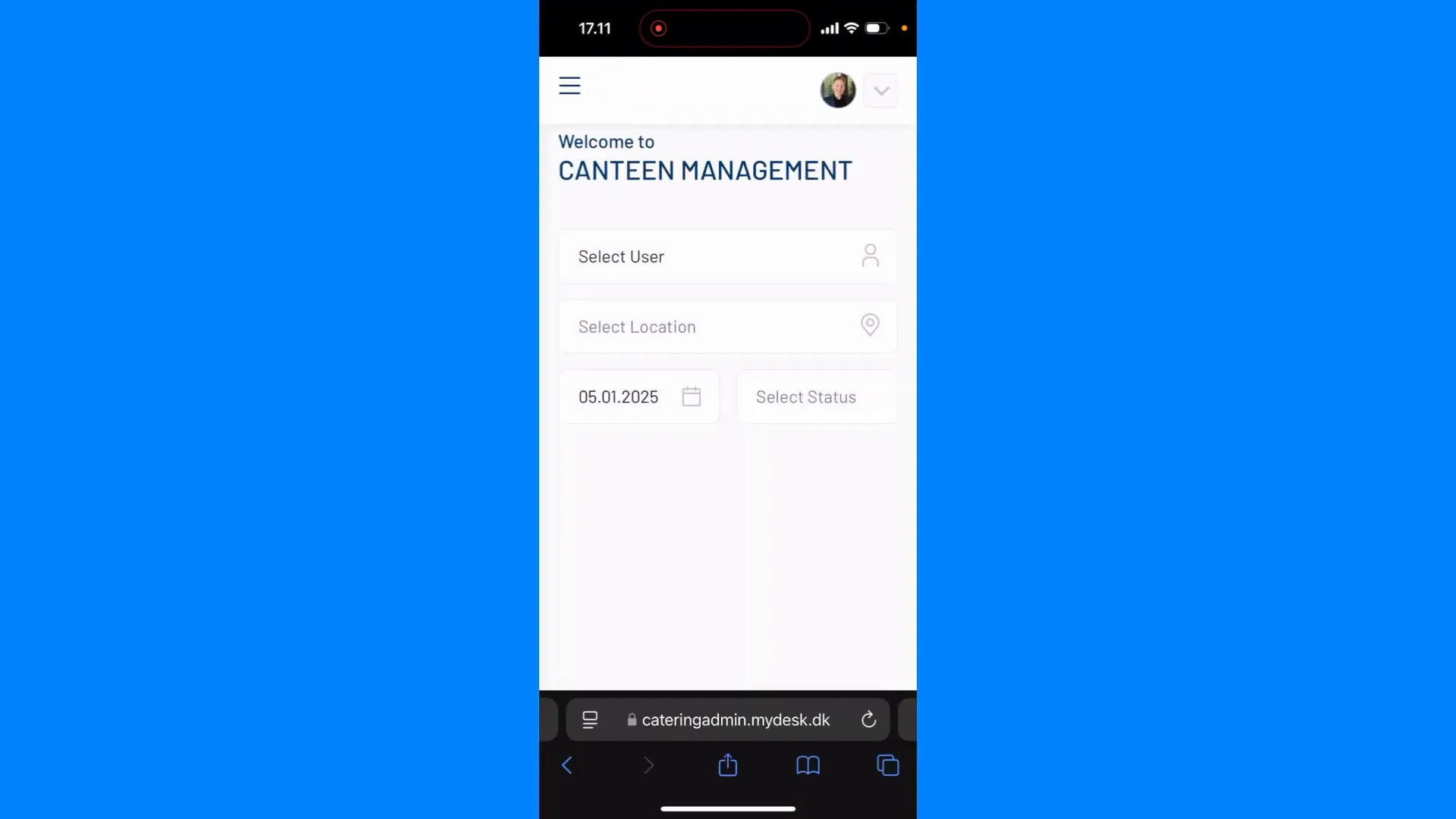
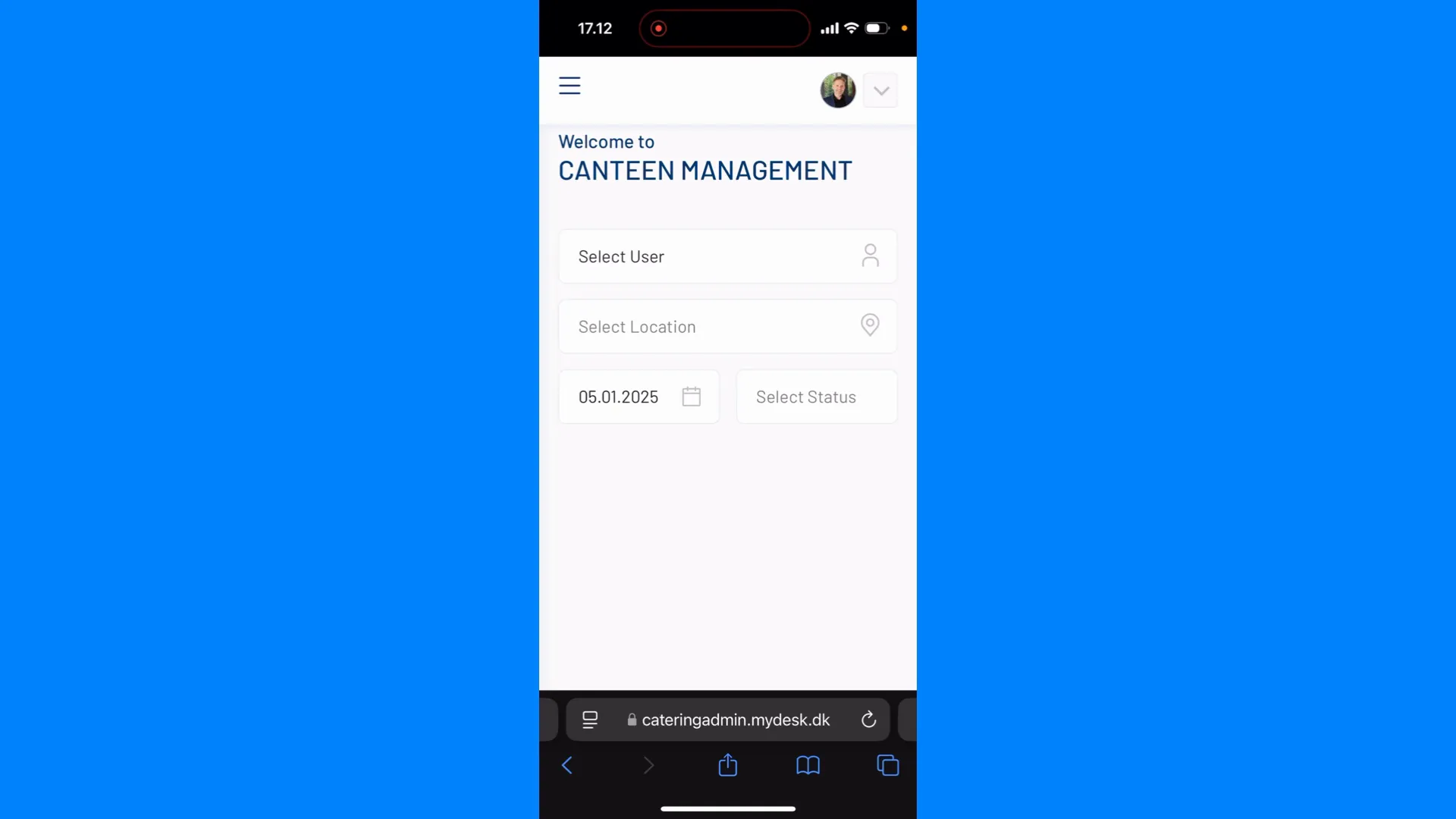
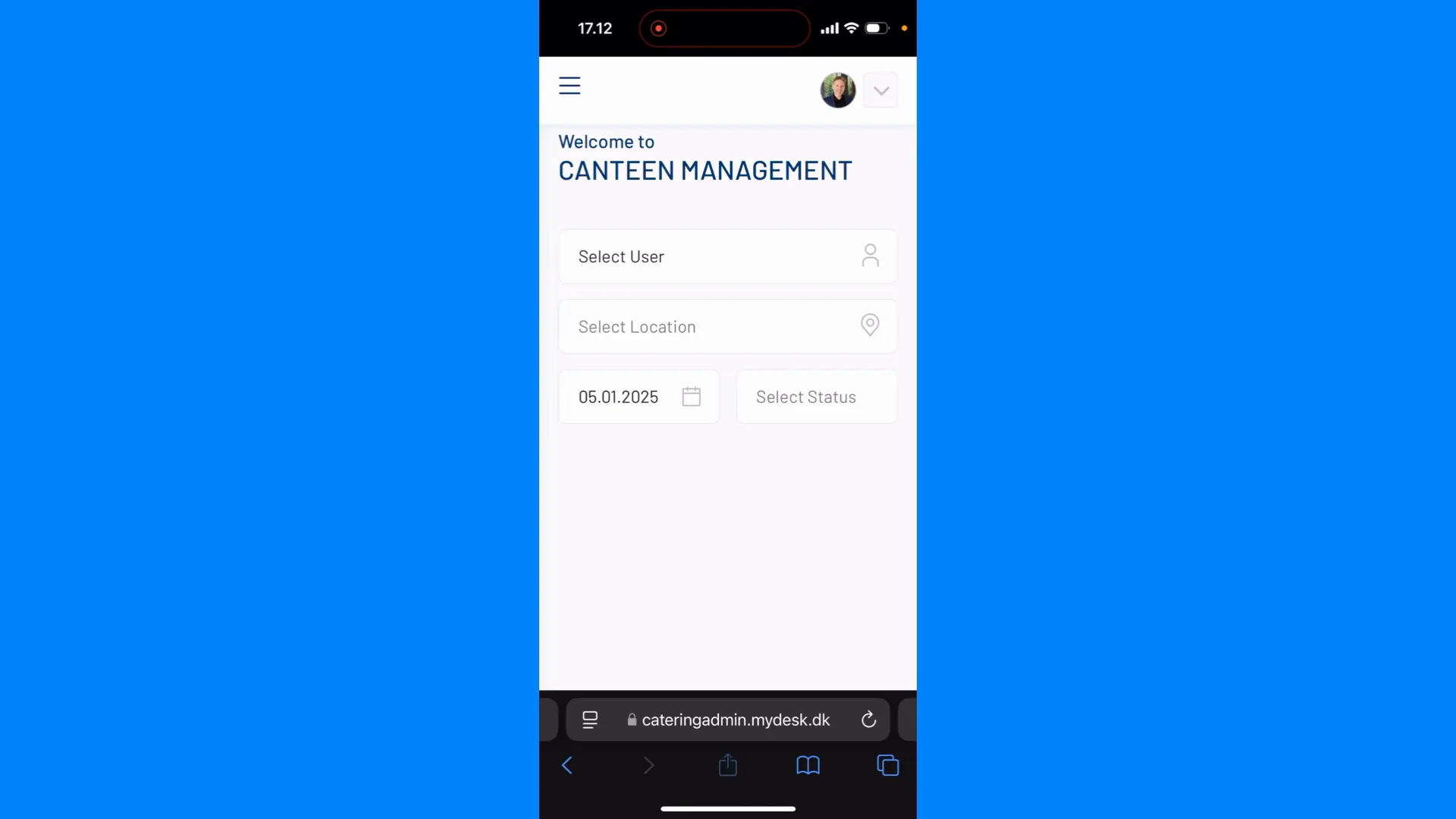
Open your catering administration in the phone's browser and log in.
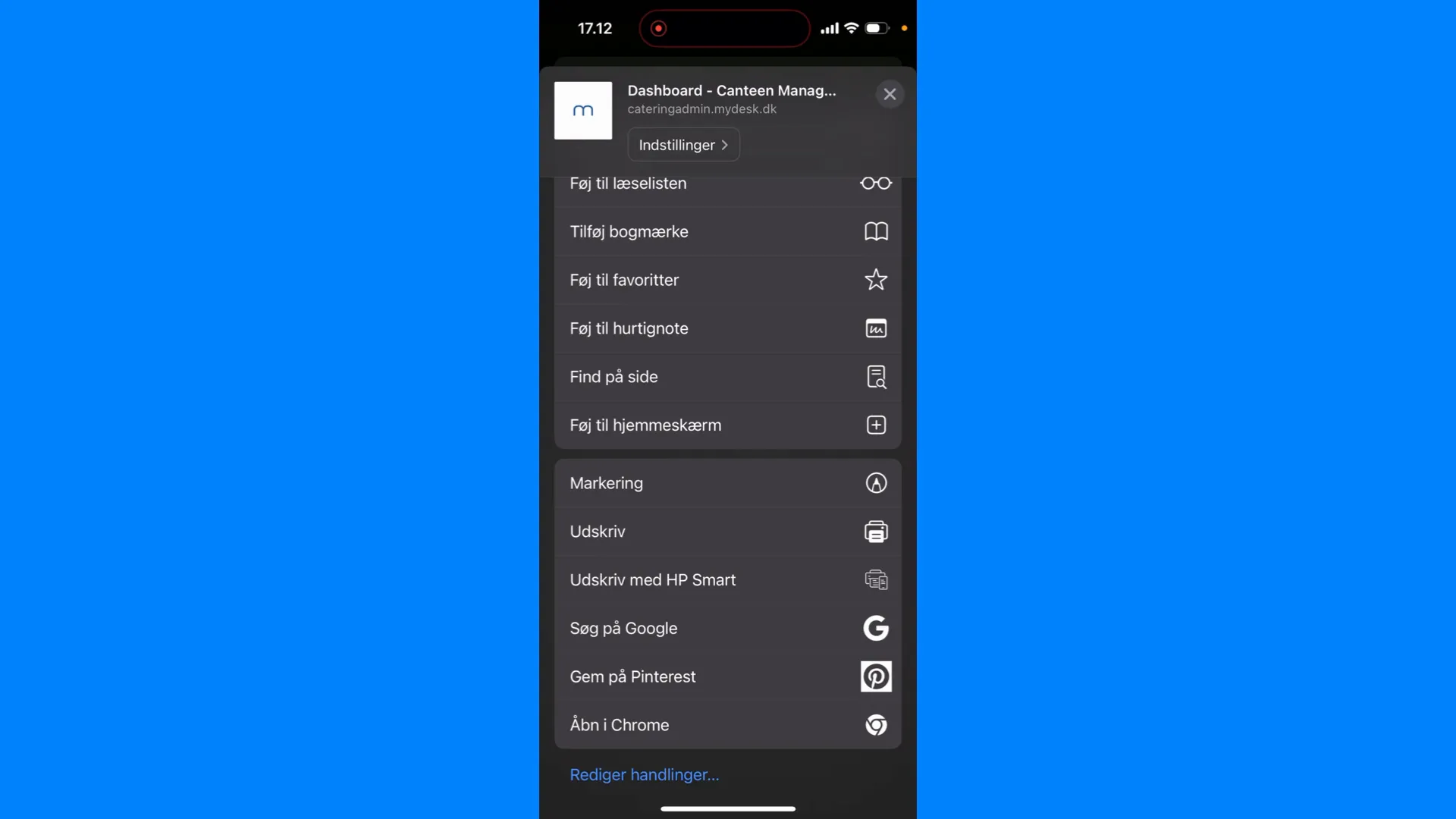
On iPhone: open the Share menu with the square and arrow and choose Add to Home Screen.
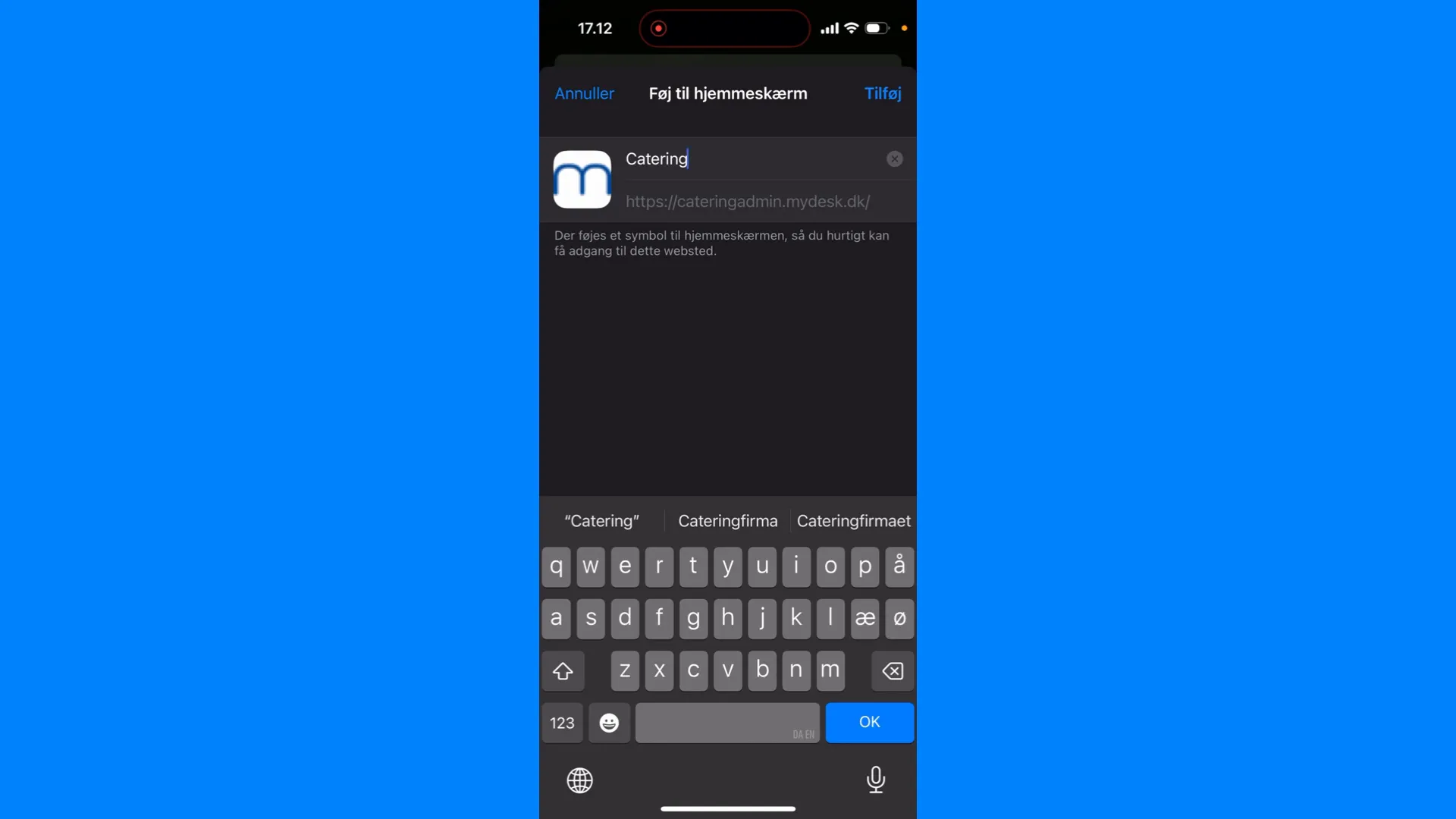
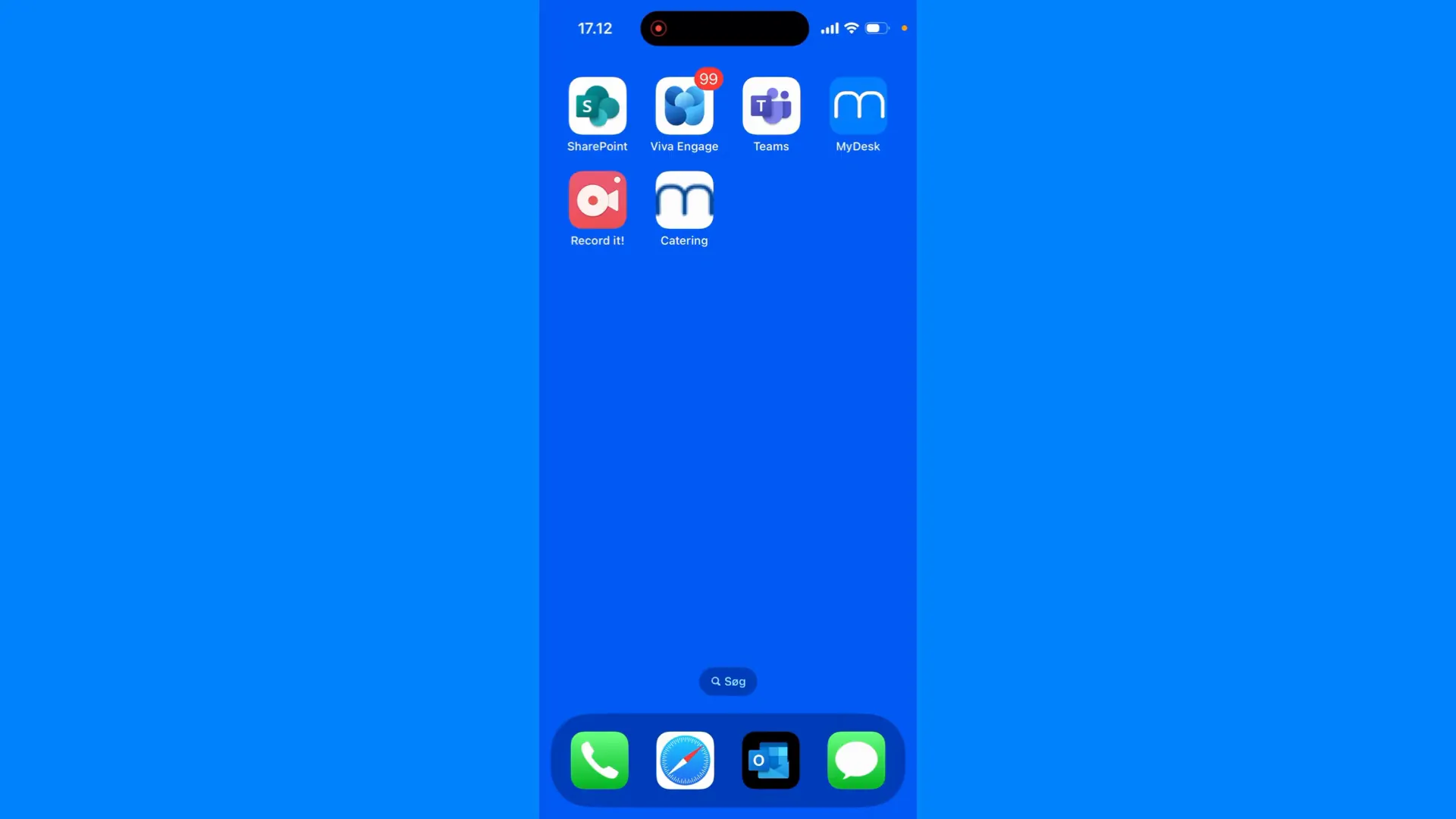
Select name and add the shortcut.
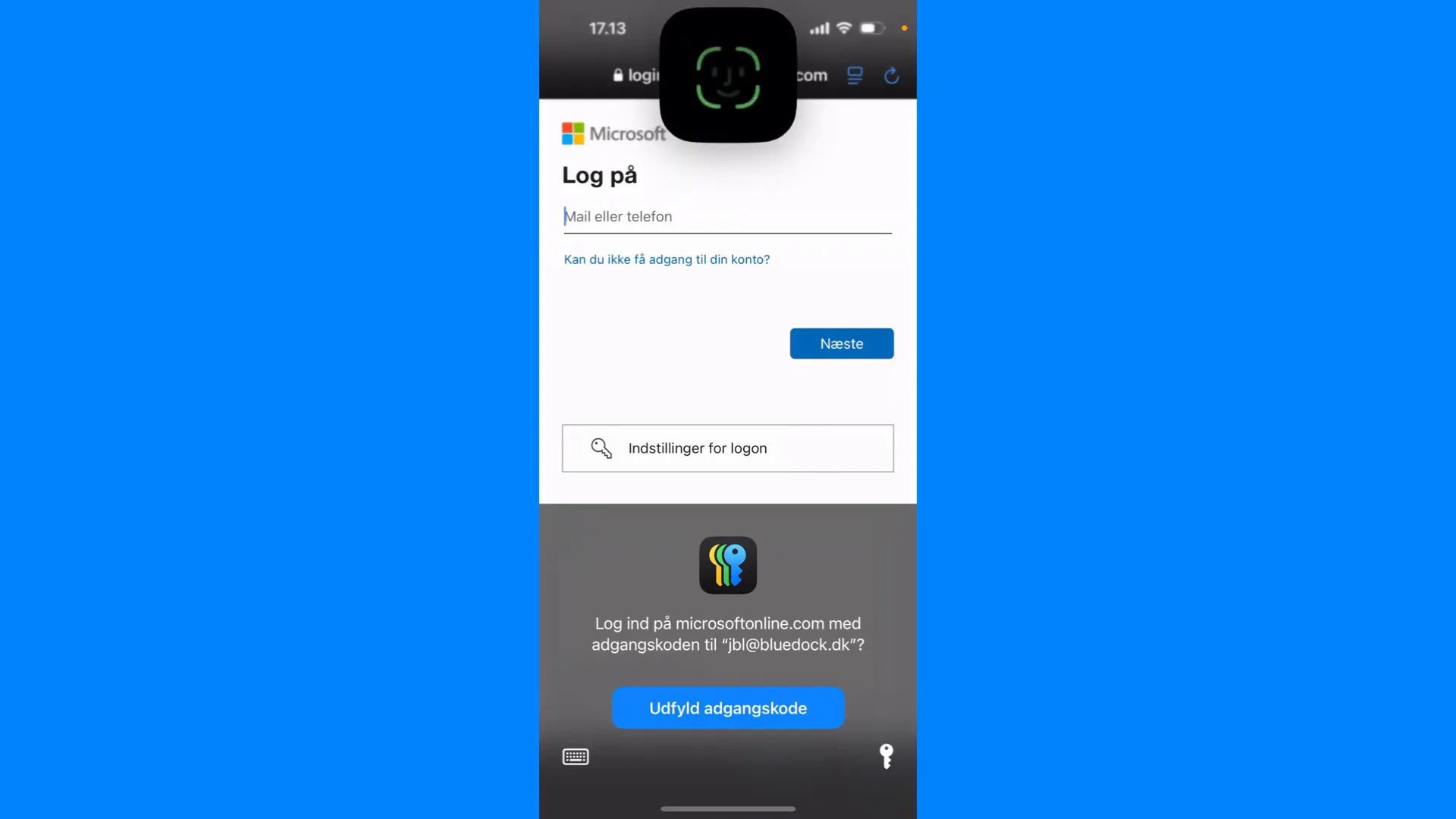
Open the shortcut and check that it shows the correct solution. Microsoft's login policy may require re-authentication.
Se den oprindelige video
Video og skærmbilleder kan vise en tidligere version af MyDesk.
See screenshots from the original guide (7)
Skærmbillederne stammer fra den tidligere guide og kan vise en ældre brugerflade.