MyDesk · Guide

Install the Outlook add-in for a user

Local installation depends on the Outlook client and company permission policy.

Originally published

Access to Mydesk

Sådan gør du

  1. Clarify with IT whether you can add the program yourself.

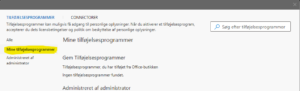
  2. In clients with the described menu: select Get Add-ons and My Add-ons.

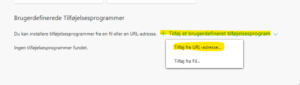
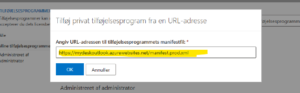
  3. Select Add a custom add-in and Add from URL address. Use the official manifesto link below.

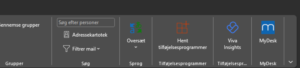
  4. Confirm and check the MyDesk icon. Use central deployment if the feature does not exist or is blocked.

Links og materialer

See screenshots from the original guide (5)

Skærmbillederne stammer fra den tidligere guide og kan vise en ældre brugerflade.
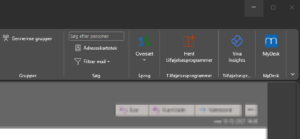
Screenshot from the original guide

Page coming soon

Explore the platform on our homepage

Book a demo

Open the booking calendar in a new window ↗