Sådan gør du
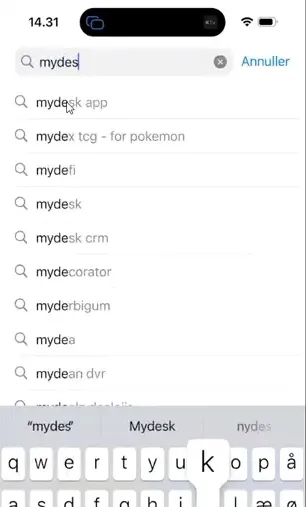
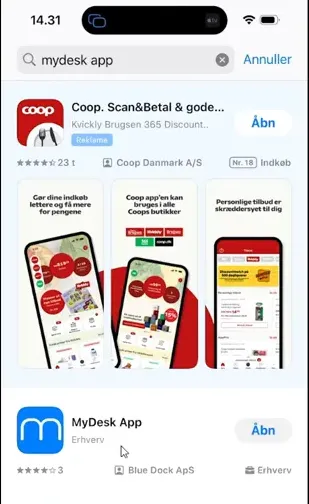
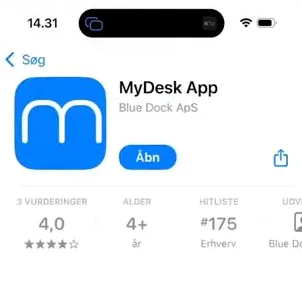
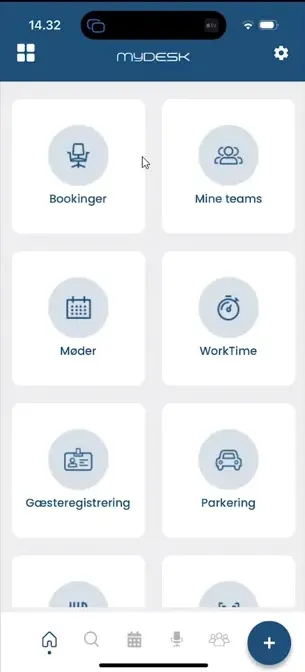
Open your phone's app store and search for MyDesk App.
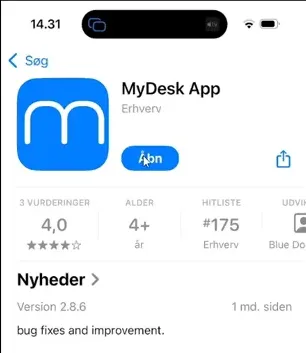
Install the app and open it.
Select your work account and sign in through Microsoft. Complete multi-factor authentication where applicable.
Check that you can see the correct company and your resources. Saved logins may require new approval if company policy changes.
Se den oprindelige video
Video og skærmbilleder kan vise en tidligere version af MyDesk.
See screenshots from the original guide (5)
Skærmbillederne stammer fra den tidligere guide og kan vise en ældre brugerflade.