MyDesk · Guide

Install the MyDesk App

Find the mobile app and link it to your work account.

Originally published

Access to Mydesk

Sådan gør du

  1. Search for MyDesk App in your phone's official app store and install it.

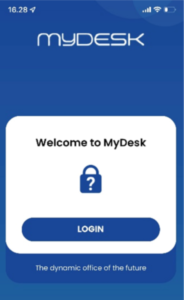
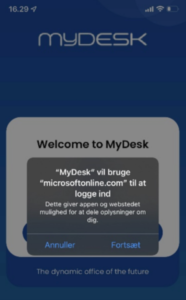
  2. Open the app, select your work account, and proceed to Microsoft sign-in.

  3. Carry out any multi-factor authentication and check company and booking options.

See screenshots from the original guide (3)

Skærmbillederne stammer fra den tidligere guide og kan vise en ældre brugerflade.
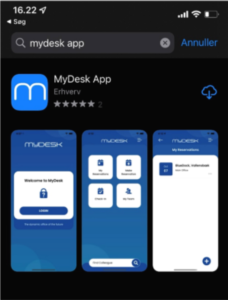
Screenshot from the original guide

Page coming soon

Explore the platform on our homepage

Book a demo

Open the booking calendar in a new window ↗