Sådan gør du
Describe the functions you want to use: login, calendar, Outlook integration or booking on behalf of others.
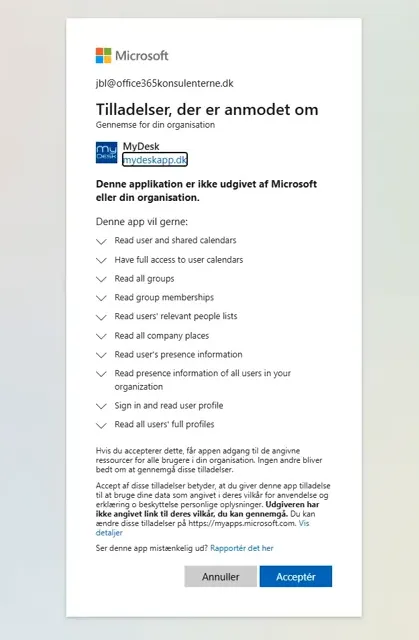
Let the IT department review the specific permissions and the difference between limited and full consent.
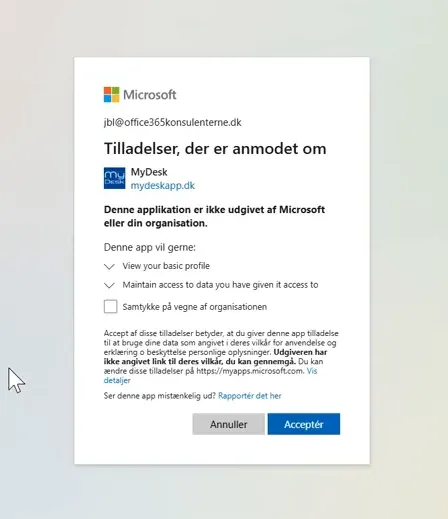
Provide consent through the agreed Microsoft sign-in process. The organization's policy determines whether a user can approve or whether an administrator must do so.
Check the agreed functions afterwards. See the Security Center and integration documentation for the current description of data access.
Se den oprindelige video
Video og skærmbilleder kan vise en tidligere version af MyDesk.
See screenshots from the original guide (2)
Skærmbillederne stammer fra den tidligere guide og kan vise en ældre brugerflade.