Sådan gør du
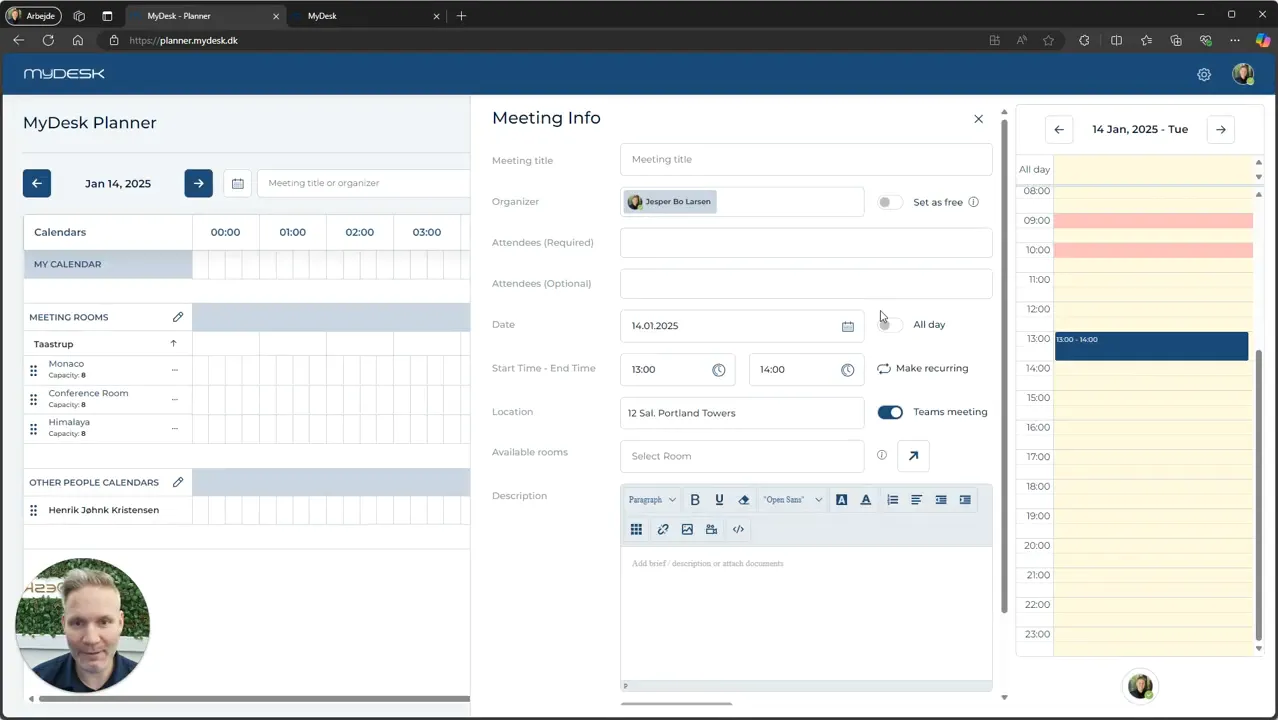
Open Planner and select the date and time.
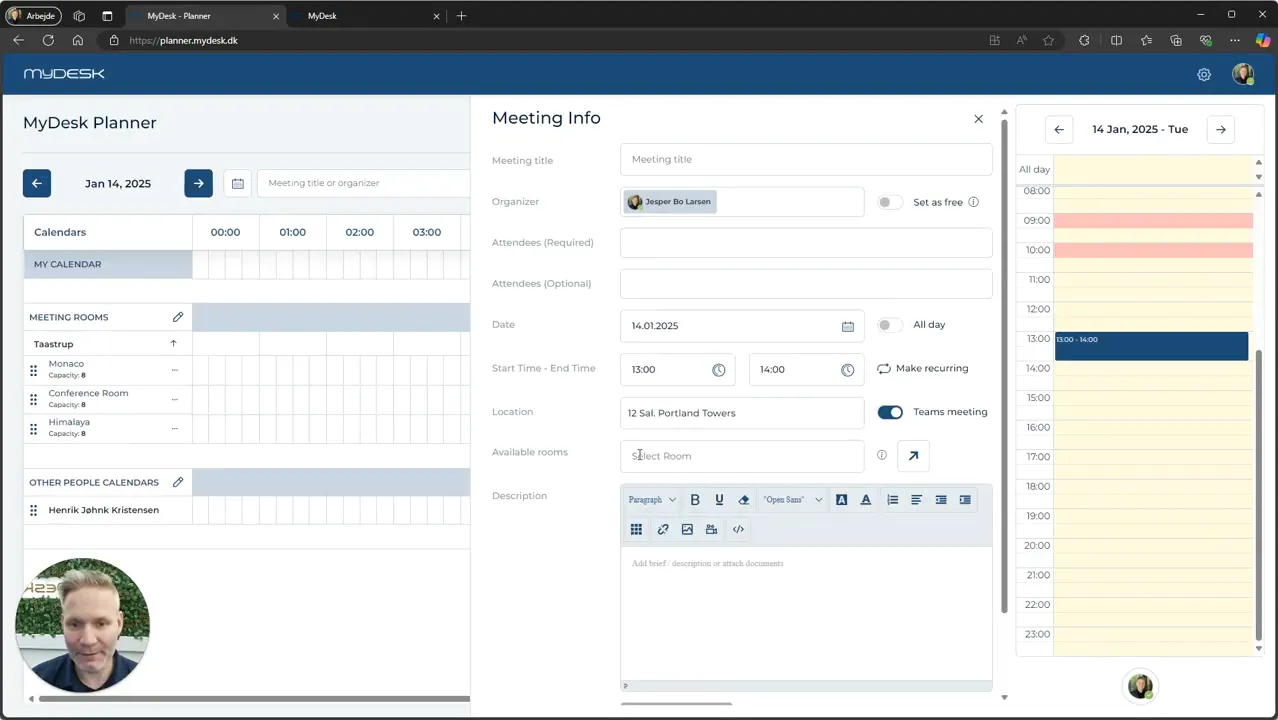
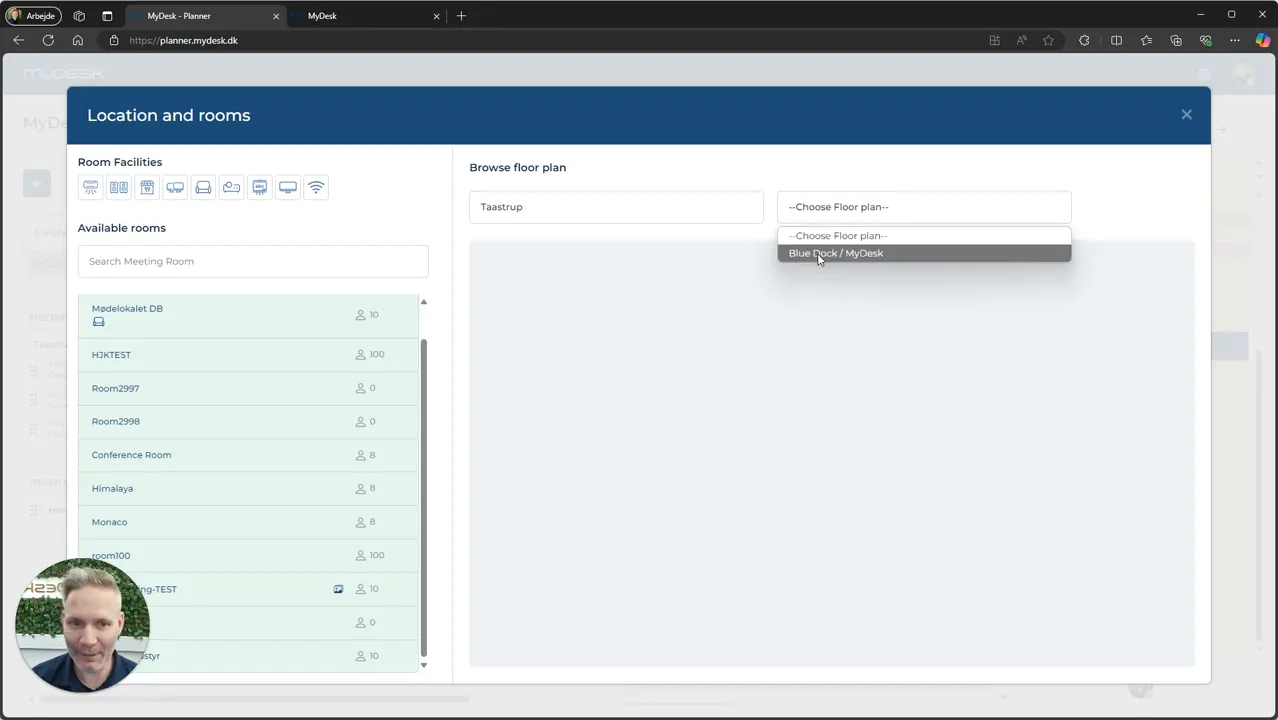
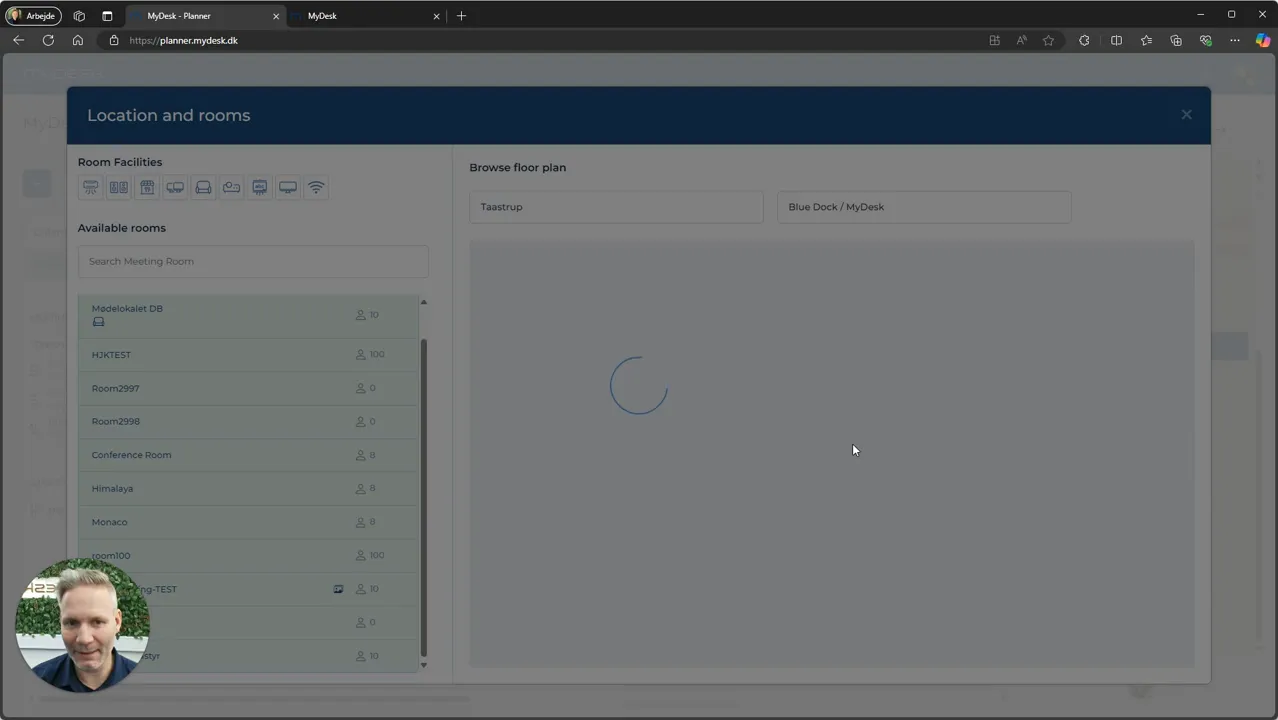
Use the room overview to find available rooms. Change floor or location if necessary.
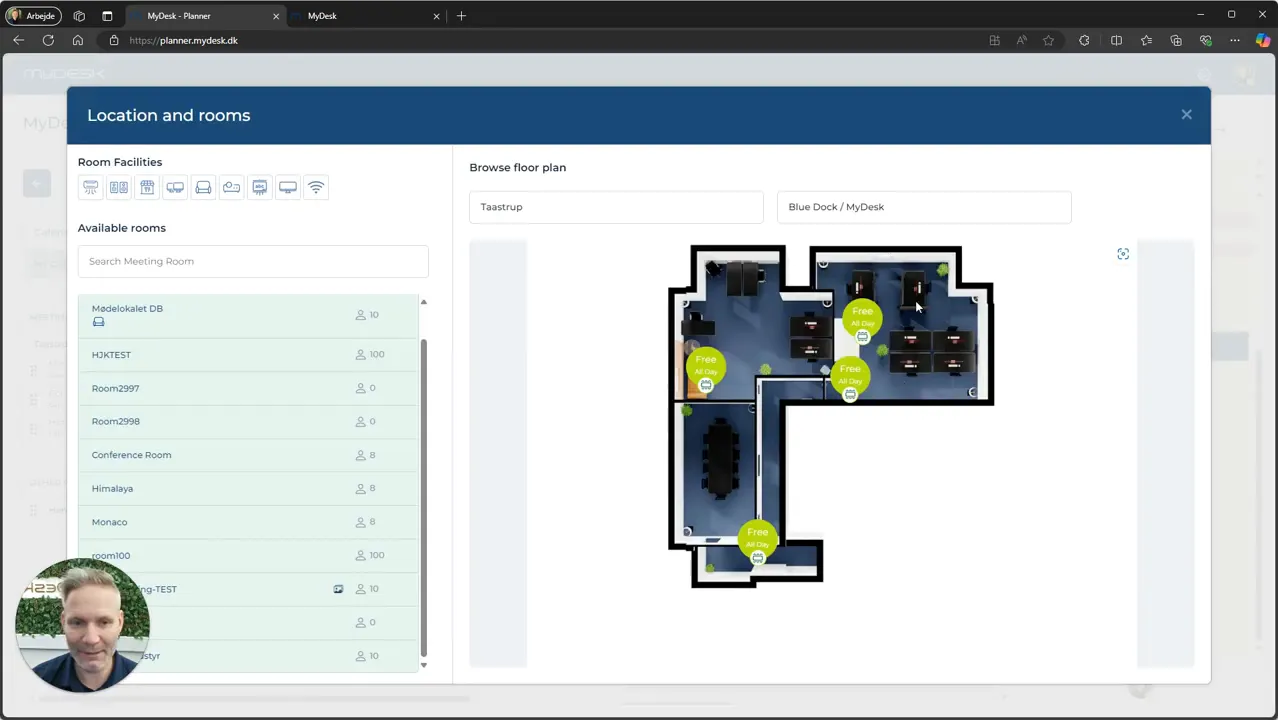
Open the floor plan if you want to see where the premises are located.
Choose an available room, fill in the meeting and confirm the reservation.
Add any catering according to your menu card and order deadlines.
Se den oprindelige video
Video og skærmbilleder kan vise en tidligere version af MyDesk.
See screenshots from the original guide (5)
Skærmbillederne stammer fra den tidligere guide og kan vise en ældre brugerflade.