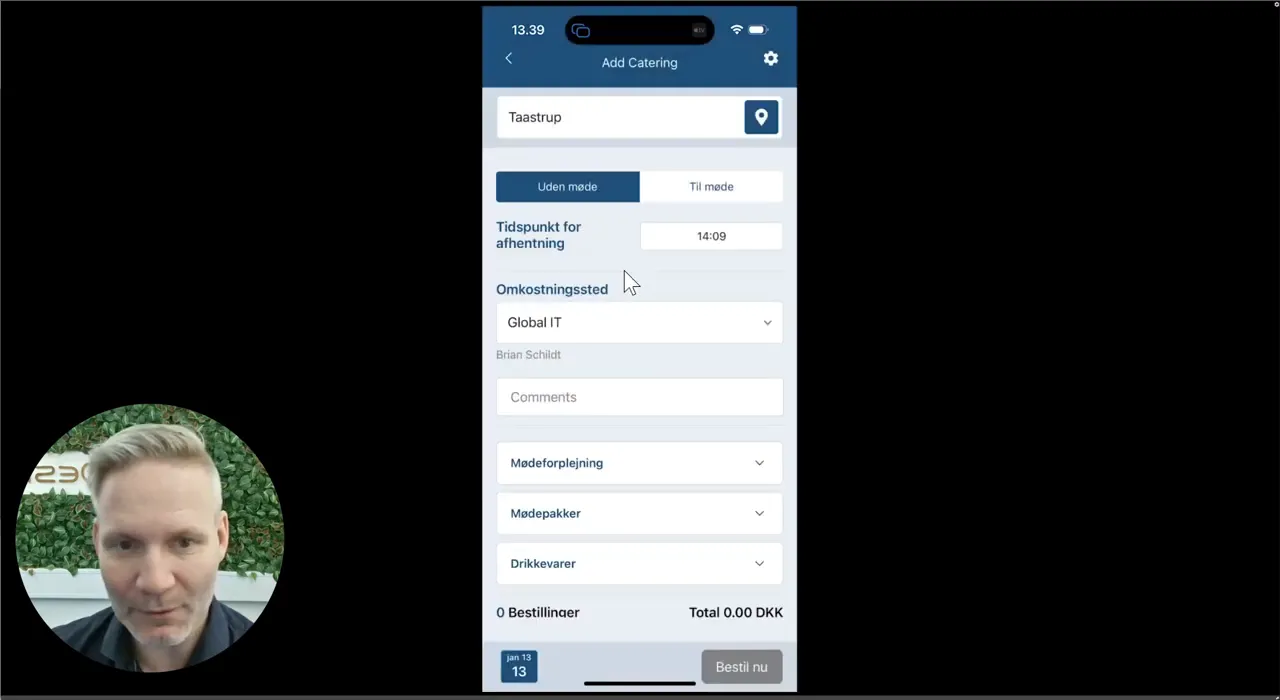
This is how you do it
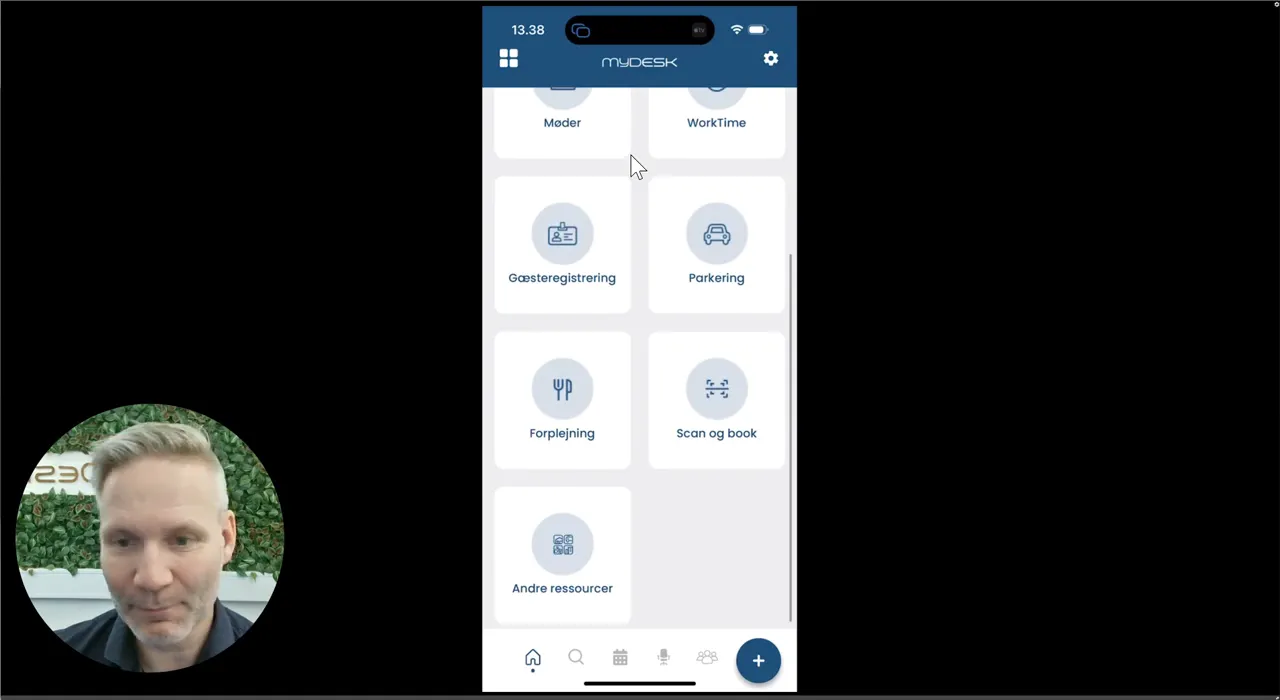
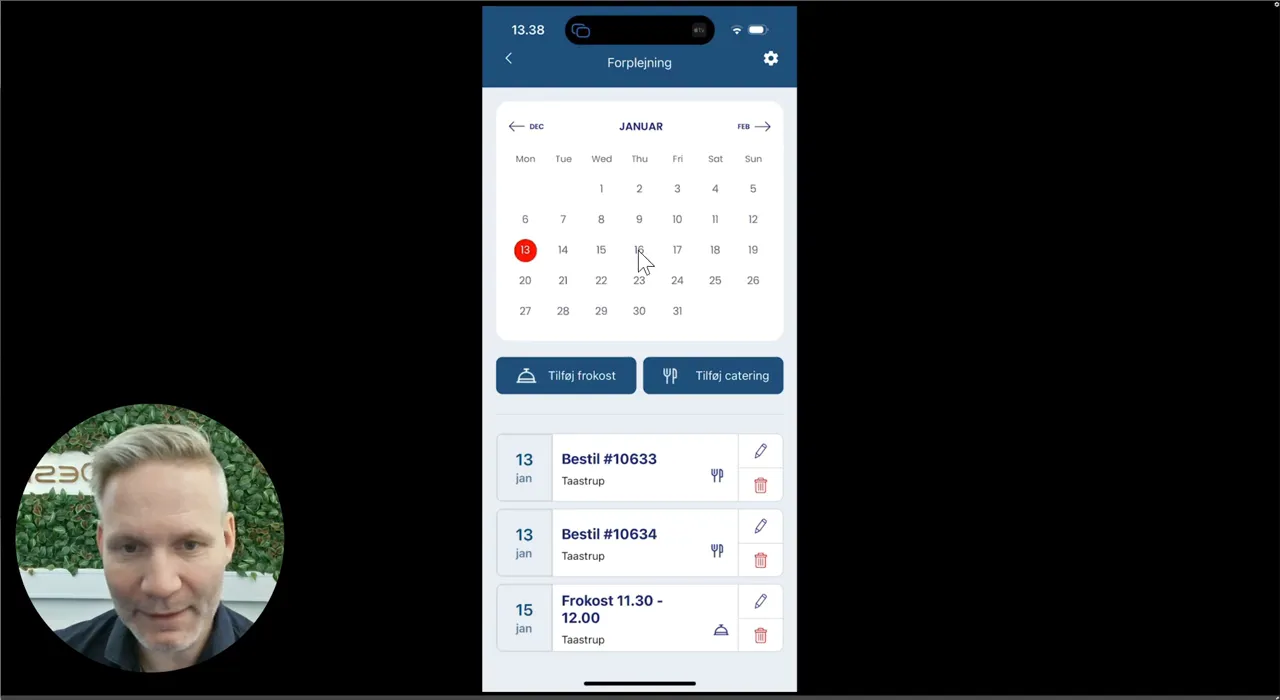
Open the mobile app, select Catering and select the date.
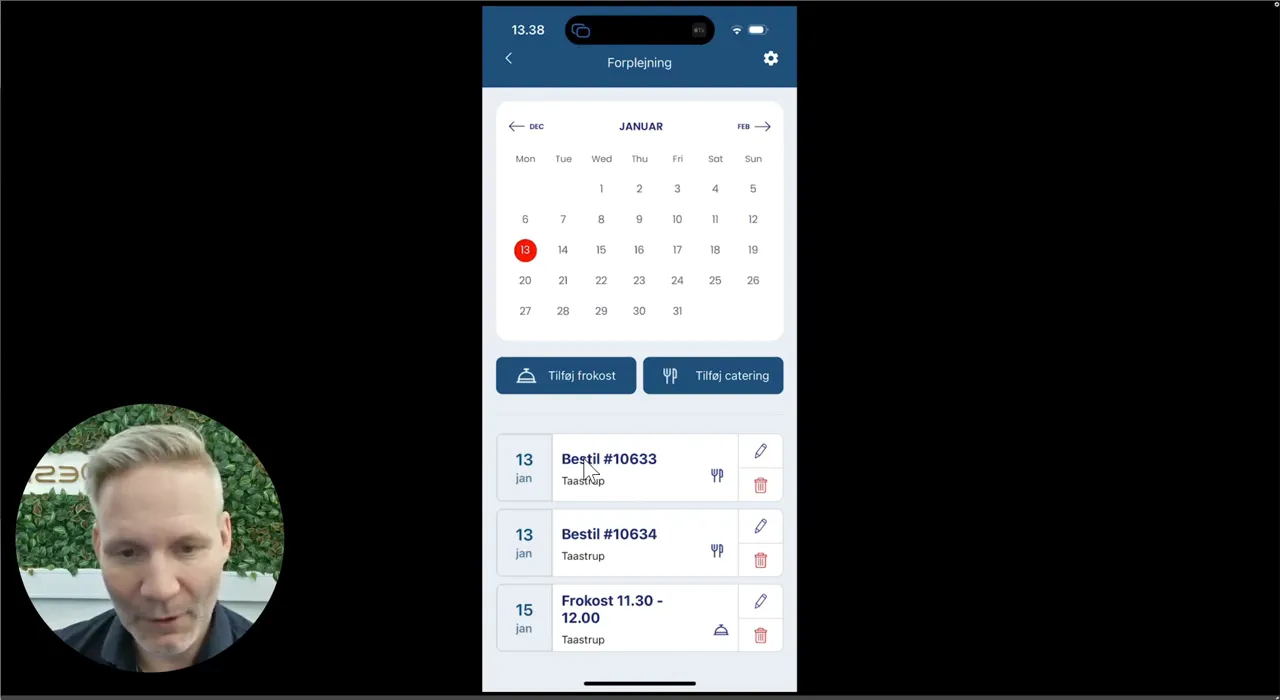
Open an order to see products and delivery.
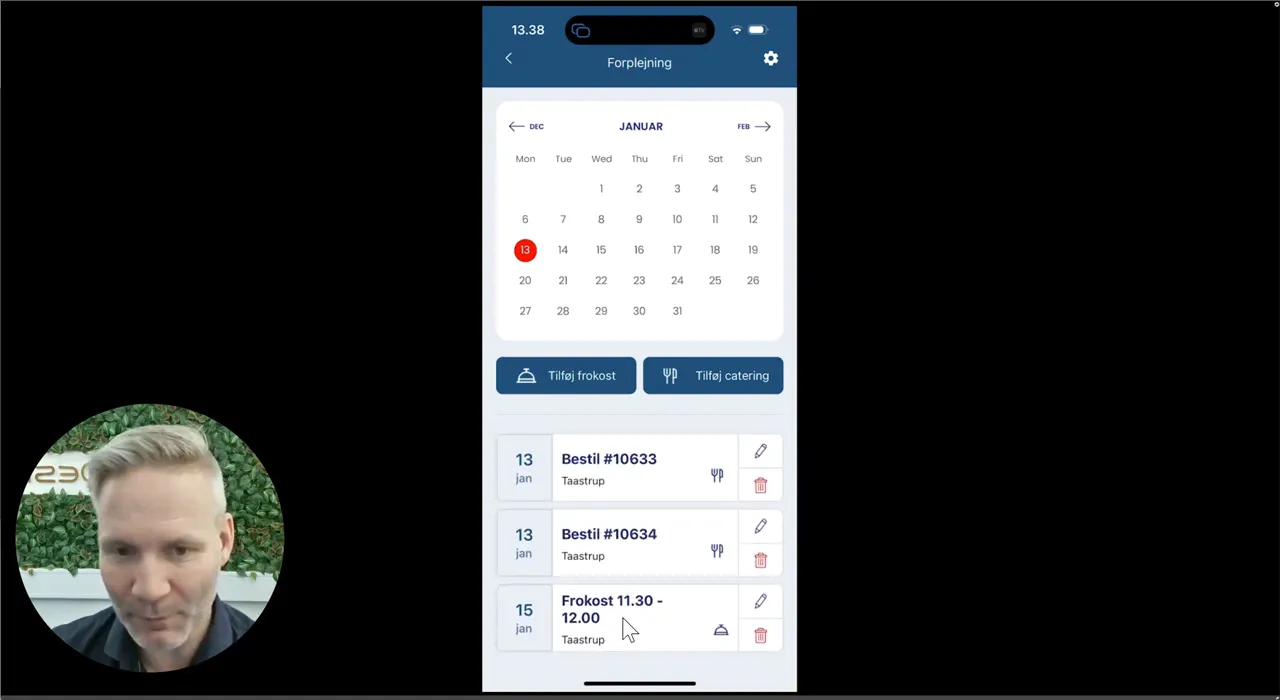
Use the bin if the catering needs to be cancelled. This does not in itself cancel your appointment.
Select Add catering for a new order and indicate whether it should be linked to a meeting.
A No Meeting order must be canceled separately if plans change.
See screenshots from the original guide (5)
The screenshots are from the previous guide and may show an older user interface.