This is how you do it
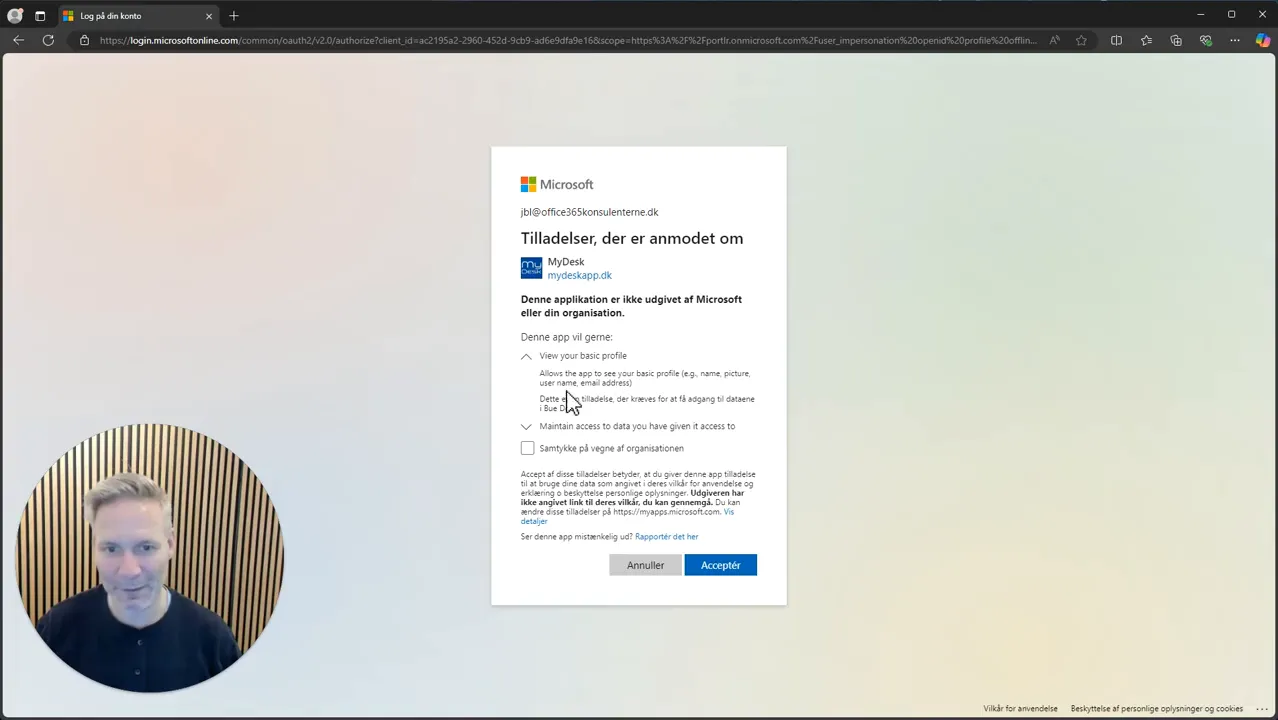
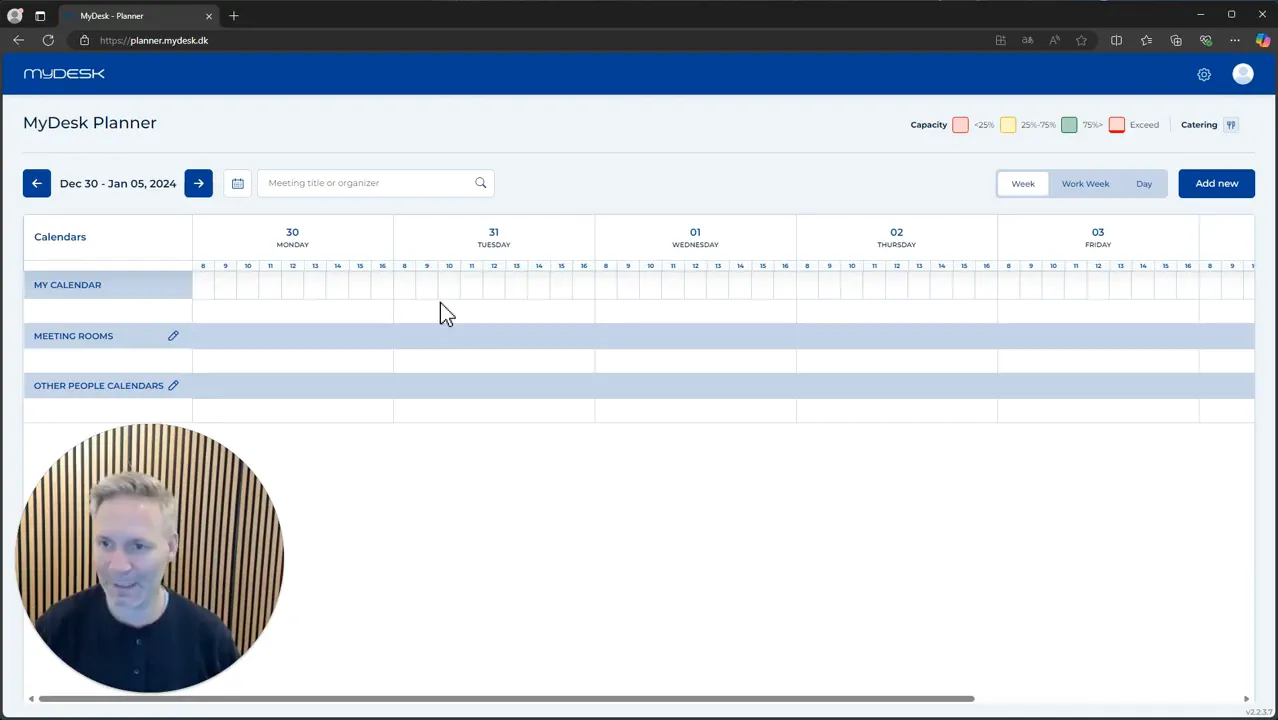
Open Planner and sign in with your work account through Microsoft.
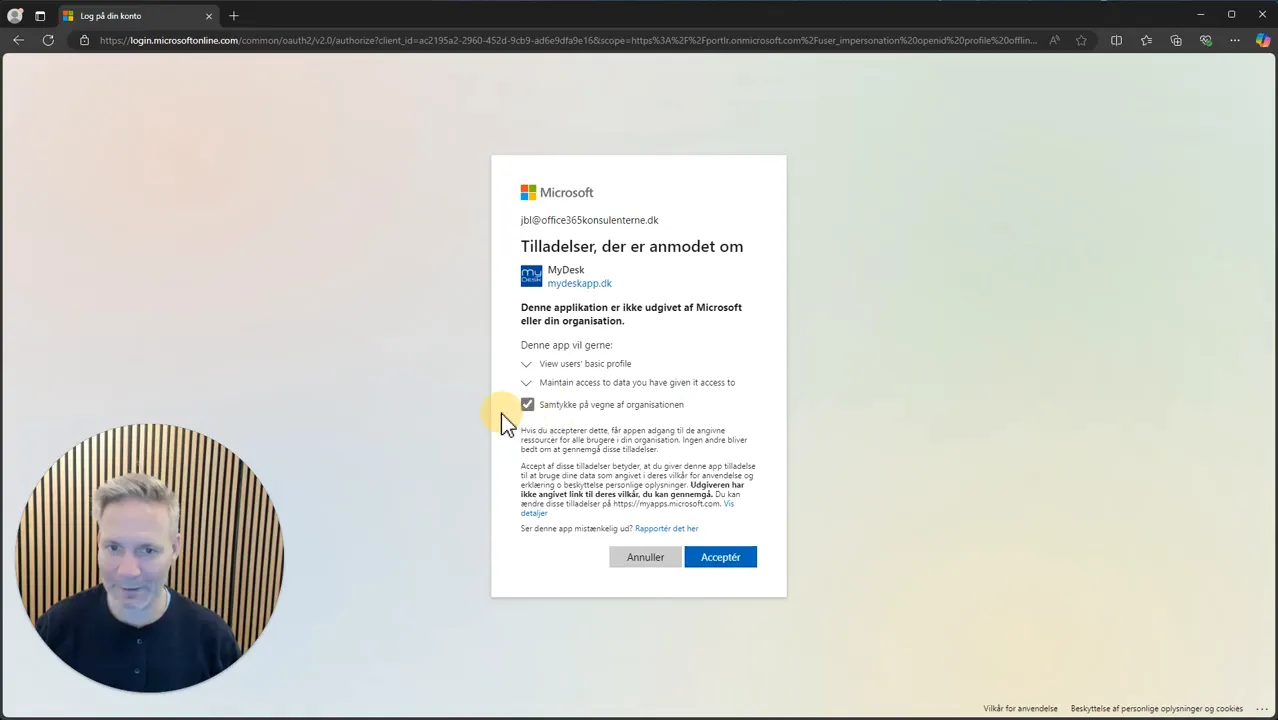
Read the permissions in the consent dialog. The organization's policy determines whether you can approve yourself.
Check that the functions you have agreed for limited access are working.
Have the IT department and MyDesk clarify additional calendar and Outlook functions if they are missing. See the Security Center for the current data description.
Links and materials
See screenshots from the original guide (3)
The screenshots are from the previous guide and may show an older user interface.