This is how you do it
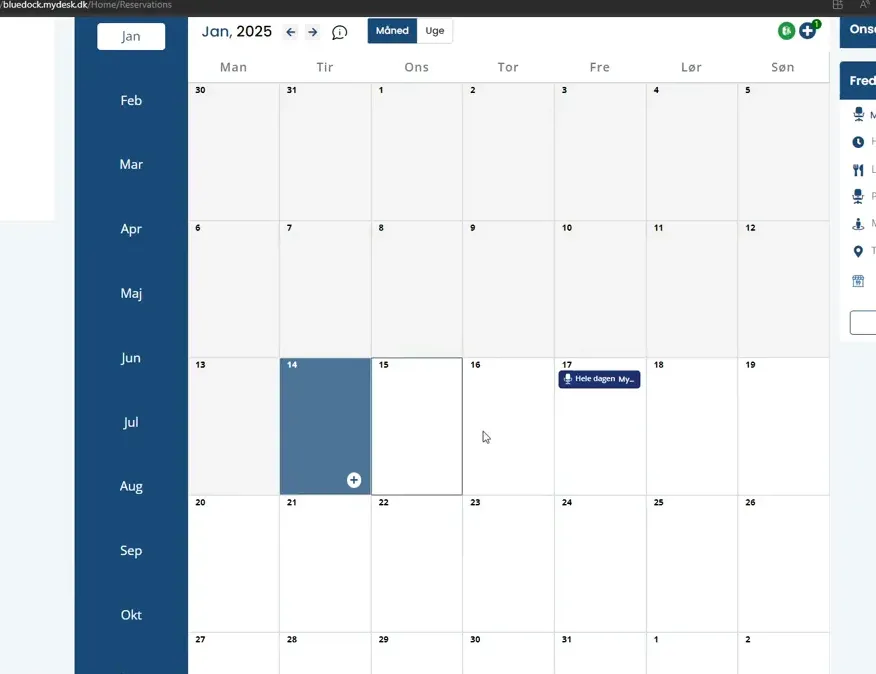
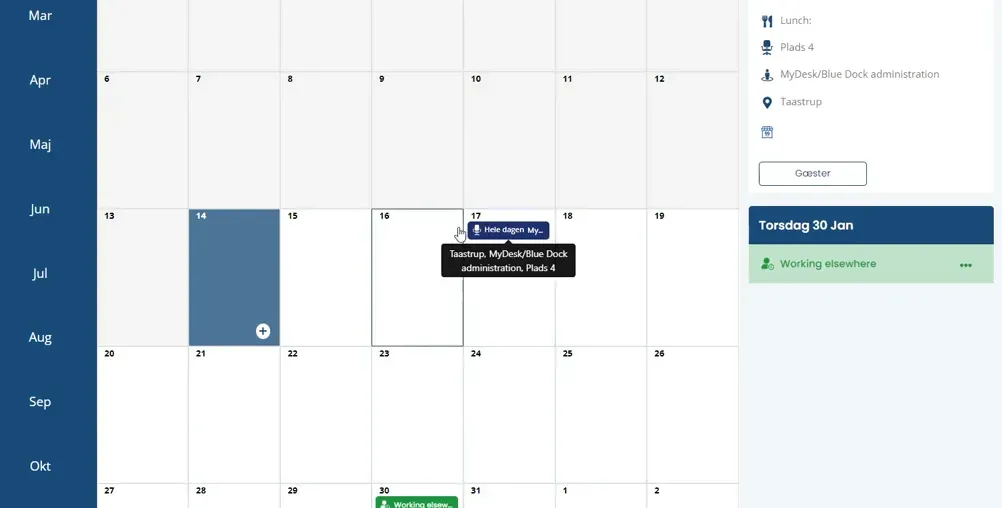
Select the relevant date in MyDesk.
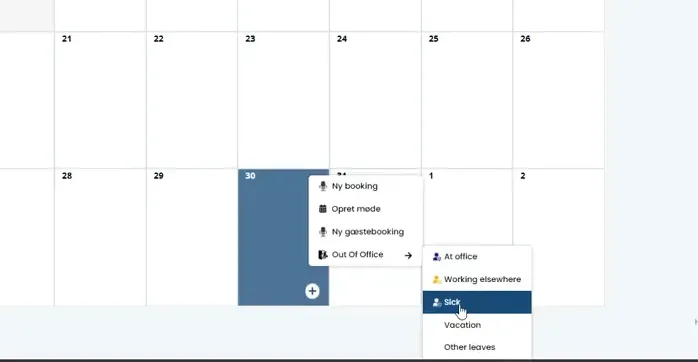
Select the Out of Office type that suits the day, for example Working elsewhere.
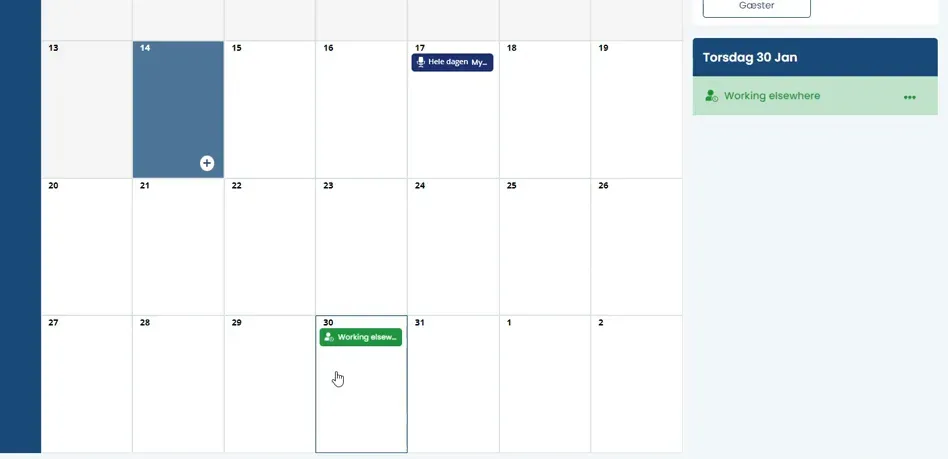
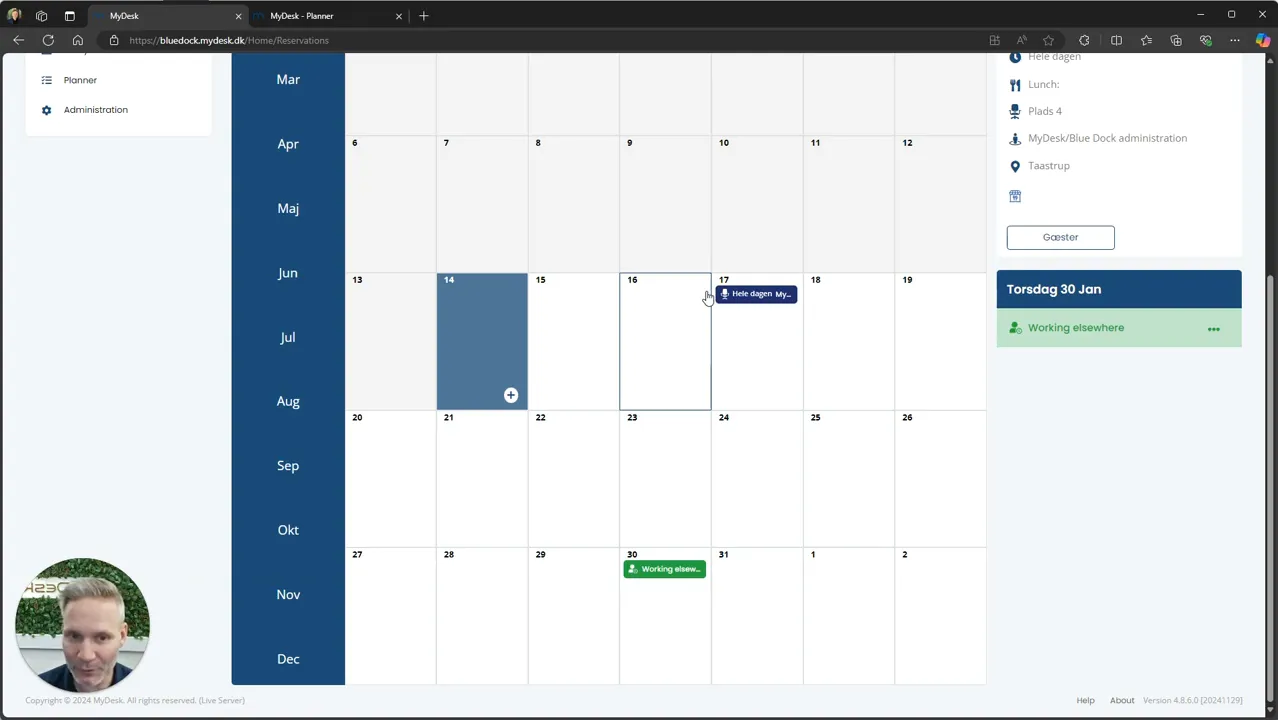
Confirm the selection and check today's status and any desk booking.
Check the calendar in Outlook. The selected type of Exchange status determines how availability appears.
An all-day workplace marking doesn't have to keep you busy all day; the administrator determines the status setup.
See screenshots from the original guide (5)
The screenshots are from the previous guide and may show an older user interface.