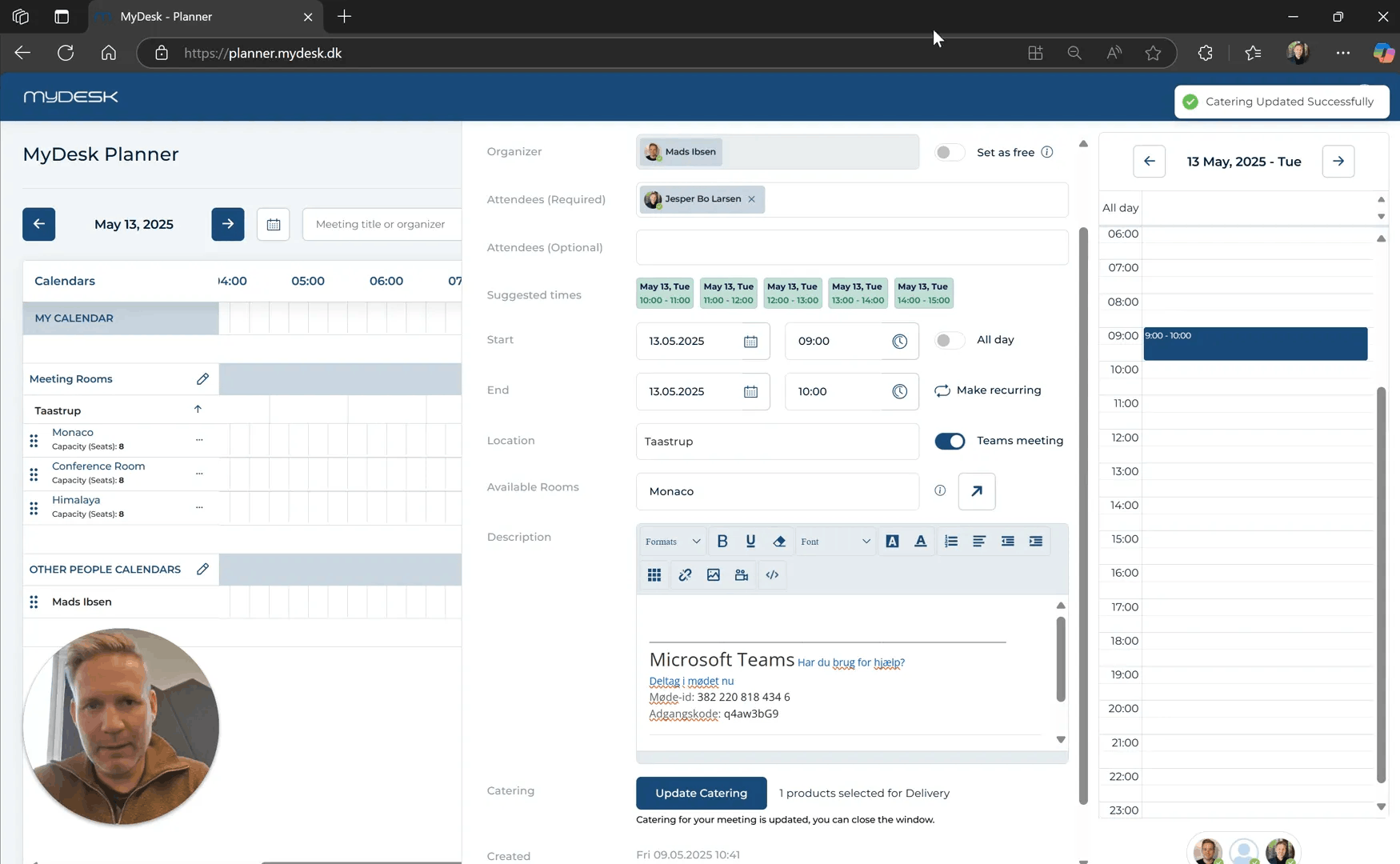
This is how you do it
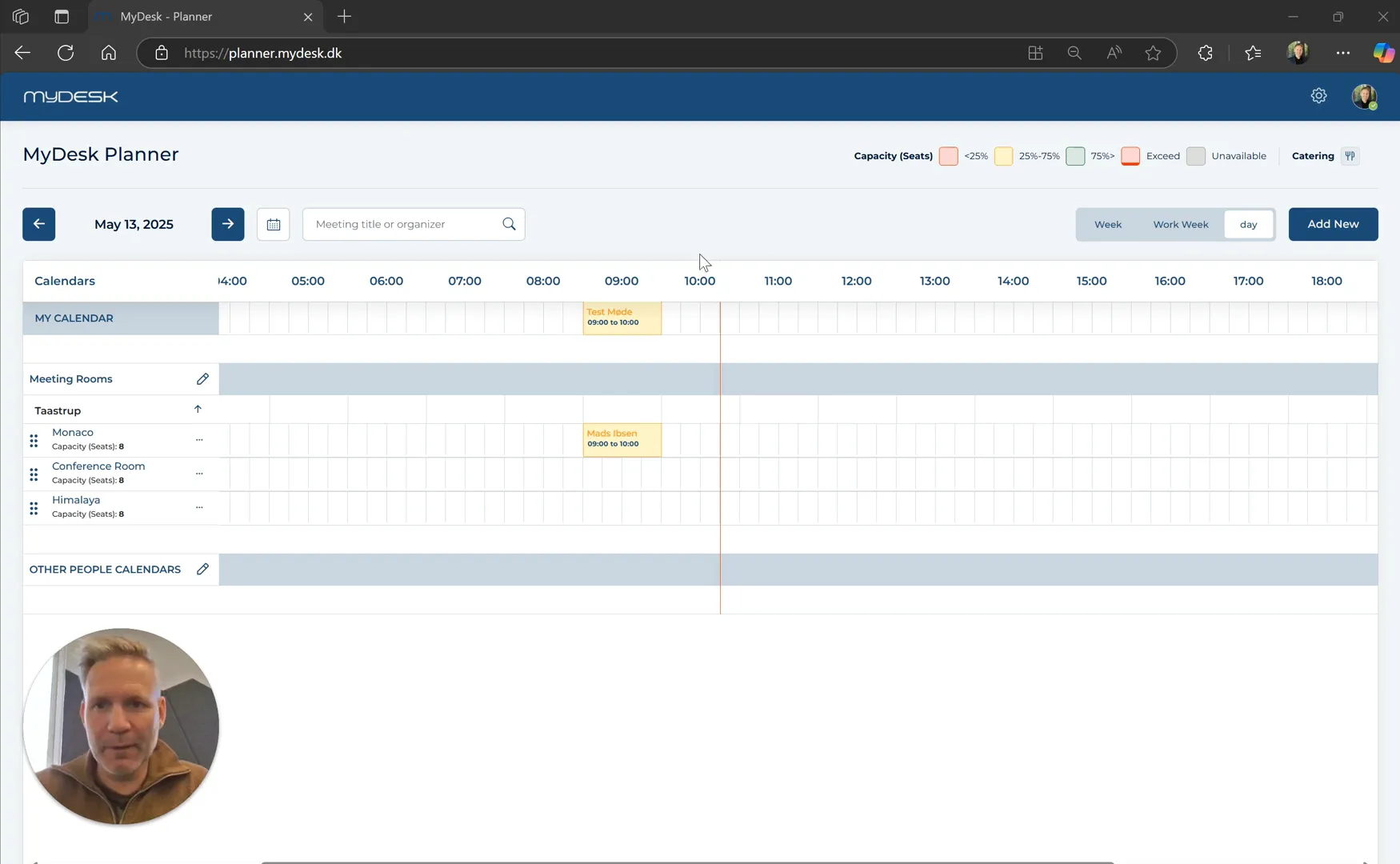
Open the Planner and select the date on which the meeting will be held.
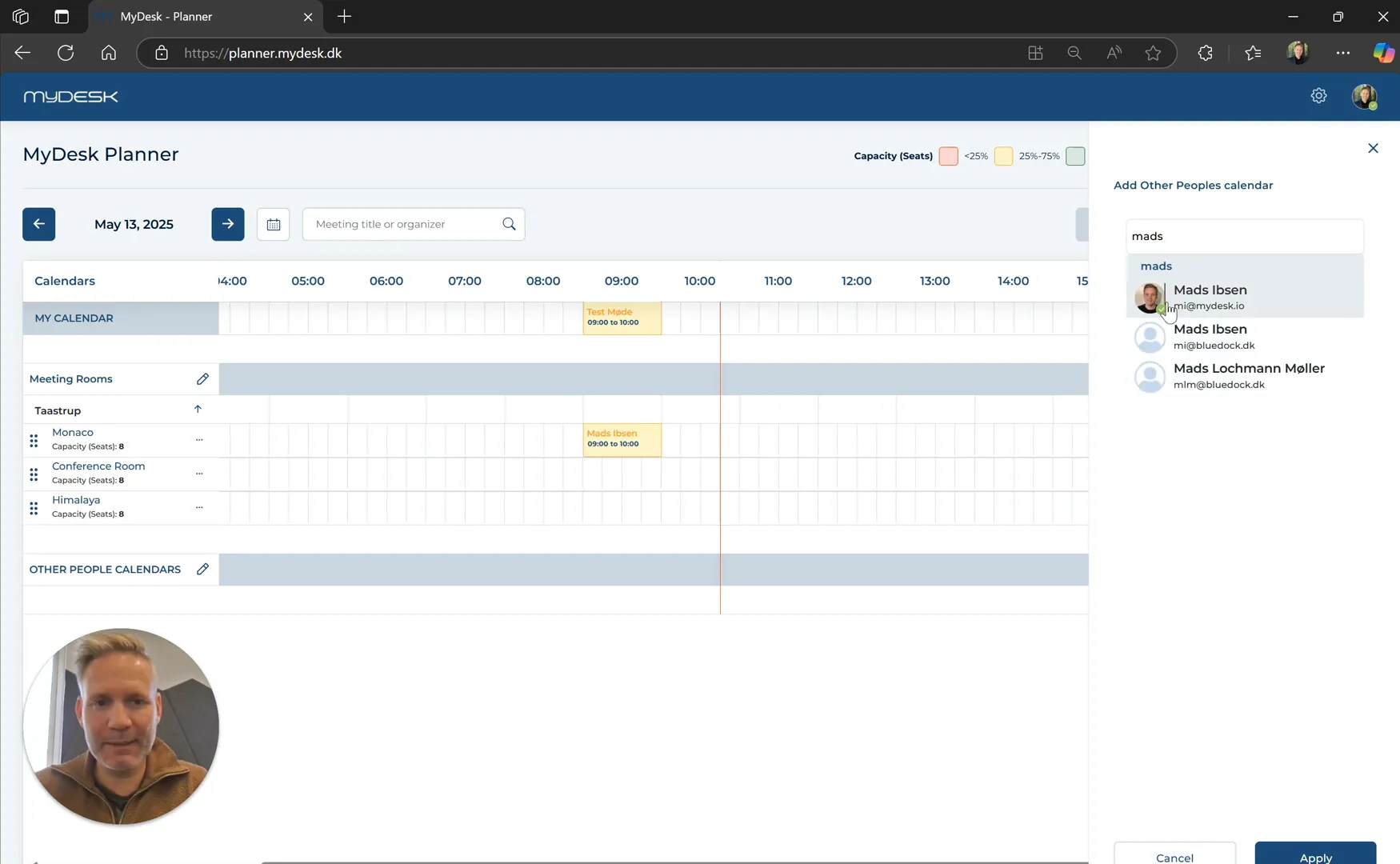
Find the meeting under the meeting room or via Other people's calendar. Double click to open it.
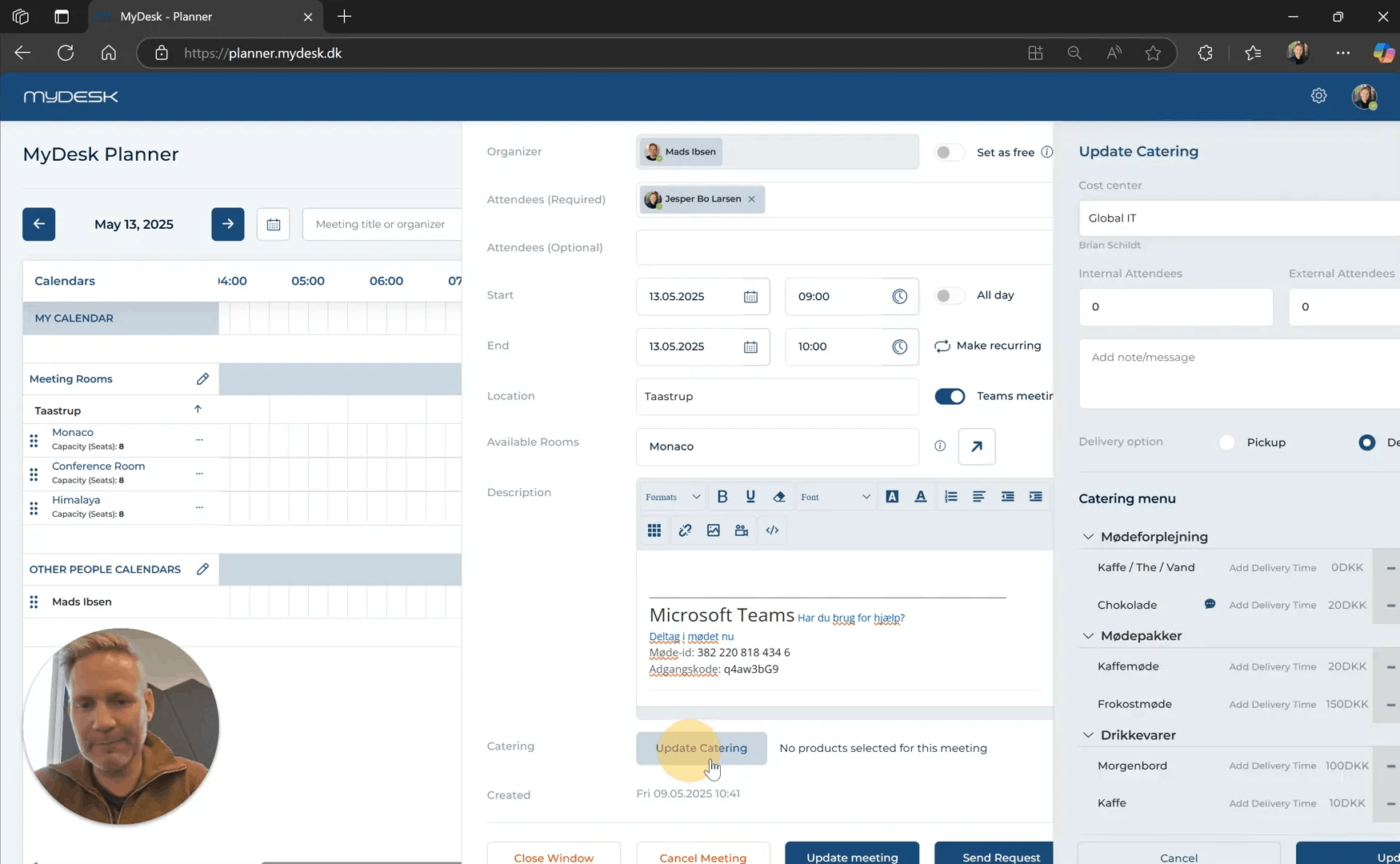
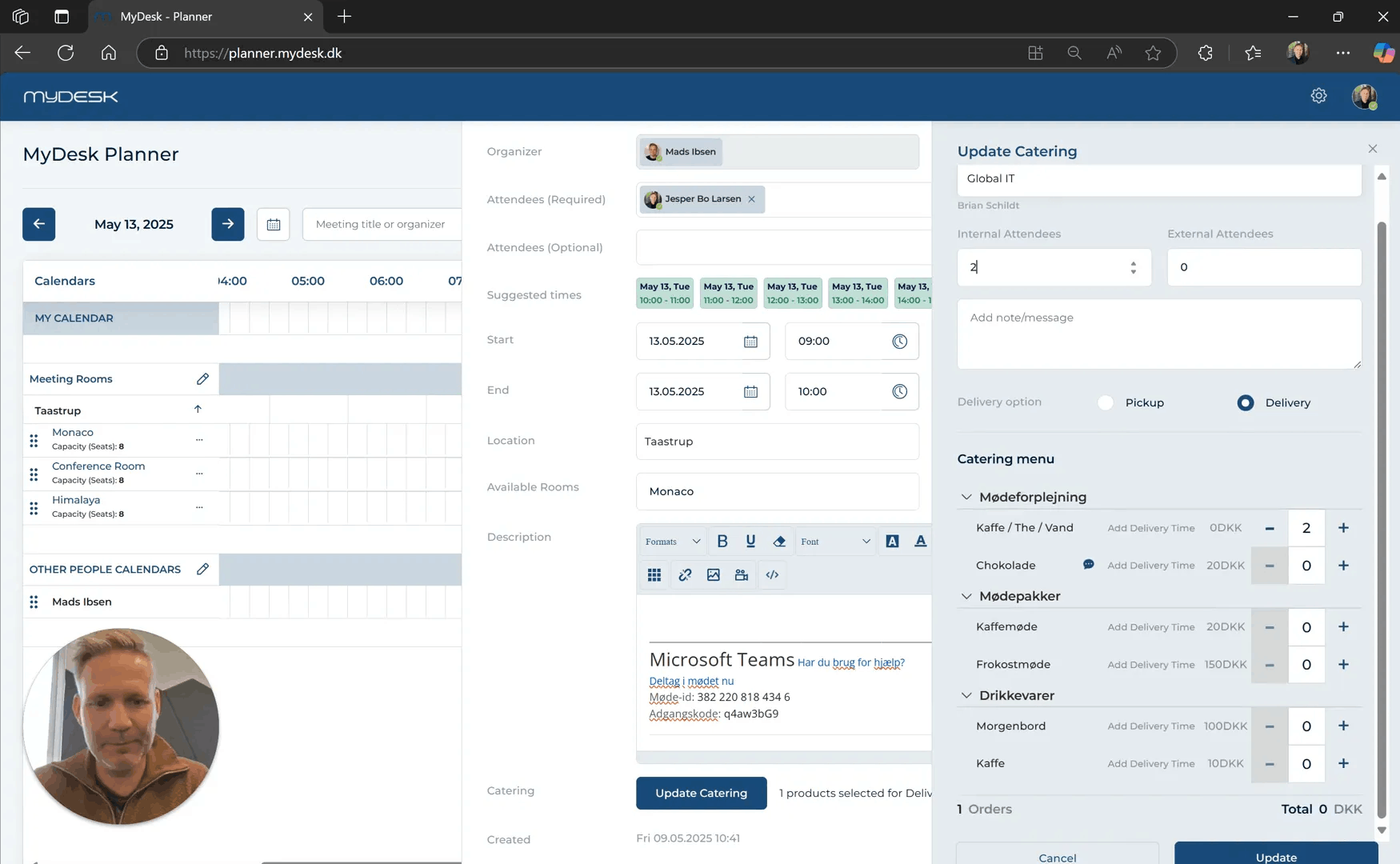
Select Update catering, complete the order and press Update.
Close the meeting window. The catering is stored separately; you do not have to press Update Meeting to save it.
The confirmation goes to the meeting organizer. If the order is locked, check the canteen's deadline; the source shown uses 24 hours as an example.
Links and materials
See screenshots from the original guide (6)
The screenshots are from the previous guide and may show an older user interface.