This is how you do it
Open Outlook with the account your company has associated with MyDesk.
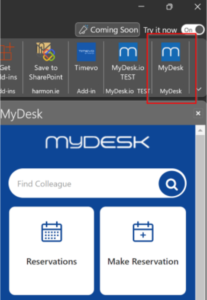
Tap the MyDesk icon in the add-ons.
Select the correct account if prompted. Contact IT if the program is not available.
See screenshots from the original guide (1)
The screenshots are from the previous guide and may show an older user interface.