This is how you do it
Open the address provided by your administrator.
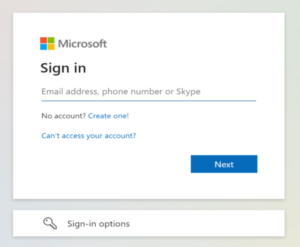
Select your work account and sign in through Microsoft.
Complete the company's multi-factor authentication, if any, and check your booking history.
See screenshots from the original guide (1)
The screenshots are from the previous guide and may show an older user interface.