This is how you do it
Clarify with IT whether you can add the program yourself.
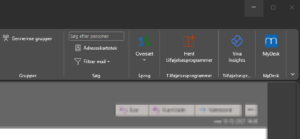
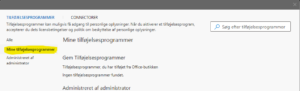
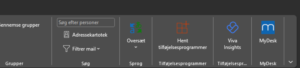
In clients with the described menu: select Get Add-ons and My Add-ons.
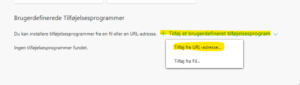
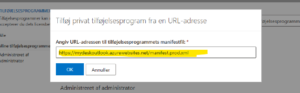
Select Add a custom add-in and Add from URL address. Use the official manifesto link below.
Confirm and check the MyDesk icon. Use central deployment if the feature does not exist or is blocked.
Links and materials
See screenshots from the original guide (5)
The screenshots are from the previous guide and may show an older user interface.