This is how you do it
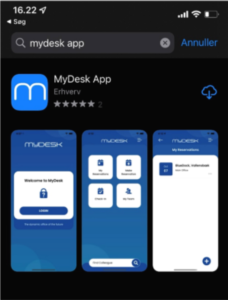
Search for MyDesk App in your phone's official app store and install it.
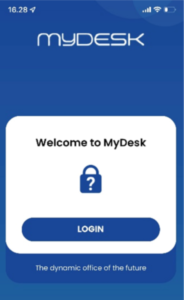
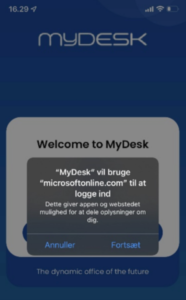
Open the app, select your work account, and proceed to Microsoft sign-in.
Carry out any multi-factor authentication and check company and booking options.
See screenshots from the original guide (3)
The screenshots are from the previous guide and may show an older user interface.