This is how you do it
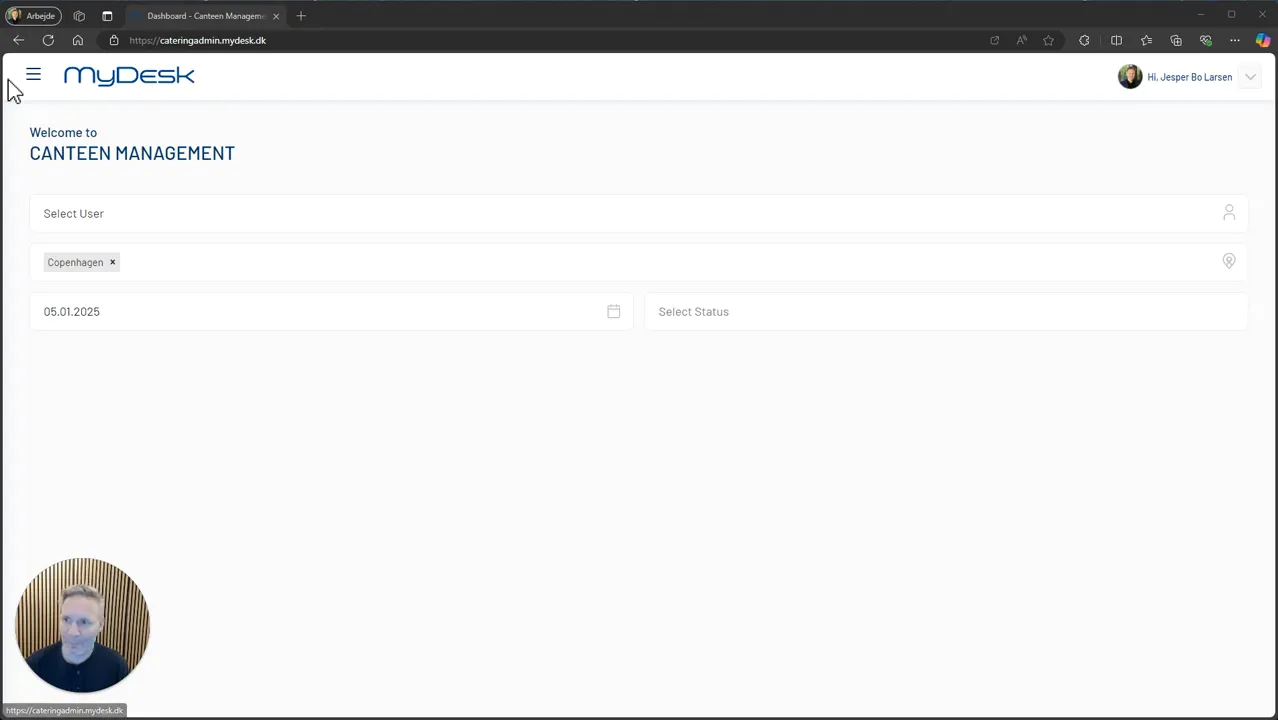
Log in to the catering administration with rights to manage users.
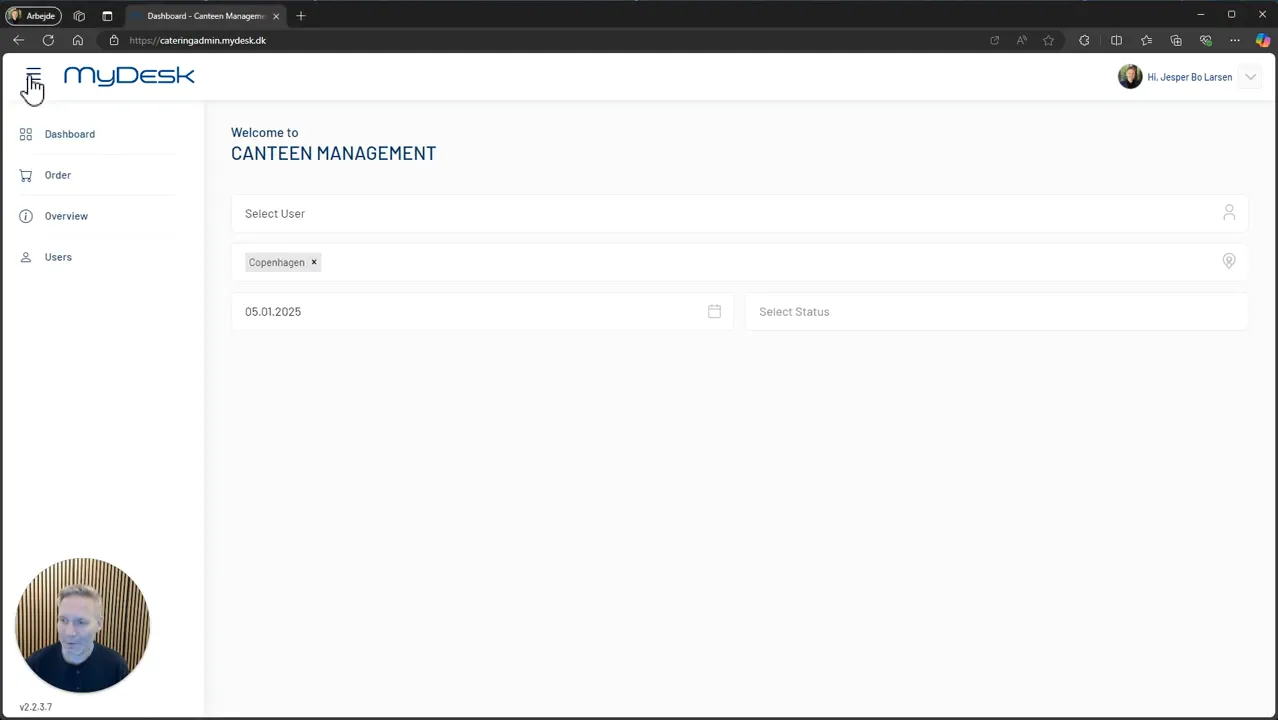
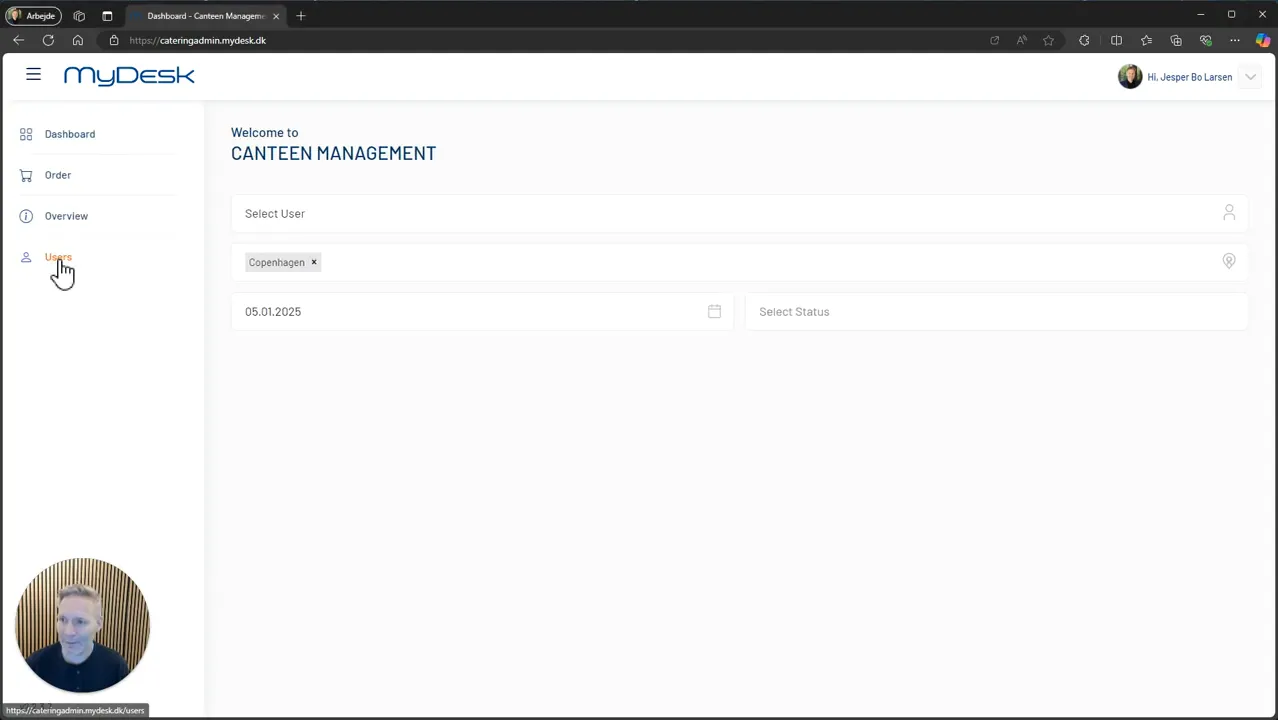
Open the navigation and select Users.
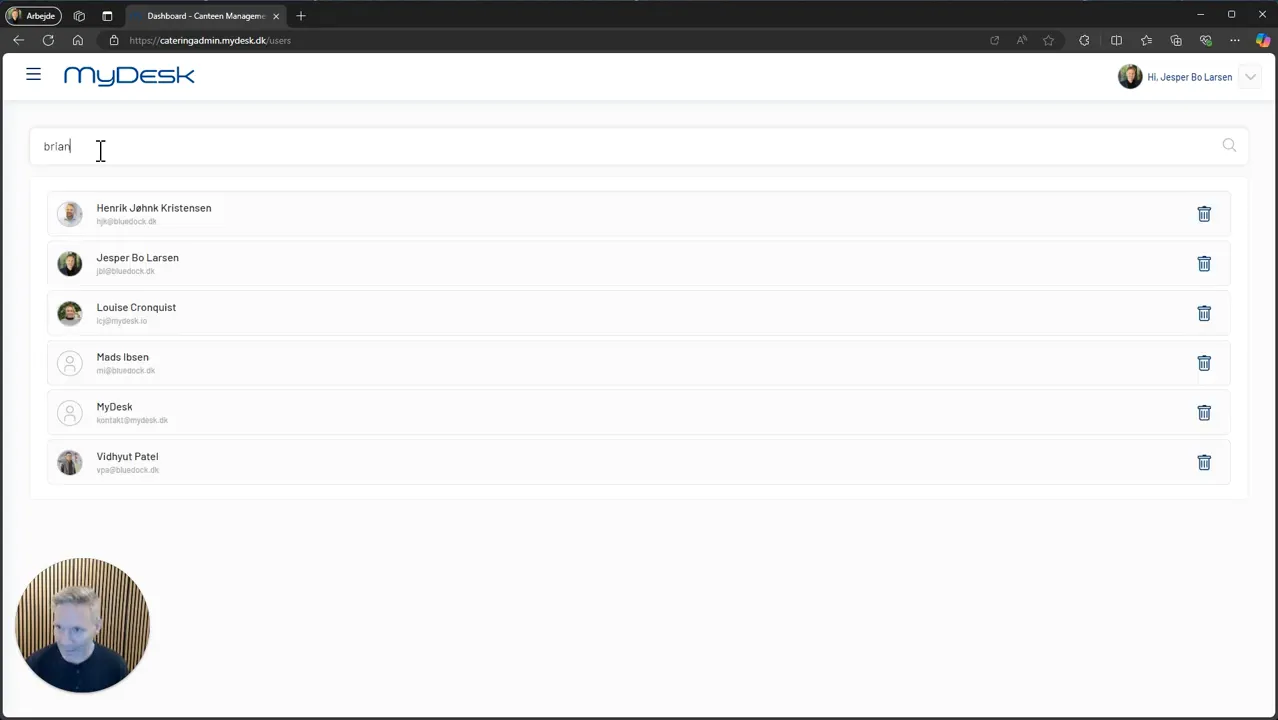
Search for the employee and check the identity.
Press the plus icon and confirm with Yes.
Check that the correct user is on the access list and that they can open the module.
Links and materials
See screenshots from the original guide (4)
The screenshots are from the previous guide and may show an older user interface.