This is how you do it
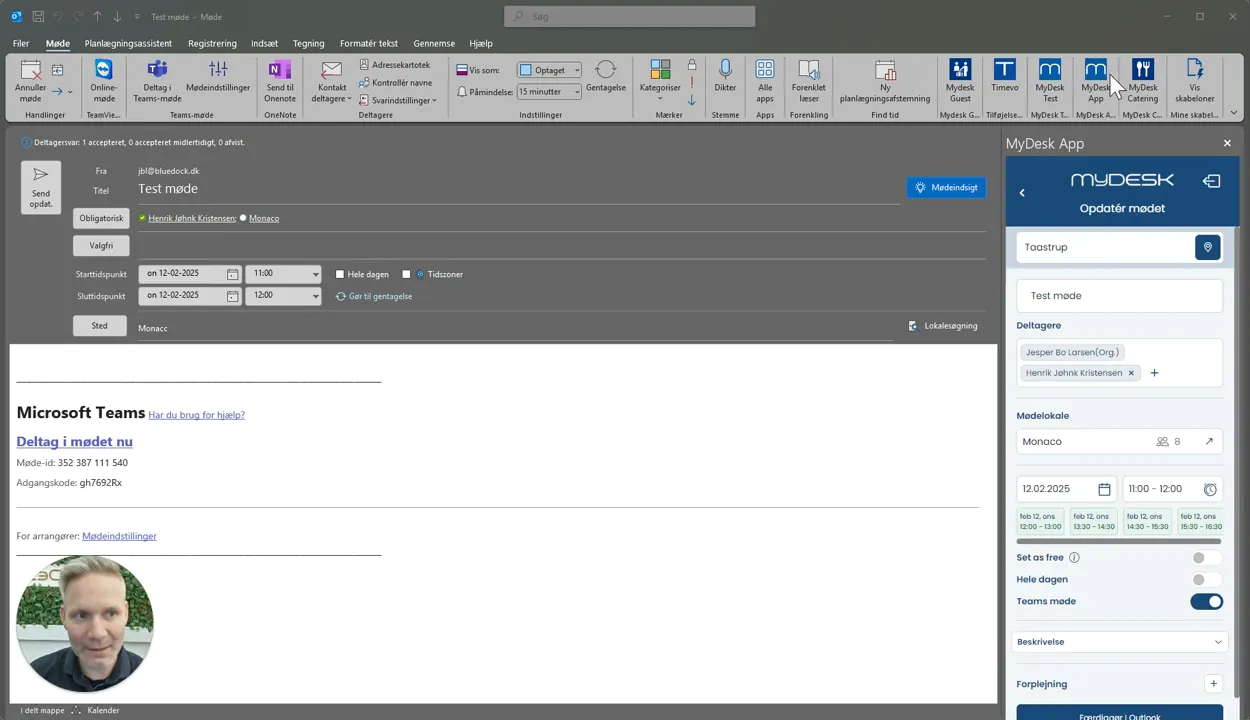
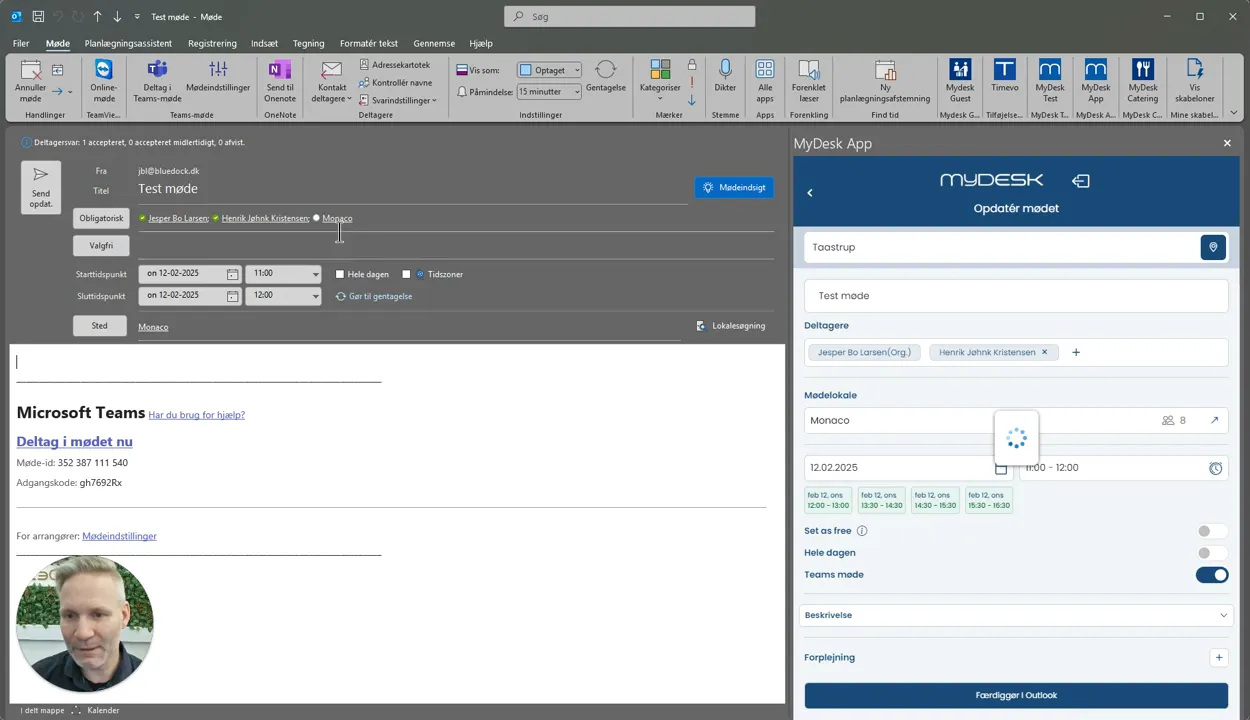
Create the meeting request with date and time and open the MyDesk add-on.
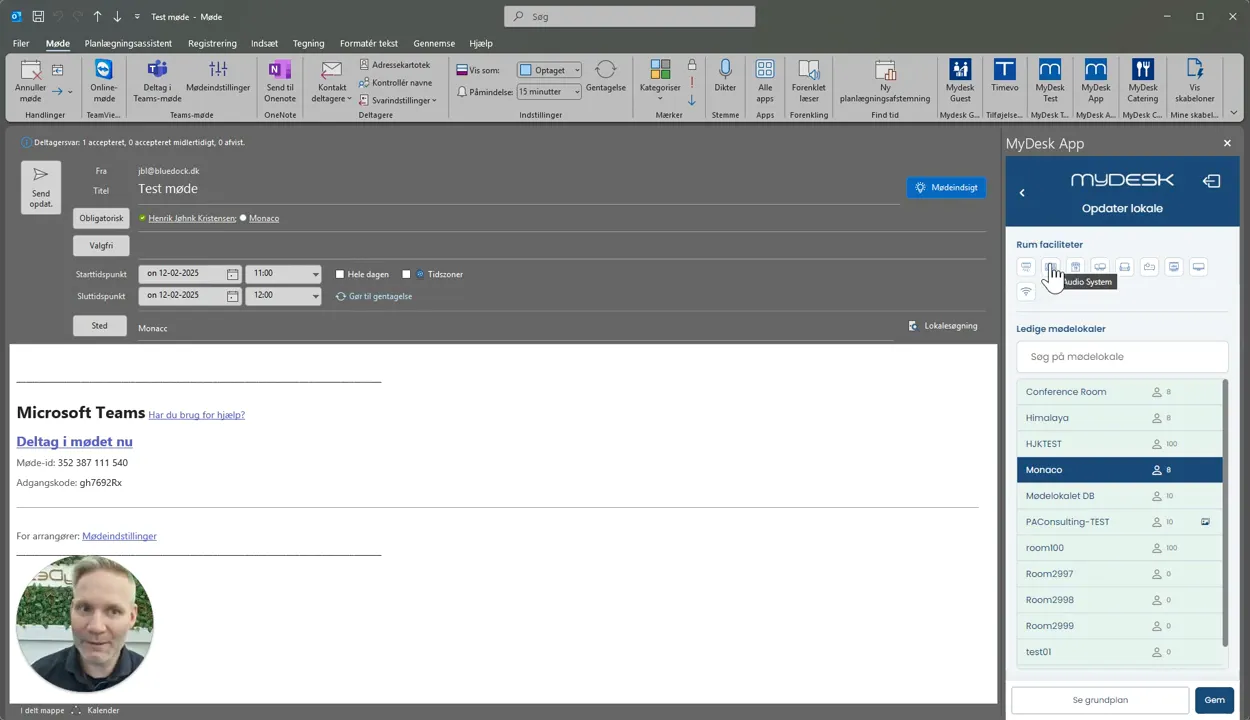
Filter by capacity and required facilities.
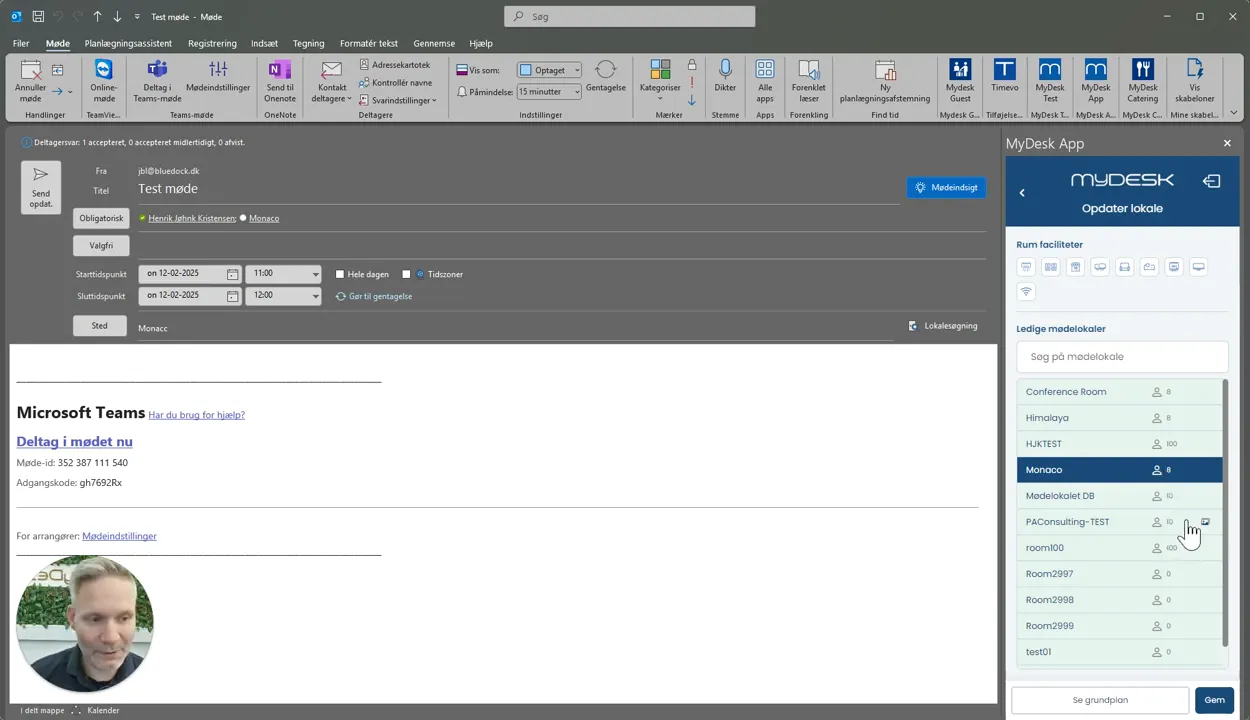
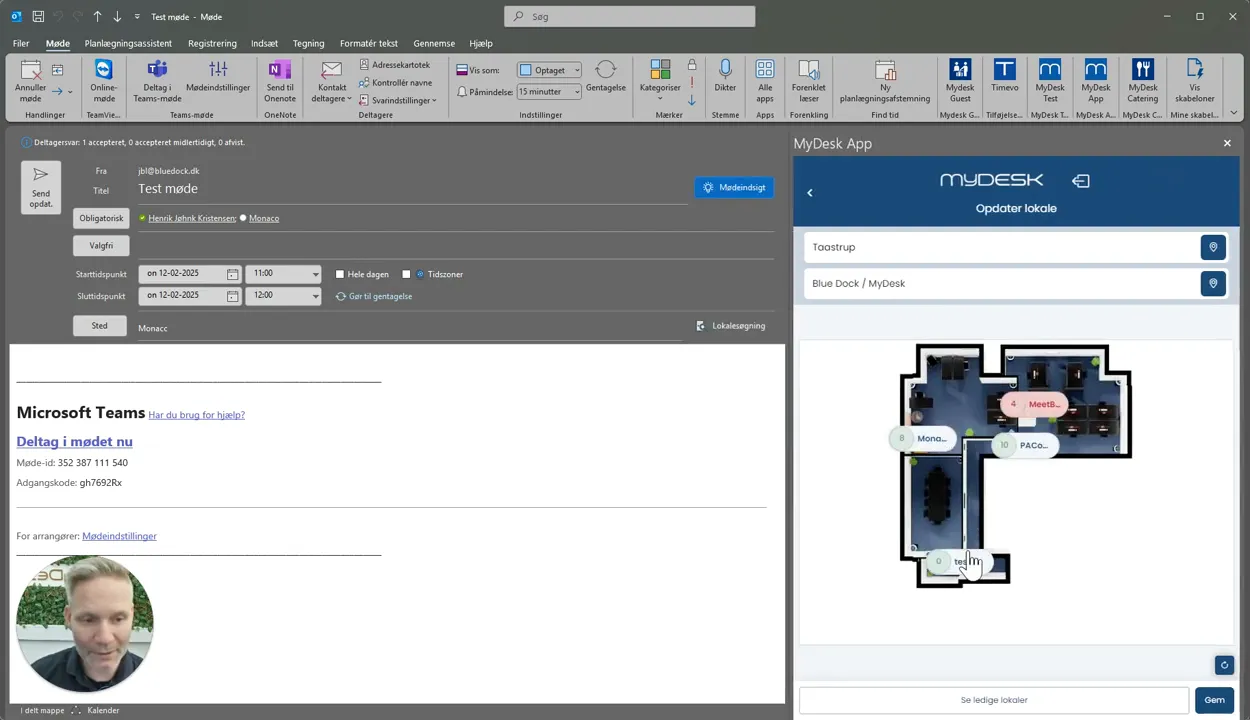
See room information and any photos, and use the floor plan to find the location.
Select an available room and press Finish in Outlook.
Send the meeting invitation and check that the room has accepted.
See screenshots from the original guide (5)
The screenshots are from the previous guide and may show an older user interface.